Y stuck open until hard reset?

A couple of times now, my y-limit switches are constantly open.

Homing of Y fails due to a failed back off, $limits shows both y and Y detected. Manually toggling the switches does nothing - I hear them click, but it doesn’t show up in the software.

When I power cycle, it starts working again.

Thoughts?

What Jackpot board do you have? What version of FluidNC do you have? Is this something that just started or has always happened? Did anything change on your end?

Excellent questions.

I have a Jackpot3, running FluidNC 4.1.1, UI 3.0.11.

I don’t really have a history to speak of; I started my build 3 weeks ago and first had motion about 1 week ago: New Build in Southern Oregon - #14 by dhiltonp

Just to be clear the limit switches only work when homing all the rest of the time they are off.

If you home 10-20 in a row, how many fail? If you have the terminal open do any errors show up?

Yes, this is specifically about homing.

I’ll save logs the next time it happens.

This last time I requested a home on all axes 3 or 4 times, the y gantry kept scooting back and then saying something about homing fail pulloff.

That’s when I opened up $limits and saw that y and Y were continuously active even when clicked etc, but other axes detected switch activation properly.

The next time it happens I can also check the voltage on the headers with a multimeter and manually short the pins with a jumper.

Is there a way to exit $limits without a reset?

Jackpot3 CNC Controller - V1 Engineering Documentation, “!”

That means your endstops are open. The endstops should show active when the contacts are open. My first guess is checking to make sure all your connections are good. the extension wire is a good place to start and after that make sure the endstops work, continuity test.

Yes, the odd things to me are that a restart resolved it, that it’s symmetrical and that it has happened at least a couple of times.

For a gremlin like that I would probably do a erase and reflash. Random stuff is the hardest to figure out, but sometimes a full reflash fixes it.

It is odd. I’d like to see those logs.

Do you have dust collection installed? If so, what is your dust collection like, and how do you have it grounded?

Always worth trying, but it’s pretty hard to imagine how a bad flash leads to a failure where things recover on a restart.

Even more weird is how it impacts two different endstop channels on the board.

It happened again, on the Z1 motor, right after a new flash.

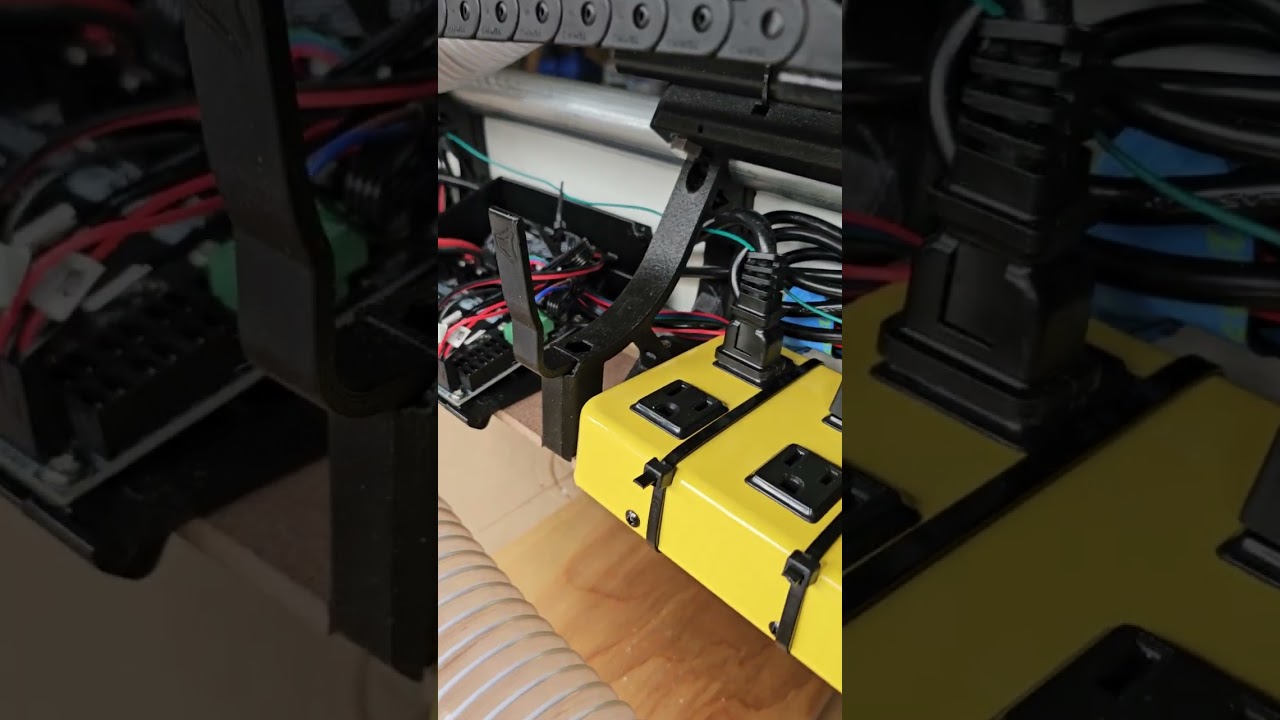
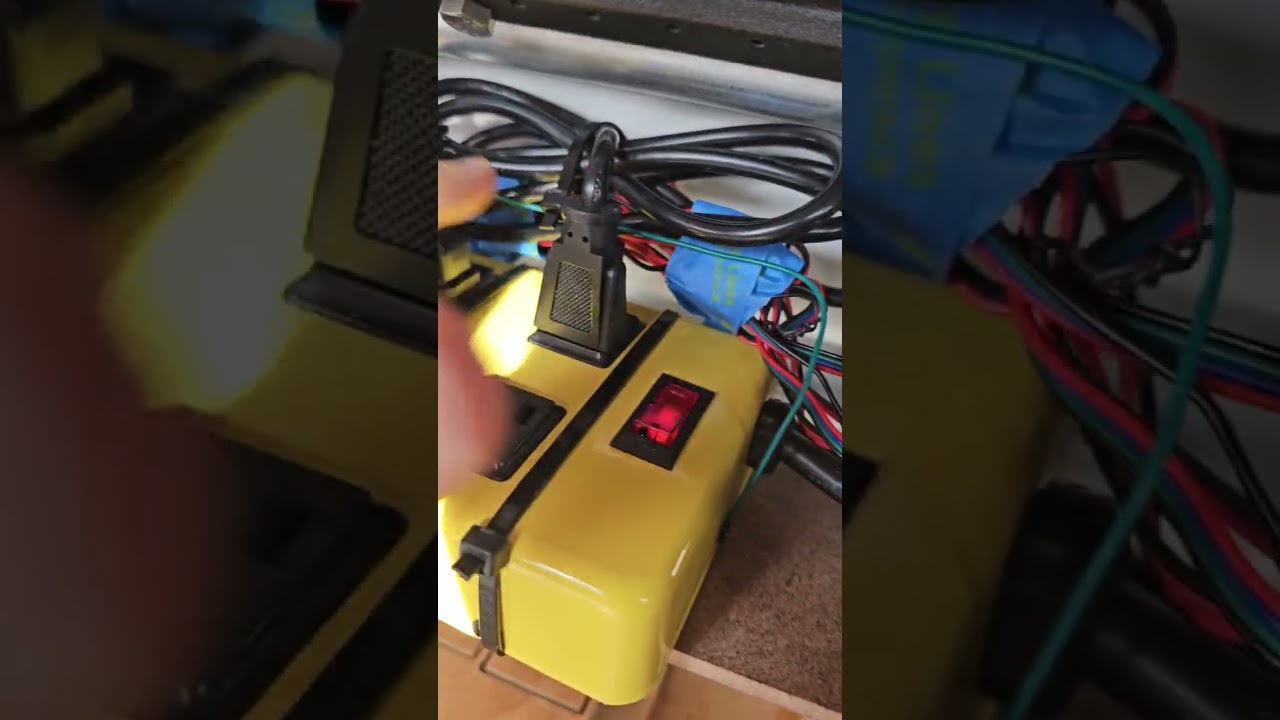
In this video I demonstrate that it’s stuck even if I disconnect the wire from the board, so it’s not a short.

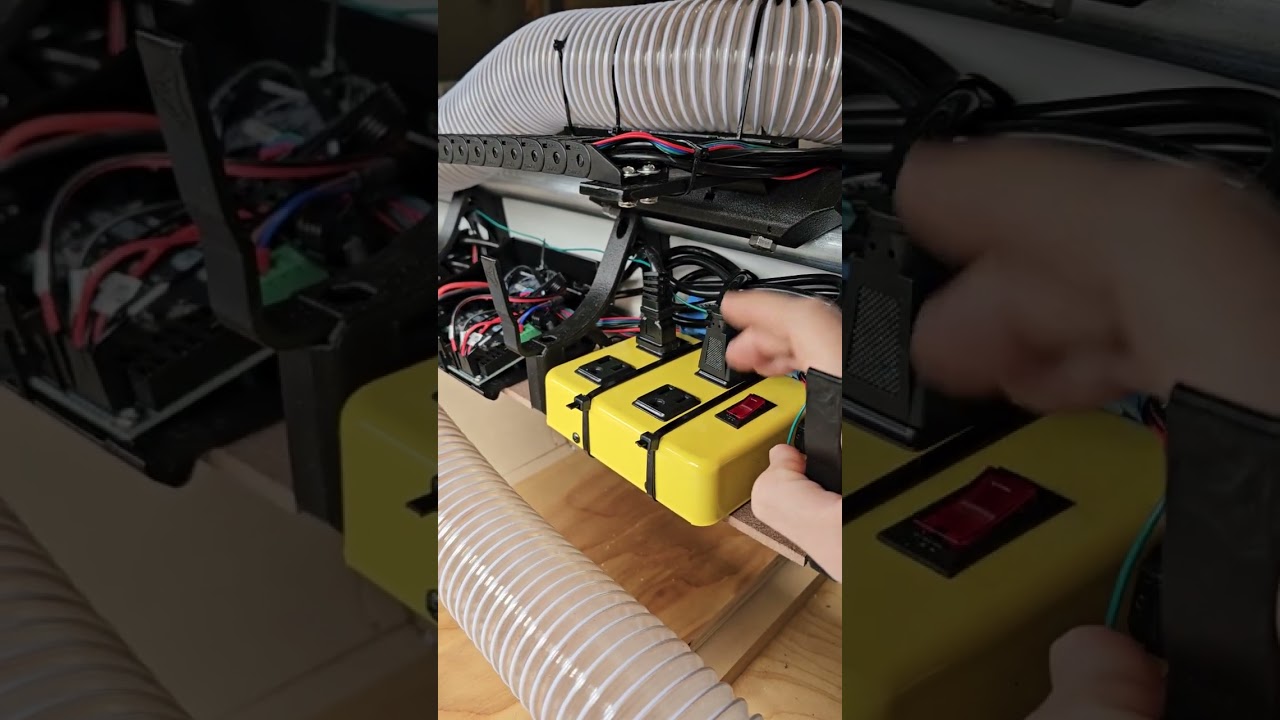
In this video I demonstrate that a power cycle resolves the stuck limit switch.

Conveniently this happened shortly after a boot, so I have the full logs:

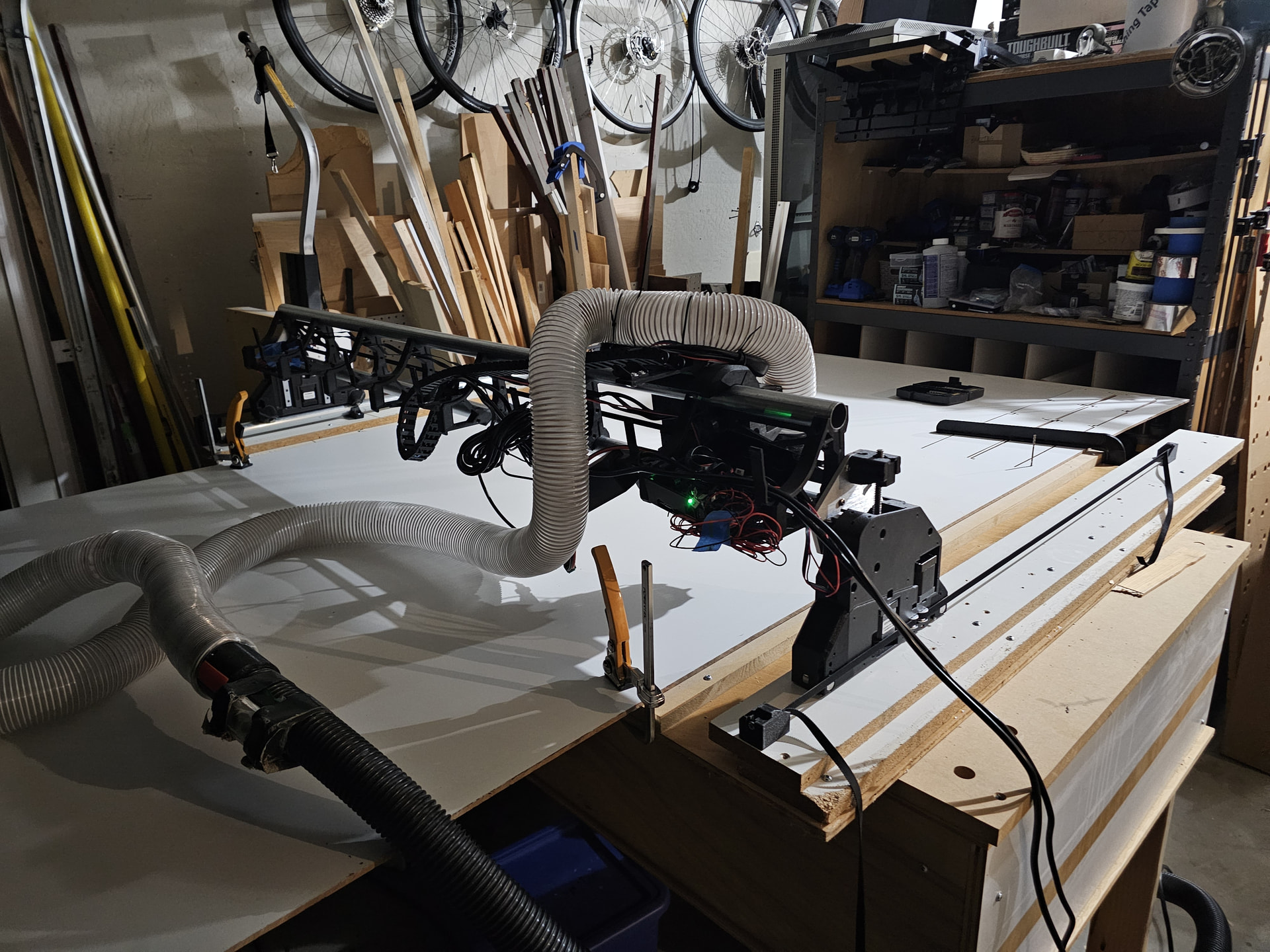
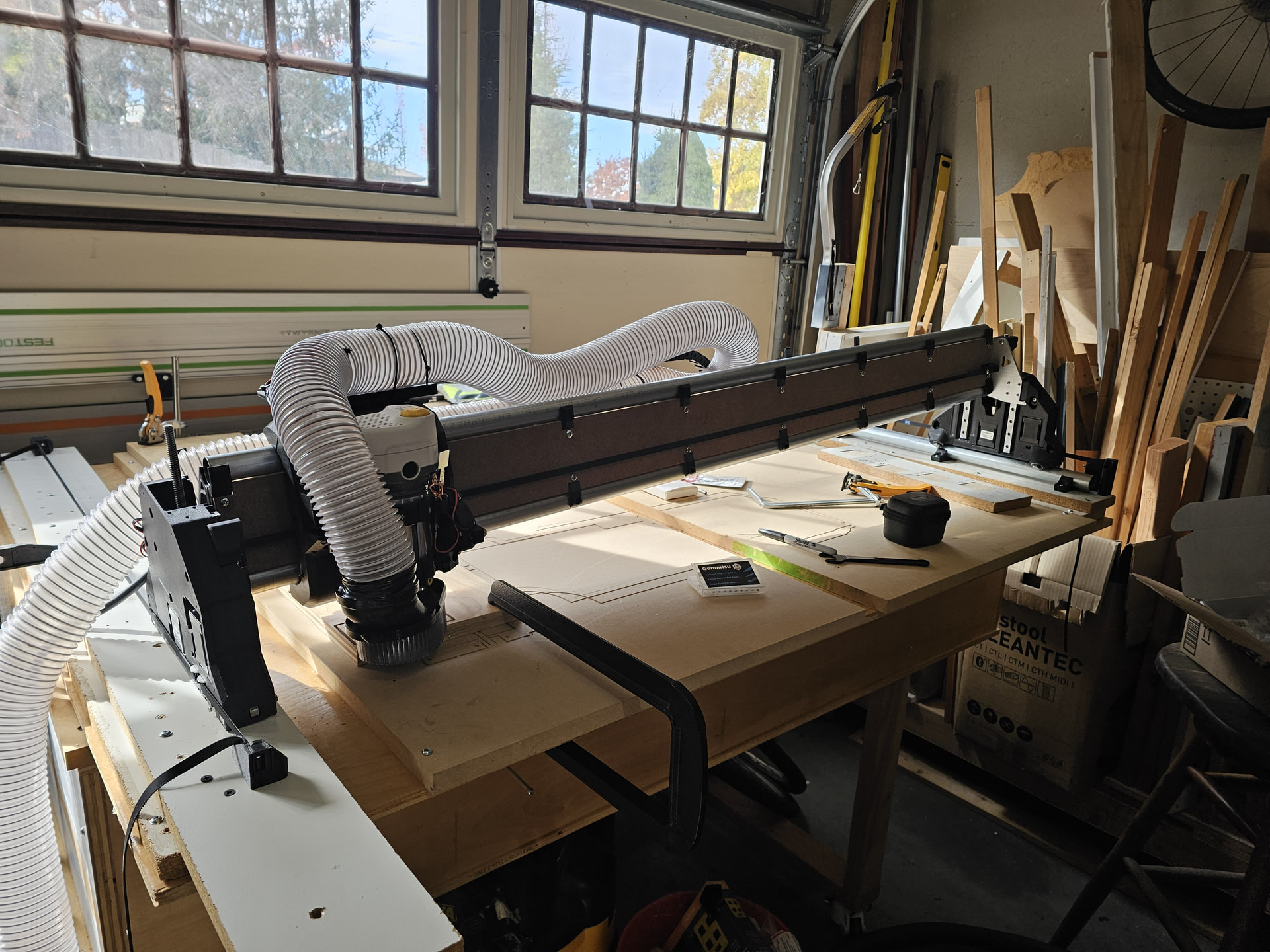
I did use the hose once before grounding, when cutting out the plates, so unfortunately I cannot fully rule out static discharge. I had thought the hose was out of the way enough to not cause problems:

To be fair, ruling out static discharge is essentially impossible unless it is always handled with ESD mitigation - straps, mats, etc.

Immediately prior to this debugging session, I had an odd situation where the control seemed to die.

The gcode was finished, then the webui became non-responsive and my looser axis slid down before I had shut off the router and vacuum.

What is in your ending gcode?

Move your Z1 endstop to the spare input, change the pin number in your config and lets see if it happens anymore.

M30

I guess that’s the default at the end of an EstlCAM file.

I checked some other gcode I know I’ve run to completion without this symptom and it also ends in M30.

I can do that, but this has now happened on Y0 and Y1 simultaneously, a single Y (I don’t recall which), and now Z1.

Which pin do you suggest I move?

Hmm. The inputs are protected and I can’t think of any way for them all to have random issues.

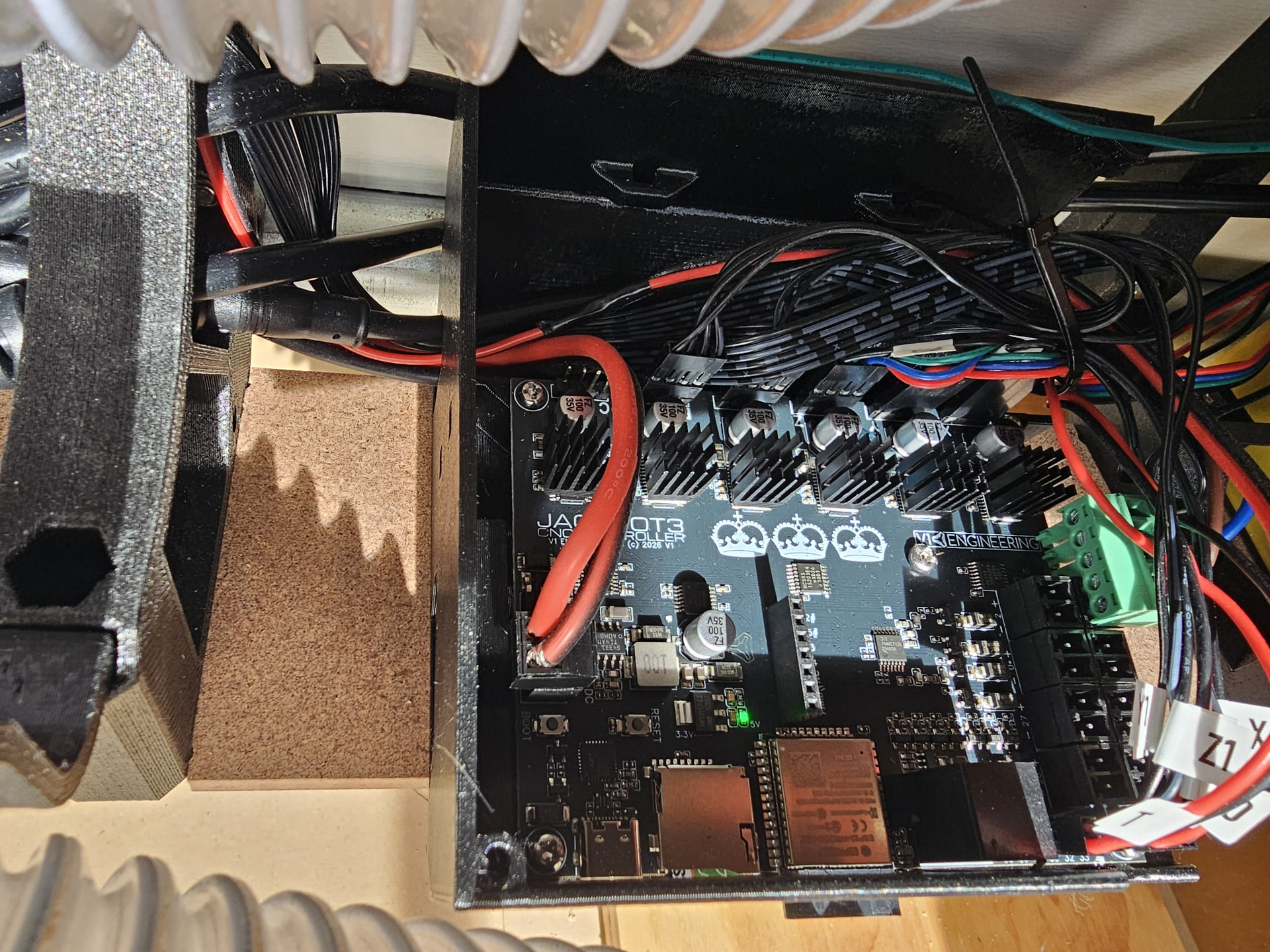
Can you upload a picture of your board all wired up please. I get the it is a bit messy from debugging, but a general cleanup of how you run it might help.

Where is your vac hose grounded to?

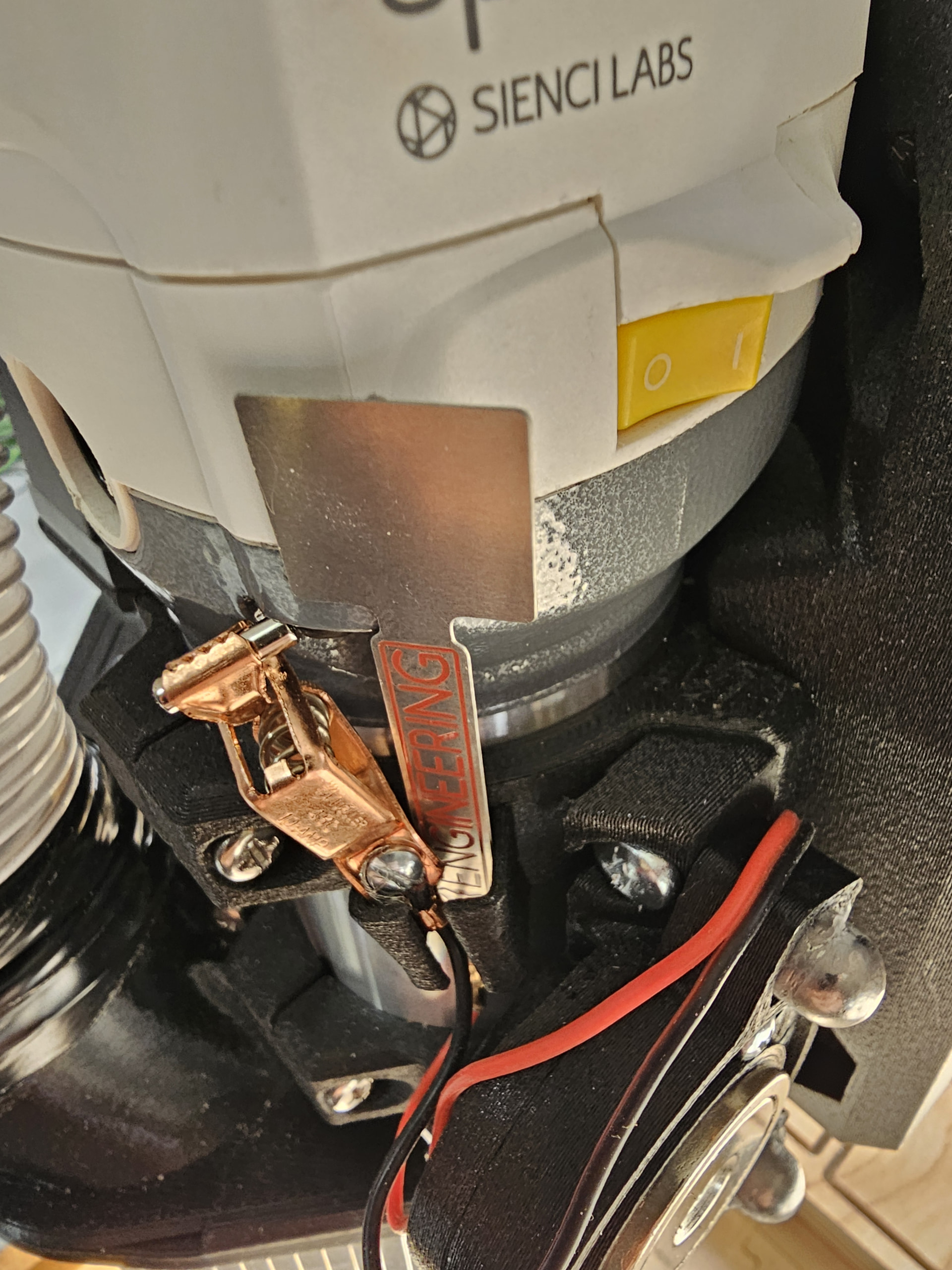
Are you using the router control on the Scienci router?

Is your probe stored with the clip touching the plate?

The Autospin is wired up, but I have not configured the output.

Not as a rule. I mean, they’re right next to each other and can touch, but there is no contact right now when I checked, so there was no contact in the most recent incident.