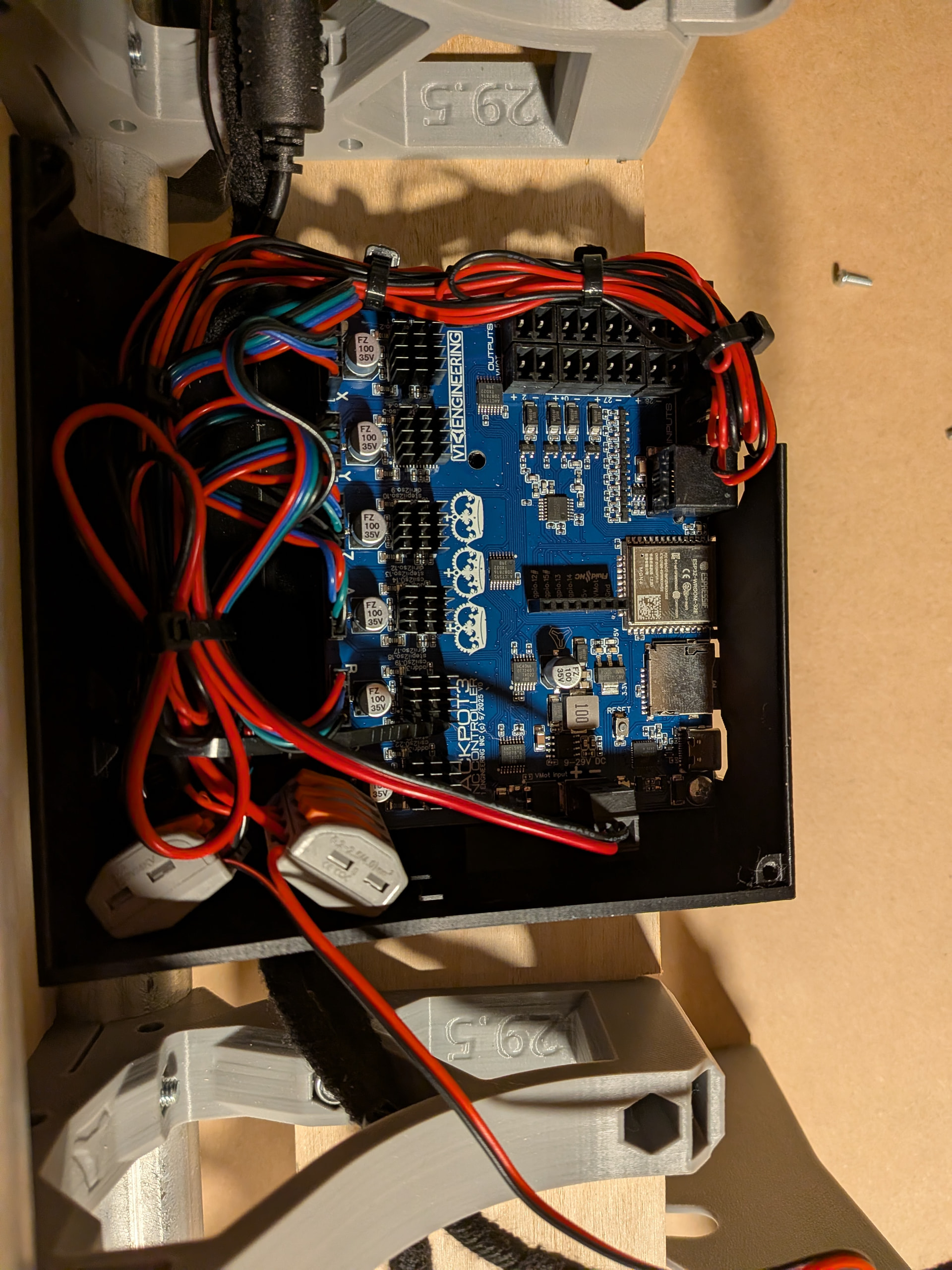
I cannot get the WiFi connection to stop dropping.
My machine is built, will zero and move about manually in fluid NC. Everything seems fine until I start running gcode. About 1 minute into the run I get red flag of “connection dropped” and “socket error”
I have tried the crown with Estlcam as well as a simple circle/square that I created in Easel.
The machine does seem to still run the circle/square after connection drop but it will not really run the crown.
I have tried turning off firewalls. I have tried with my PC and my phone. (Both drop connection in same way). I have spent hours with a friend and AI asking questions. Nothing seems to work.
Anyone have any ideas before I just give up? I would rather not direct wire and use some other controller people on this forum may be less familiar with.
I test them over AP but I don’t usually run any gcode. Makes no sense why it would connect fine for jog/home but drop off during a job. Hopefully @MakerJim or someone has an idea.
What type of device are you using to run the FluidNC Web UI?
Next step is to do a WiFi signal report during all of this. I want to see if the signal is dropping or if the Web UI is losing the socket for some other reason.
I’m assuming this has a 3.9 version of FluidNC and that you are using the WebUI.
Do you have dust collection running?
So, for the crown, it just stops moving part way through? If that’s the case, dropping the connection could be a side effect of the board crashing. After that happens, the next time you connect to the WebUI, is it in an Alarm status?
Can you share the gcode you are running? I’ve seen some weird things happen when it has tiny arcs.
I do not have dust coll action set up as I haven’t gotten past a pen test. Or, I really haven’t even put a pen in it.
No alarm mode, it just reconnects after I reset the board- have to unplug it to get it to connect again, then I can drive it around manually again, and then it crashes again if I try to run any of the several gcodes I have.
I did post my gcode in the "noob doing noob stuff "thread I started last week. I can do it again once I get home if that is helpful
Yes it runs the circle square code after drop but not the crown.
Interestingly, once it dumps the connection in crown, the head still moves a bit until I unplug. The first crown I tried it would move Z up and down a few mm every 20 seconds or so. I thought this might mean my crown scale was off - so I redid the crown in estlcam and now after crash the Y moves toward + veeeeery slowly until I unplug.
Erase and flash the code on the board? If it is in the setup guide I can try that.
I was never given the option to “accept this connection as is”. I tried for at least an hour to find this option. I had another friend try to find that option. It does not exist. So instead I open FluidNC, close the full feature pop up window. Then i directly type in the http"://192.168.0.1 site.
ok- tried the compiled gcode for crown. It did run that, just like it did run my circle / square gcode—- but it still dropped the connection/websocket errored in the middle.
So I must have goofed something in estlcam with the crown—— but again, the wifi is still wrong somewhere.
the antennas on most esp32 are pretty bad. I wouldnt recommend running anything over the air. I copy all my stuff to the sd card and run it from there. that way if the network blips you don’t lose the stream of your gcode.