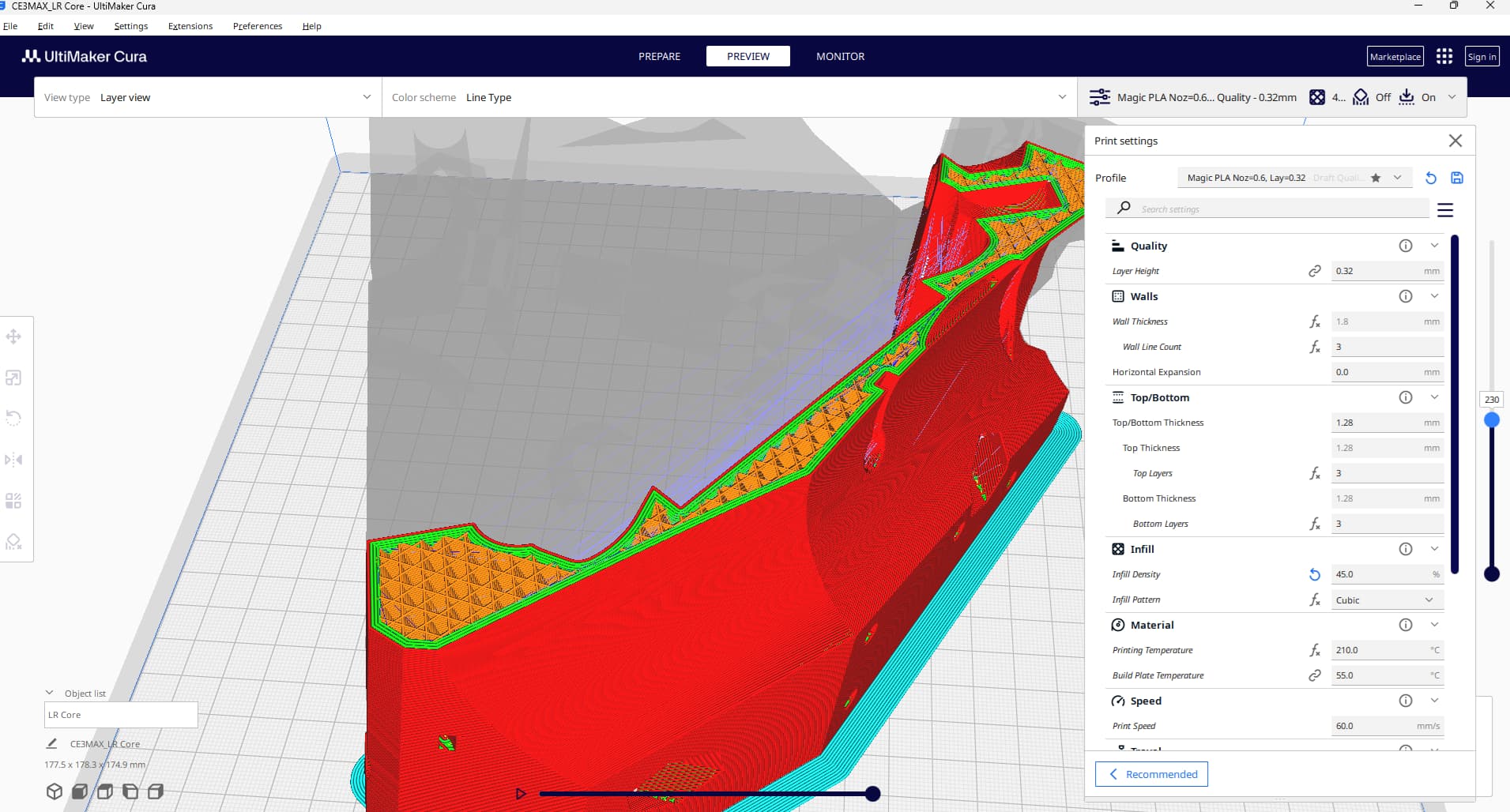
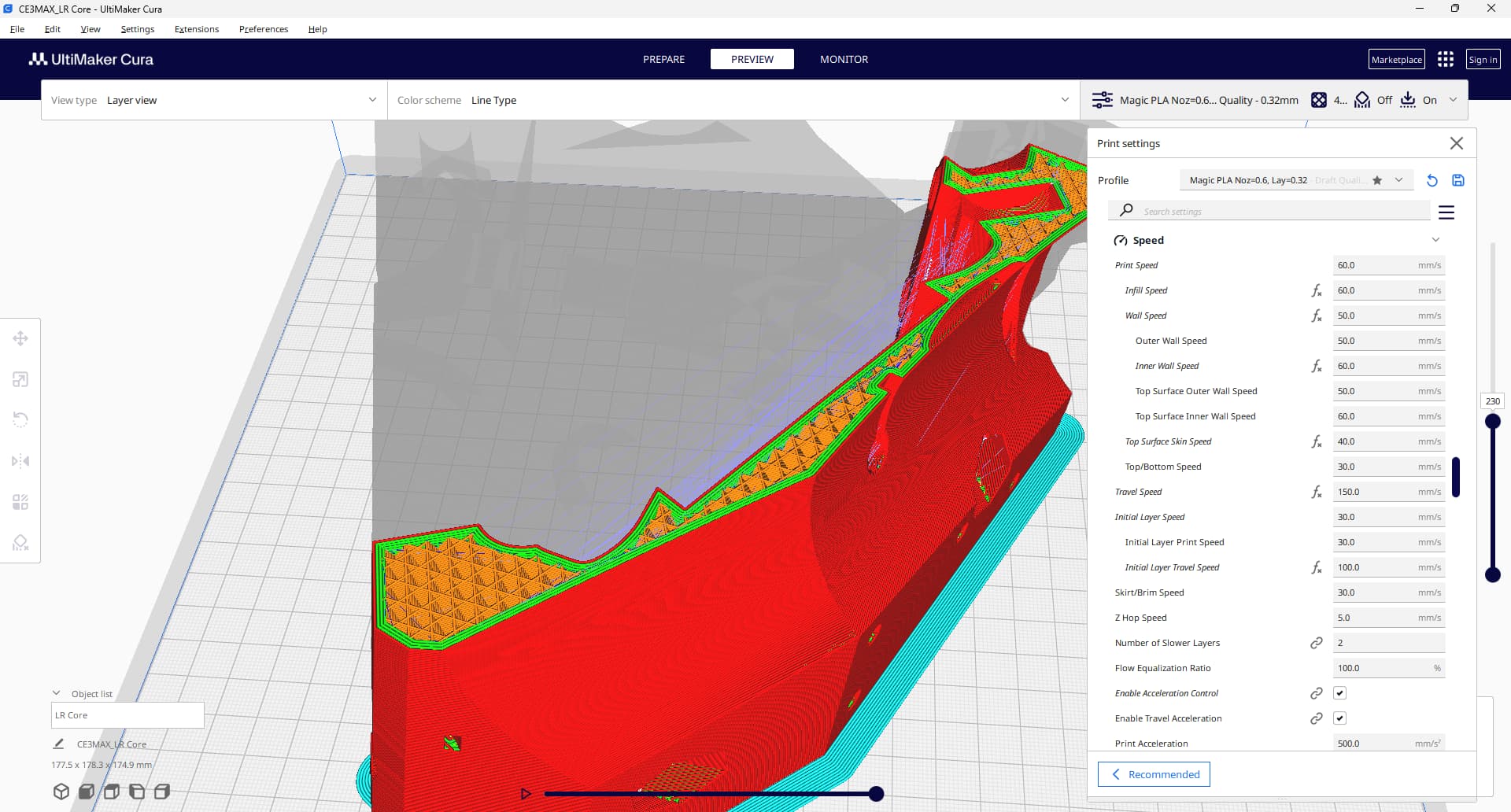
Yes I did. I must have missed that setting as this is not the first time this happened to me (just in a different place on the core).
Thank you for spotting this!
Yes I did. I must have missed that setting as this is not the first time this happened to me (just in a different place on the core).
Thank you for spotting this!
Yeah that isn’t great. I found to my cost you also can’t use a drill driver on nyloc nuts - it melts the plastic and makes it almost impossibly to remove them.
I guess I will reprint the core…
I would suggest not using loctite on the bolts this time 
but the lower ones were doing what screws do without loctite in vibration!
Did you use Nylock nuts??
Bad toolpath and/or cheap bit can damage quickly/unexpectedly. Consider verifying using another new bit, and/or visually inspecting cutting surface of the carbide single flute upper cut bit guesting you’re using (e.g. cheap $20-$30 USB camera microscope are more useful than I expected).
With enough decent Loctite, and patience to wait for curing, should be possible to stop the Hex head M8 bolts from spinning. How are the Nylock M8 nuts?
If you’d like extra eyes/thoughts on slicer settings, then consider sharing filament type, Nozzle size, temperature, layer width, layer height, number of walls, using alternative layer infill wall, etc…
I mentioned verifying the router bit because we’ve seen people like Philipp print multiple Cores, when root cause was dull bit (or too many flutes). E.g. Can you cut this please? Takes 34 seconds. :)
I Ididn’t check bit yet, but I have found big wobble, so that needs to get fixed even if I want to upgrade to LR4, because I will have to cut struts as best as I can.
ok! I had no idea toolpath could do that… how exactly? Or do you mean path which leads to holding screws?  I tested that recently:
I absolutely agree with this! I have bought one and it’s been in use all the time! I look at bits/electronics and my kids on dirt/dog’s fur/cat’s fur/beetle/ant/leaves/[here goes long list of other items]
Perfect educational toy 
I’ve tried to start core print earlier today, but failed. I wanted to do it quickly, so decided to use 0.8 nozzle for the first time in my life, so, er, well… I mean… everyone can have bad ideas, right? Right?
The problem with that, I suspect, is I own Ender 3, so I suspect it was unable to heat enough filament, quick enough for such nozzle and layer width of nearly 1mm.
I will probably start it now with just 0.4 which I know how to use… unless you have ready made profile to share? Anyone?
Many of us have Ender 3. What slicer do you use? Personally would use 0.6mm nozzle. I’ve not seen many people use 0.8mm. I don’t know why anyone uses 0.4mm for these parts.
For LR3, used Overture PLA, Cura slicer, 0.6mm nozzle, 0.32mm layer height, 3 walls, spec + 10% extra infill. Brim support.
Hope that helps.
Ender 3 doesn’t have near the hot end needed for a .8mm But you should do fine with a .6 like @azab2c said. Might just have to slow it down some.
I used cura before as well. Now I try to use orca, as Ryan said cura not gut 
But, ok - I will use 0.6 and cura this time as well. Thank you for settings, Aza.
and thanks, Jon.
What speed then?
what hot end do you have on it? stock?
If so, you need to cap your flow at like 10-11mm3/s. That’s going to be a bigger issue than speed on a normal Ender 3
Yes, it’s Ender 3 S1 with no upgrades.
I can only see flow settings in cura, and these are in percents. What is the setting to cap flow?
Already used tools like https://teachingtechyt.github.io/ and CaliLantern to help calibrate your printers extrusion and dimension accuracy? Time consuming up front, but you’ll waste less time and filament in the long run.
ah ok, I’m speaking in Ender 3 Pro lol.. you’d have to do a flow test on that one to know the cap.
I only know PrusaSlicer and Orca, but it should have a way to limit the amount of plastic it tries to push out, so it doesn’t go beyond it’s limits. Usually called “Max Volumetric Speed” or something along those lines
A little research says that Cura doesn’t have a max volumetric flow rate setting like other slicers…
That alone would be enough for me to switch lol
Edit:
Looks like someone made a plugin.
The Cura developers have been ignoring this request for more than 6 years…
Thanks guys! New core has bearings already, but I have a question. What do you do with those little nuts you put in seats? Last time I have added a bit of polymer glue in those to hold nuts in place even when screw is not there. Is this good idea? Should I do this again?