Ha, no problem. Happy to talk about this stuff.
I’m not entirely sure where I’m going with this. It almost needs to replace the Files panel since you need to select a file. Ah, I’ll think about this and extensions in general.
Ha, no problem. Happy to talk about this stuff.
I’m not entirely sure where I’m going with this. It almost needs to replace the Files panel since you need to select a file. Ah, I’ll think about this and extensions in general.
I also wanted to pull in features from the web installer like the yaml editor for config files and stuff like that, but not sure how large all that stuff is.
I played with some different bundlers to try to save more space, but in the end all I saved was like 1% and it broke the simulator… that was 2 days wasted…
This is very cool!
Would it be better to extend that one for CNC than writing a new one?
That’s a reasonable question.
I took a look at the code.
Nope. Don’t want to touch that. 
I just installed Fluidnc using your custom_littlefs.csv on my Jackpot V2 which has 4MB. It’s the same on the Jackpot V3. It worked and I now have 1.89 MB available. I then ran the Web Installer without any problems.
Now I’m distracted by making the 3D view work with a space mouse.
Organic coding or using Claude/AI? Am personally finding LLMs to be an enabler for falling deep into AI perfectionism traps. e.g Did I need to make a configurable 3D threejs swirling galaxy, no, did I (or rather did AI), yes…
Claude. This would take me forever otherwise.
I’m already a recovering perfectionist without AI.
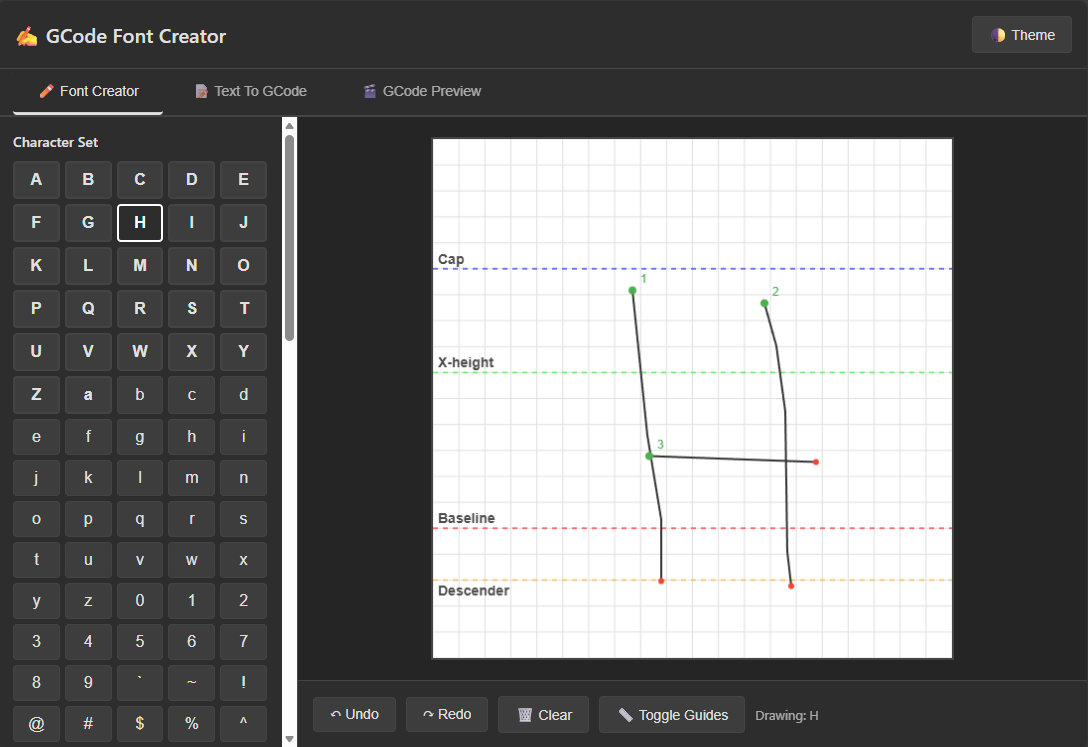
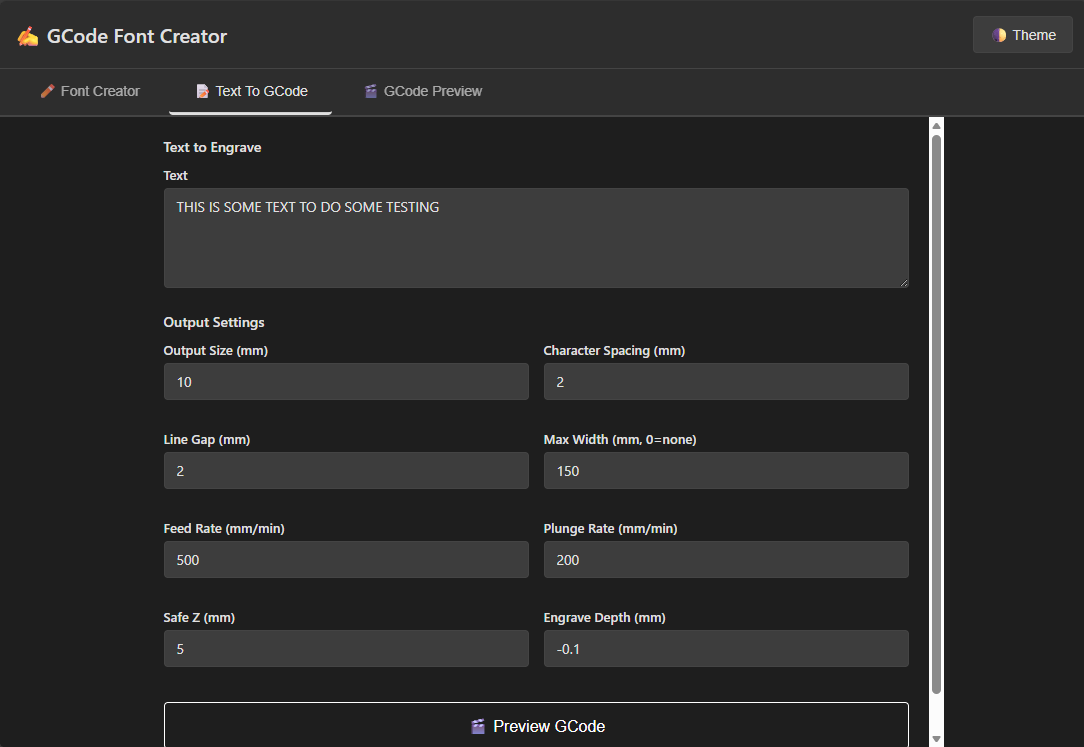
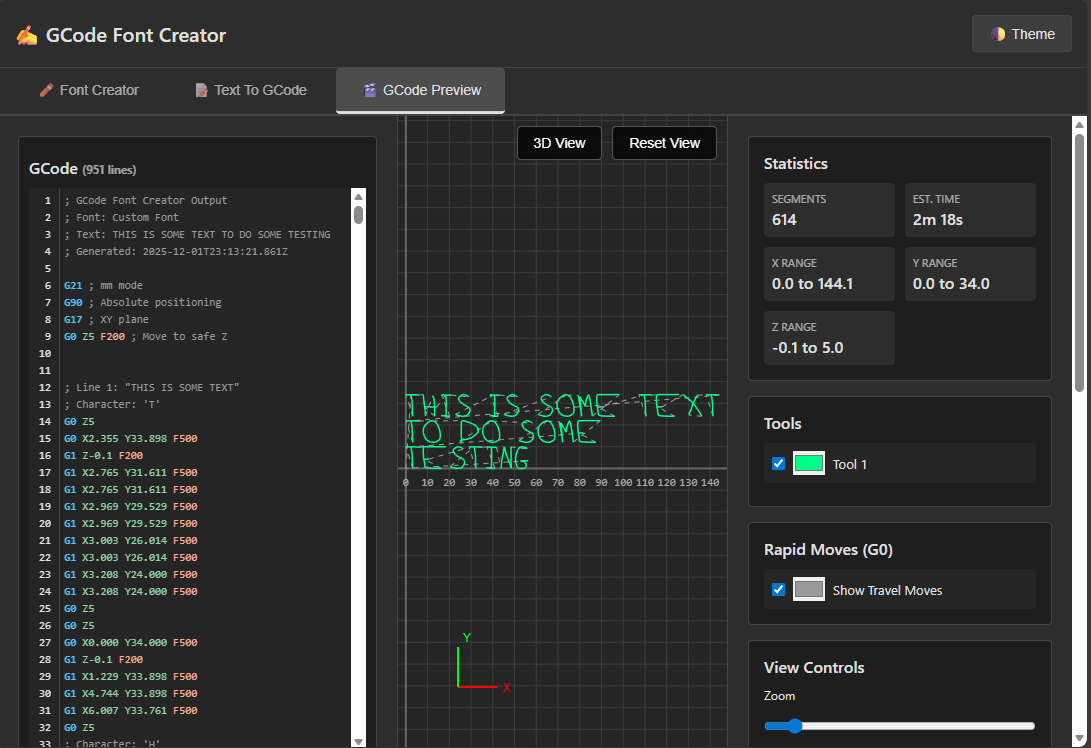
I had a bit of time to work on this. Here’s a video showing current progress. Let me know what you think.
That is very beautiful and fully featured. Is it hosted on a github.io site so we can just play with it client side? Similar to how sandify is hosted?
Sites like ncviewer have been pretty useful in the past and this seems like at least as strong, but newly maintained.
Not yet, but that’s the plan. There are a few things I want to fix first that I skirted around in my video. Probably within a week.
HOLY GOOD GOD! BRILLIANT!!!
You da man
Still a work in progress but let me know what you think. I know I need to work on moving around in the 3d view a bit.
Wait what? It runs right from. Github??
That’s a standalone version that’s just a webpage. It’s similar to NC Viewer // GCode Viewer and Machine Simulator. There’s also a version that you can use as an extension inside WebUI v3. That’s out there on Github but I’m still working on it. The main difference is that for the standalone version, you just drag and drop or upload the gcode file. For the WebUI version, you pick the file off the Jackpot/FluidNC SD card and it loads that instead. You can also choose to run the file from there.
Cool. Wow. That’s a lot more effort than I would have been willing to put in to avoid using single line fonts and claiming that this “elf” thing had neat writing.
AI got me a lot further than you might have expected.
So what about the cutting ability like the ncviewer has. Can that be done? I really need to get my head around how you are doing all this. I am better than most people at thinking of a way to ask Google for a problem I am having, but how do you get code? Like above. It is an extension. So do you just ask for an extension to convert writing to gcode for fluidnc oh and add it to the webui please?