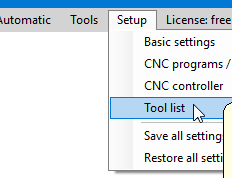
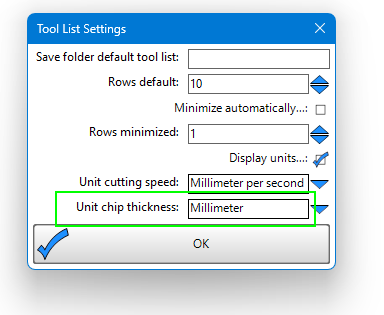
I was messing with a chip load chart, trying to make a good way to play with the numbers. I ended up converting some table screenshots into a CSV and copy/pasting it into my tool’s ‘comment’ section like in the screenshot below… I did have to do some tomfoolery like extra letters and hella commas to get everything to line up. You can line things up with spaces, but they get wiped out after you save:
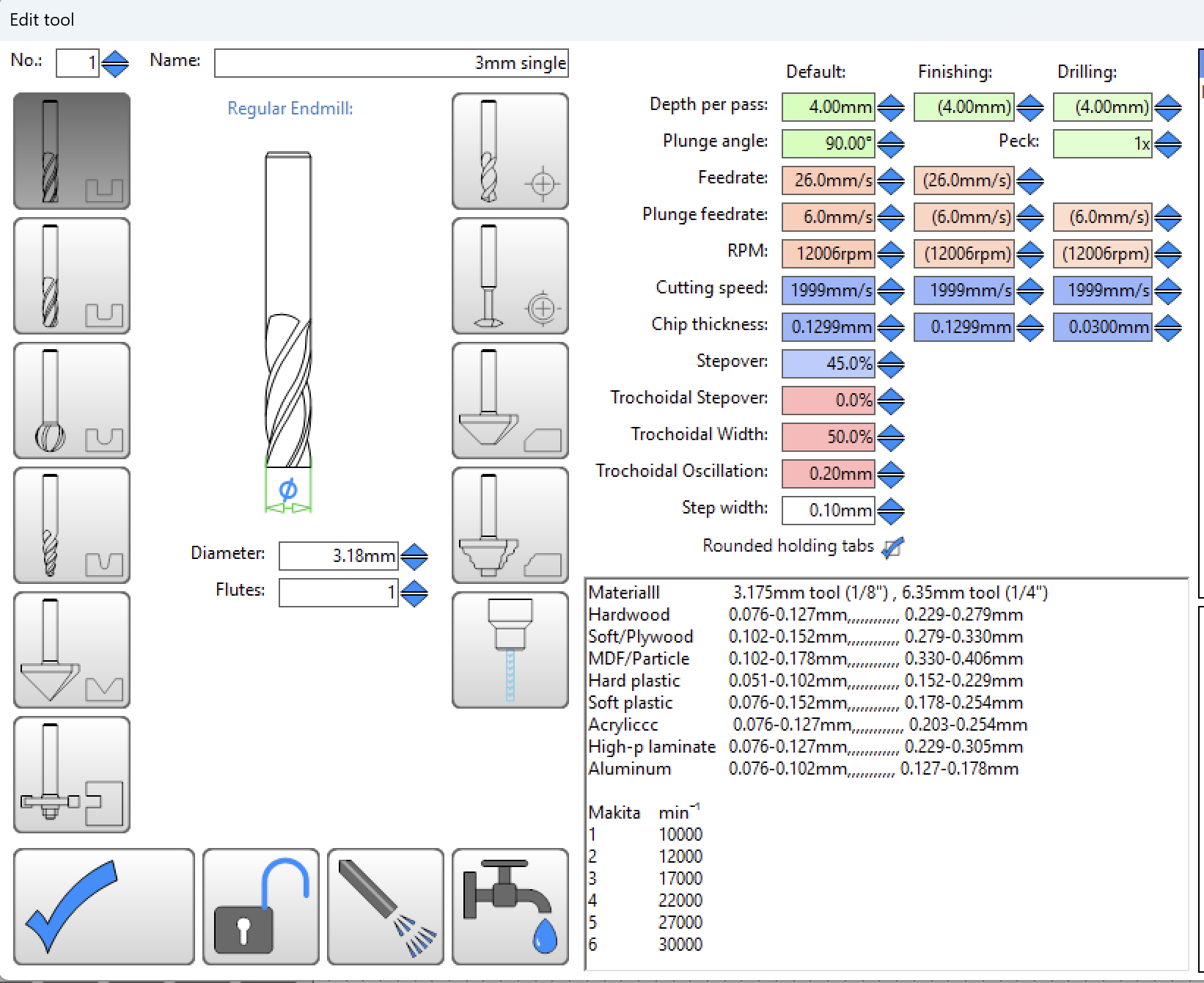
Table taken from the following guide, which assumes DOC = 1x tool diameter.
DOC of 2x tool diameter = chip load * 0.75
DOC of 3x tool diameter = chip load * 0.50
“ if the depth of cut is increased to around twice or thrice the tool diameter, the values in the table should be decreased by about 25% and 50%, respectively”
Makita speeds are taken from the manual. I did stumble upon this excellent post where a guy measured his Makita with a tach, also shows you the notches for 10k, 15k, 20k: Makita Router Tach Speeds - Machines (Original/PRO) - Onefinity CNC Forum
Table copy/paste:
Materialll	 3.175mm tool (1/8") , 6.35mm tool (1/4")
Hardwood	0.076-0.127mm,,,,,,,,,,,, 0.229-0.279mm
Soft/Plywood	0.102-0.152mm,,,,,,,,,,,, 0.279-0.330mm
MDF/Particle	0.102-0.178mm,,,,,,,,,,,, 0.330-0.406mm
Hard plastic	0.051-0.102mm,,,,,,,,,,,, 0.152-0.229mm
Soft plastic	0.076-0.152mm,,,,,,,,,,,, 0.178-0.254mm
Acryliccc	 0.076-0.127mm,,,,,,,,,,,, 0.203-0.254mm
High-p laminate	0.076-0.127mm,,,,,,,,,,,, 0.229-0.305mm
Aluminum	0.076-0.102mm,,,,,,,,,,, 0.127-0.178mm

DOC of 2x tool diameter = chip load * 0.75
DOC of 3x tool diameter = chip load * 0.50

Makita	min⁻¹
1	10000
2	12000
3	17000
4	22000
5	27000
6	30000
Now you can play with feeds and speeds to your hearts content