You can change the steps/mm with M92. I like to calculate the appropriate value to start with. But since I don’t know much about your machine, there’s not much you can do. The ramps boards usually have drv8825s with 1/32nd microstepping. So they are set to 200,200,800. The other board use 1/16 microstepping, so they use 100,100,400. But it sounds like yours are wrong the other way and should be twice as large.
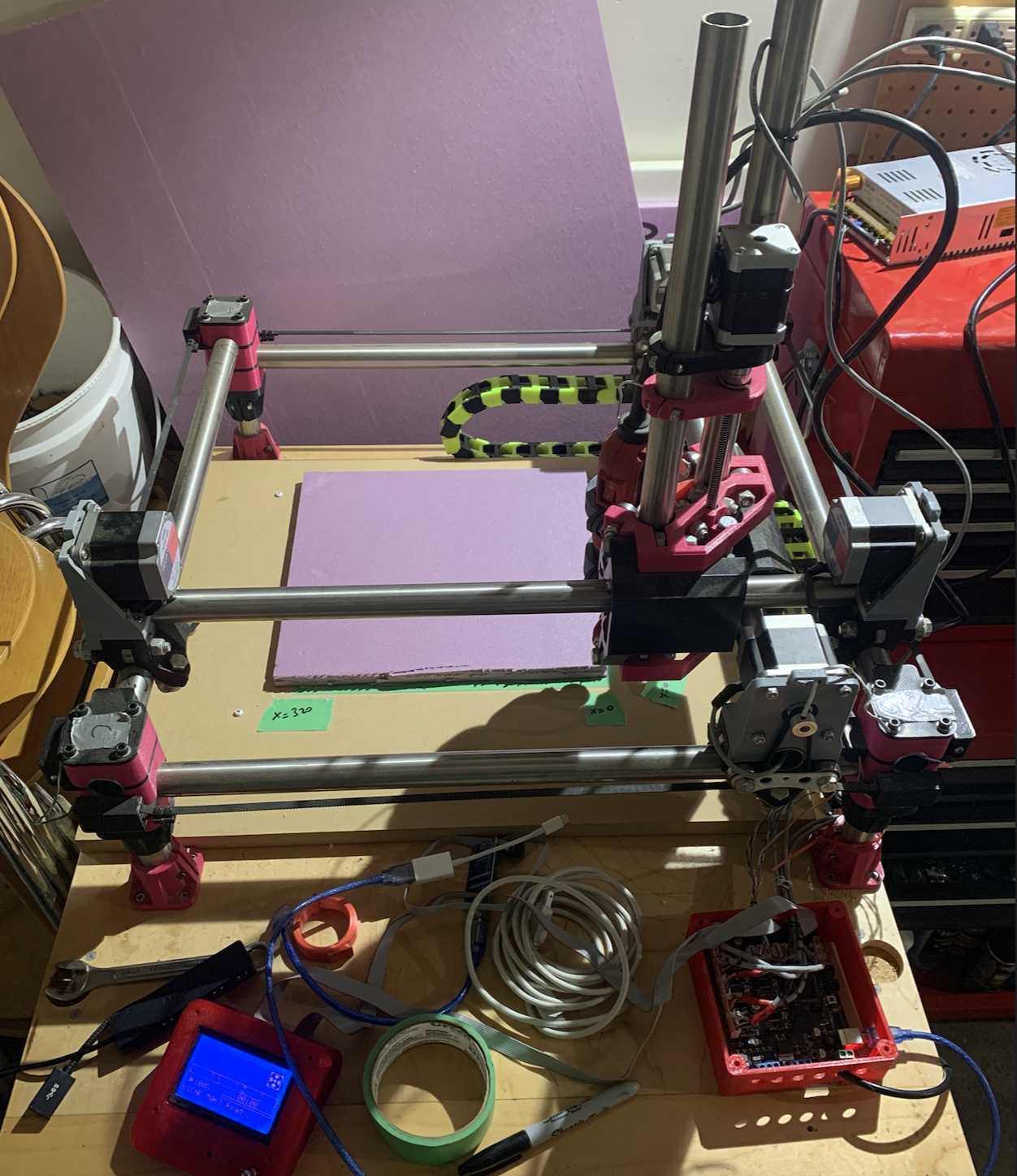
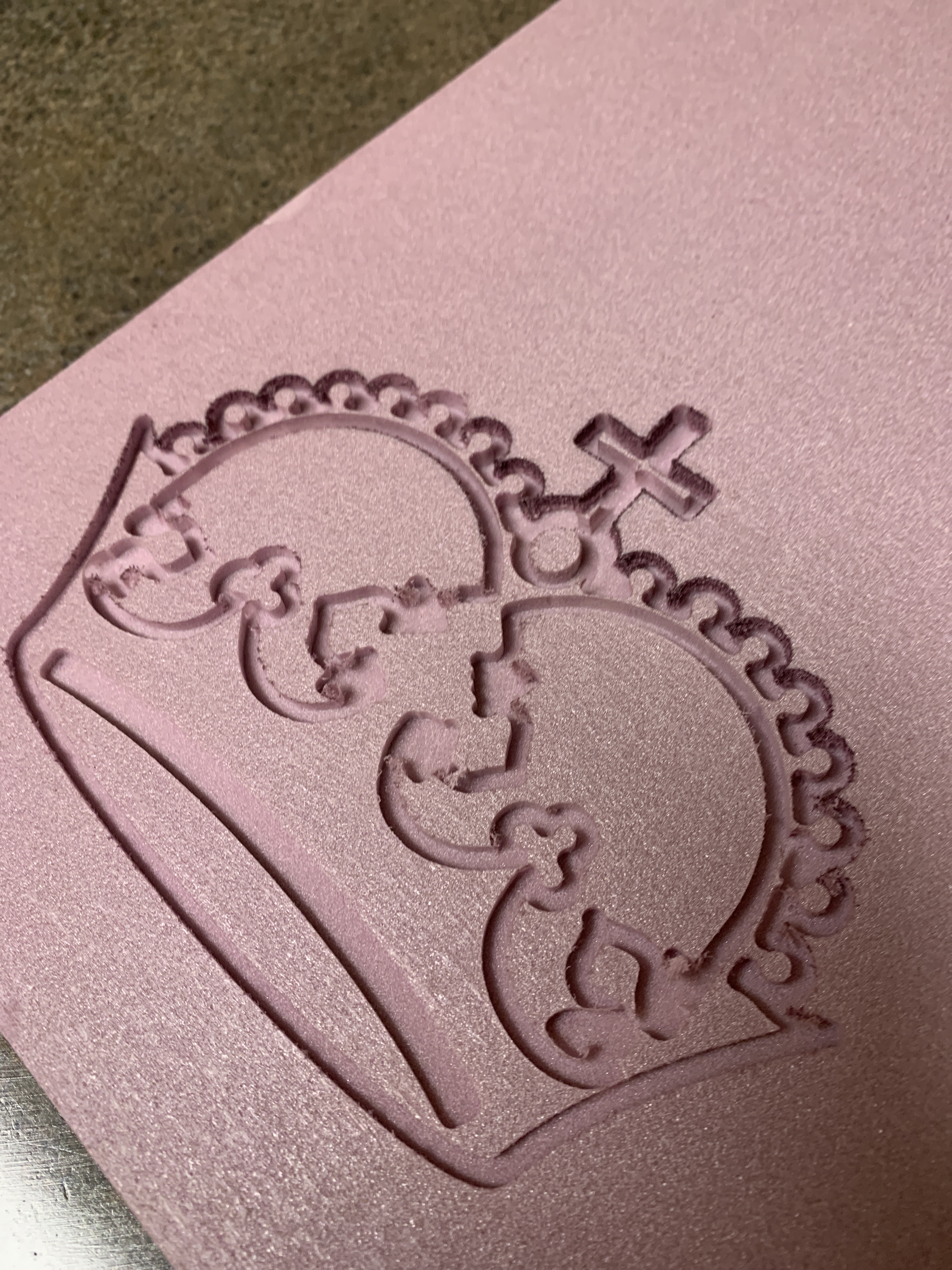
I’m kind of curious about this machine now. Care to share some pics?
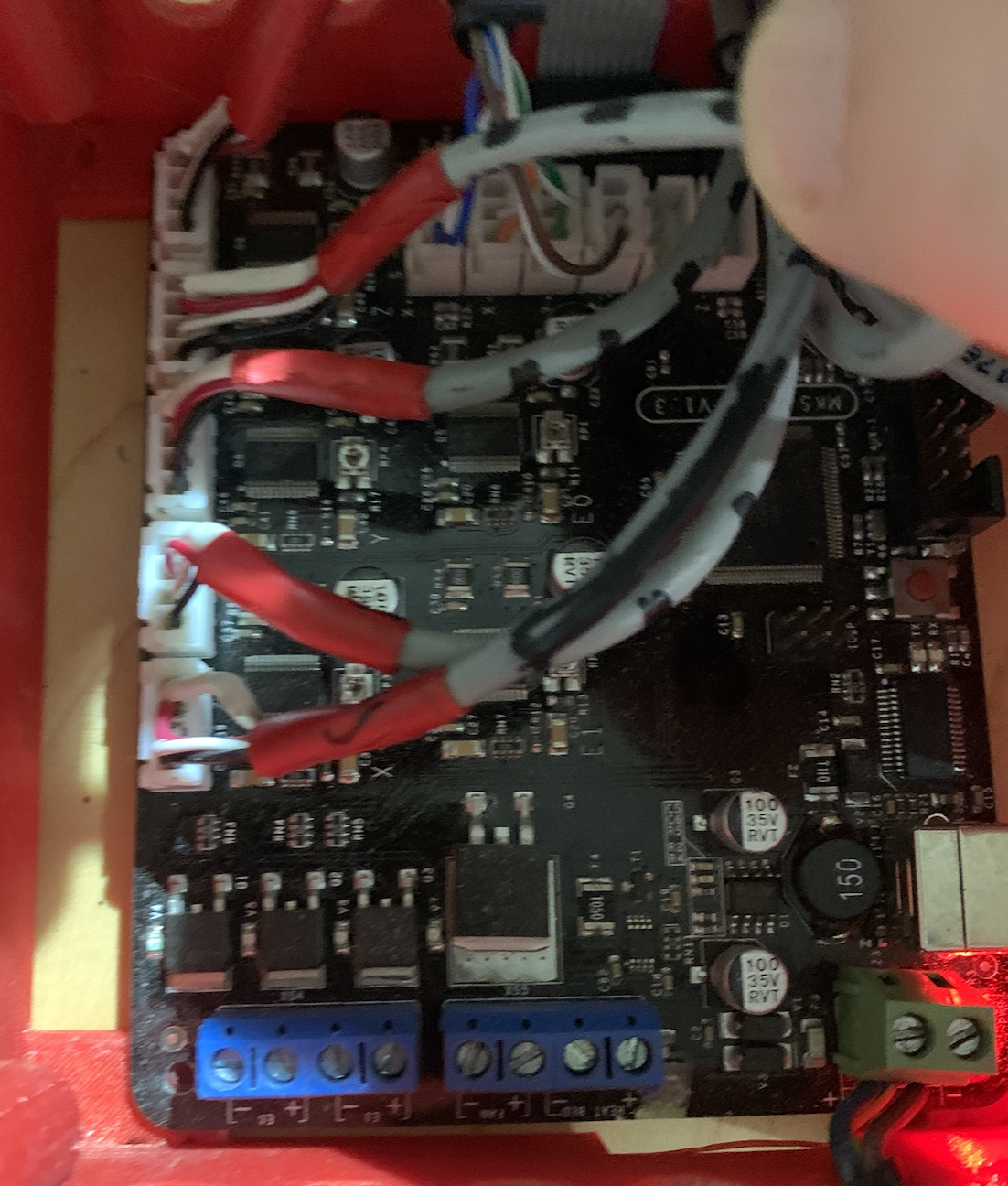
Of note: there are five stepper motors, which I assume is normal. But it means that they’re wired to X, Y, Z, and E1 and E2 on the board. So somehow the firmware knows that E1 is X and E2 is Y?
(0,0) is in the top right (any other choice of origin ends up with negative coordinates). which means I have the whole setup in the wrong orientation, and I should flip the board around, but then I’d have no space to store the controller, etc.
The end stops however are at the bottom of the picture and the right of the picture, so not at (0,0). I haven’t yet figured out how to get the firmware to use those so it’s not a problem yet. =)
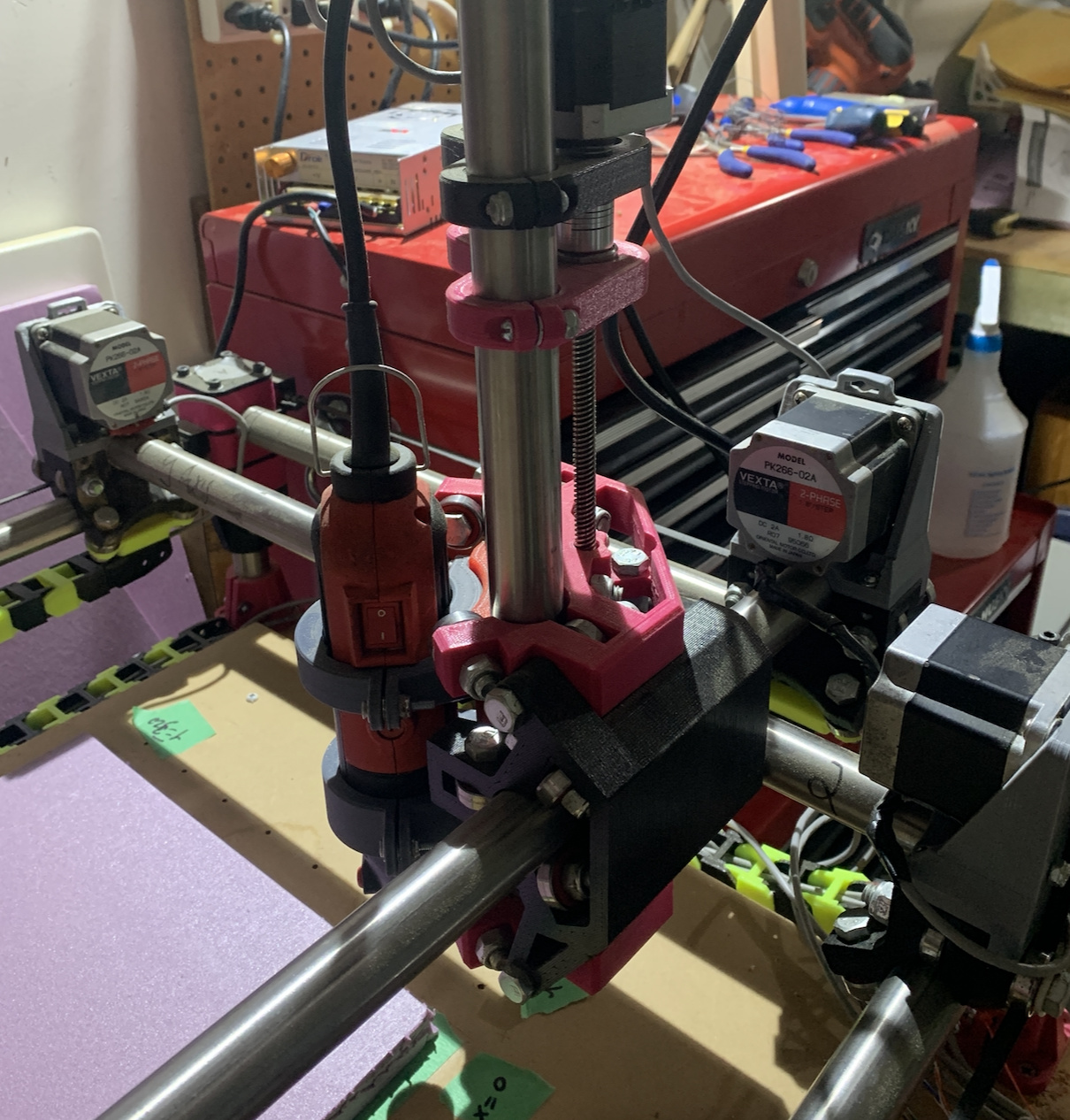
It currently has a cheap dremel-style spindle, but I have a Dewalt 660 that I will print a holder for once I get all of the workflow working.
I’ve adjusted the stepper size to 78.1 and it’s roughly right.
Yes. This is the dual driver and dual endstop configuration. You can find these settings in configuration_adv.h. The firmware I shared with you does the same thing.
You can reverse the plugs and it will switch directions (4321). It looks like you have keyed connectors though. You can also swap the first two wires and it will also reverse direction (2134). There is also a setting in the firmware to reverse the direction. It is somewhere in configuration.h.
Weird. I thought that is the wrong way. 80 might be 1/16th microstepping and 20T pulleys. A4498 drivers can only step at 1/16th, do that makes sense. Nema 23s, but then 20T pulleys is a bit odd. But it should work. Most people use nema 17s for all 5 motors and 16T pulleys.
Trying to get the endstops configured so they can be used. Currently when I do an G28 X Y that seems to shift the spindle roughly 10mm in both +X and +Y directions (and then sets origin for X and Y there). Doesn’t seem useful or right… I’m trying to do an “auto-home” where it will move the spindle towards where the endstops are, then trigger them, and use that to set X and Y zero points.
Looking at Configuration.h I see in the endstop section:
Should I be undef'ing the Z and XMAX/YMAX versions that I don’t need?
Where can I find out how to build an autohome X Y macro so that I can do a homing after power up regardless of spindle position? (I don’t dare touch the AUTHOME on the controller as I don’t have a Z probe).
You need to check that the endstops are triggered only when they are pressed. You can send M119 in the console to check. Check each one. X2 should be near the motor connected to E0. Y2 should be connected near the E1 motor.
You also need to be moving in the negative direction when moving towards your endstops. It is harder to manage.
You know what I just thought, you should be able to just swap X1 X2 at the controller and they should reverse direction.
The M119 hint was great. They all report triggered when actually open, so I’ve fixed that in firmware. Now M119 reports correctly on all endstops. (but wait, see below!)
I’ve swapped the X&Y axes by swapping cables, and disabled the inverted-Y which in my case wasn’t needed. The coordinate system is starting to make sense (0,0) in bottom left, and where the end-stops are.
Now if I do G28 X the spindle moves in the negative X direction until it hits the endstop… but it doesn’t stop, and bangs itself against the frame (until I power it off).
For reference, here is what I’ve changed in the Configuration.h from the version you pointed me to:
 // Choose the name from boards.h that matches your setup
 #ifndef MOTHERBOARD
-  #define MOTHERBOARD BOARD_RAMPS_14_EFB
+#define MOTHERBOARD BOARD_MKS_BASE
 #endif

 // Name displayed in the LCD "Ready" message and Info menu
@@ -650,11 +677,11 @@
 #endif

 // Mechanical endstop with COM to ground and NC to Signal uses "false" here (most common setup).
-#define X_MIN_ENDSTOP_INVERTING false
-#define Y_MIN_ENDSTOP_INVERTING false
+#define X_MIN_ENDSTOP_INVERTING true
+#define Y_MIN_ENDSTOP_INVERTING true
 #define Z_MIN_ENDSTOP_INVERTING true
-#define X_MAX_ENDSTOP_INVERTING false
-#define Y_MAX_ENDSTOP_INVERTING false
+#define X_MAX_ENDSTOP_INVERTING true
+#define Y_MAX_ENDSTOP_INVERTING true
 #define Z_MAX_ENDSTOP_INVERTING false
 #define Z_MIN_PROBE_ENDSTOP_INVERTING true

@@ -1083,7 +1131,7 @@

 // Invert the stepper direction. Change (or reverse the motor connector) if an axis goes the wrong way.
 #define INVERT_X_DIR false
-#define INVERT_Y_DIR true
+#define INVERT_Y_DIR false
 #define INVERT_Z_DIR false

 // @section extruder
Did you make sure the X2 endstop was near the X2 motor? As it homes, each motor uses its own endstop to decide when it should stop. If the X2 motor hits the X1 endstop, it will stop the X1 motor, and keep cruising on.
Swapped out the tool holder for one for my DW660, which means I have room for the Z probe. I have installed it and it tests OK using M119 (open vs. triggered).
Now, how do I make z-probe happen? In particular, I was under the impression that I could use G30 to do a zprobe, but I get an Unknown command for G30, which makes me wonder if I need to change Configuration.h to tell it what kind of probe it is. What I have is just a switch-type probe w/ a metal plate and an alligator clip which attaches to the bit. What #defines should I have setup?