You should also be aware that moving any of the belted axis while the stepper drivers are off or disabled can create enough EMF that you can damage the drivers or controllers. Use that approach with caution.
Uuggh, dammit, I knew that. For some reason I thought if they weren’t energized, it wouldnt be an issue. Thinking about it, not sure why I assumed that
not going to risk it for a one off application.
Thanks for the warning, appreciate the reminder!
There it is:
That’s incredible! Just what I was looking for.
This “touch to move” feature is awesome!
It practically replicates the Lightburn camera functionality with click to move, and overlaying the design onto the piece. Game changer workflow process for sure.
If you tried it, tell me whether it works, please.  It seems no one has tried yet, even though it looks amazing.
Like I said, I don’t even know where to start with the GitHub stuff- I’d need step by step instructions of how to get into a computer so it runs like a regular program.
but if someone walked me through it, I’d definitely make this change since it’s so close to the LB workflow, it would make things so much smoother for me
That’s WILD!!! Many camera options, loaded straight up, ran a calibration (shaky because hand held)
Con: only FluidNC integration so far.
Which, for the price of an IPcam and a new control board (jackpot?) might be very very worth it
Uugghh- got to go back. Flight in 4 hours.
See you on the floppy-flop
I just saw the YouTube video and I am definitely doing this.
I’d like to have it for Estlcam.
For the moment, no camera support in MM. It’ll be significantly harder for a couple reasons:
- CNC machines are rarely run in absolute machine coordinates, so the camera code would need to work out the workspace offsets
- CNCs don’t generally have beds that raise/lower the Z, and the camera code at present needs to be calibrated for a single material height, and doesn’t compensate for differences in distance to the camera when thickness changes. For a laser, materals are usually thin, so the error isn’t too bad.
On that last point- took me a while to realise this was as big an issue as it really is. I did the initial camera calibration in LBon my 80w usingbthe paper fiducials directly on the bed. When I was cutting 3/4” poplar, things would be 6-8mm of target. I had to repeat the calibrations and save them as different profiles for 1/4, 1/2 and 3/4” stock materials.
@Tokoloshe - Do you use a vbit or a tapered ball nose for your inlays?
I bought a 30 degree vbit a few months back, but I also bought a 12.5 TBN at the same time, and can’t remember if I both the TBN for vcarves , or solely for 3d relief work, lol
Depends on the intricacy. For some, 30 or 60° are completely fine, though 30 is the go-to for many, there are some, like the bikes, that are so small that I use a 10.2° endmill with a 0.25mm ballnose. Ideally you’d want to round every corner of your drawing then with a radius. 
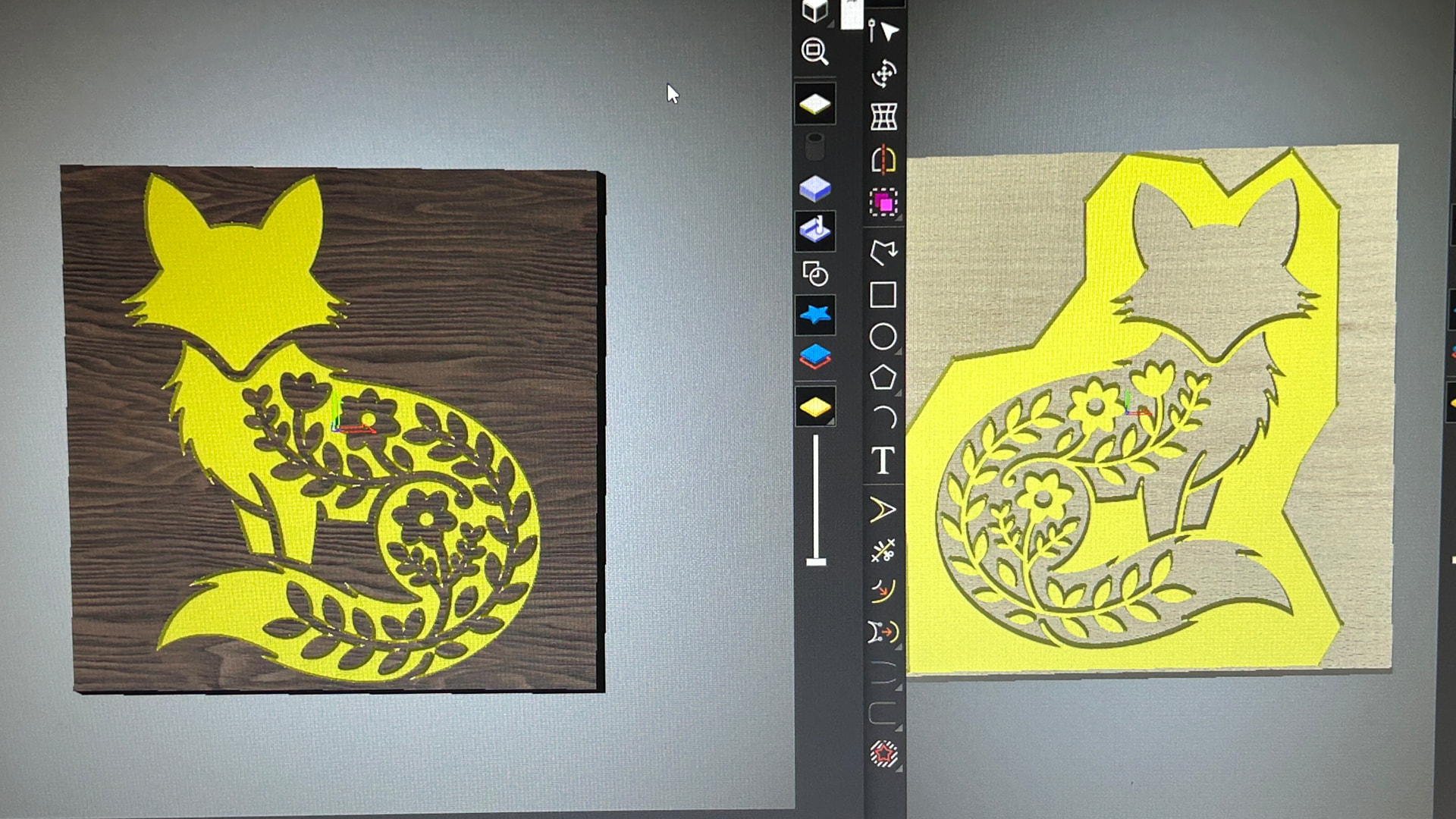
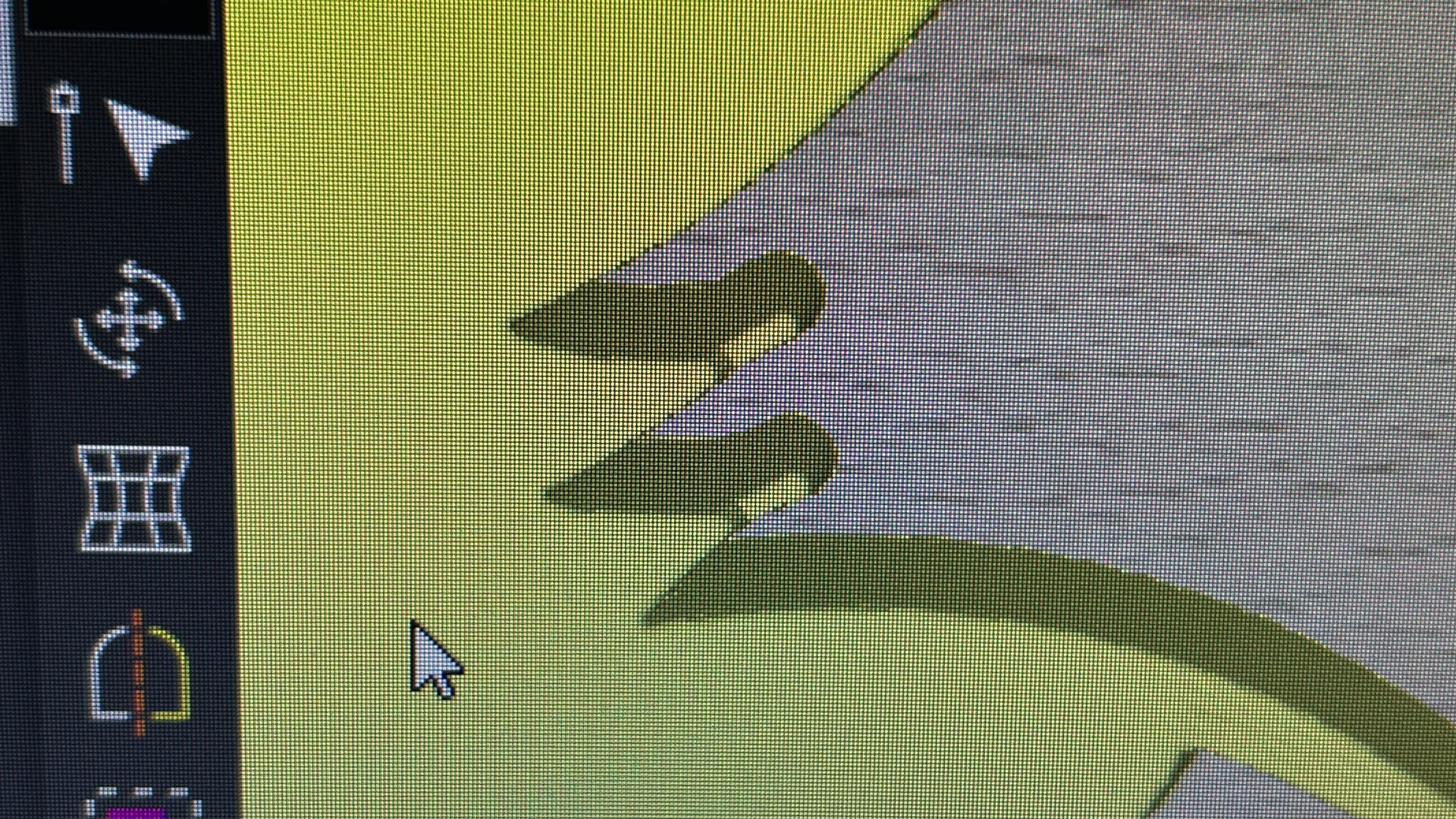
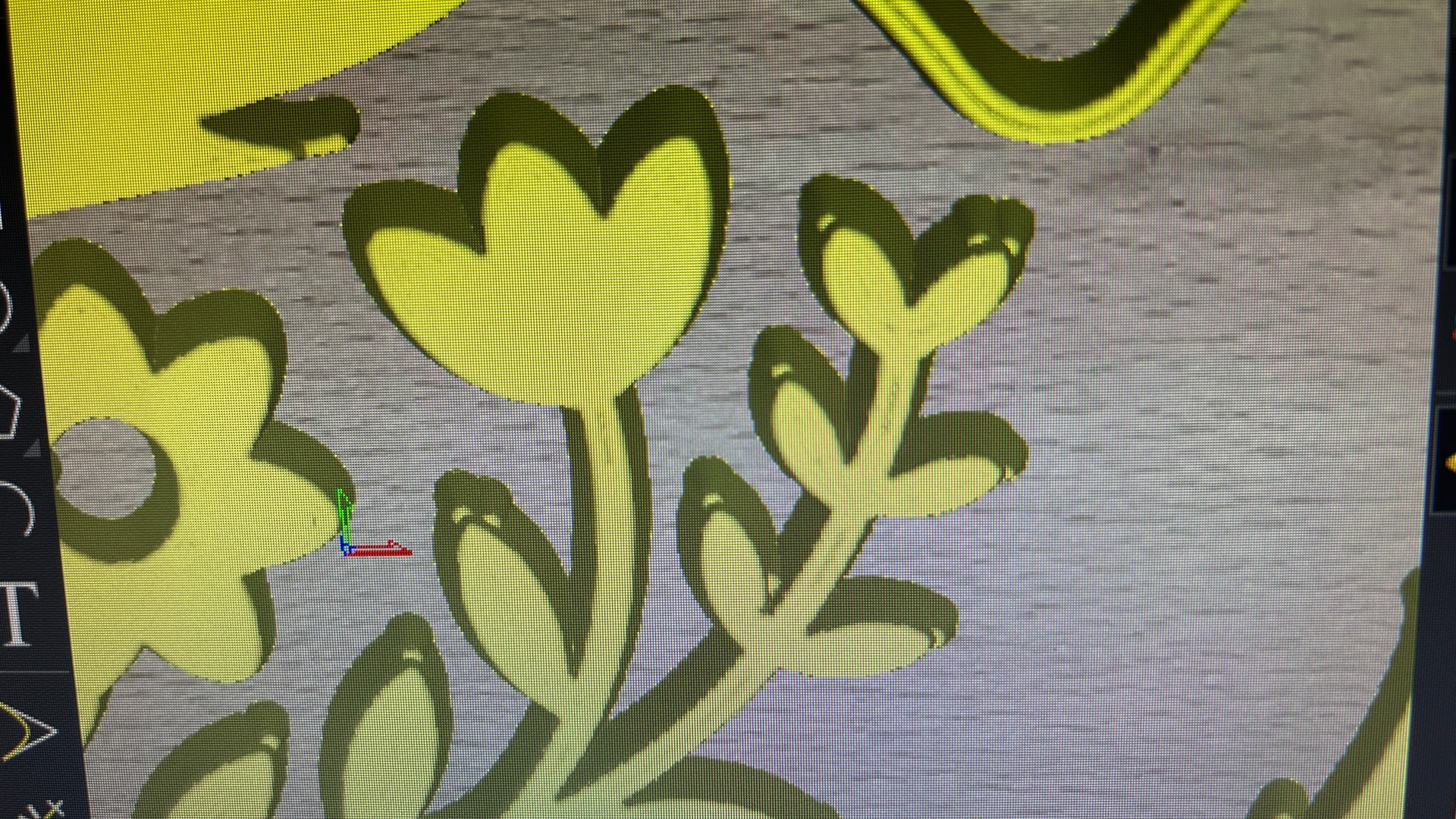
Don’t know that software, but can it work with the endmills?