
1 Like
I still don’t completely understand what the belt I’m supposed need exactly? Is there a marking ?
Yoidesu 3D Printer Timing Belt GT2 10mm Width Rubber Timing Belt 10mm Width 2GT Rubber Synchronous Timing Belt for 3D Printer,1M/ 2M/ 3M/ 5M/ 10M(5M) https://a.co/d/gnj2LK4
The belt in your link looks fine. Just making sure you did not buy the wrong one.
1 Like
Yes I took off thee one side to the belt I did troubleshooting like holding tension on the belt , releasing one side completely still the same sound and most of the time it’s one side that makes the sound also it’s about a quarter inch in spacing from the motor and the ""belt spinner.
Sometimes the right side as well but I also loosened thee cylinder shaped guides just to see if there is any change ; same results.(The sound is just either it’s not catching so it makes a buzzing vibration as the motor spins ).
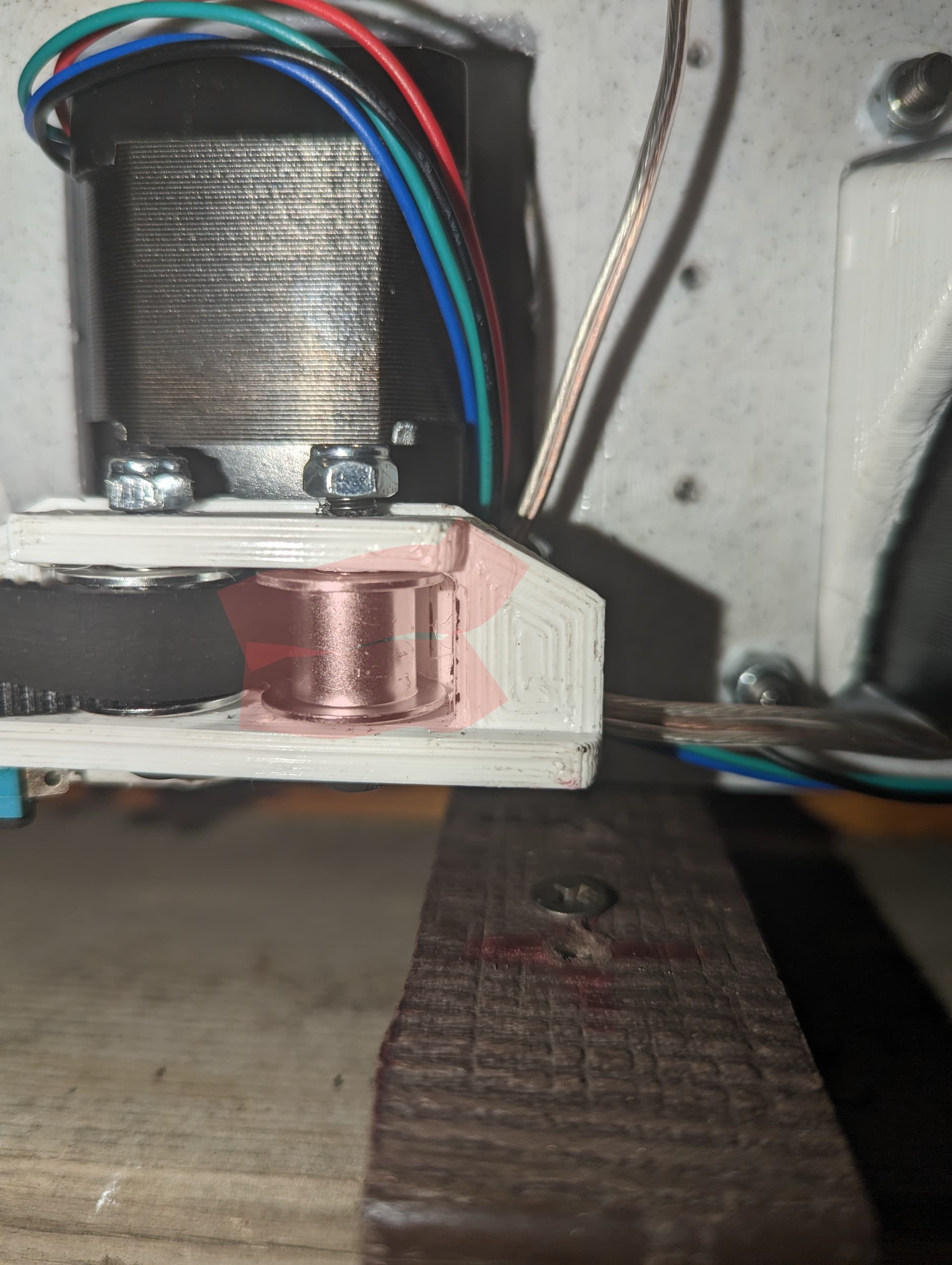
1 of 4 of these spin I tried moving them with my fingers . They just don’t budge. Im still trying to figure this part out
Take the belt completely off. We are just verifying the motor functions as it should.
1 Like
Alright I’ll keep you posted
1 Like
The one you marked pink seems to be blocked at the right back side. Maybe the print failed? Did something else get in there? Maybe paint? Looks painted to me.
2 Likes
So I done further troubleshooting and found out that the stepper motor for what ever reason doesn’t move much on one side. What can be the cause of this ?
Will the stepper move if it has been completely removed from the machine and mount bracket?
If it were my machine, there are enough variables at play, that I would almost disassemble the entire machine, then reassemble while checking stepper operation at every step of assembly. Doing this would naturally get you to the point of isolating what is causing the problem.
I have noticed that the stepper motor was not moving and I flipped the connection and now it spins before there was no spins thank yall I’m still going through the troubleshooting.
2 Likes
I’m having trouble with this G38.2 document because it’s my first time trying to operate the lr3, I’m still troubleshooting here’s some photos that I’m trying to figure out if I’m in the correct track.
Again I don’t see anything that says G38.2
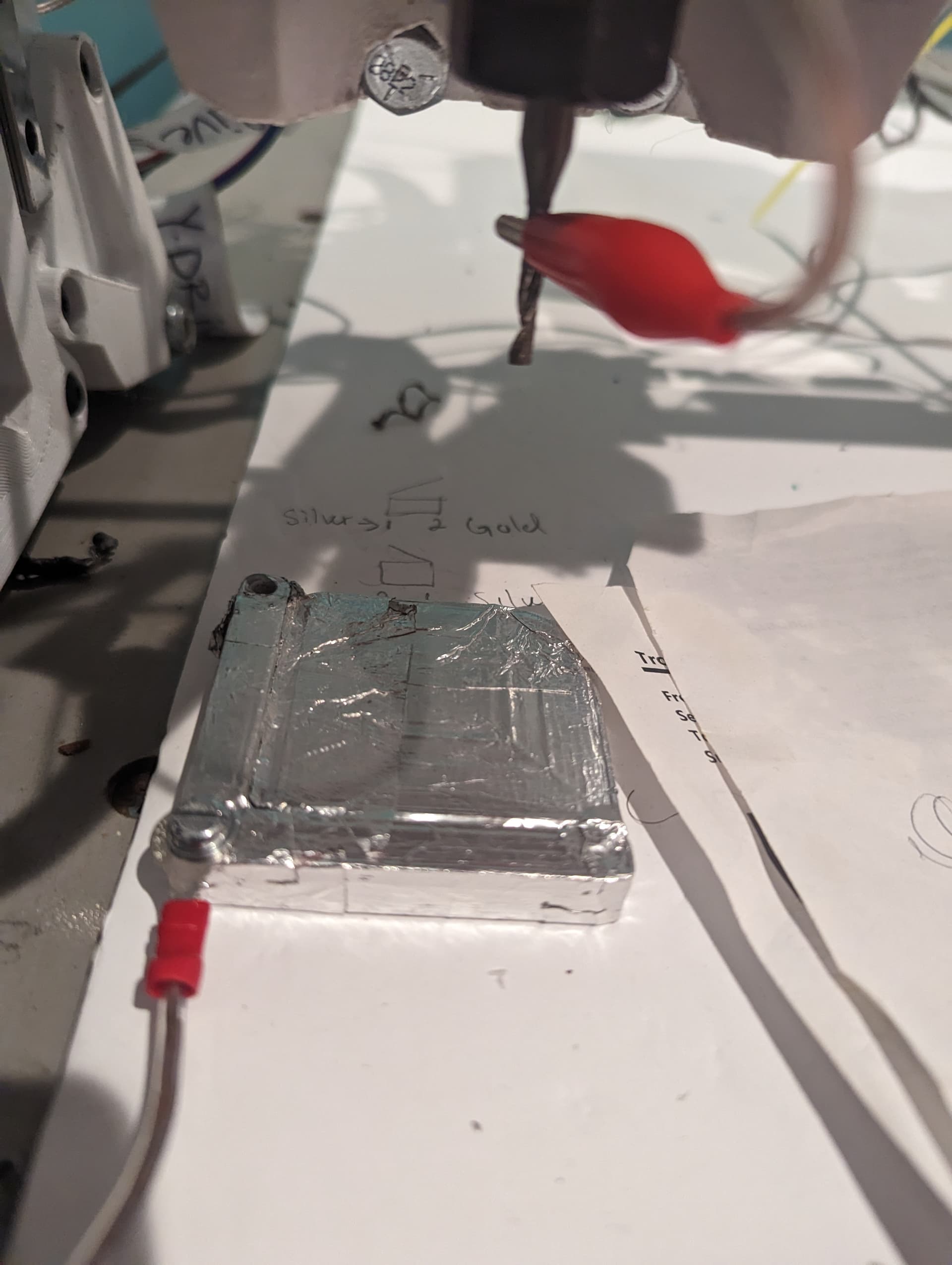

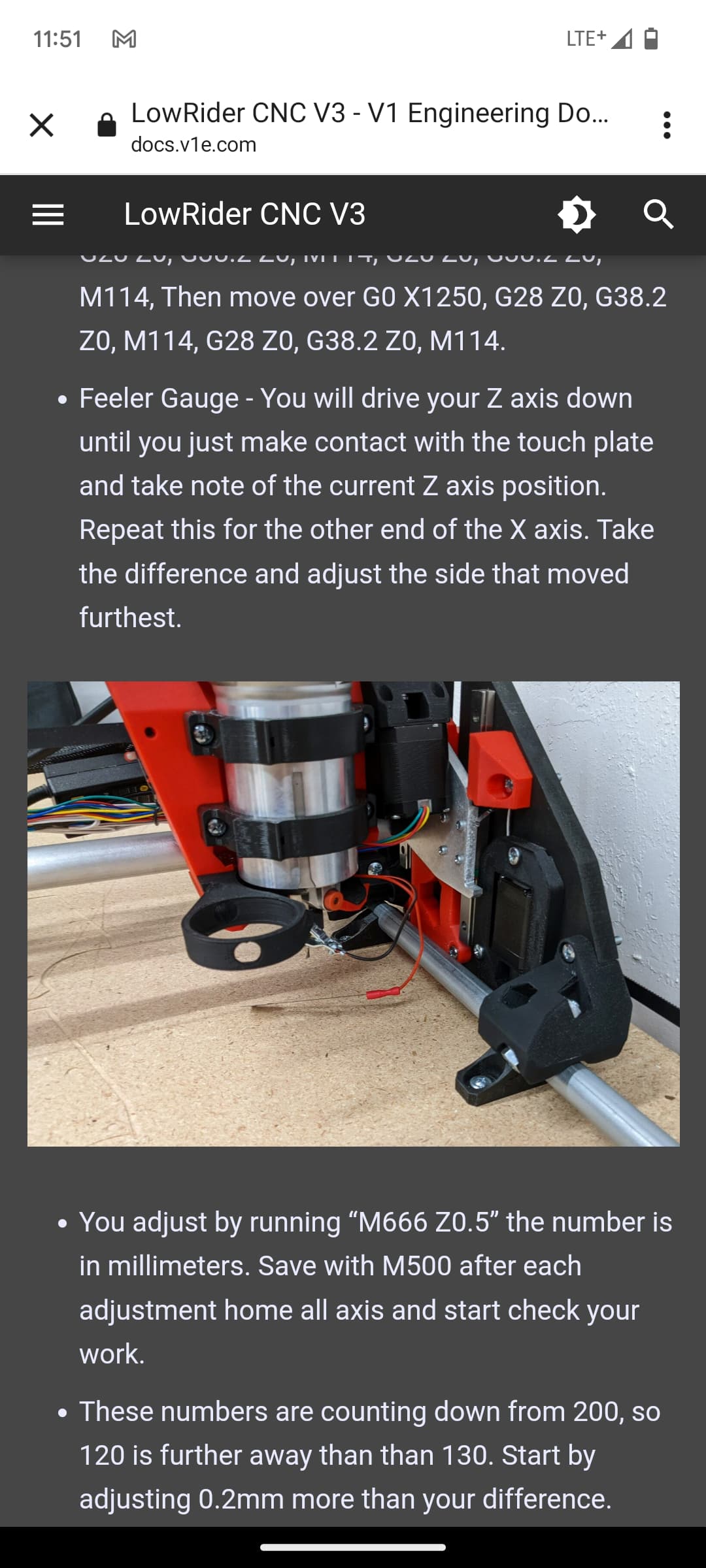
Don’t worry about leveling it right now if you are having issues. It can be a big learning curve and exact calibration is not needed yet.
Just run the test crown.
2 Likes
The answer to your question, though. You are in the wrong side of your screen. Hold the knob in for 10 seconds and move to the touch side, not the marlin side you are currently in. From there you will have a terminal to run G38.2 Z0.
2 Likes
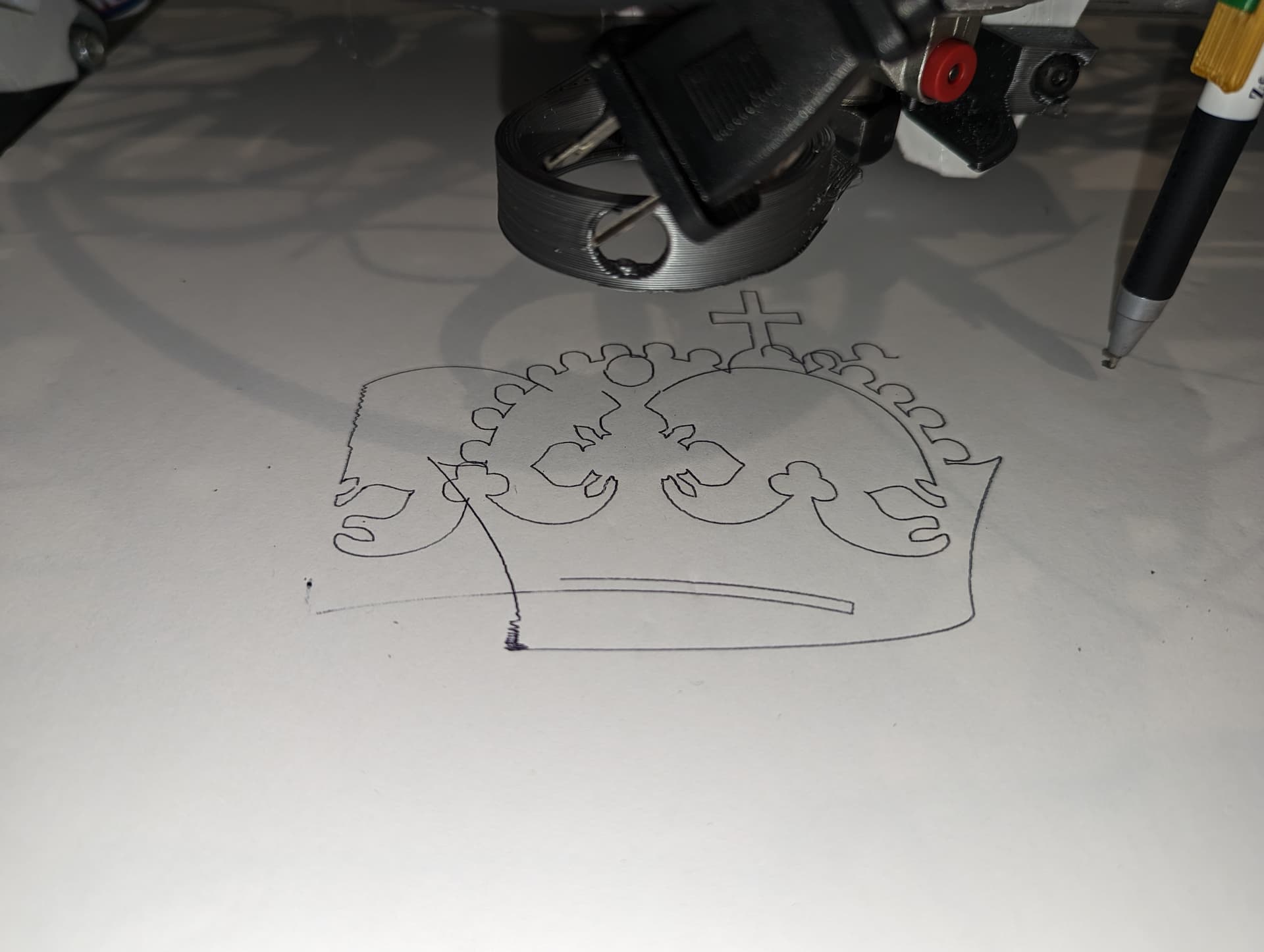
The first run I have but many more with the #LR3. I have some fixing up to do but I came a long way ! But I’m still proud to say I got this far thank yall! 


4 Likes
So close!!
2 Likes
Getting there. Some skipping in X, might be able to just bump up the current on the X motor a bit.
2 Likes
Y’all gotta try out the pen holder by @SupraGuy
Printables it’s very precise with my Makita router!!! 
2 Likes
How to bump that up ??
1 Like
It is one of the parameters that you can tune woth the LCD. I believe that Inwas running that at 1150mA on my LR2…
1 Like