Hi all,
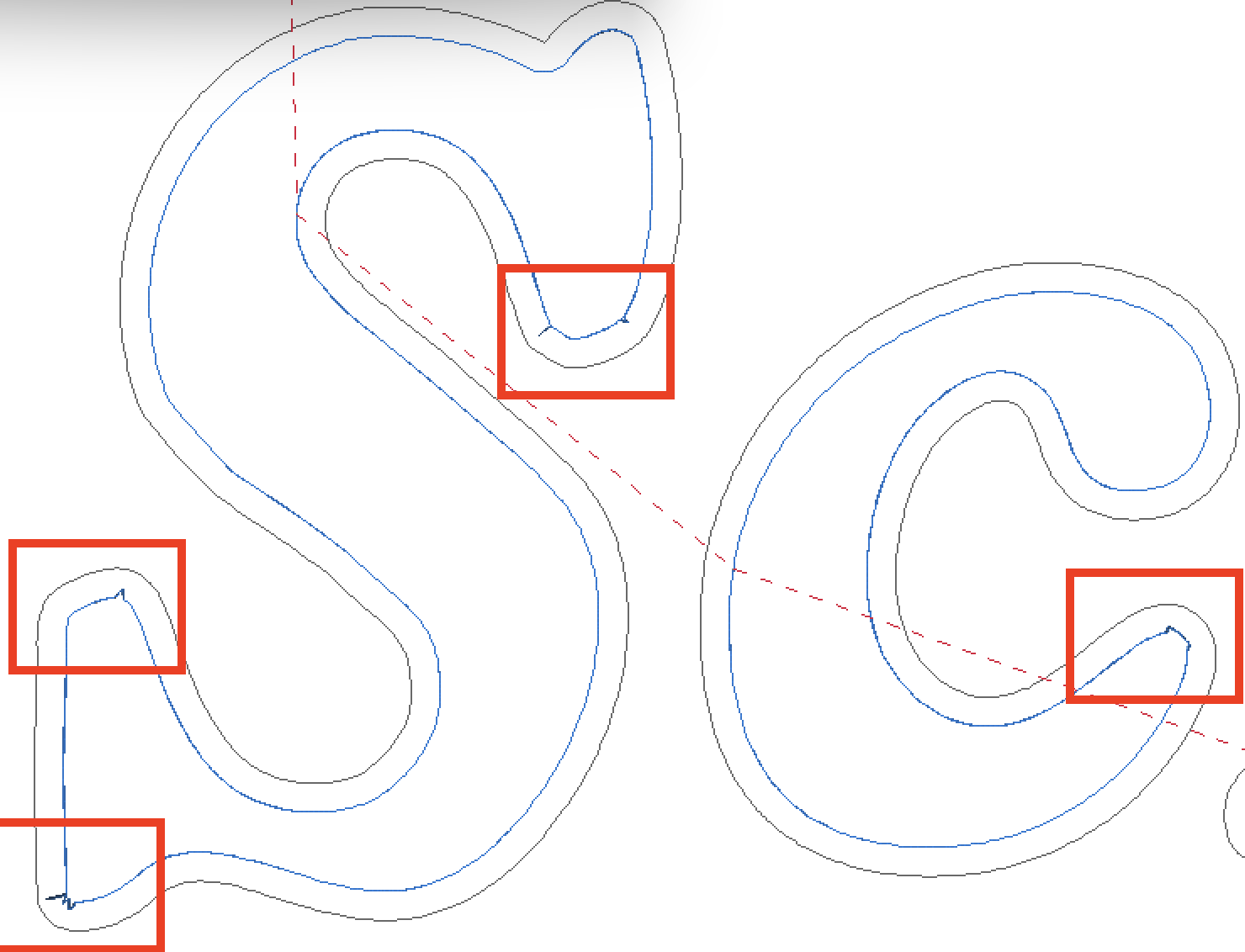
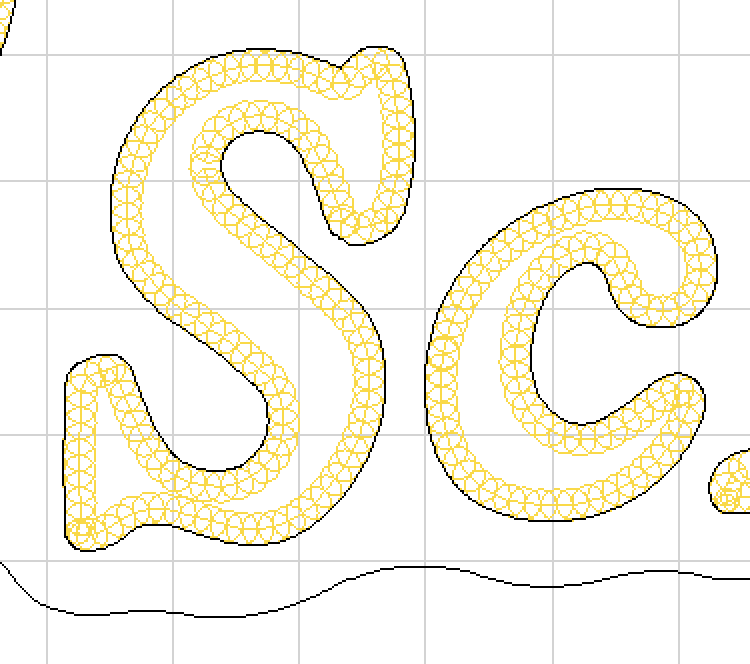
I have some strange artifacts showing up when using carve in ESTLCam 11. I’ve done plenty of carves in the past but this is the first time I’m seeing this issue. Any idea what could be causing this?
vsodforcut3.dxf (1.9 MB)
Hi all,
I have some strange artifacts showing up when using carve in ESTLCam 11. I’ve done plenty of carves in the past but this is the first time I’m seeing this issue. Any idea what could be causing this?
vsodforcut3.dxf (1.9 MB)
I had something similar when trying to cut text paths. Some drawing programs don’t create a clean path, but rather disjointed segments. EstlCAM can’t recognize the lines as a valid path. I had to recreate the text in a different program.
Another possibility is that it is just an artifact from the computer screen rendering. Does it disappear if you zoom out or in?
Ah. Yes it is still there even when zoomed in. The path was created in Illustrator. I guess I can try Inkscape but would imagine creating a text path in Illustrator would generate a smooth path. The DXF itself looks smooth, even when zoomed in.
inkscape may do the same thing. I saw a youtube on how you are supposed to clean up the paths after a trace, makes it cut soooo much better.
Hello,
those “jumps” are usually due to inconsistencies in the drawing as has already been said.
They usually have no effect on the final result as long as the tool angle is correct (because the tool also lifts upwards in the areas where it gets closer to the shape). They just cost marginally more time due to the slightly longer toolpath.
Only the artifact on the “C” will be visible - not on the side of the shape itself but on the “island” inside.
Christian
FYI ESTLCam 12 handled this same svg with no issues.