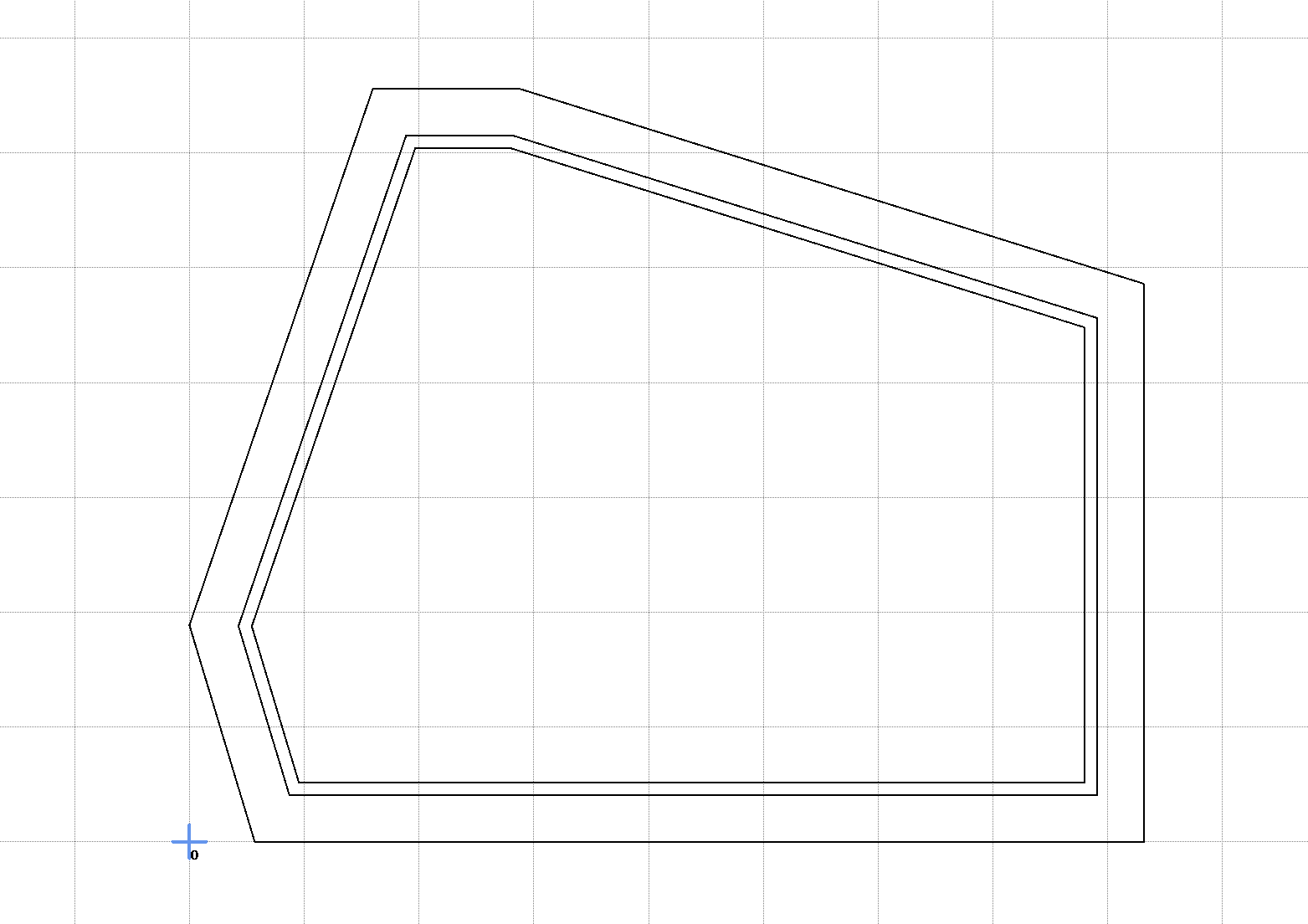
So I am fairly new to this and I am struggling with something that seems simple, this is a slice of a speaker I am building and I need to cut the outer perimeter of the part, the inner and leave a lip for a 3d printed panel ( the lip is the two inner lines that should be cut just halfway the outer cuts are 21mm and the the lip is 10,
The question is how to I tell Estlcam to cut/ or engrave just that narrow margin ?
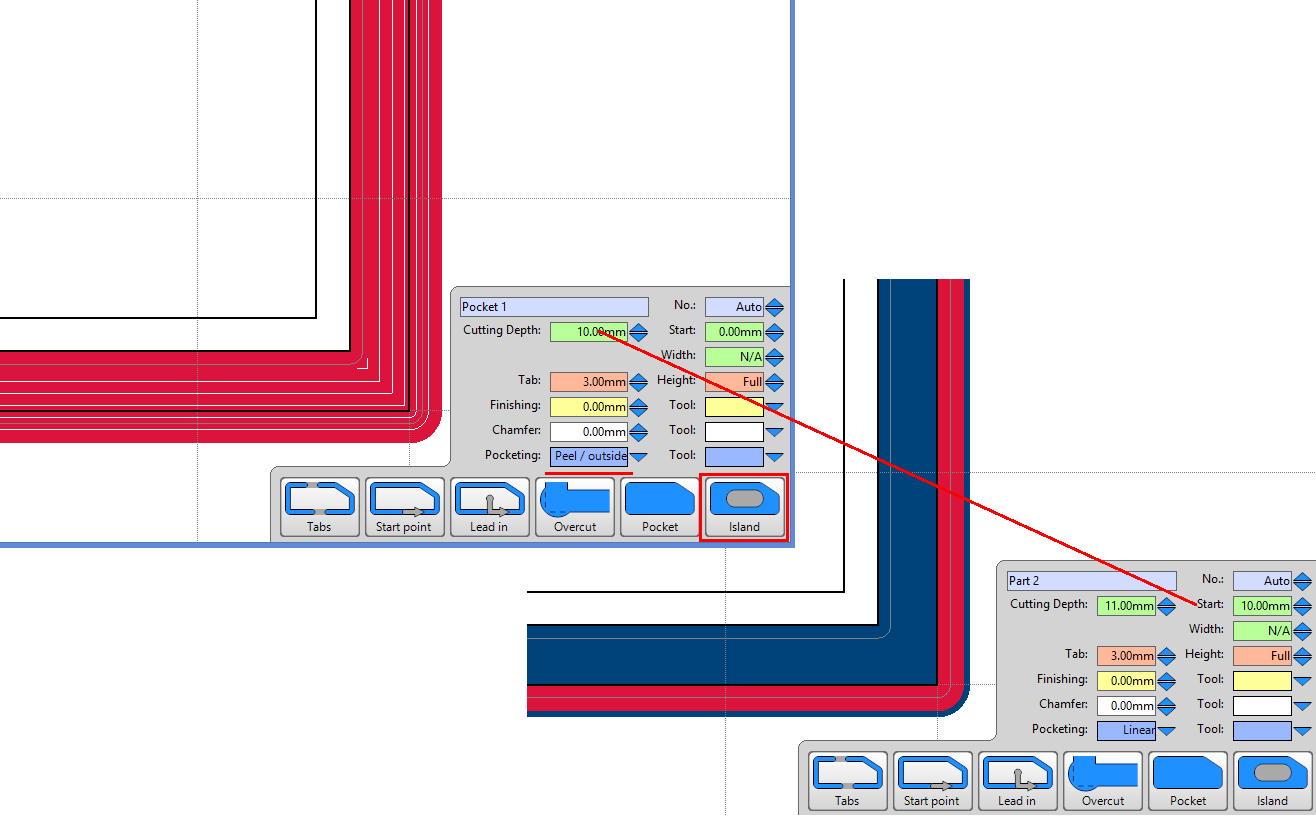
My preference would be cutting a part to part island (select outer part path and click the Island icon) with a peel from outside path (VS default linear) followed by a perimeter part path with Start depth set to island depth (11 + 10 = 21).
That is something I have never thought about trying. But makes perfect sense and takes care of a LOT of the little extras that can be left behind doing a part to hole island. I never even thought to try part to part, but I will be trying that next time it comes up for sure! Thanks!