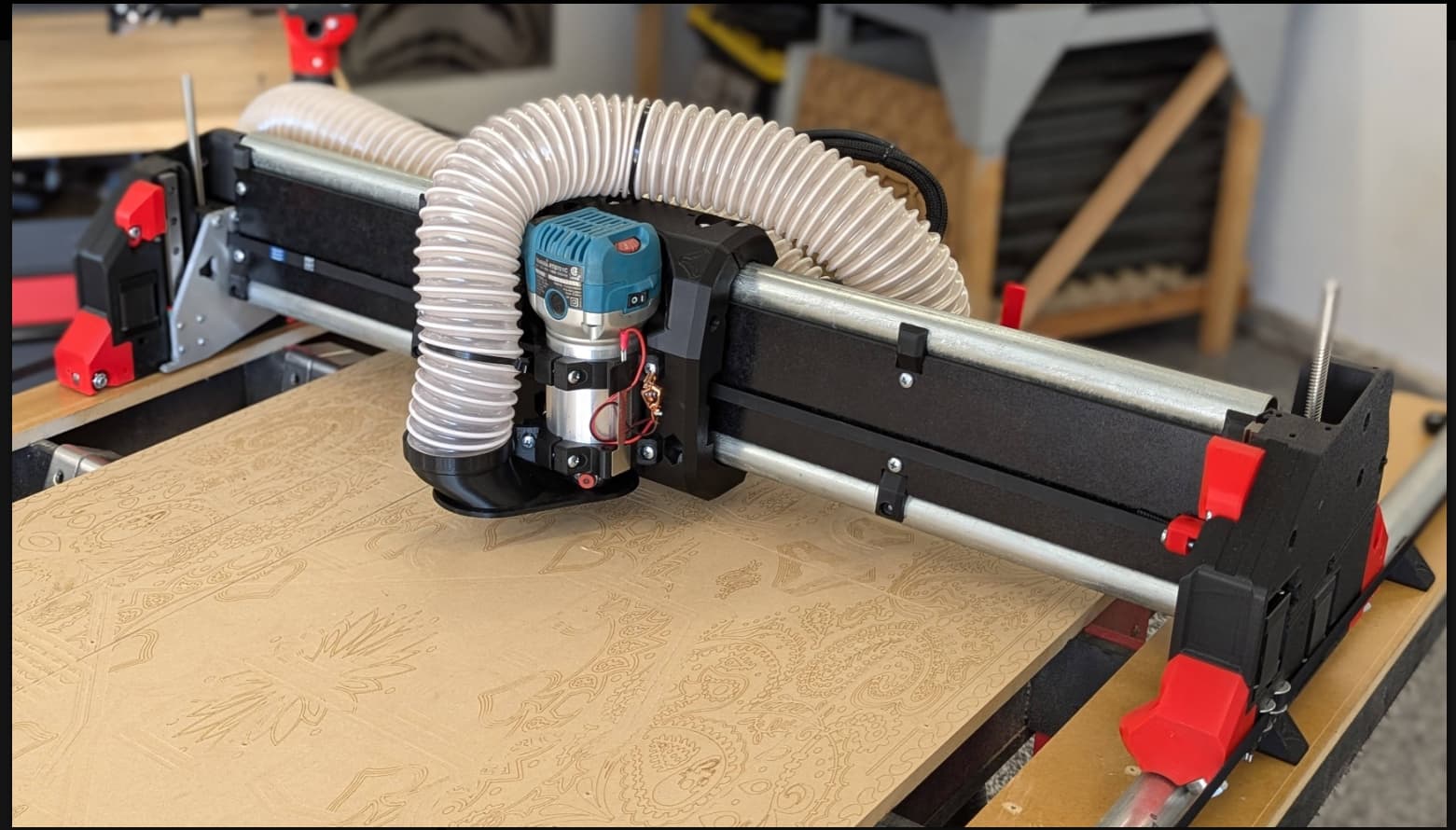
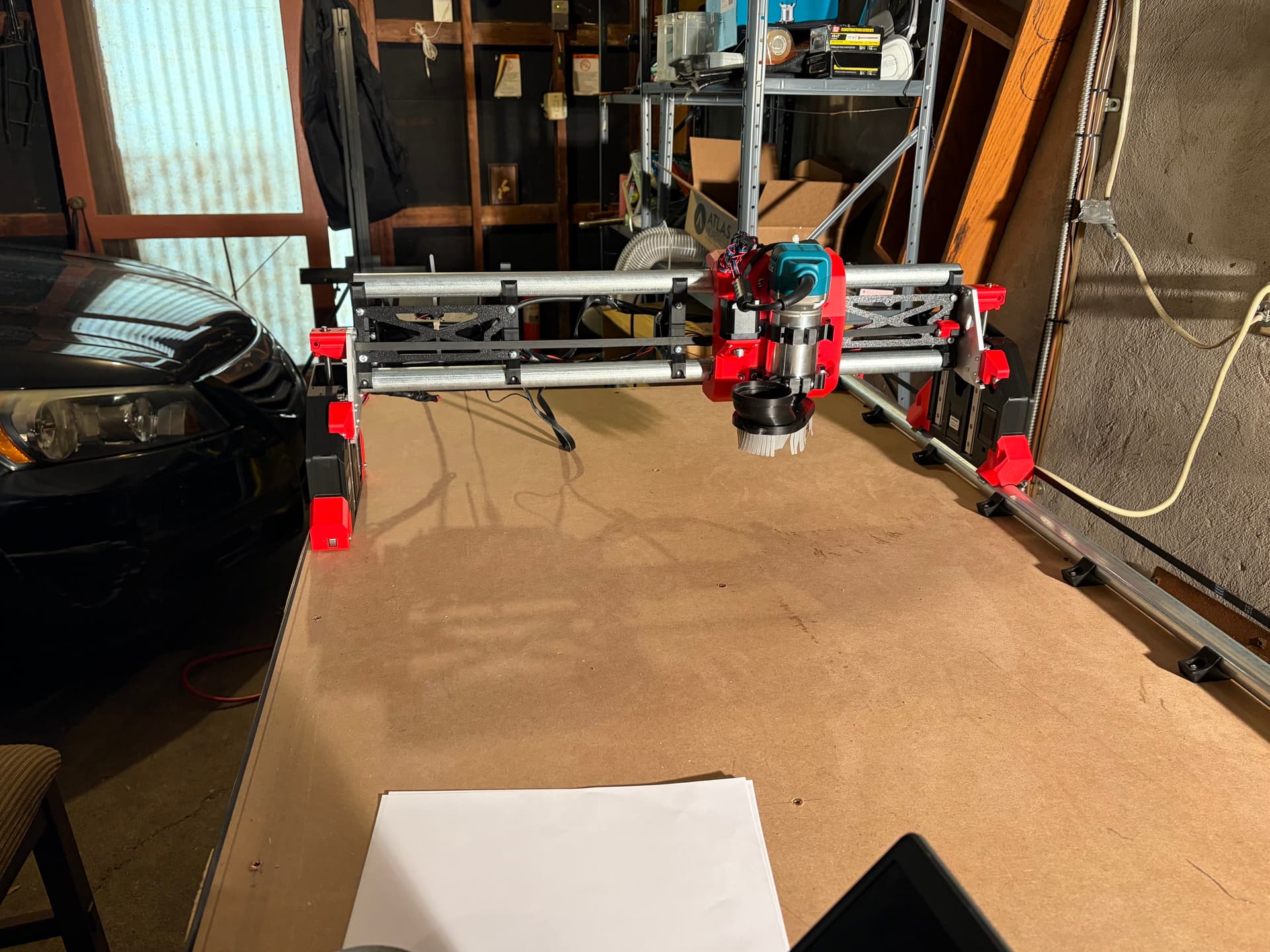
Hello, I’m attempting to build an LR4 as a complete newb. I should have been more involved here early on but a little worried my questions were going to be too stupid. Super proud to have gotten to the point I have (trying to calibrate), but I’m at an important point and don’t want to screw it up. Firstly I’ve read through the Thailand build and I struggled at a lot of the same spots, and dumber ones. Forgive me for probably using all the terms wrong
That last motor wire was difficult to get through the YZ plate on the first side, but knowing it was coming, the second side was fine, left them all to work through together.
I did not understand clearly the Z-nut/lead screw thing, it seemed weird to me that that piece would just be free moving up and down there, but I guess I assumed correctly
I wasn’t sure about my table size, did the rail clips need to be flush with the edge or not? I think I did okay, but I could have used some more beginner guidance.
My main issue is that I followed the instructions, which seemed to put the X-stop on the core on the Right side (if the tool mount is facing away from me), and the instructions had me build YZ ends that put the rail on the left side of the table. So if I understand correctly, if I don’t move anything, I’d have to X-home to the right side (non-rail). Is that okay? Or should I do something like move the X-stop to the other side?
Appreciate any input, and this whole site is so cool. The fact that I actually built it all up to a point where I can move it around with my computer is very rewarding given how little experience I have.
Thank you Mike. I will post a pic soon, but thankfully I think I’m good since my machine is built to home on the non-rail side. I’ll admit I talked to AIChat throughout this, and they just really wanted to insist that homing needed to happen on the rail side, and that I should rip the endstop off and superglue it to the other side to make it happen if needed.
So from this perspective, home should be in the front, left, top of the z-range? And then X+ jog should move right, Y+ jog should move away, and Z+ jog should move down? So home is (0,0,0)
AI doesn’t know anything, ever. It makes bad guesses based on generalities, and most LLMs are only as good as the training they received (which is crap!).
You’re way better off asking people who know, here in the forums, than following along a machine that is literally dumber than the dumbest person you know.
Yeah, I’m ashamed, but I had not realized how useful this forum would be, and it was a bit of an experiment. Kind of just scary to be SUCH a beginner and not wanting to waste the time of experts on nonsense. It was an LLM though that brought me to V1 Engineering
So one more question, you can maybe see i sized this for a 24x36 in cutting area. I tried to test the motion with a 2.5 vac hose attached to the gantry and just couldn’t make any progress. Is that too short a gantry to make that style work? Do I need to come in from the ceiling or just work harder on attaching to the gantry?
I have my dust hose coming from the ceiling with a boom arm. My cutting area is 1225 X 2570. I’m sure with the cutting area you have you could just attach one to the ceiling centered above your cutting area.
Hi Everyone, I’m working on squaring and running into a couple general issues. First just working on the gantry being level, if I move a pen across the x range, it’s a couple millimeters off, will be high on the rail side and low on the other side. I might have some issues with one of my screws. It’s a little looser than the other side, makes some noise going up and down, and if i turn it while not powered, it will float back down where the other side won’t. Do I need to take things apart and look at that screw?
Secondly, my Y-stop on the non-rail side is worrying me, the endplate can miss it at times, are there ways to make this more reliable? Is it a chicken/egg scenario where it’s not squared up and that’s why it’s slightly missing? Thanks
I had the same problem, I ended up having to adjust the Z-axis switch by loosening the screw and moving it up so the gantry was level. I had to move the rail side one up in my case. pick one side and adjust it.
Worked my way through creating the crown file, all ready to go. It seems I can’t load it though without putting on an SD card first, opening the box and inserting it into the board? I ordered an adaptor for an SD card, but is there any other way? Is this where I could connect a USB to keep from having to go in and out of the box so often?
You should be able to insert the SD card without opening the box at all. If your card slot doesn’t line up with the SD card then you most likely have the wrong box printed. Can you post a pic?