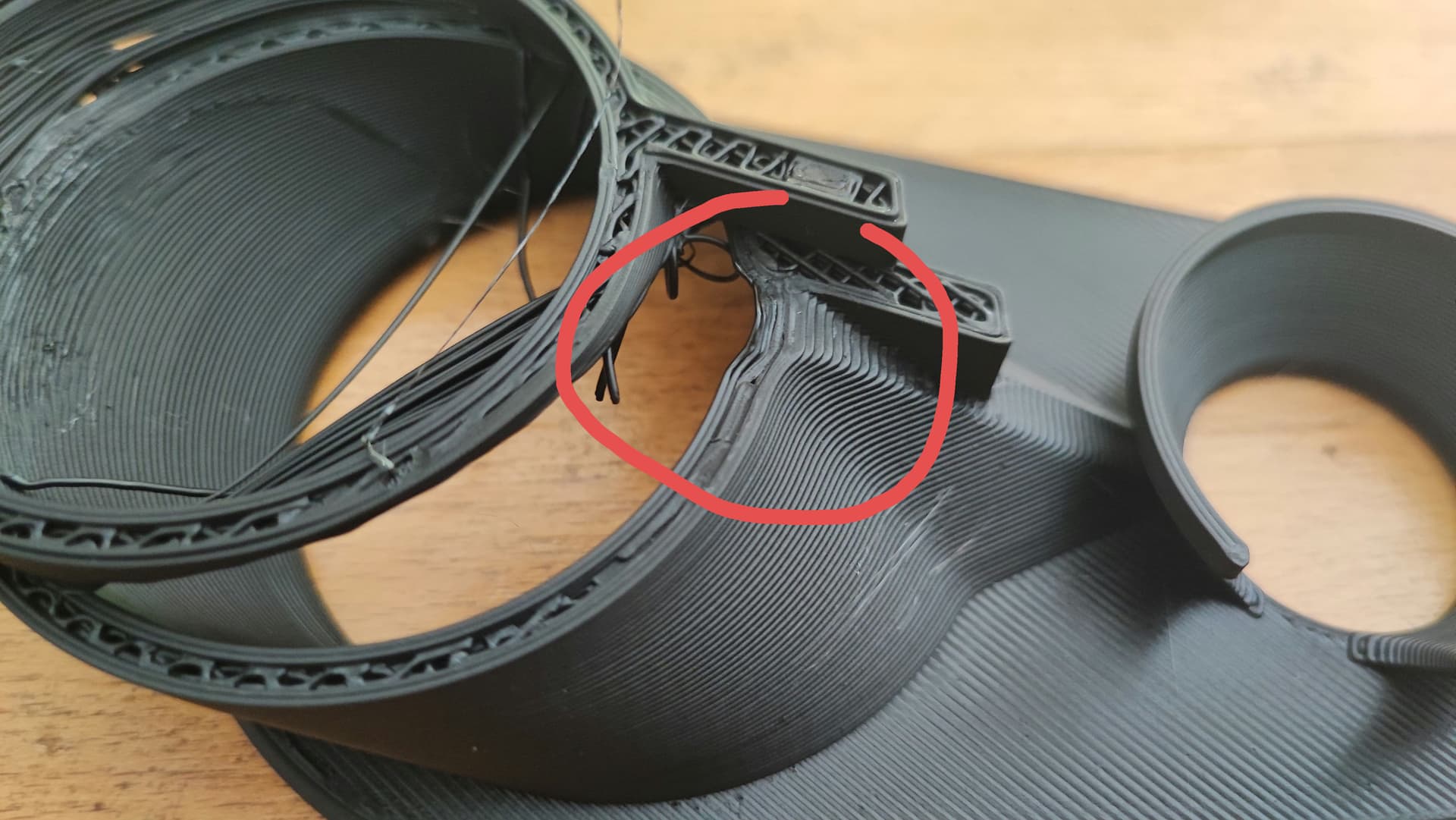
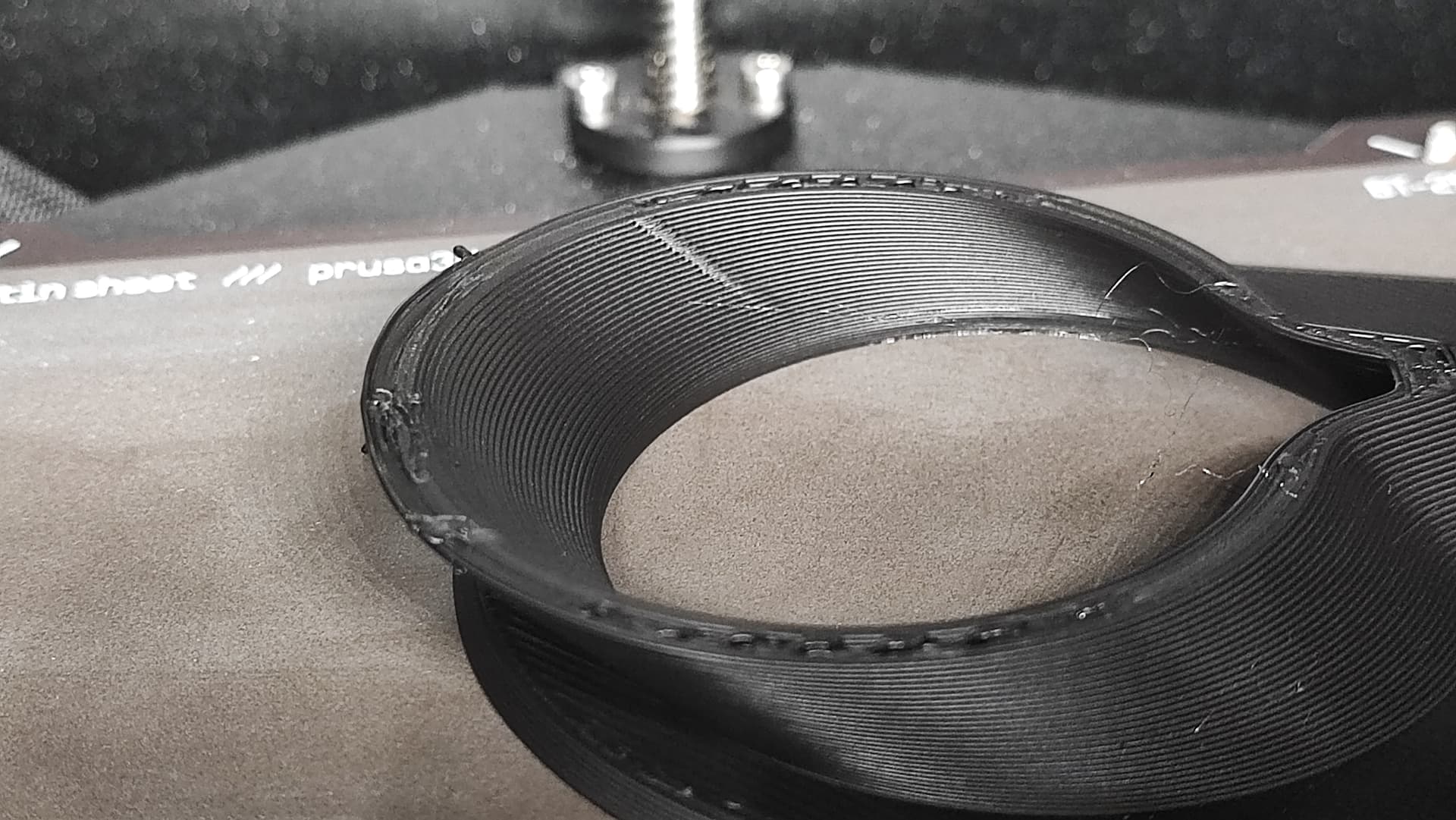
Yes, I have printed several cores before. The only change is using the new slicer and firmware.
I didn’t catch the error yesterday but arrived after it hat printed the next layer, there was no loud bang or anything, I was in the next room… Let’s see whether that one now works.
OK this may or may not be relevant - one of my first prints was a cylinder with a bit of an ugly wall thickness because I couldn’t be bothered adding extra layers - this meant it had probably 0.8mm of infill between two circular walls - on the upper layers (about 70mm) the nozzle was dragging bits of the infill as it lay down the perimeter, sort of like a bulldozer - it was pretty ugly and as the glob built up on the nozzle it eventually dropped off. Your break looks too clean for that to have happened though.
Maybe not - there’s a distinct waviness in the top perimeter in blue…
I’ve seen that described somewhere recently - I thought I’d track it down later, but maybe it’s a product of Beta Slicer and Beta firmware? Might be worth checking github.
I will have an eye on it. If this one fails it’s 40€ down the drain already.
Since I exchanged my USB stick recently I still had the “old” sliced version on a stick. The print is rotated by 45°, compared to the one that failed, the one I now have printing is rotated by 25°. Maybe that’s all it takes. Would be nice.
Nevertheless I can spend another 10€ by trying to print the core from my old file tonight, and if this also fails it’s definitely something with the Printer. If it doesn’t fail it’s the slicer or firmware.
Just in case - uncheck “avoid crossing perimeters” - on curved walls there is/was a bug in PrusaSlicer on Core One - maybe you should log it on Github too?
It’s definitely a slicer problem… This one’s never failed before… You can see the “nose” in the middle where it bridged… Even though it doesn’t look that nice, I will have to use my old slices projects until that’s fixed… Grrr…
Is the shift visible in the preview? That’s a serious bug.
I went down a rabbit hole troubleshooting the Taz 5 when I ran into this, eventually pulled the tool head off for a spare, and then switched to Orca Slicer.
I was sure at first that the problem was the tool head, then the swap to Orca was an attempt to be using the same slicer on all my machines.
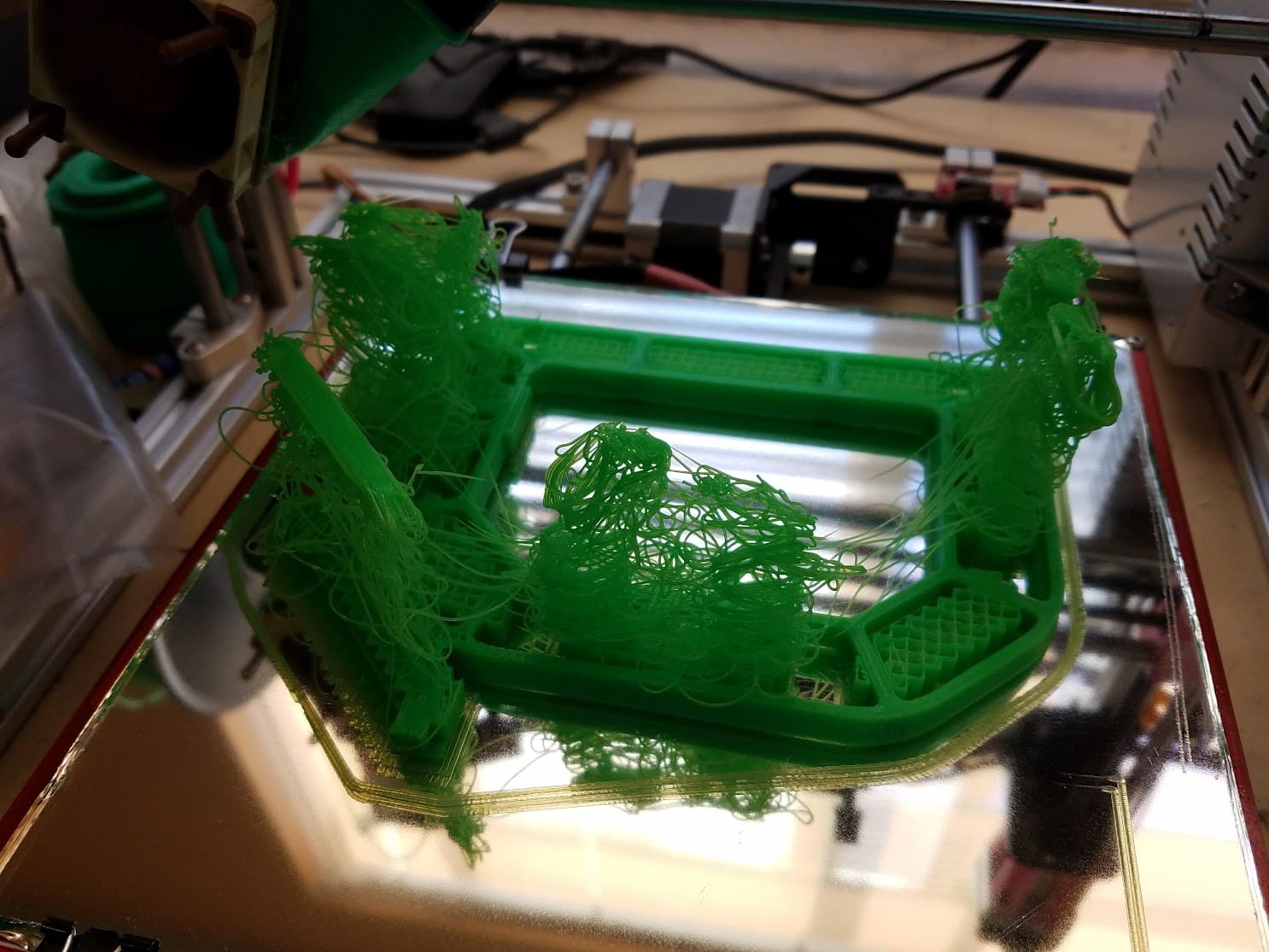
I had a slicer error I missed back with slic3r before prusa forked off. I was making an eggbot and the print was going to be close to 5 hours which I didn’t trust my printer at the time to actually pull off. I kept experiment with settings trying to get it a bit quicker.
Then one time it gave me an estimated print time of just 45 minutes. Without stopping to think “this is too good to be true” I fired up the printer…looked great. I left it. Came back awhile later to find the bottom 1/2” of the print looking normal with a pile of spaghetti on top.
Dang…thought I also had a photo of the preview when I went back and reviewed it to try and figure out what went wrong.
What had happened was the slicer skipped about 2” of the print and just left it empty - with layers on nothing starting again where it left off.
Resliced with the same settings but was never able to replicate it. Definitely the craziest slicer error I ever experienced.
Hope you get your issue figured out…sorry I can’t offer much more than a laugh at my own mistake thinking I had somehow found a magic configuration that shaved hours off my print time
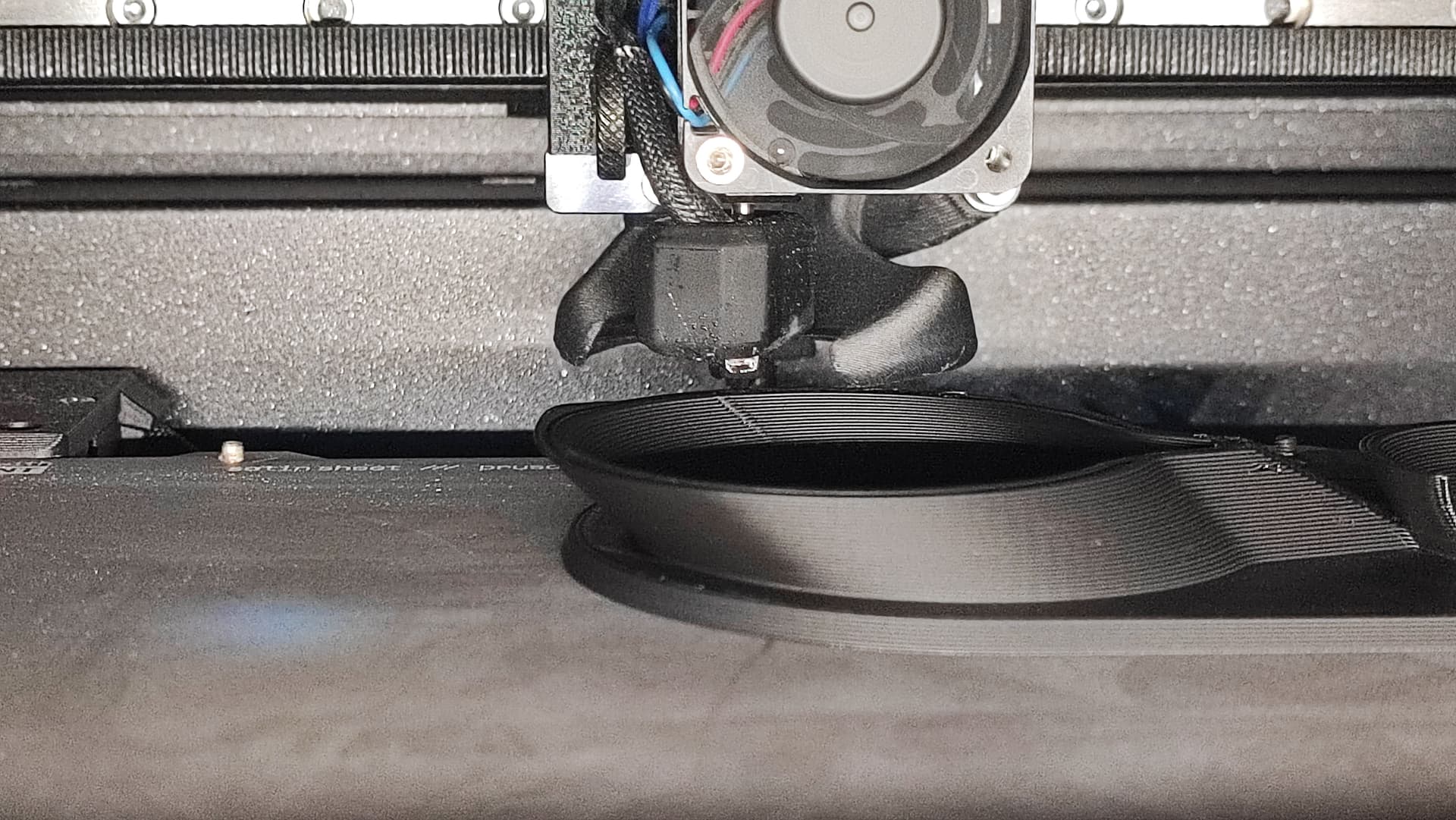
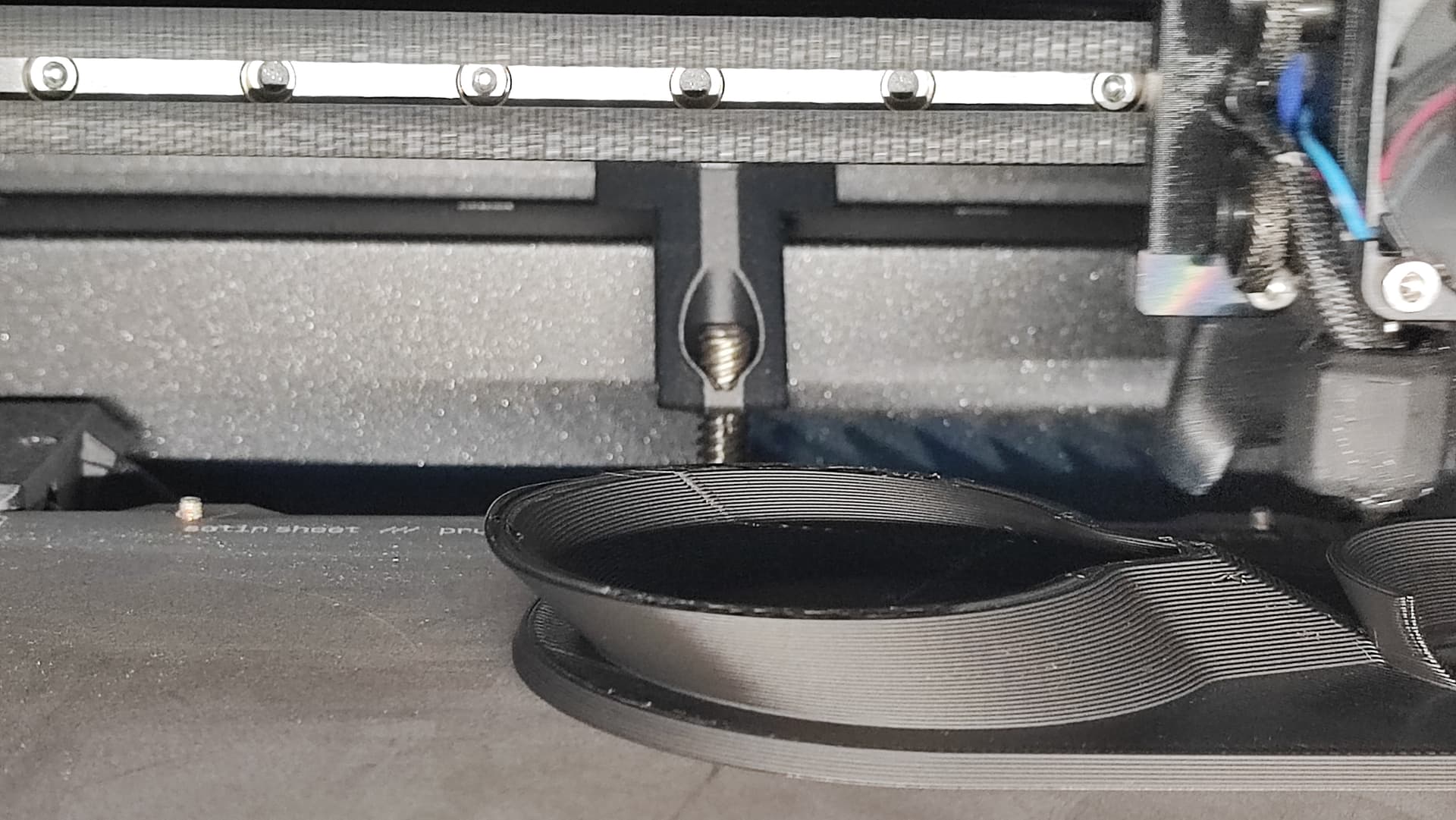
I think it might be the combination of printing with a HF0.6 nozzle at hight speeds which leads to more “curling”, combined with the new printing strategy to print the outer wall last. Maybe I really was just lucky with core no. 4 yesterday.
If the problem persists I am going to go back to the old files for those two prints. All the other prints printed fine (so far…).
You can see the lip curling up massively because it’s printed last. So maybe that was the problem on the core after all, though normally the printer just ploughed through those… It’s like they’ve only got half the current… Weird.
For all of those who still read along: I now dug out my old sliced projects and will be printing the dust shoe with those again. It’s cheaper than trying with the core.