SKR Pro 1.2 not connecting after flash

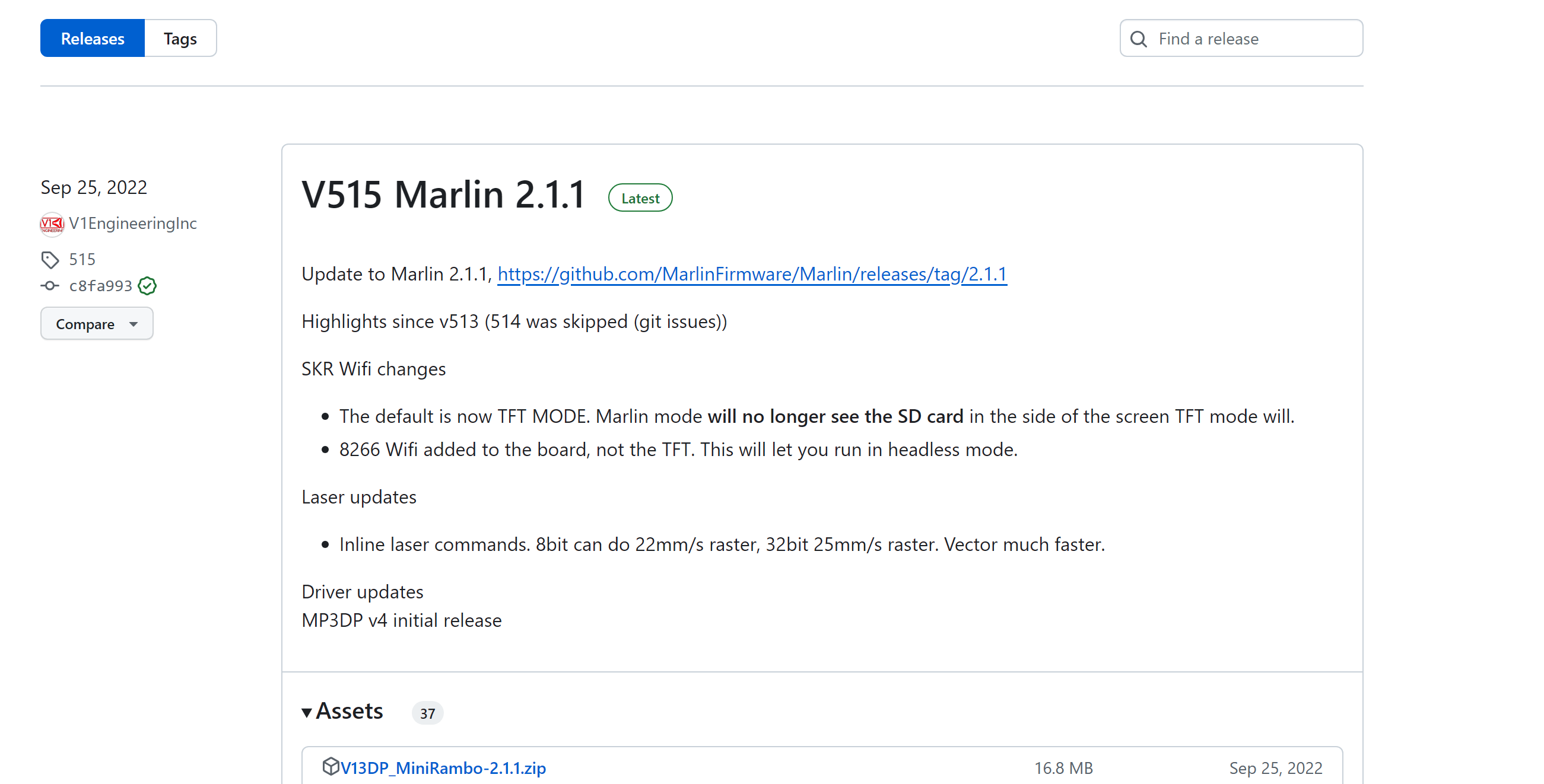
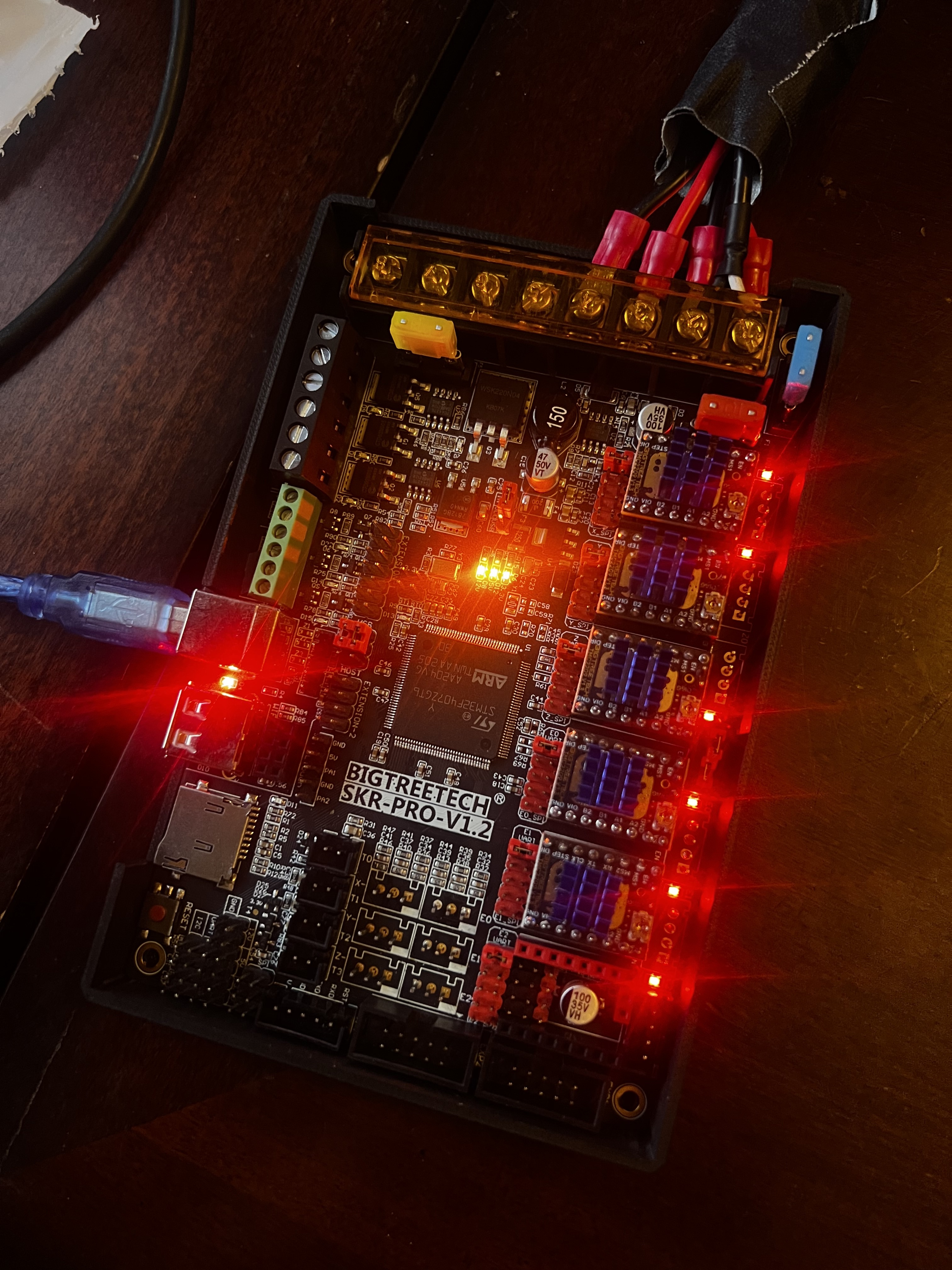
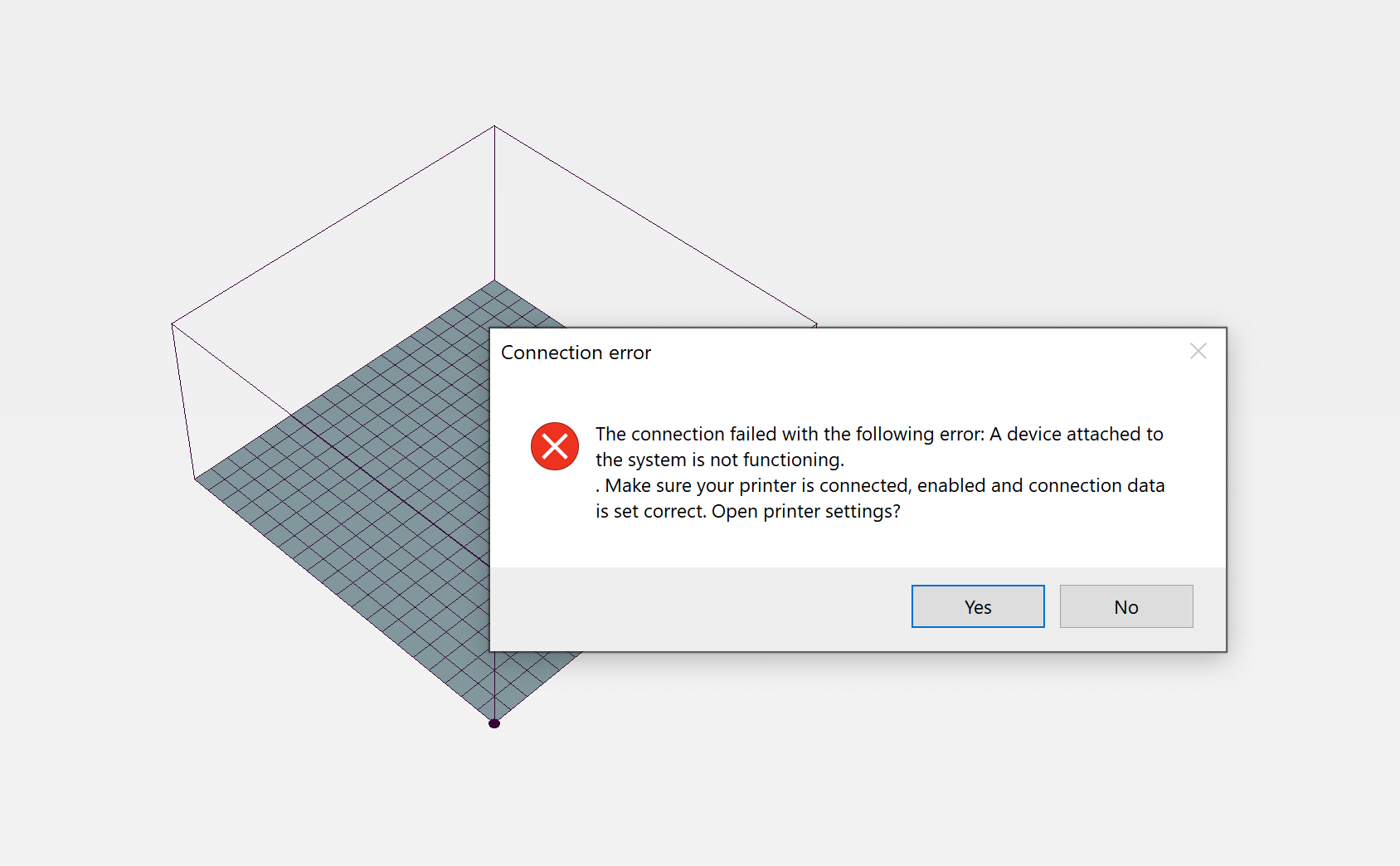
I have an SKR Pro 1.2 and a TFT display. The display was connecting fine, and the board was connecting to Repetier-Host. After flashing the SKR with the most recent V1CNC_SkrPro_Dual_2209, the skr no longer connects to Repetier-Host, and the TFT shows “No printer attached.” I’ve checked the baud rate on Repetier-Host and the TFT, which are both 250,000. The code in the bin file also looks like it’s 250,000. Attempting to connect to Repetier-Host I get an error message that is different from the error message I get when attempting to connect when the SKR is unplugged. See attached.

Any ideas?

Download a fresh bin file, flash it again.

Tried half a dozen times. Started from scratch, including downloading a new file, copying the new File onto the microSD card, and flashing.

Does the file change to a .cur?

Have you flashed the TFT as well?

Yes, the file does change
Yes, I have also flashed the TFT, but only after I started having the issue. Flashing the tft had no effect.

Disconnect USB from your windows machine.
Open device manager and take note of what COM ports are present.
Plug in the USB.
Does the SKR show up as a USB COM port? If so, which one?
Provide a screenshot of that port as it is enumerated in device manager.

2 Likes


Before I started having this issue, I originally had to change com1 to com3 in order to establish a connection, and then everything worked. Whenever I try to connect with Repetier-Host while it is unplugged from the USB I get a com port does not exist error.
I am far more concerned why the TFT is not communicating with the board directly.

Are you absolutely sure you are flashing the SKR, release, not the nightly version?

The device enumerates, which is good news.
It still shows up as COM 3, as before, also good news.

Now try all the different available rates in Repetier host. It acts as if your baud rate has changed (or some other com setting in Repetier host).

The filename would tell this, right?

No they are the same bin name.

I don’t know what the nightly version is, but this is the file I’m flashing.

Also, I’ve noticed the entire computer runs lower and lags a bit when I have the skr plugged into it.

Well last ditch is unplug everything, and try USB only. If it works unplug and try adding one wire back at a time.

1 Like


I unplugged everything. I restarted everything. Hook the USB back up. Still no joy.

Pull the power supply as well.

Only thing left is try another MicroSD just in case. If not, I do not think I have ever seen a board flash but not work.

I think you will need to move that jumper to USB for it to flash, then move it back after.

Heck that blue USB is pretty suspect as well. After you flash again try power and the black TFT cable only see if it works in touch mode.