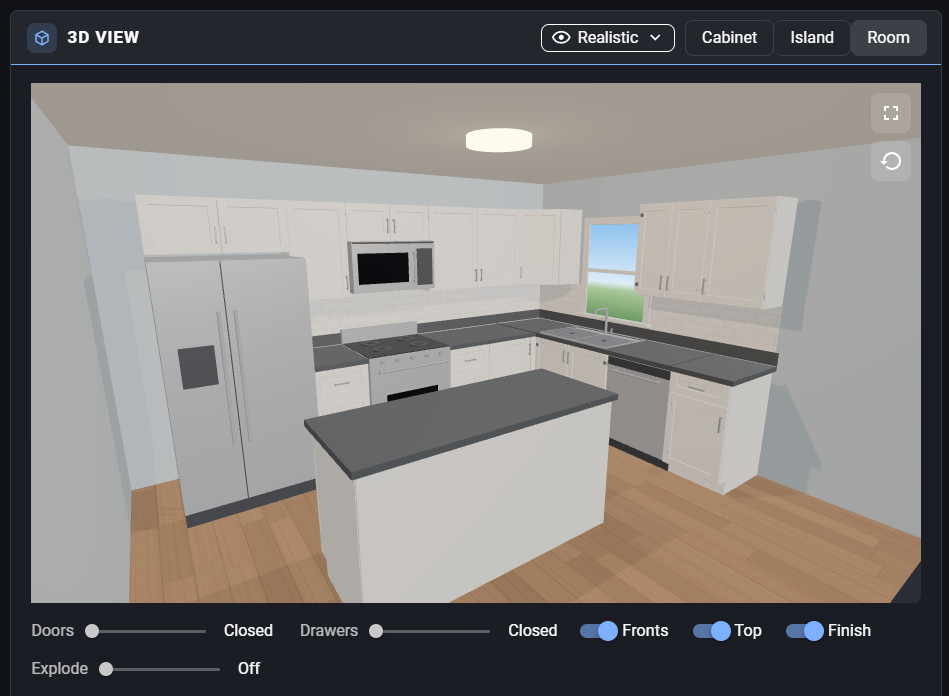
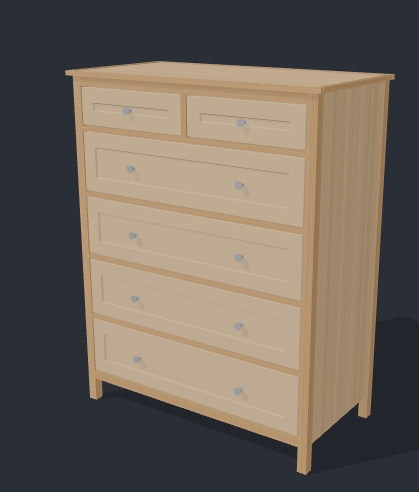
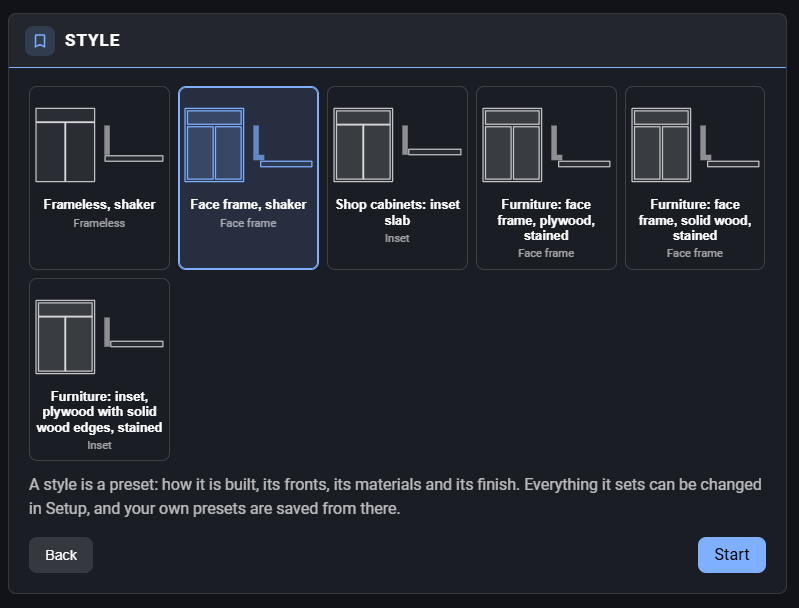
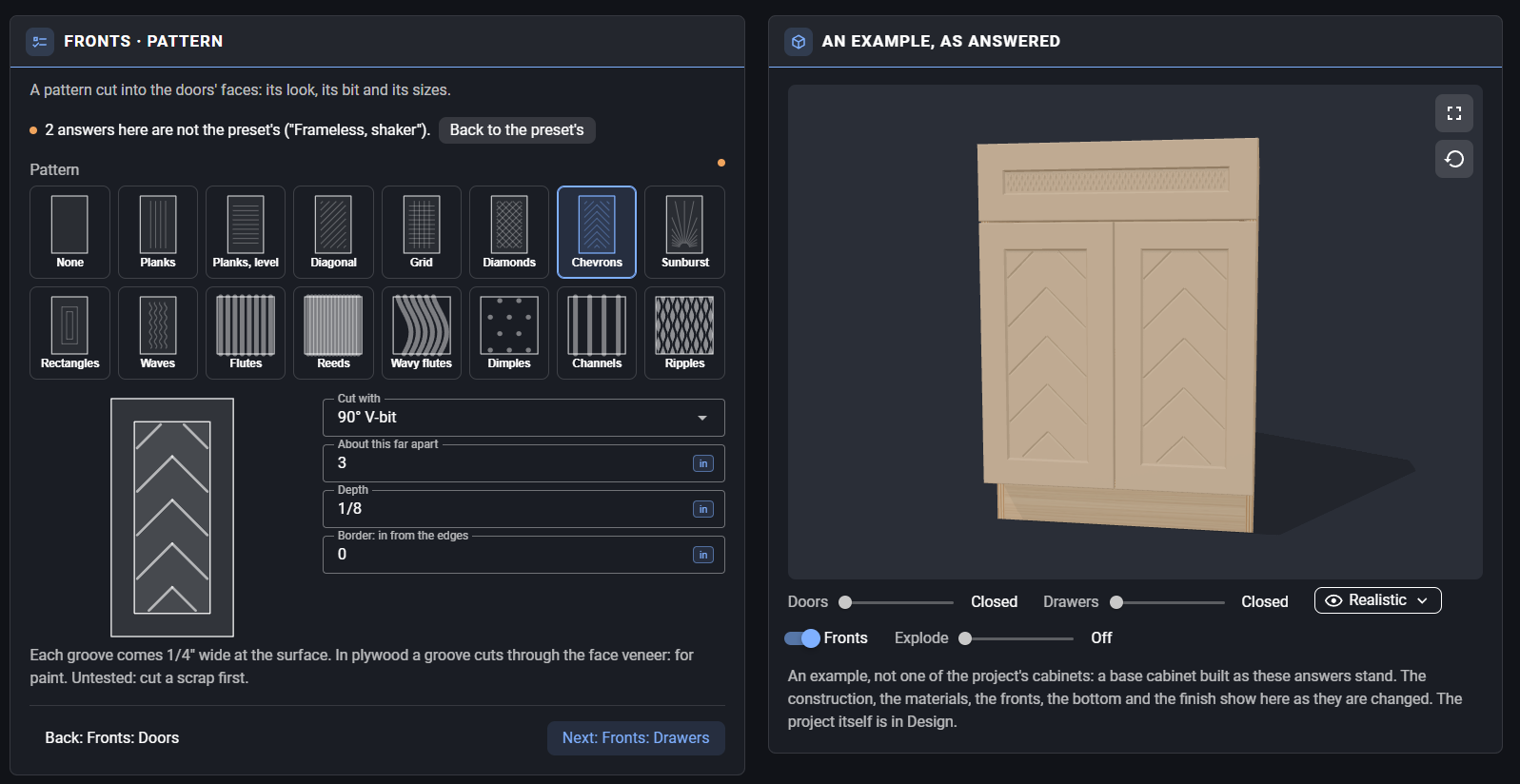
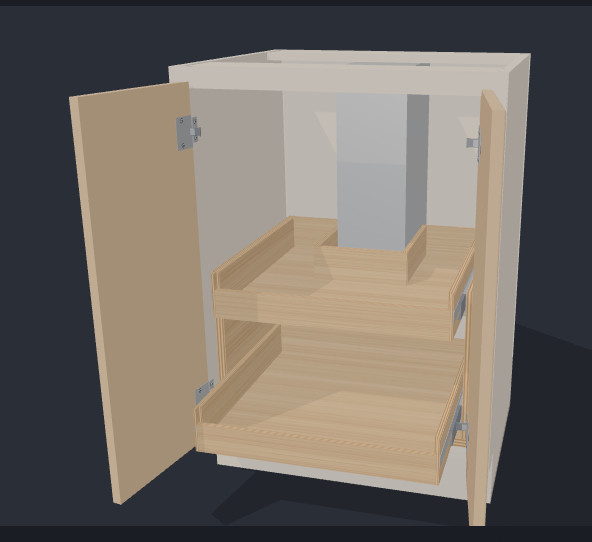
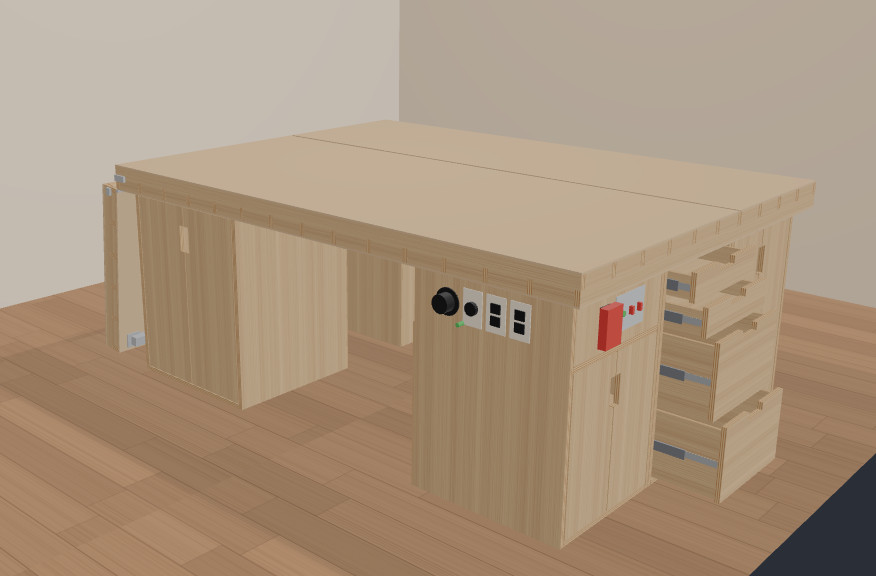
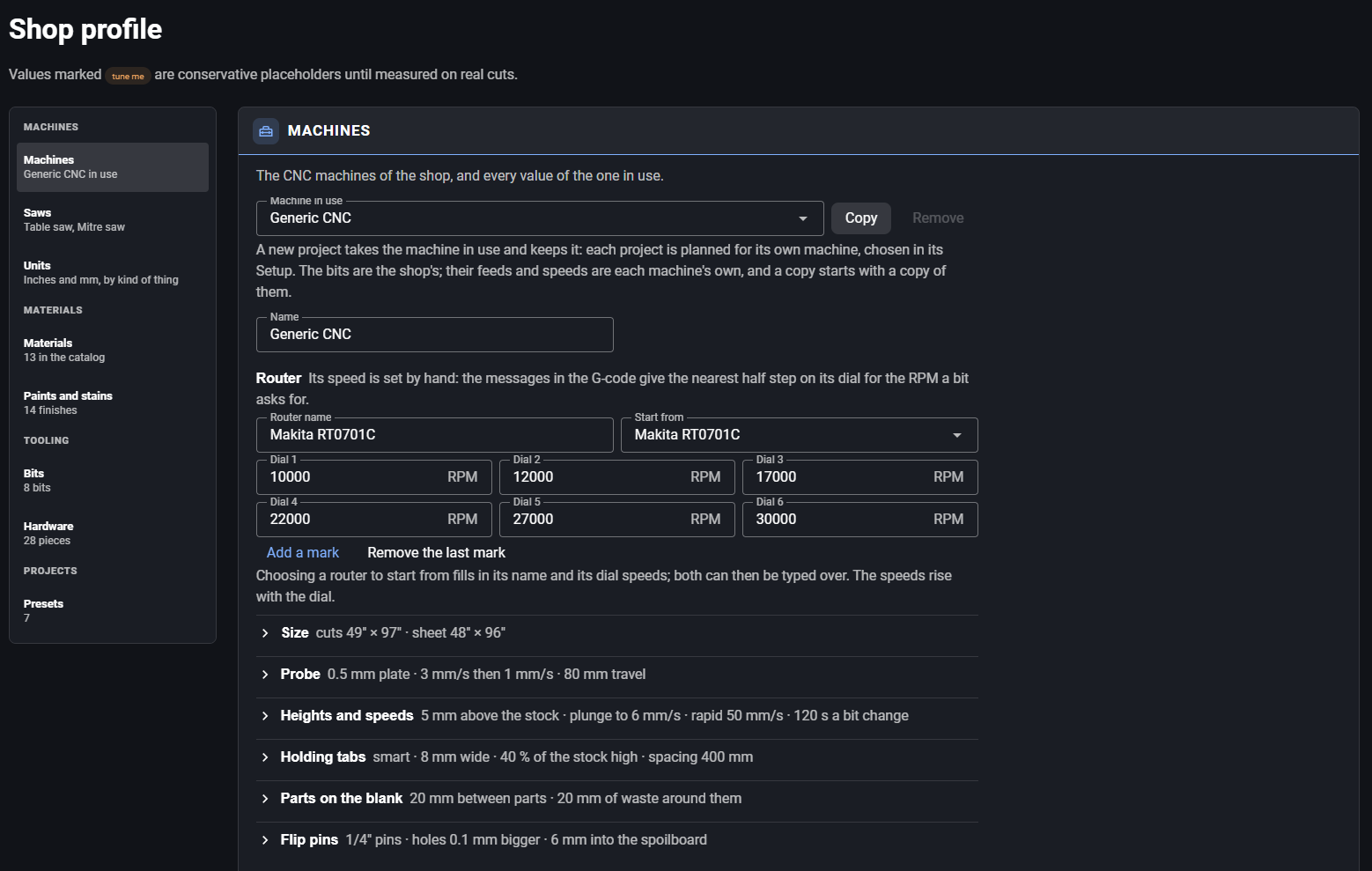
I don’t even know how to describe this thing. This crazy thing is very much a work in progress.
Don’t use this to make anything without assuming it’s going to go poorly. My intentions are to use to it outfit an existing vanity with drawers, then make a vanity, make some shop cabinets, make a LowRider table?
Note that if you make something with this, I’m not maintaining any backwards compatibility at the moment (intentionally to avoid technical debt). So, when I make a version bump, all your stuff won’t open anymore. That will change once things settle.
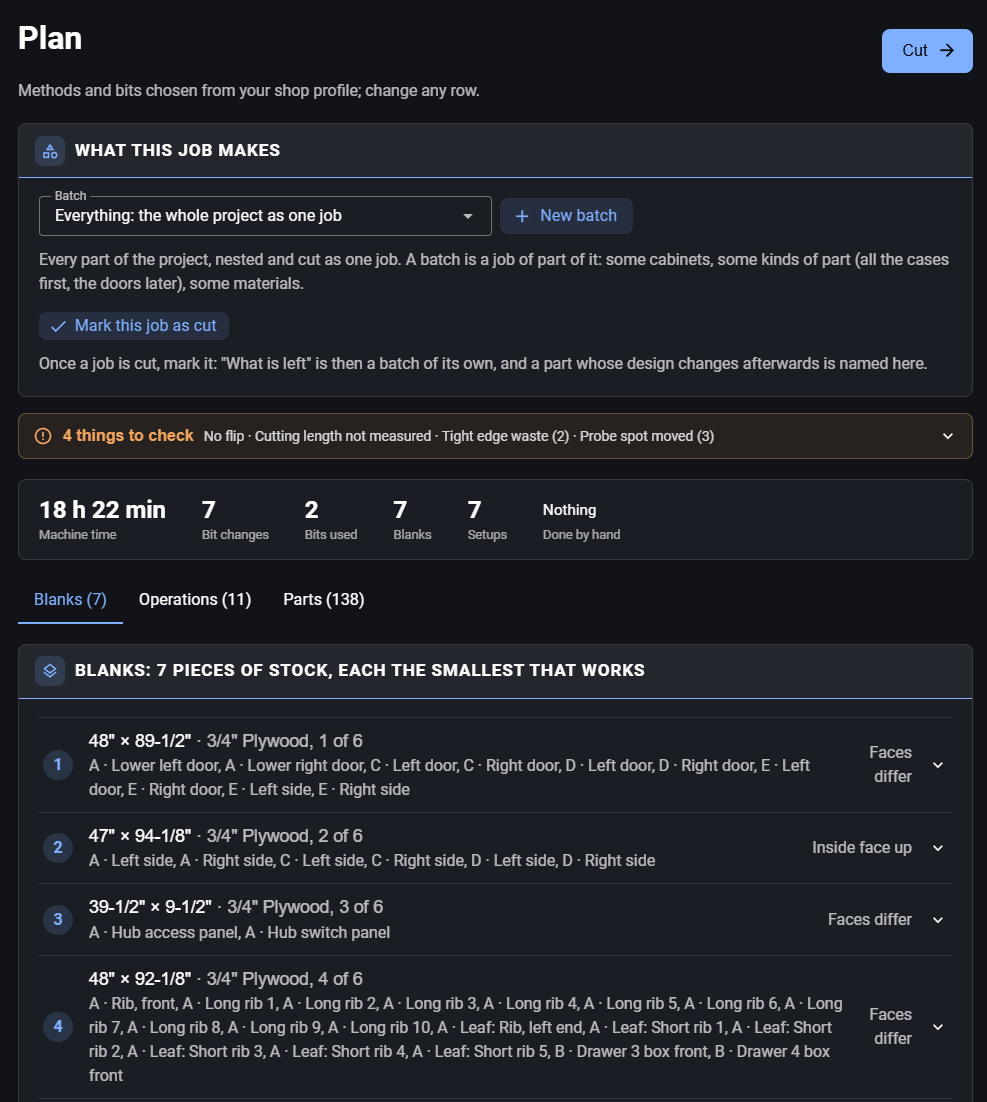
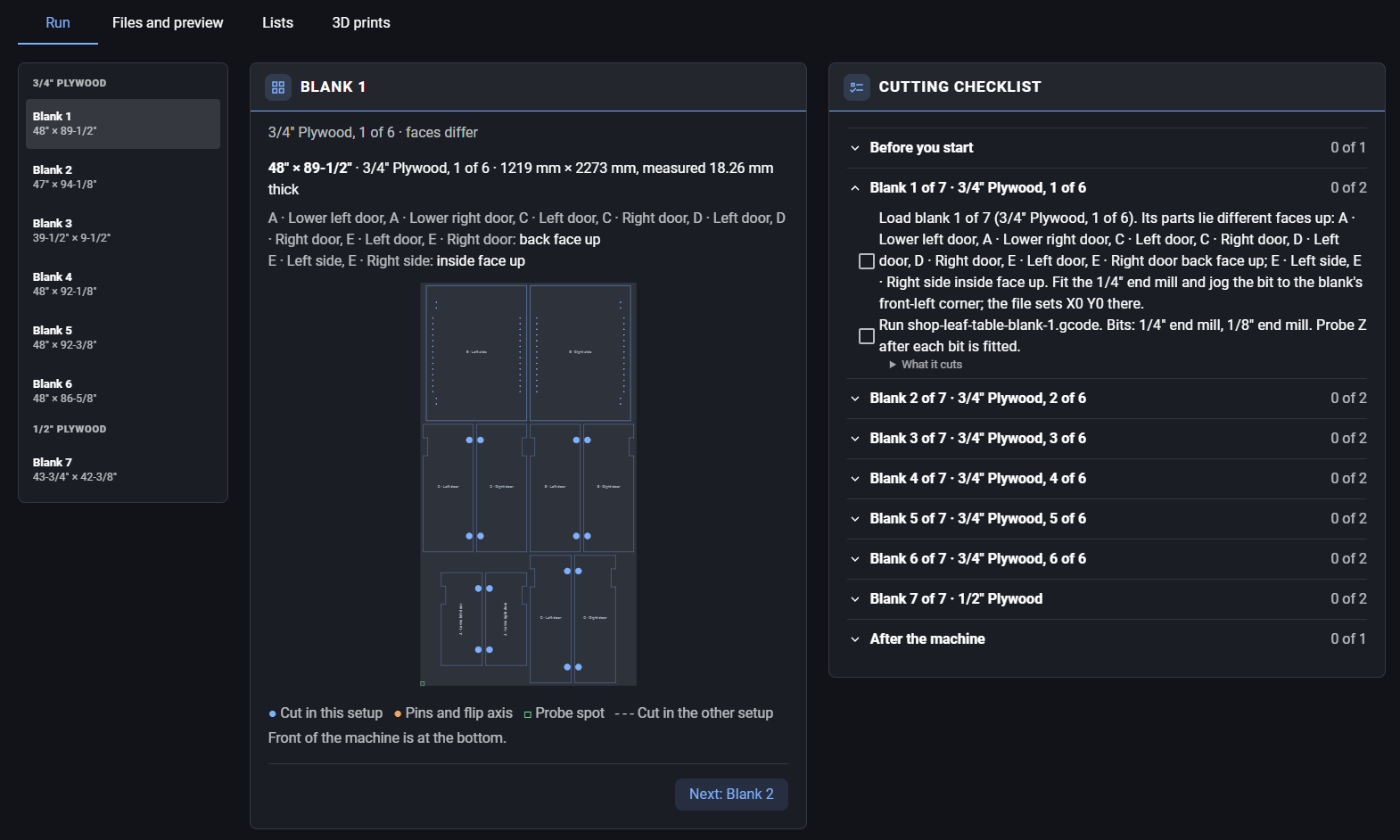
Had a look through plan/blanks.ts and setups.ts, since sheet layout is the part of my own tool I have sunk the most hours into, so take this as one nesting nerd to another.
Right now a blank is filled in part order, rows wrapped to the width, and each row is as tall as its tallest part. That is fine for a door’s worth of parts, but a cabinet mixes 30" sides with 4" stretchers, and a 4" stretcher sitting in a 30" row eats a 30" strip of sheet. Two cheap fixes that got me most of the way before any real packing:
Sort each blank’s parts by height (tall to short) before wrapping, so each row holds parts of about the same height. The stretchers end up with the stretchers.
When a row has shorter parts in it, try dropping other short parts into the space above them (a shelf-and-fill pass) before starting a new row. Those two alone are usually worth a noticeable chunk of a sheet on a cabinet job.
One more that bites later: the leftover you want is one big rectangle along one edge, not an L, because that is what actually goes back on the rack and gets used. Keeping rows flush to one corner instead of centred on the blank gets you there for free.
Grain along the long side of the sheet as the default is right for plywood, and treating MDF as free to turn is a nice touch. Looking forward to the first cabinet coming off it.
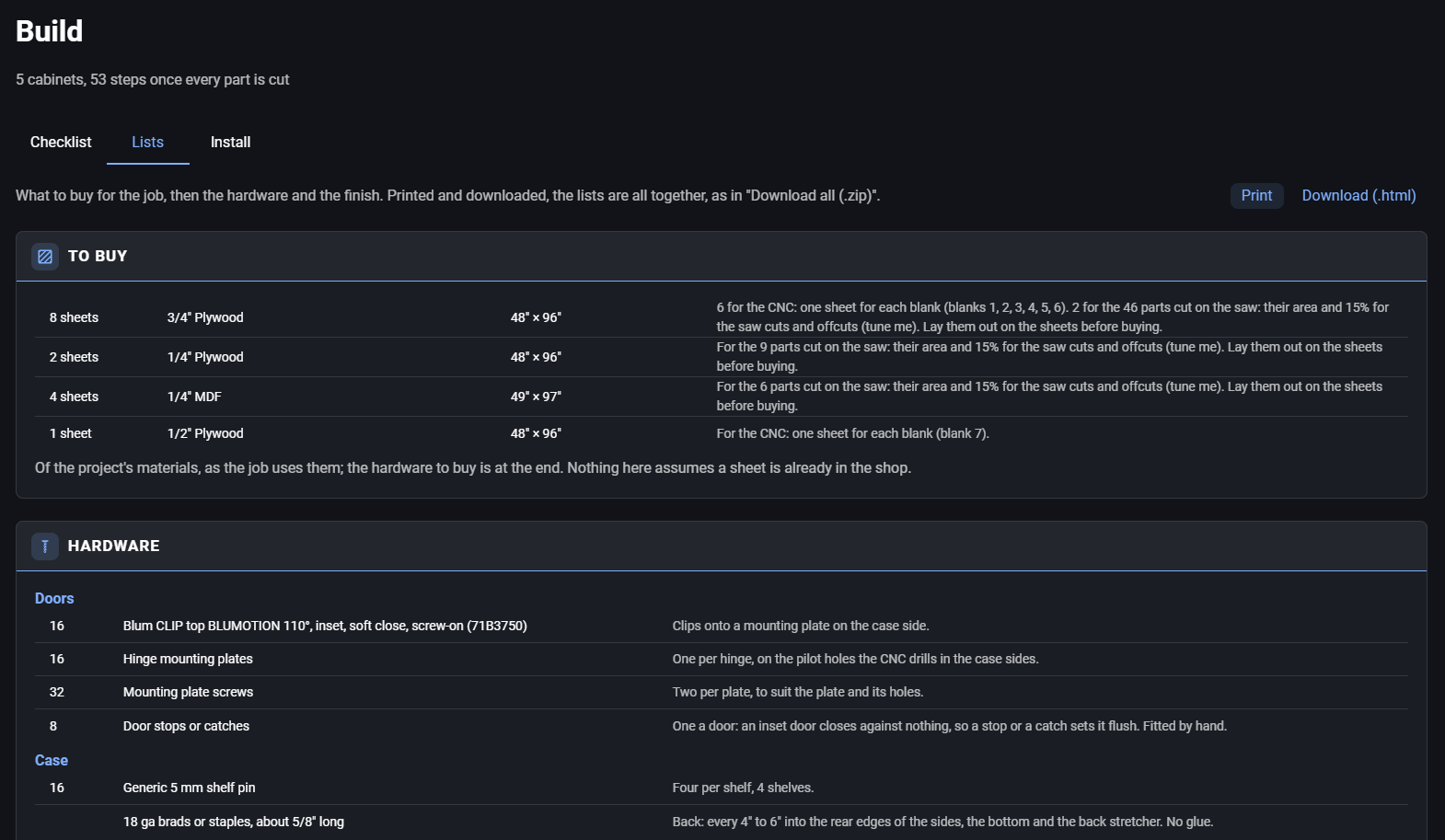
I have played around a bit with this and I like it, one thing I thought about was cost of goods? Say a full sheet of plywood or mdf is x dollars then it could calculate the cost, maybe in the section where you get “To buy”.
just thought of couple things which may already be inclueded , edge banding , when fitting edge banding thickness of edge banding needs to be deducted from panels, also not all edges are banded fronts yes , cabinets no , also be able to input banding thickness my common one vary between 0.75 -1.8mm thick
door off sets from edges , dependent on finished look offset cam be from 0-3mm