I bought two jackpot 3 and wanted on LR firmware and the other Primo but when I got the setup screen I see both board name LowRider . How do I get the Primo Firmware updated
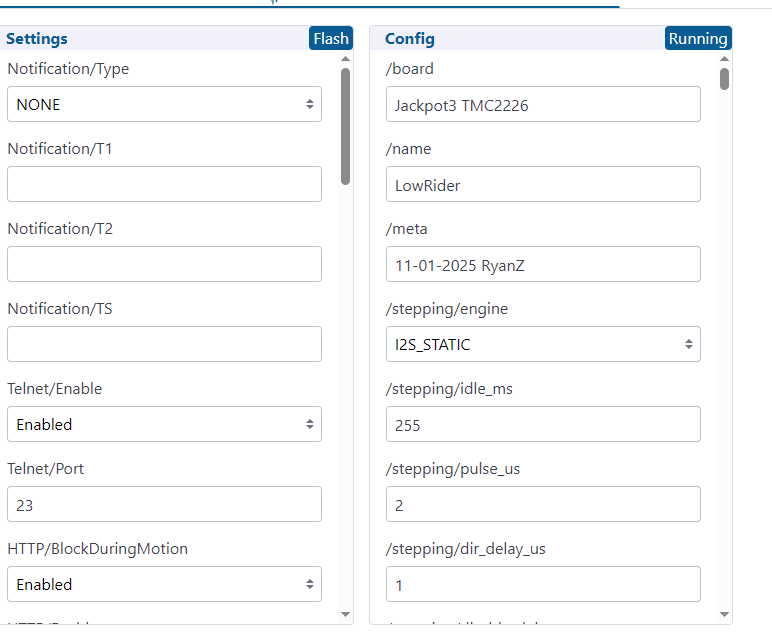
You don’t need to change the firmware, just upload the Primo config.yaml file and reboot.
Edit: the files for LR3 / MPCNC primo are here:
https://github.com/V1EngineeringInc/FluidNC_Configs/releases/download/2025_November_14/JP3_MPCNC.zip
Take the config.yaml file out of that archive, upload it to the jackpot and reboot.
Which is at the releases page, where you’d get updates if/as they are released. (you won’t need to update after you swap the config.yaml and reboot)
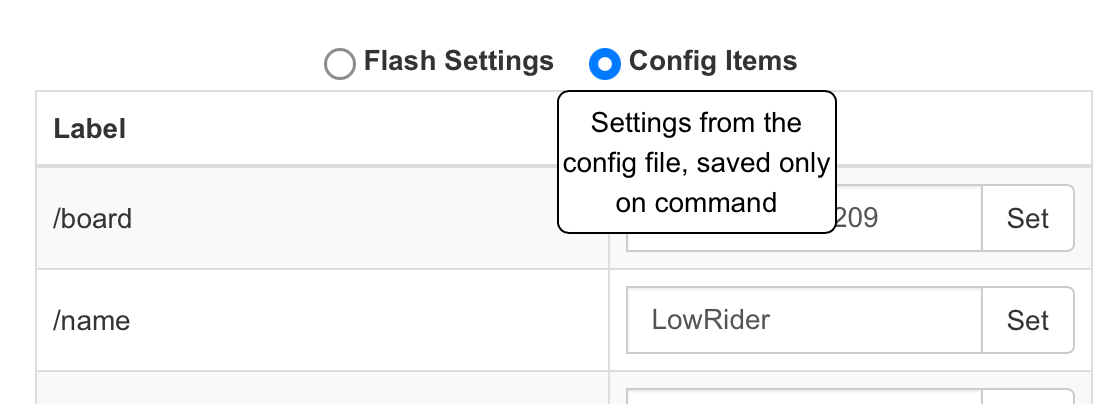
Thanks for the guide. Managed to install the firmware and config on a new board from elecrow direct without issues.
Just wanted to add for anyone on linux getting the error Could not establish connection to the controller. Please check that nothing else is connected to it.
For the connection to work I needed to add my user to the group dialoutwhich owns /dev/ttyUSB*.Drivers aren’t needed as they are included in the kernel already.