To answer your question- I believe that the association with the M3/M5 commands is done automatically with “besc:” which implies spindle control. Typically, “Brushless Electronic Speed Controllers” are used as spindles which are controlled via M3 and M5 commands. It just happens that most servos are also controlled via PWM so the firmware works with either.
I revisited the WIKI to make sure I wasn’t giving you bad info and it looks like they are planning to, and possibly already have, phased out the “besc:” syntax in newer versions of the firmware, so it is possible they have done that. It looks like they just use “pwm:” now.
Thank you. I couldn’t get it to work with the PWM config, but it ended up working with besc. This is the configuration that ended up working with my motors (see manual screenshot below). I think the “solution” was that I did not understand the relationship between the M3 SXXX command and the speed_map settings.
Now that you have a config.yaml that works, use the UI and go to FluidNC Settings. Do /BESC/max_pulse_us and /BESC/min_pulse_us show up as config items and if so, what values are they set to?
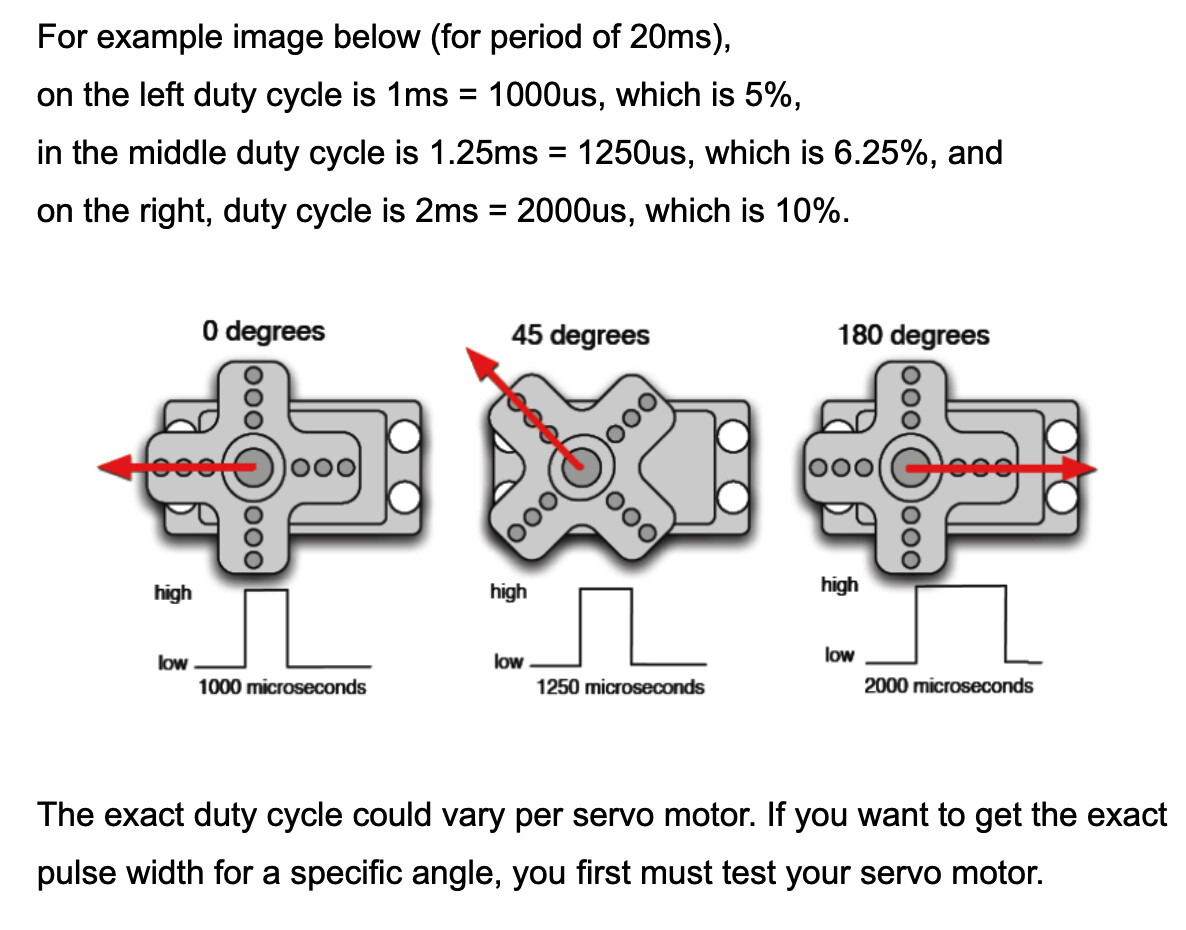
Those values are a way to fine tune the servo swing range.
You move the servo by entering a command in the range of your speed_map. So, in your config, that is M3S0 - M3S1000. (You might consider changing the 1000 to 100 unless you have a really nice servo and need ultra fine precision.) M3S0 corresponds to one end of the servo swing, and M3S1000 is the other. M3S500 is the midpoint of the swing.
I have mine mapped from 0 to 100. On the servos that I use, S0 represents the furthest most clockwise position (min_pulse_us) and S100 represents the anticlockwise limit (max_pulse_us). It could be the opposite for your setup, so a little testing will be necessary. So, for an example, let’s say I don’t want the servo to move quite as far in the clockwise direction… I would increase min_pulse_us from 900 to 1200. I would decrease it to move the servo further clockwise at M3S0.
NOTE: There are limits and FluidNC will not accept a value out of that range. I’m not sure of the exact limits, but I want to say 500 is the min and the max is around 3000. Figure out the limits by going to FluidNC Settings (Config Items) in the UI. If you have typed in a value that is out of the range, it will not let you Set it (The “set” button will be red). If the value is in range, the buttton will be amber and will turn green once you set the new value. That is how UI V2 looks - I don’t use V3, so it might be a little different.
NOTE #2: Once you set a new value, FluidNC must be restarted for it to take effect. BEFORE you restart you must exit the settings section and save the config by using the SAVE macro, or send it the command: $CD=config.yaml. If you don’t save the config, your changes will be lost. If you edit config.yaml manually and upload it with an invalid value, it will not accept the config.yaml at all and default to a generic setup. Whenever I upload a new config.yaml, I always go directly to the Settings / Config Items section in the UI and make sure the /meta value is the same one I set in my config.yaml.