Sharp looking rig! Thanks for keeping us in the loop!
Re:
Dude, that’s so true for me too.
Sharp looking rig! Thanks for keeping us in the loop!
Re:
Dude, that’s so true for me too.
Love your “drop table” section!
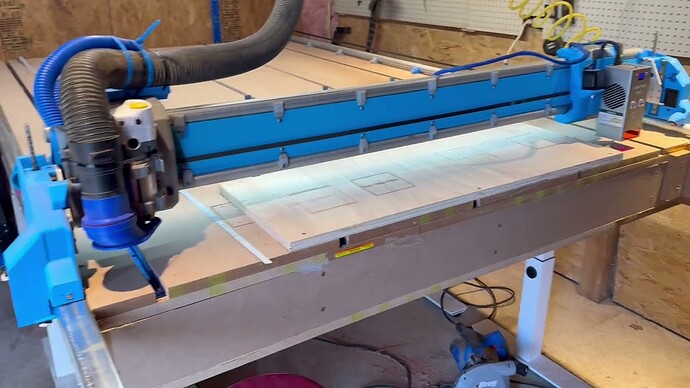
The Hydra Head is alive!
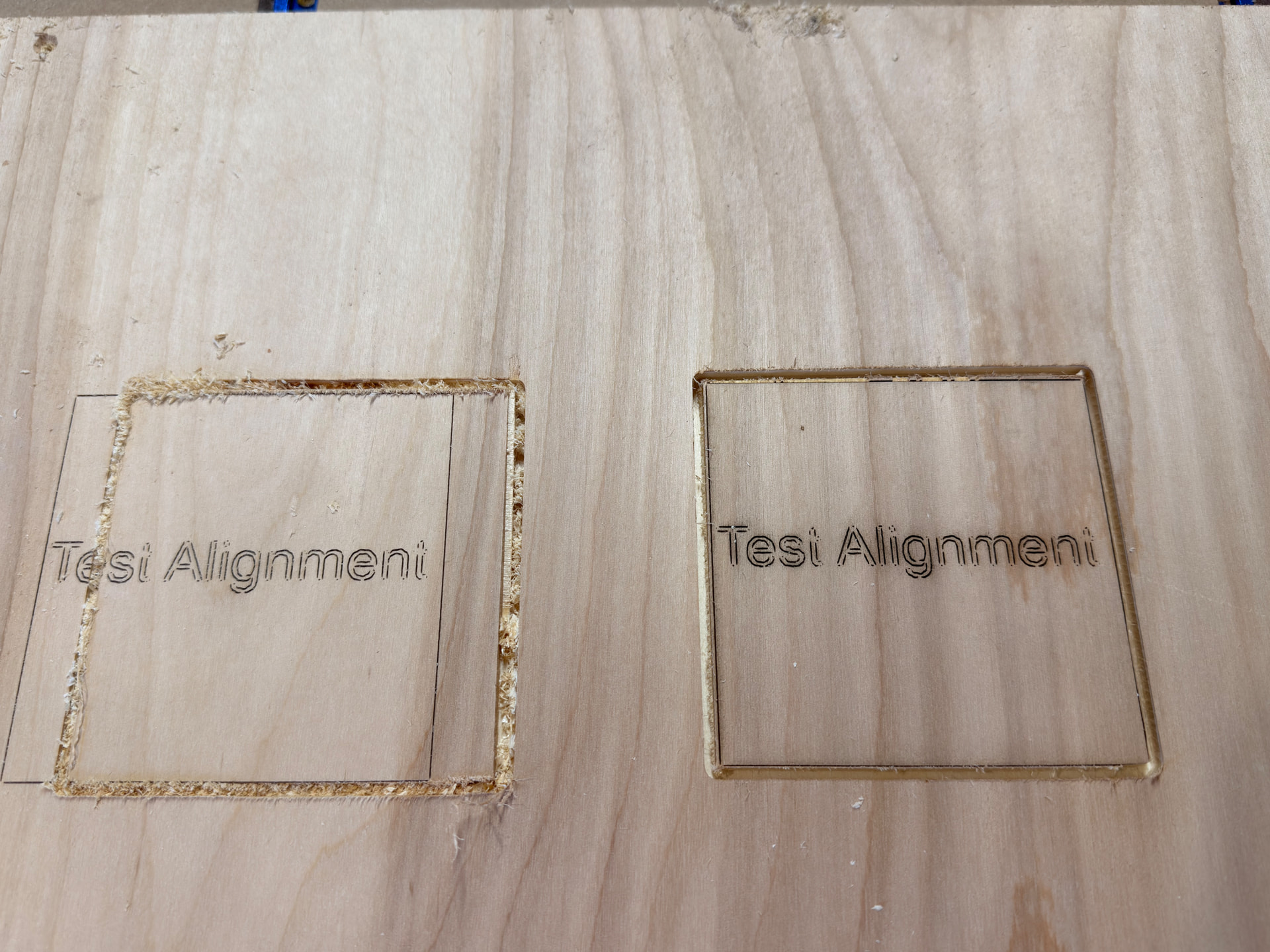
Built a little gcode spliced from Lightburn and MillMage, then run from the SD Card. On the 4th attempt got them pretty lined up. There is a bit of a drifting going on the top of the router cut, maybe I pushed a little hard on the spindle bit?
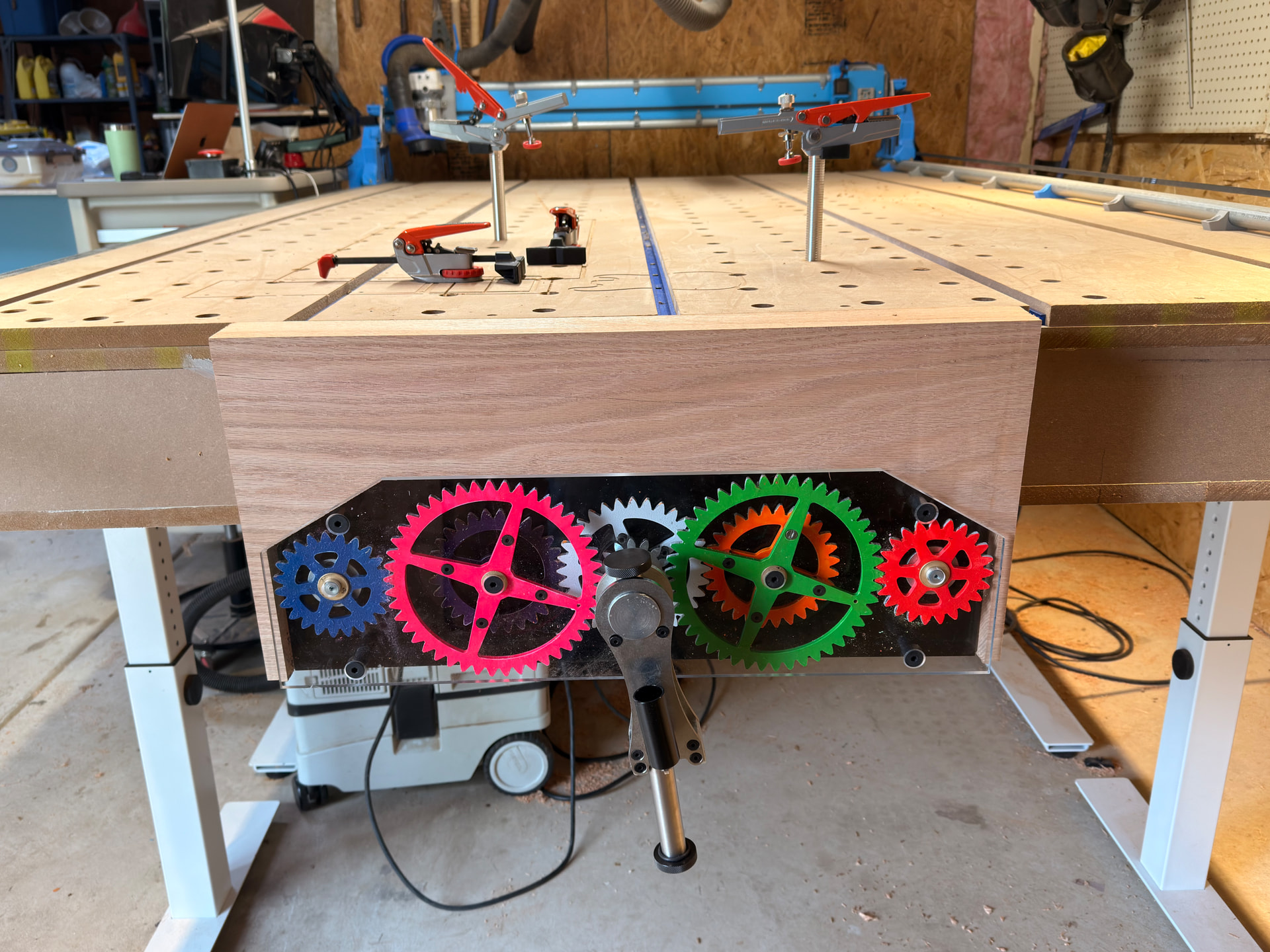
Overall super happy with the Hydra setup! Now todo one more table squaring and start designing my first true project!
Absolutely, it’s yours to share! If I can get an actual project programmed up tonight I’ll see if I can film something better tomorrow.
I hope you all have a great time down there this weekend - despite the weather change…
Love the option of directly lasering on what you cut. Really, really neat. 
Pinging @vicious1
Ryan, this was the build thread I mentioned today. I love this A axis independent core.
I’m sorry I missed this, I hadn’t been following the forum very closely.
I’ll be interested to dig into this more later. I had tried something similar but I used Marlin IDEX capability (and even ported marlin to jackpot). I’ll be reviewing this method. I’m sure I can learn from it!

Your idex was really impressive. 
Hydra looks really cool! Is there a minimun measurement needed for the extra core?
Thanks all! It’s been pretty fun to figure out - definitely a Type 2 fun.
@jamiek It would be interesting to see how you accomplished this, we should definitely compare notes. When I get the last of the bugs figured out and put through its paces I intend on writing a tutorial of sorts.
Thanks @Tokoloshe, now that I have a tool like this my head is swimming with project ideas!
@waimea, I’m not sure if there is a minimum measurement - I mean it needs to fit both cores and be able to move. I effectively lost .5 of the core in the home direction and 1.5 of the core in the opposite direction. I made my gantry by cutting the 10ft conduit in half so I have 5ft total, 1338mm total steps from X Min to A Max. I have about 1170mm of travel in each direction, or 46”. Twice that loss for the work area they share, still around 40”. Acceptable trade offs for me.
I’ll write up a schematic on what I am talking about later on so I can plan my projects around it and share.
I had a lengthy thread here
When I get back to a real computer I’ll read up to get a better understanding if what you’ve done.
Here is my laser mounting and configuration thread. I think we went on very similar paths, assigning tool #’s in FluidNC and then controlling the laser on the A axis. Then figuring out how to have lightburn output to A axis which it doesn’t do natively.
If I were to do it again, I might use a post processor to insert the gcode fragments to do the tool change and replace X with A. Then the CAM doesnt have to know about the A mapping.
I would also watch out for G02 and G03 (arc movements) which will almost certainly not do what you want. The postprocessor should check for that and raise a fault and force me to go back and fix my settings to avoid arcs and use segments instead.
An alternative would be to add IDEX support to fluidnc, but that is maybe more trouble than it’s worth.
Thanks, I’ll be on the lookout for that. Haven’t seen anything pop up yet though. Have you seen this because of using the A axis and its default as a rotary axis?
I have thought about making a python post-processing program that can LEGO my project files together. For instance, start with a laser, then with a cut, then finish with a laser pass. I could drag and drop those three files in for me and it would put in the tool changes and change the setups for me, and give me the option to replace X axis for A axis if the laser tool (in my case T10 M6) is connected.
I’ll don’t know that I have that much need for it right now, but I am finding that I am using quite a bit of head math to ensure the spindle and laser end up on the same plane, not colliding, and not driving the bit or laser into the table if they are too offset from each other.
Yeah, IDEX is altogether another level - especially since they have baked in support for multiple spindles in FluidNC:
This makes setup essentially trivial comparatively.
And I have to say, I wish I would have found your posts before starting from scratch!
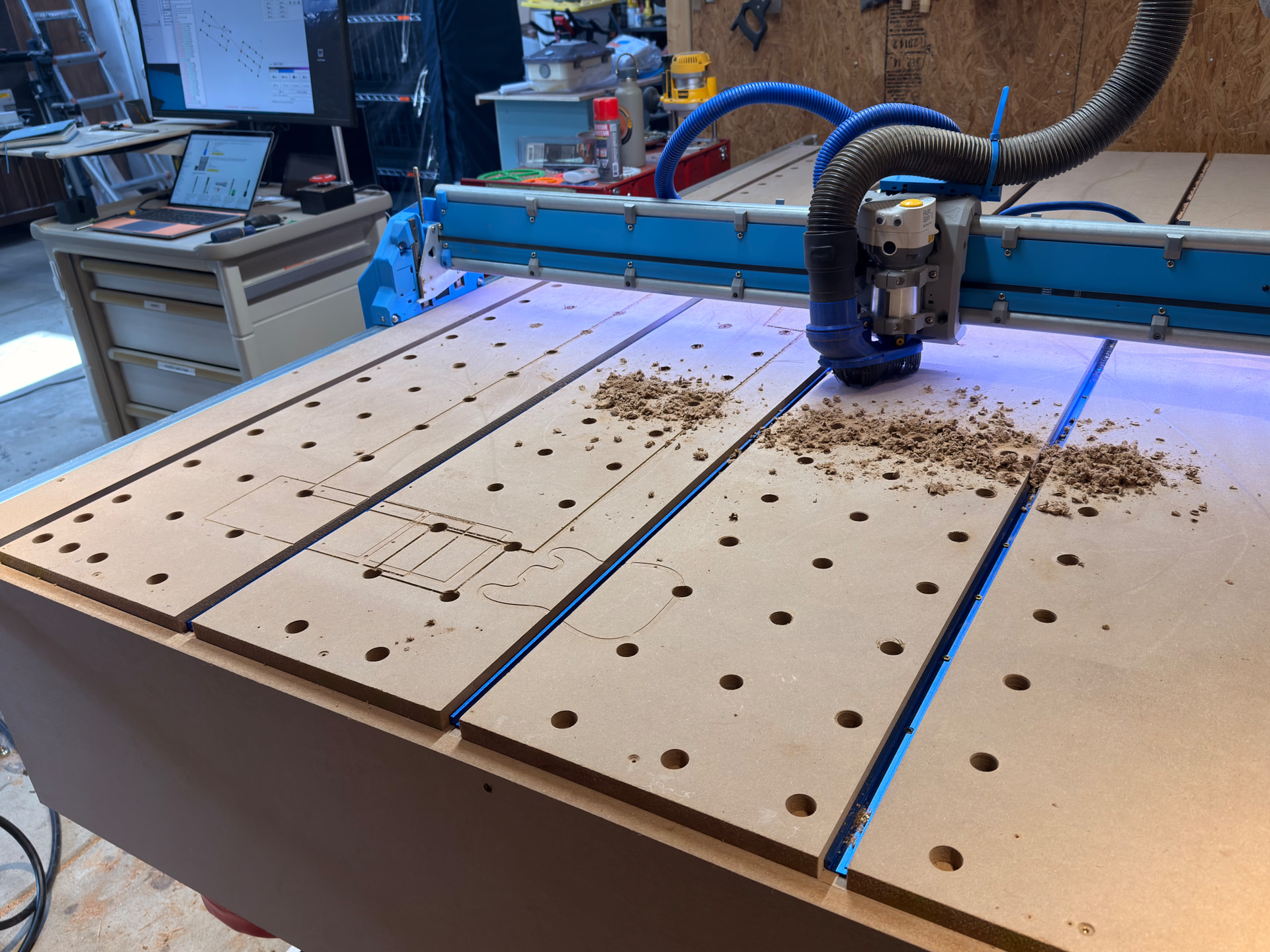
Where’s the symmetry? The pattern doesn’t match the channels… 
Ha, I was wondering who’s OCD I would pop!

100x100mm pattern, nothing gets in the way of progress. Also I am one of the converted, T track sucks on CNC beds. My next spoil board will not have them.
I am still not sure on that.  I did like those holes and pegs quite a lot though.