I’ve asked questions about this before but seem to be messing something up on my own. I have a laser mounted on my primo wired to pin 27 of a jackpot 3 controller. I made the changes to the config file that were needed and switched to the new config file by using $Config/Filename=laserconfig.yaml in the web ui terminal. This is the file I have on my SD card. I then double checked with $Config/Filename and was rewarded with seeing laserconfig.yaml returned. Now for my problems. I’m using lasergrbl and have my computer connected via USB. I’m able to control movements through lasergrbl but when I try to use the focus feature the laser doesn’t come on and in lasergrbls terminal I get M3 S0.00 returned. Correct me if I’m wrong but M3 should turn the laser on to the"S” value? It shouldn’t be 0.00. Also from the web ui if I select the toggle to turn on pin 27 the laser does come on. So I’d like to start by asking for someone who has a full config file for the jackpot 3 with a primo and laser to send me the entire file so I can check if it’s something I’ve messed up in changing the file. Any other help is greatly appreciated as well.
Here is mine. FYI:I have a CYD pendant and a rotary setup in my config.
One thing you might check is to see if you have the speed map set to the same values. Mine are set to 0=0% to 1000=100%. I use Lightburn instead of lasergrbl.
config.yaml.zip (2.3 KB)
I just finished doing these:
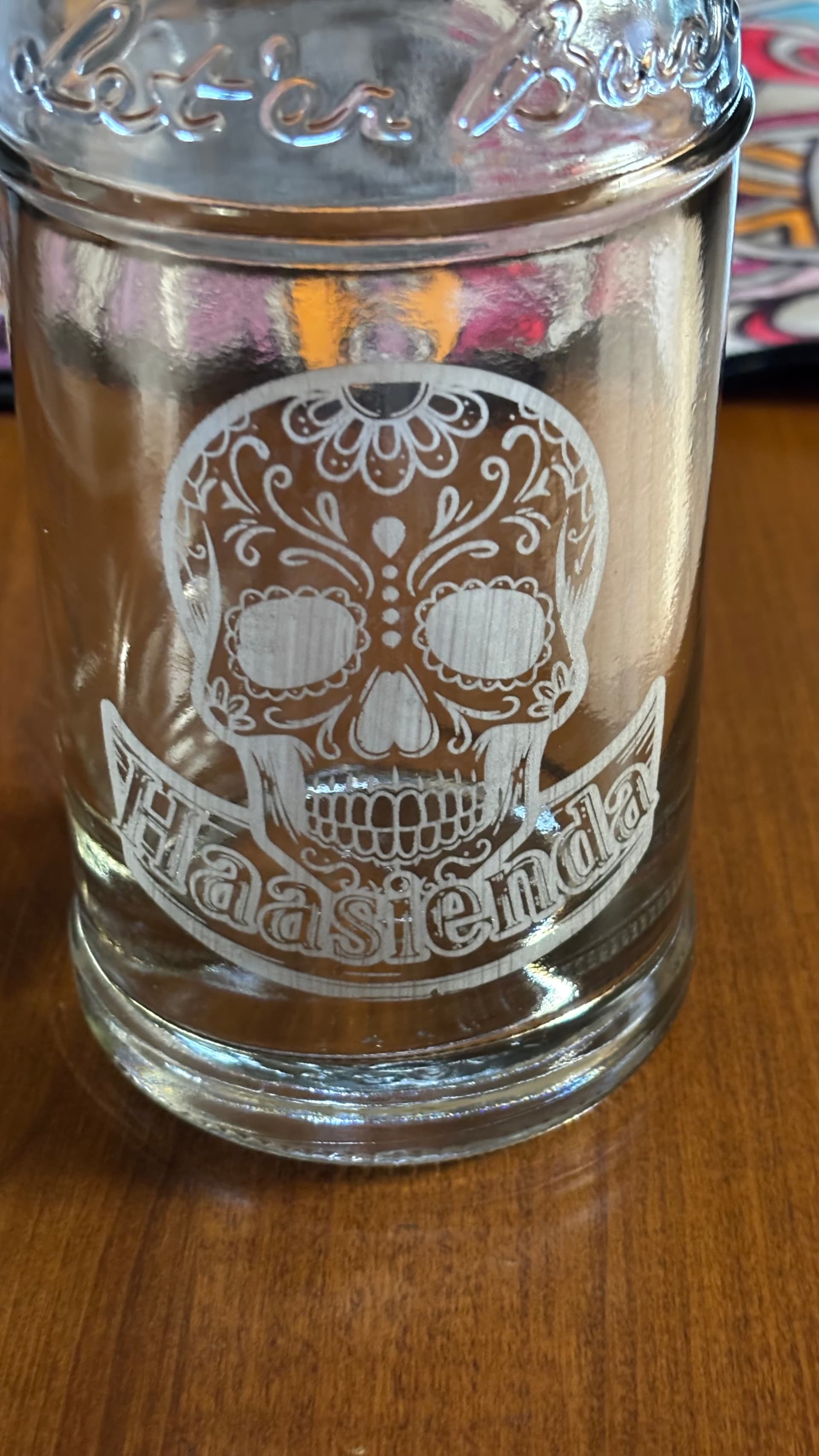
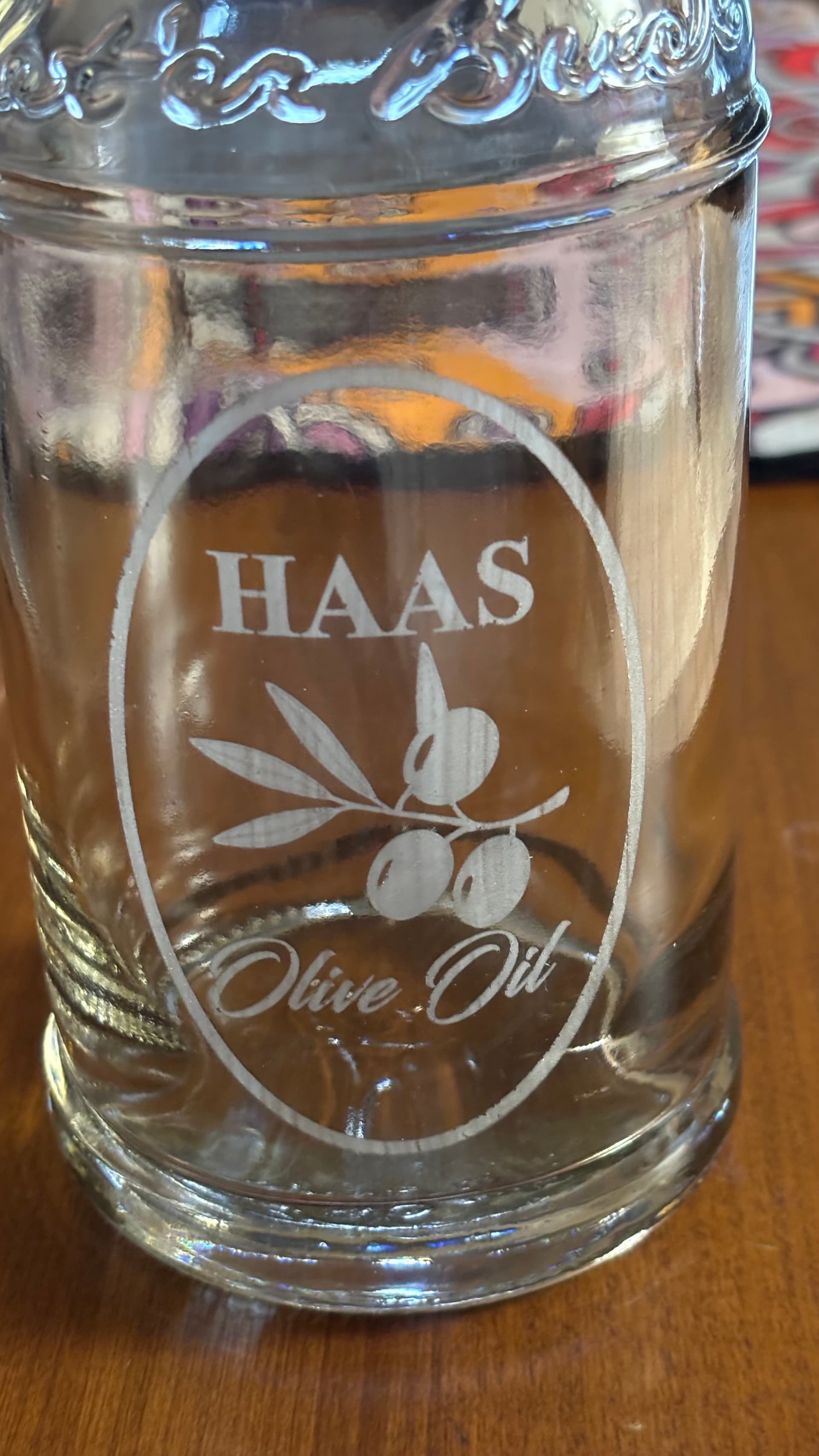
Thank you I’ll try your file and see if it makes a difference I’ll also double check the settings in lasergrbl I believe they are set up 0-1000 though. The glass bottles are very cool! A rotary axis is on my someday list so it’ll be great to have that option already built in! The weather here is forecasted to be awful cold the next few days so I’m planning on short bursts of work on the cnc since it lives in my un heated garage!