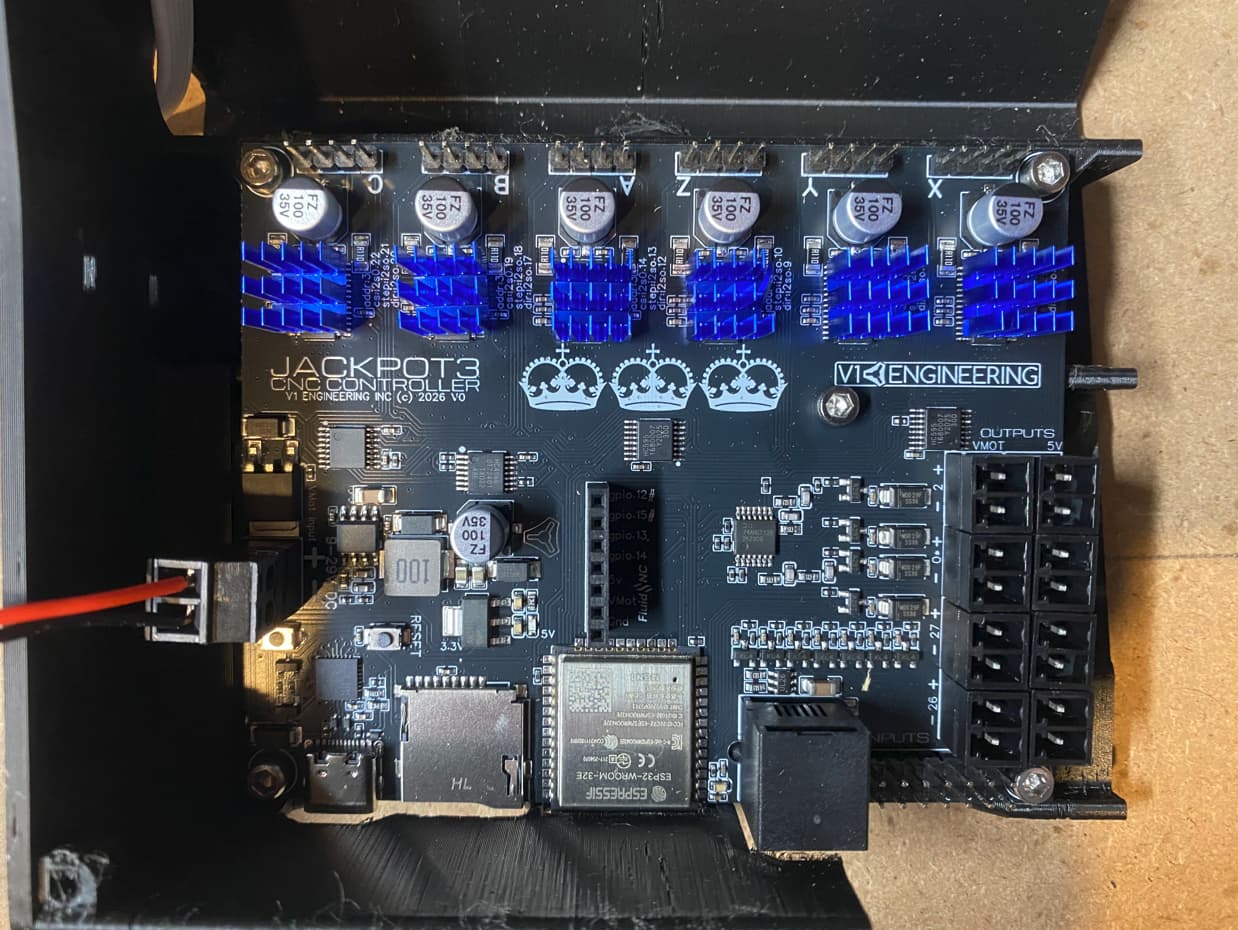
I recently received and installed the Jackpot3 controller in my new MPCNC Primo. During testing I discovered a stepper motor (X1) wasn’t working. By moving X1 wiring to another port I verified the stepper motor and associated wiring was good.
By troubleshooting I discovered the following:
Port B and C is not working. Meaning doesn’t move any stepper motor connected to it.
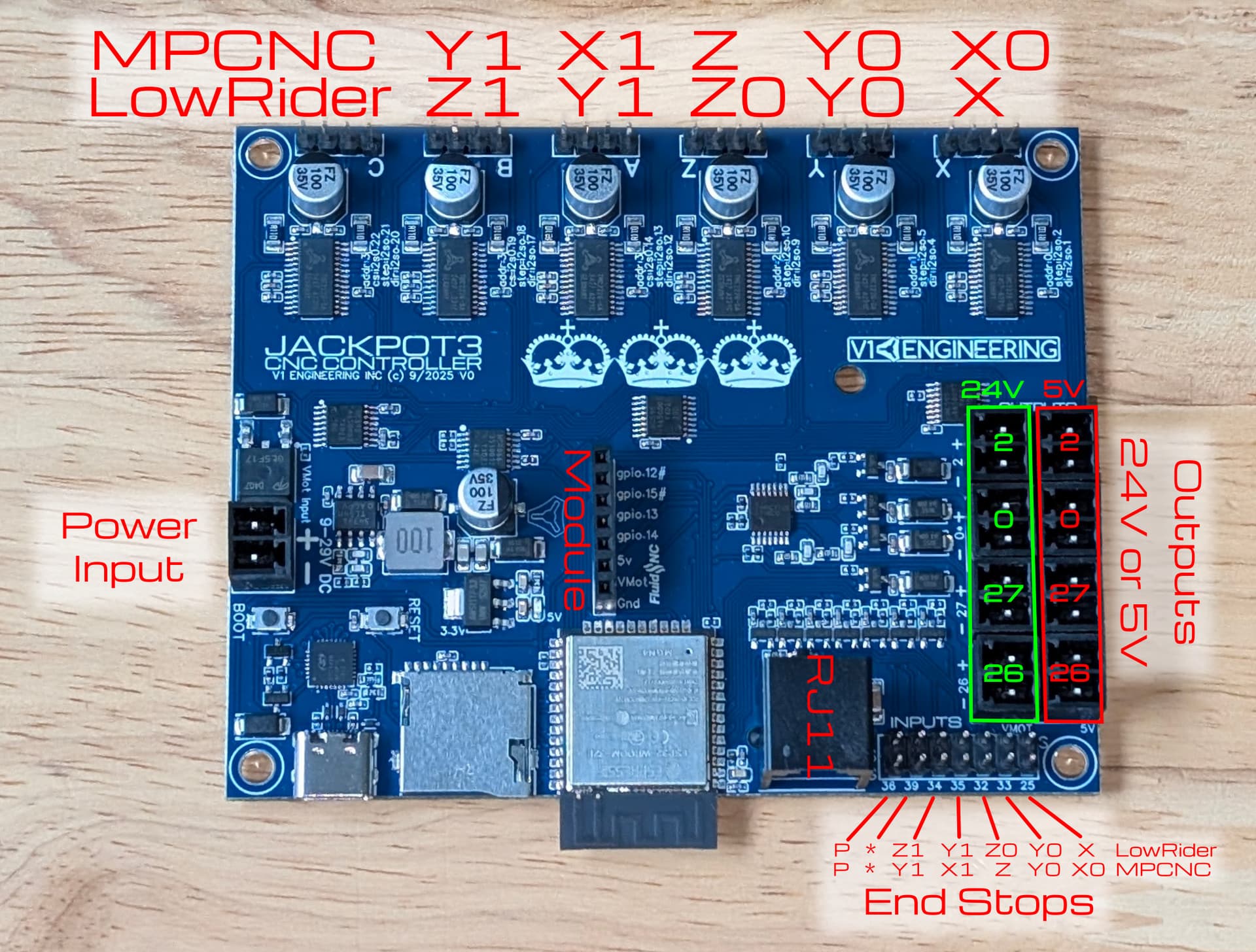
Port A is connected to Y axis in FluidNC. Per the pic below, it should be connected to the X axis.
The following message appears in the status box in FluidNC. “ERR: SDMMC_CARD_INIT FAILED CODE 0X108”
I’m not sure. I guess that could be the case since this controller is for the LR also. I’m not sure how to check for that. That would make sense being port A is operating as Y1. I think I checked that last night and determined that B and C don’t operate anything, but I will double check that.
She’s alive!! @Tokoloshe thank you for your quick reply. @vicious1 I followed your instructions in the links and every thing is working properly. After 5 years of building this MPCNC, its so exciting to see it moving. Thank you both so much for the help.