Maks Surguy, who is a javascript wizard and plotter enthusiast, created a new website to share SVGs for plotting. They generally scale well, and there are a lot of great contributions already.
I can post files from sandify up there. To get gcode out of these svgs, you can open it in estlcam, but many of these are so complicated, that might be a pain. I know there is an inkscape plugin for axidraw. Maybe that can be used to create gcode.
I want to have svg import into sandify, but svgs can be so complicated, I’m not sure how to support it.
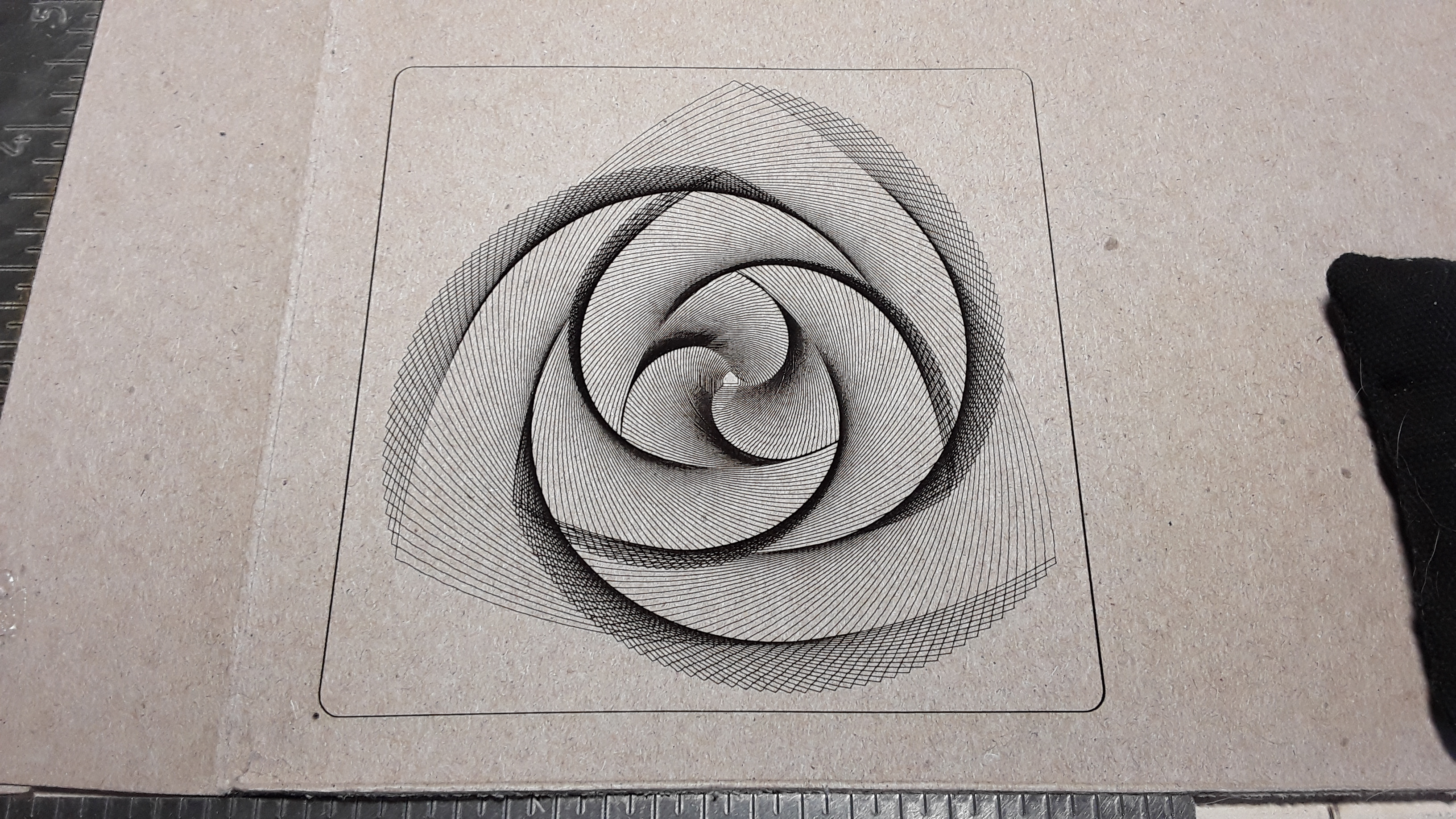
Yep! It’s primarily for laser, of course, but what I like about it is that it has an Inkscape “feel” about it and you use layers to define as many different “cuts” as you need… raster image, vector engrave/cut, fill, fill + line, cross-hatch, etc. And the layers and cuts are then prioritized and output to a single gcode file; i.e. the vector engraving and profile/outline cuts in your image above are run from one output file.