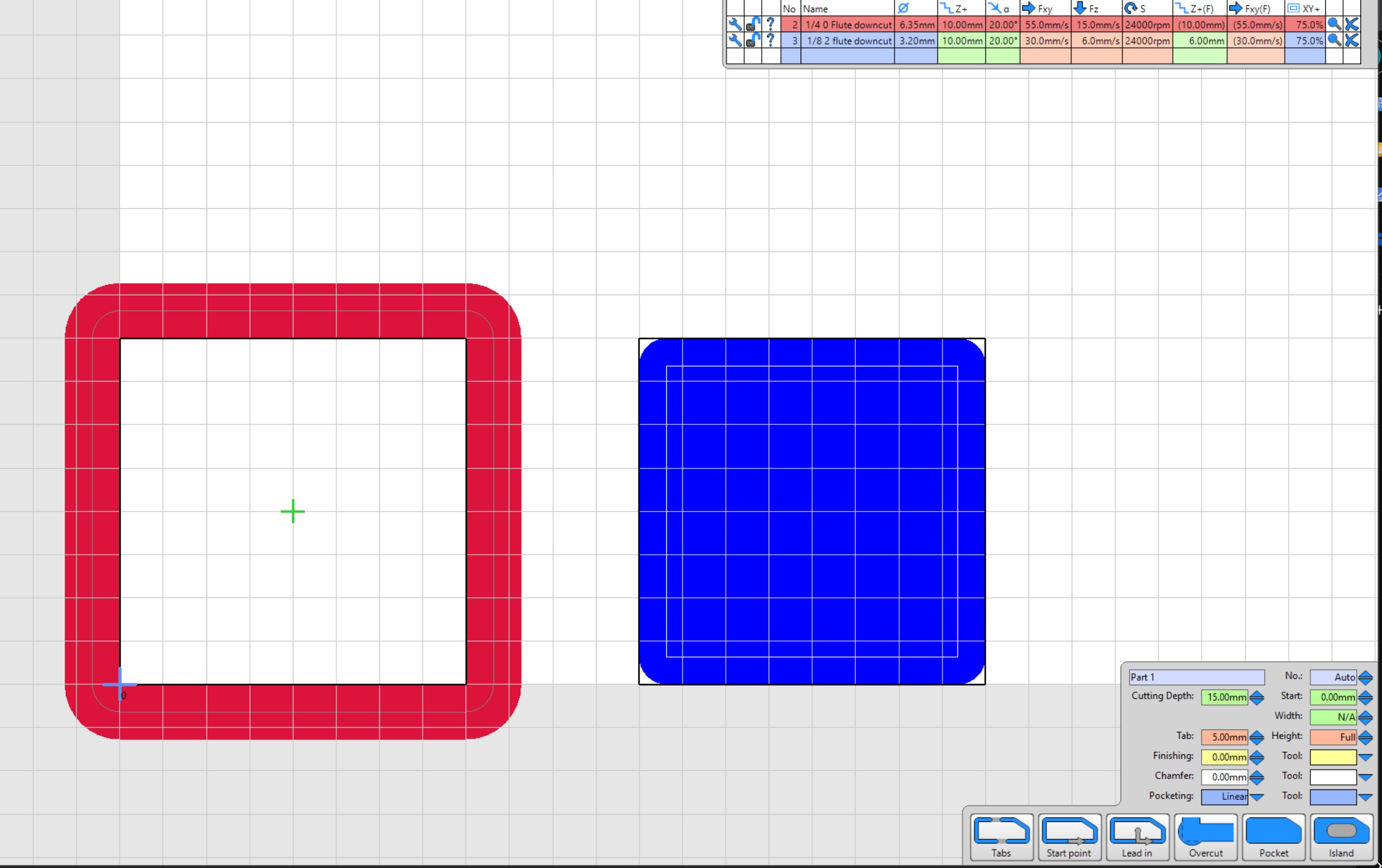
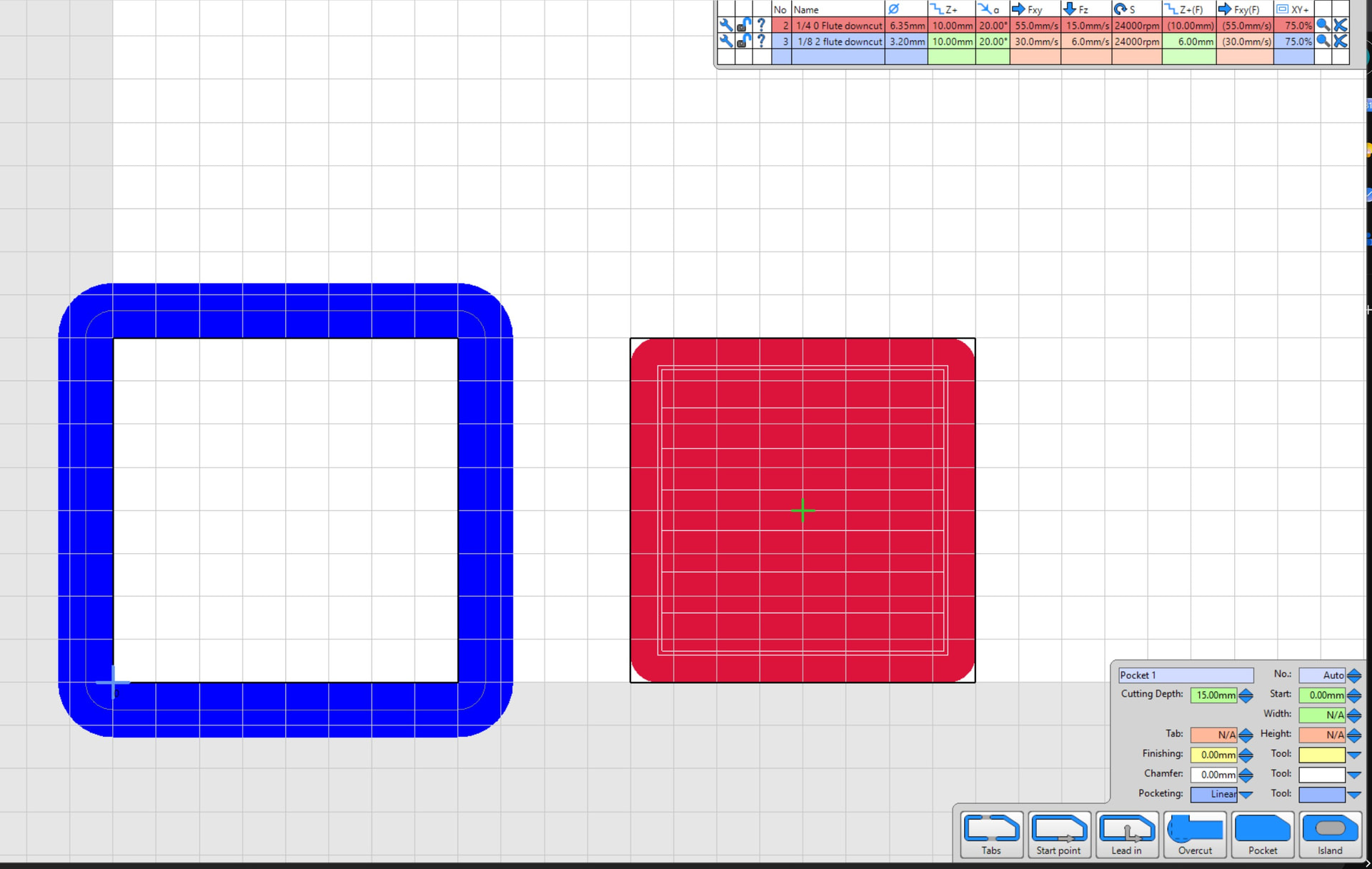
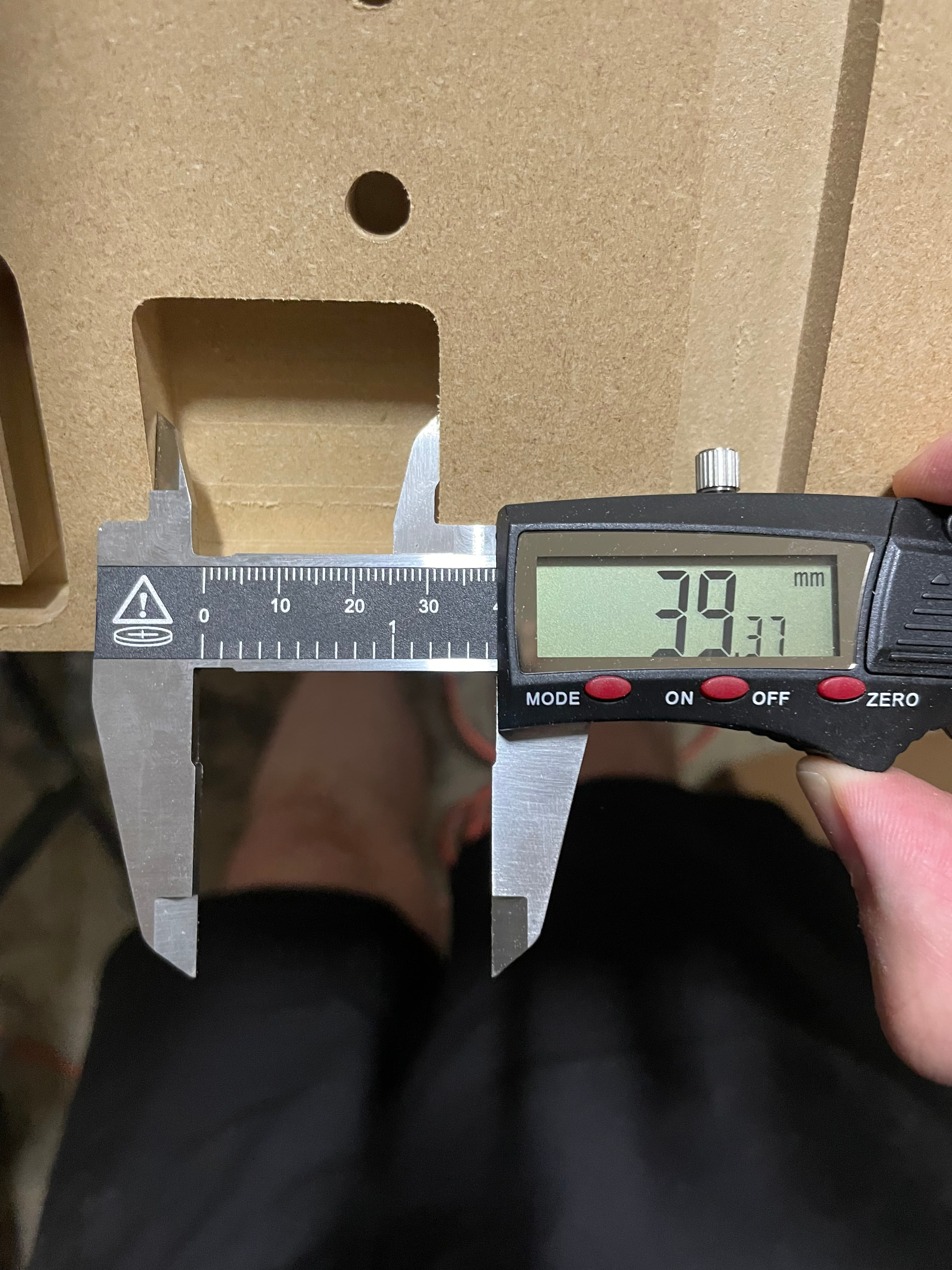
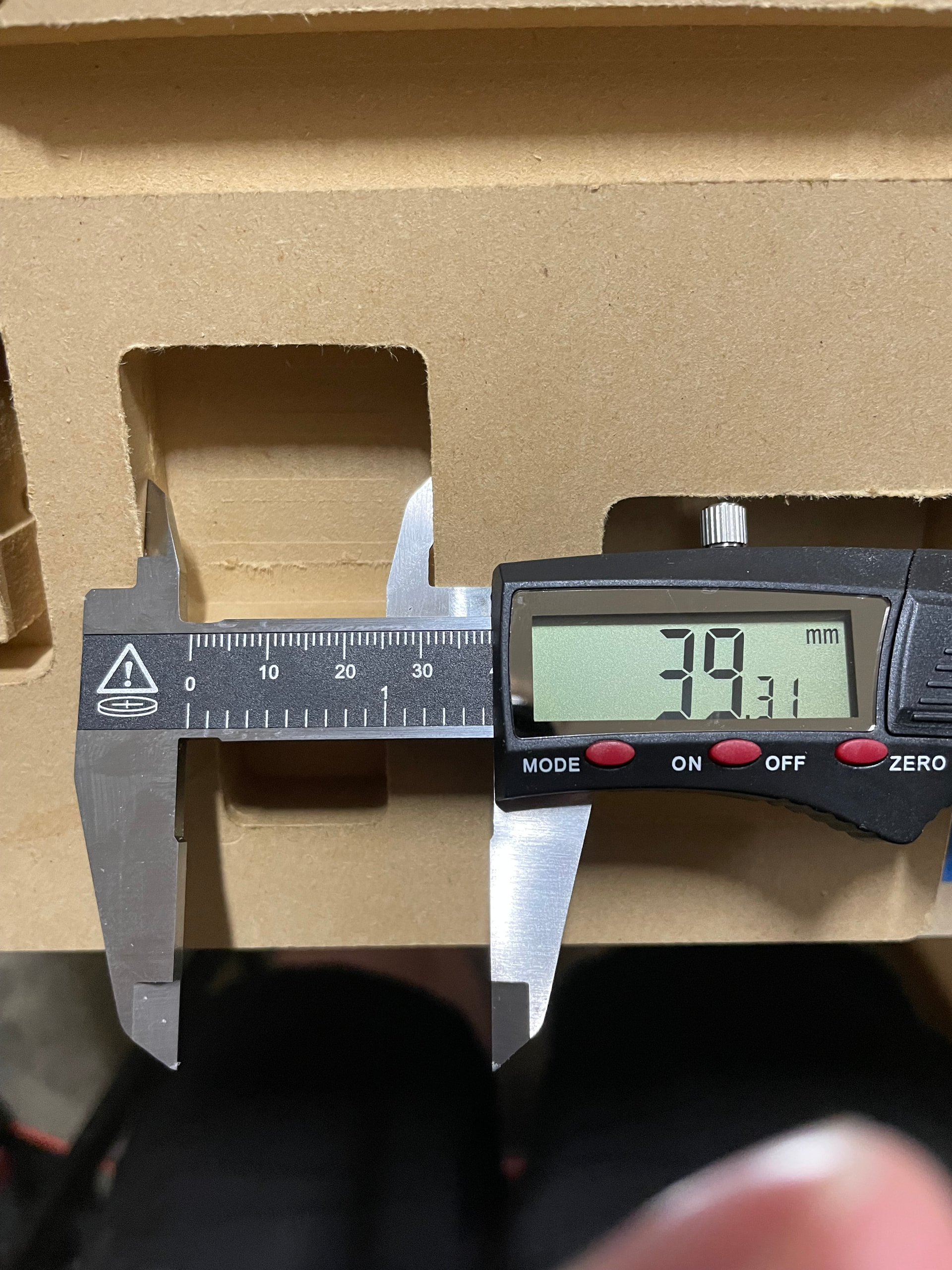
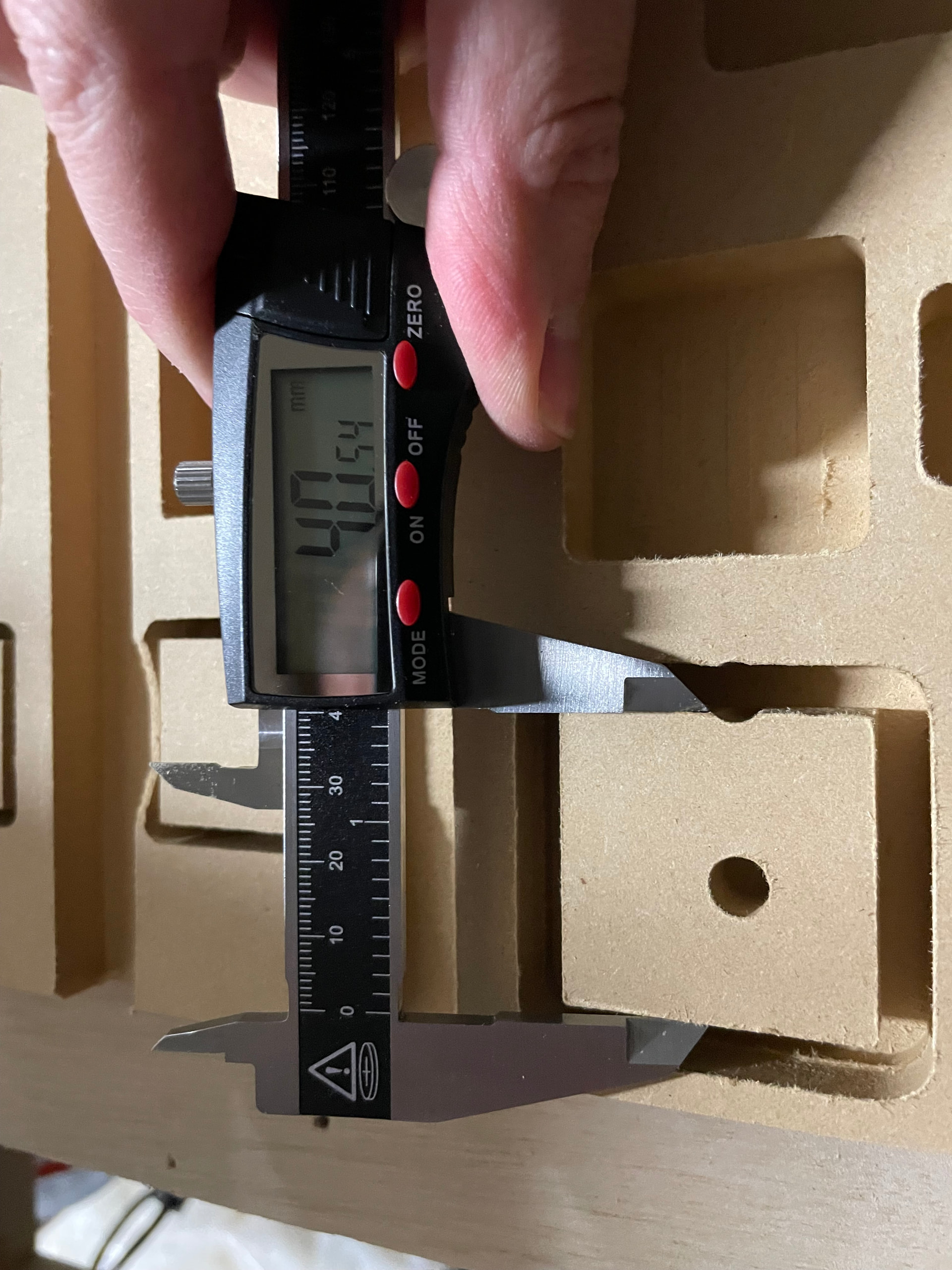
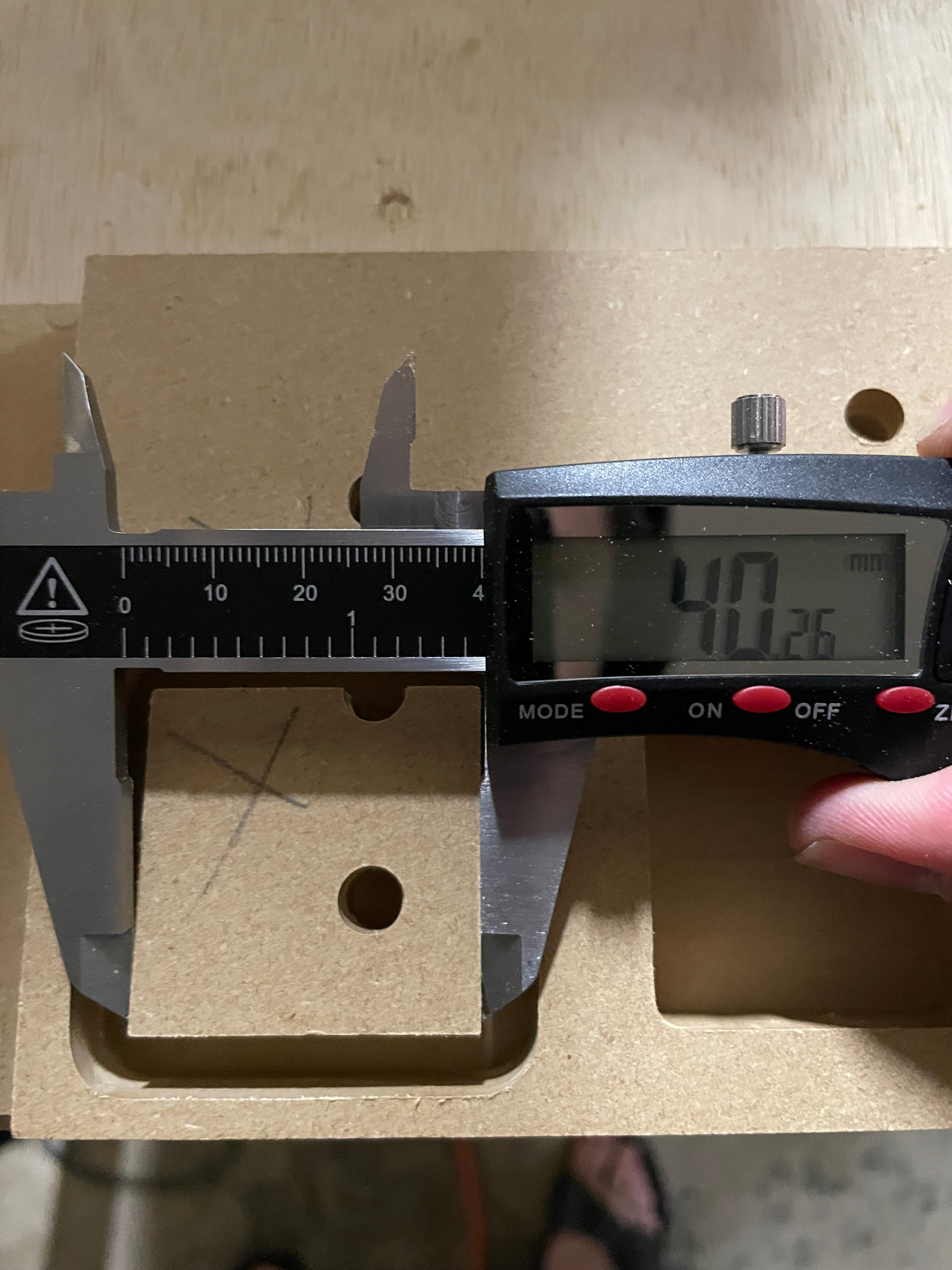
I’m just getting started with my machine, and part cuts - like the strut plates are cutting very accurately. However any pockets/holes/drills are coming out about 0.5mm small. I’ve checked the g code and the min and max X and Y dimensions for a test square pocket look correct
Any idea what could be causing this small pocket issue? If there was inaccuracy cutting parts I’d look to mechanical issues but this smells like software to me….
from what I can tell this happens with or without a finishing pass - I’ll double check to be sure though. Even with a finishing pass the g code seems correct?
How much of a finishing pass, with what endmill, router, and material?
For the most part you can not cut a perfect outside dimension and an incorrect inside dimension. The forces on the router are the same for a pocket. A Drill operation is only determined from the endmill size and the tool rounout, a helical hole is basically the same as a pocket.
We need a little more info. I can see MDF, and 1/4" downcut.
From what I see you are not using a finishing pass and you are going way too fast for a downcut. You really should try out an upcut. If anything do all of it with the upcut, then the finishing pass with the down cut. With a large enough finishing pass I have never needed a downcut. I really dislike them for 99% of things. For giant machines screaming through material a downcut might make more sense but in general we are taking relatively light passes, so an upcut shoudl be fine.
A 10% finishing pass is pretty standard. So do 0.6mm, full depth, at about 20mm/s
Definitely slow down for testing. A single flute upcut 1/4" in MDF can go super fast and the finishing pass should dial it in but for now just slow down and do a 6mm doc, then a full depth 0.6mm finishing pass.
You did all the squaring calibrations and z leveling already?
I have done some squaring and Z leveling yes - I’m waiting to dial that in until I make a few changes to the Y axis length this weekend but then will really take the time to get it right
When I checked XY square before cutting the strut plates it was within a fraction of a mm across the entire 4x4 bed. Z height I got very very close as well with manual adjustment