OpenScad

I know I saw some people (Jaime one of them I believe) play with openscad.

Well, I forgot most of what I learned about Freecad and am giving Openscad a try, kind of neat.

Just playing around, I came up with this on my own :stuck_out_tongue: not too impressive, but fun. (I left out the fn=100) My computer seems to not mind that. Of course I am not into anything complicated, yet!

cube([10,10,10]);
difference(){
difference(){
translate([20,0,0])
sphere(5);
translate([20,0,10])
sphere(7);}
translate([20,0,0])
cube([10,10,10]);}

translate([30,30,0])
difference(){
linear_extrude(5)
hull(){
translate([10,10,0])
circle([10]);
translate([-10,-10,0])
circle([10]);
translate([-10,10,0])
circle([10]);
translate([10,-10,0])
circle([10]);}

translate([0,0,-1])
linear_extrude(10)

hull(){
circle([10]);
translate([-5,-5,-1])
circle([10]);
translate([5,5,-1])
circle([10]);
translate([-5,5,0])
circle([10]);
translate([5,-5,0])
circle([10]);}
}

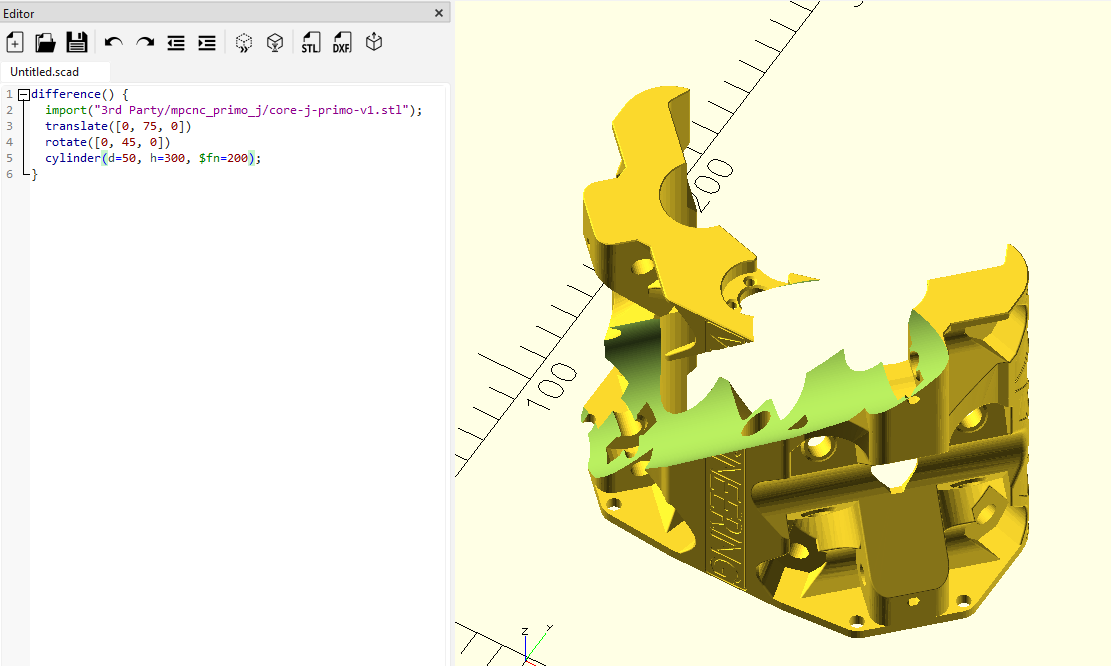
Oh and importing STL into openscad to modify is WAY EASIER TOOOOOOOO!!! Just saying.

Right up until OpenSCAD can’t render an output due to excessive model coplexity. Which happens to me all the time.

is that only on imports or something you designed?

I did notice it is only 2021 so it is not new by any means. but I did enjoy not having to click five hundred buttons and remember what they all do.

well crappola!

awaiting your reply

Imports.
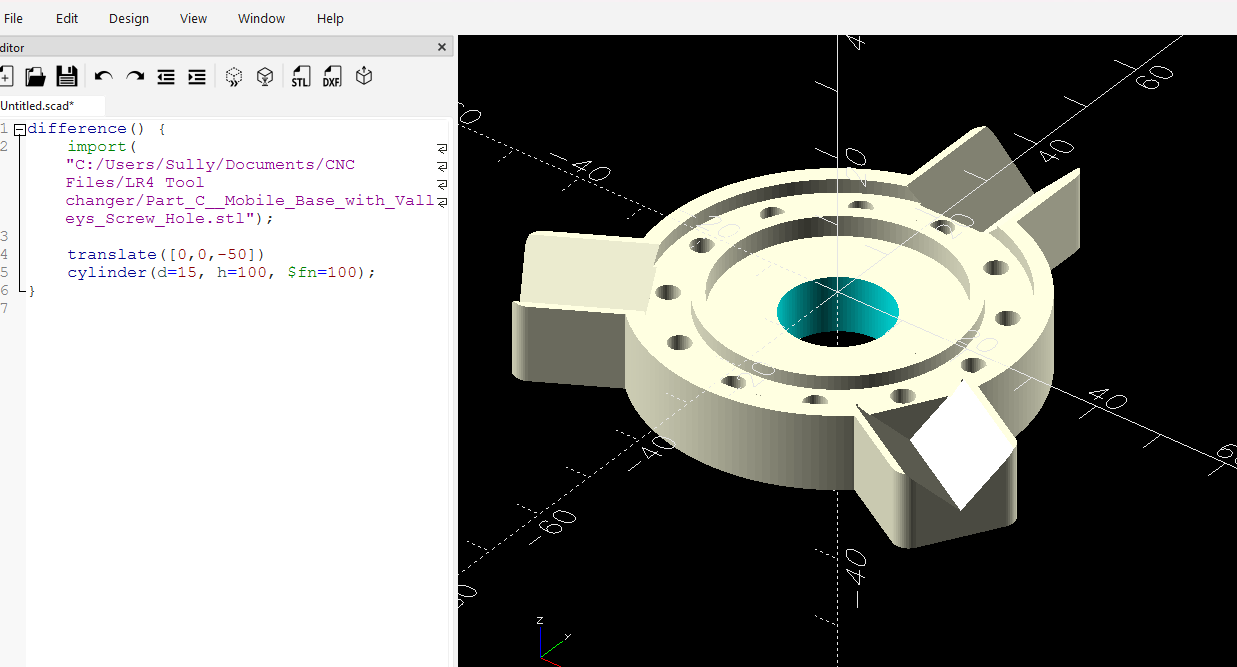
Here’s a test scenario for you to try: Import one of the LR4 YZ plates. Then subtract a cylinder through the plate. Render it (F6), then try to export it back to .3mf or .stl. Does this work for you?

ok, thank you, my intention was not to do imports, but it is good to know. (and me being me, I saw a video importing and editing and thought it was cool.) I am a big Freecad fan, but dang it every time i go to use it i have to watch a how to video to remember all the buttons and what they do.

I guess I will continue my freecad journey, thanks for taking time!

:slight_smile:

but i will still remember openscad for simple things

I do very much love that i can rely on this forum for such things!

Adjusting third party models used to be really bad, but they fixed it in a recent version. You have to get one of the “nightly” builds.

It’s so much better now!

So what version is the nightly the downloads I saw were 2021.?

You can render that with an F6 and get a working .3mf or .stl from it as an export?
I’ll need to go grab a fresh nightly to work with.

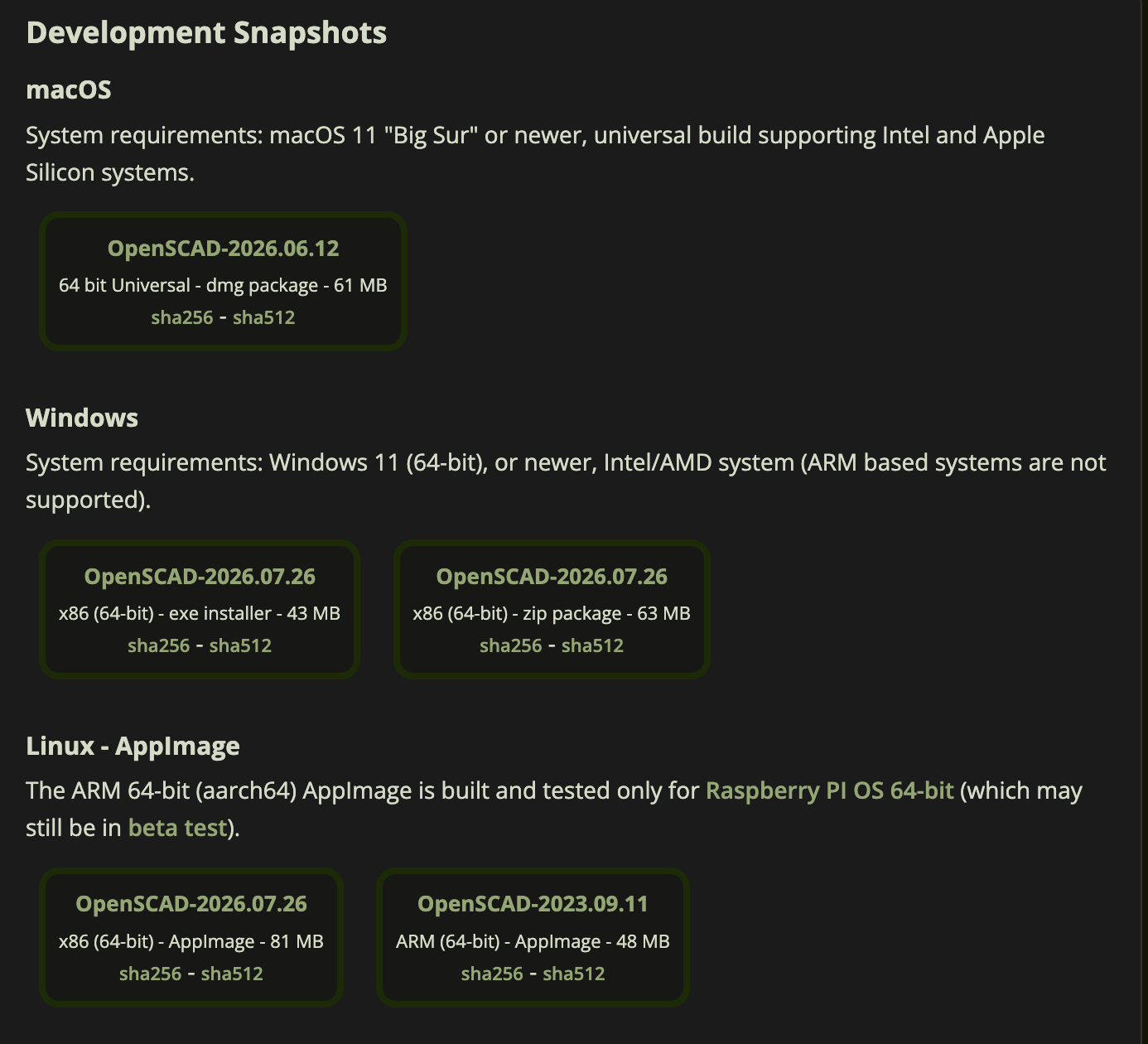
Scroll down to the bottom of the downloads page and look at the development versions.

I see these right now on the download page:

Yes, absolutely. In the past it was pretty much unusable, even for the most basic stuff on an imported benchy for example.

Now they have two engines, one is the old CGAL that does solids but hates meshes, and the new one is the “Manifold” backend that is more like what you would expect a normal mesh manipulator to do.

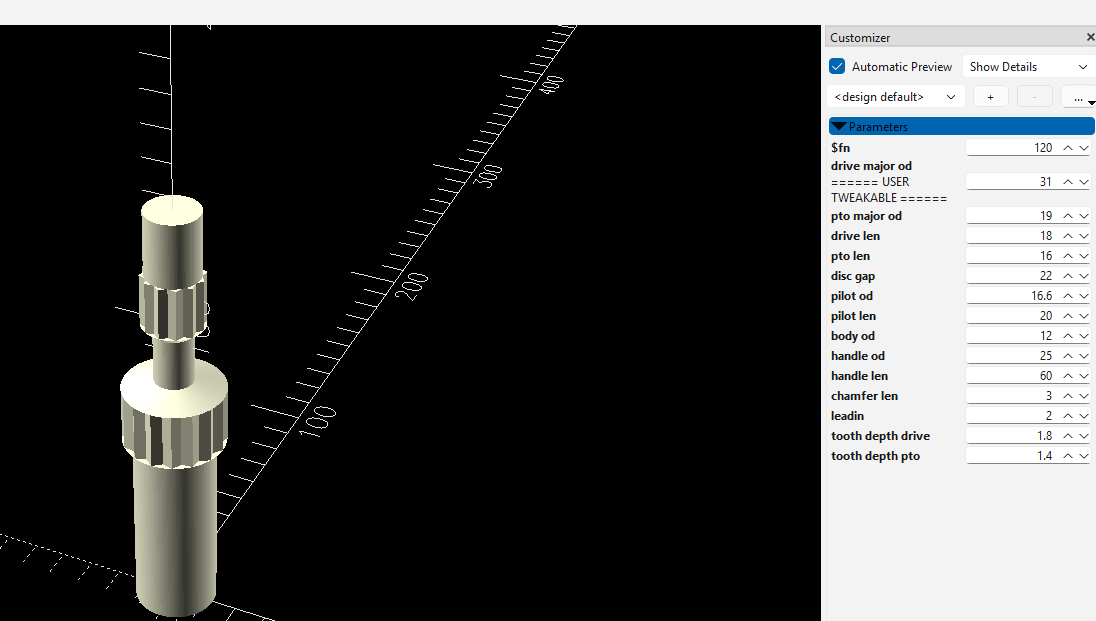
the customizer for parameter adjustment is still the best part of scad

I did the same as @jamiek and I can export as well.

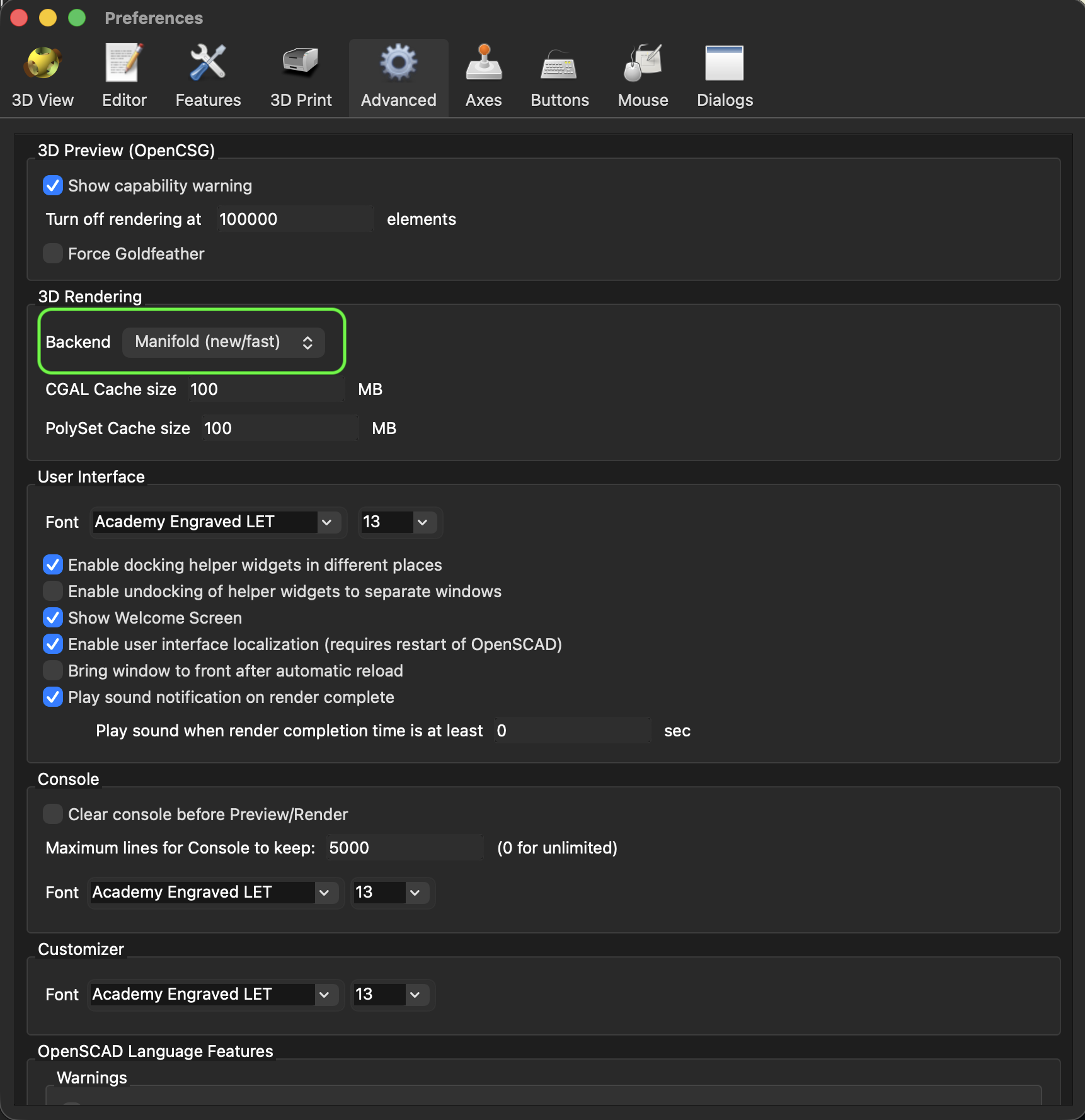
To enable this for me this morning, I downloaded the MacOS snapshot OpenSCAD-2026.06.12.dmg, and then under preferences I clicked advanced, then under 3D rendering I switched the backend to Manifold.

This thing is wicked fast compared to the legacy builds. Wow!

There is an almost automatic rendering even if an imported stl for me. It’s definitely there before my hand resets from hitting f6.

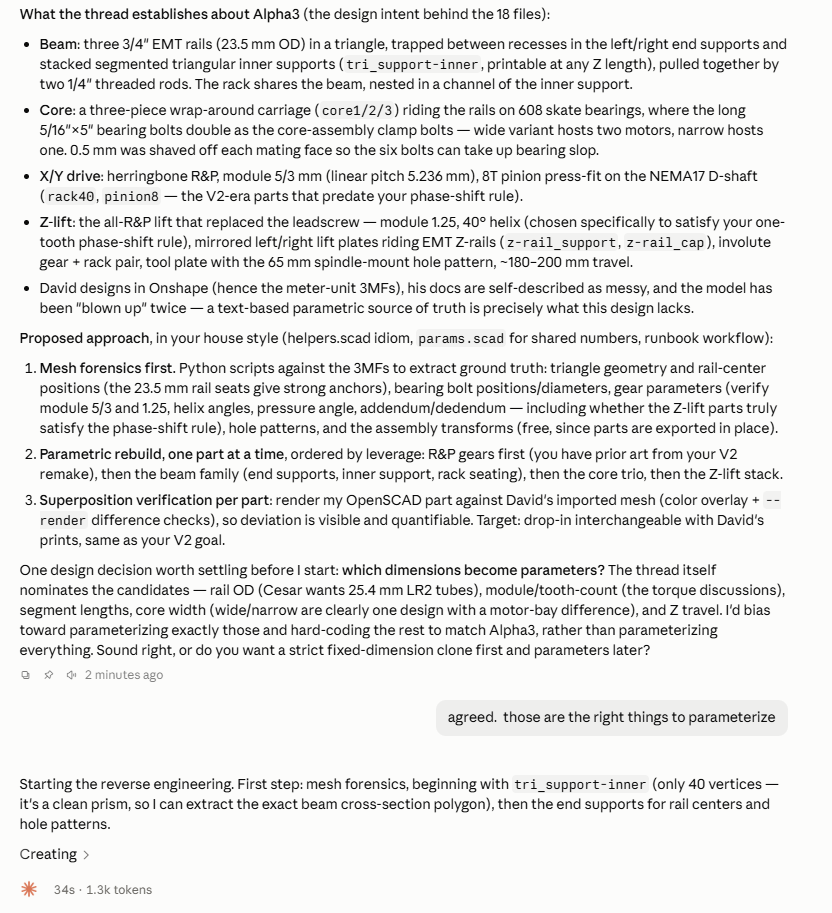
I’m not much of a coder. But using OpenSCAD is where AI models actually do good work. Feature scripts and such in other programs are git and miss for me. But scad, the ai does great. Match that with the customizer for easy parameter changes and all of a sudden I had a place in my design flow where SCAD is a better choice than other 3d modeling.

Things like that clutch alignment tool are a perfect example. My neighbor has an old of brand tractor. I told the ai all the information I could get on the tractor and told it to make me a 3d print ready scad model of the tool. It searches for the geometry needed, codes it up, and i adjust parameters as needed.

Wow this just turned in to way more than I expected, the genius collective of V1E

I’m not much of a coder either… but have enjoyed playing with OpenSCAD in the past.

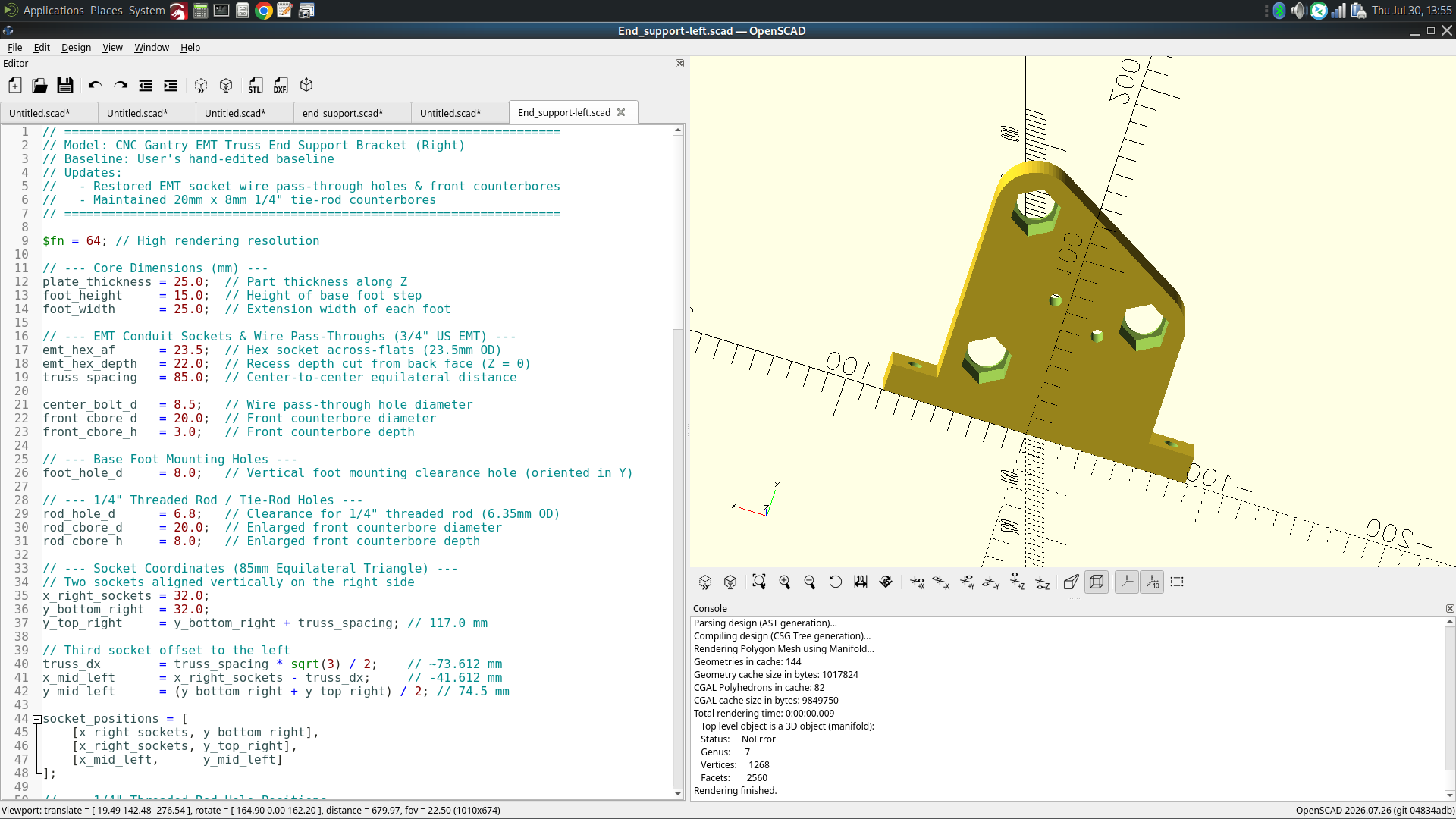
This fascinated me… so I gave it a try. I took a STEP file from one of my MPR&P parts and asked Gemini to duplicate it in OpenSCAD code. Wasted a bit of time trying to get it to faithfully reproduce the STEP part but after I instructed it to always prioritize and honor the STEP file thoughout the process and don’t take “liberties” with the design, it eventually came up with something that looks very close.

I’ve not yet printed it or compared it with a real part… but I’m pumped!
:smiley:

Ooooh! Shiny! Dang that is a game changer.
It might mean making things parametric, so you could for example customize to an arbitrary tubing size.

That’s what I was hoping but… according to Gemini, OpenSCAD cannot parse a STEP file perfectly (as CAD software does) even though the STEP file 100% defines the part.

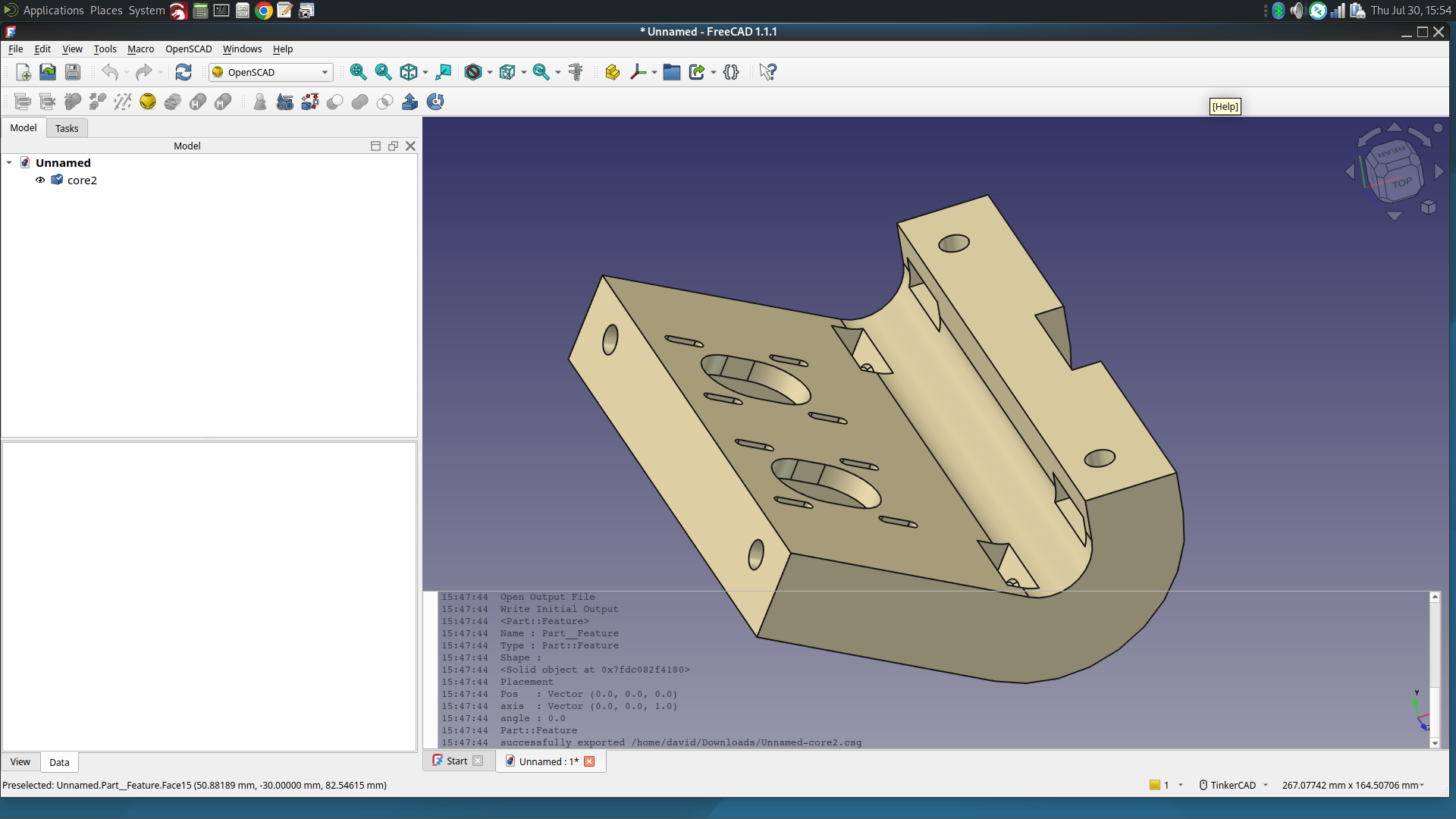
BUT, once again, FreeCAD shows up with an OpenSCAD workbench! Bring in your STEP file and it renders perfectly.

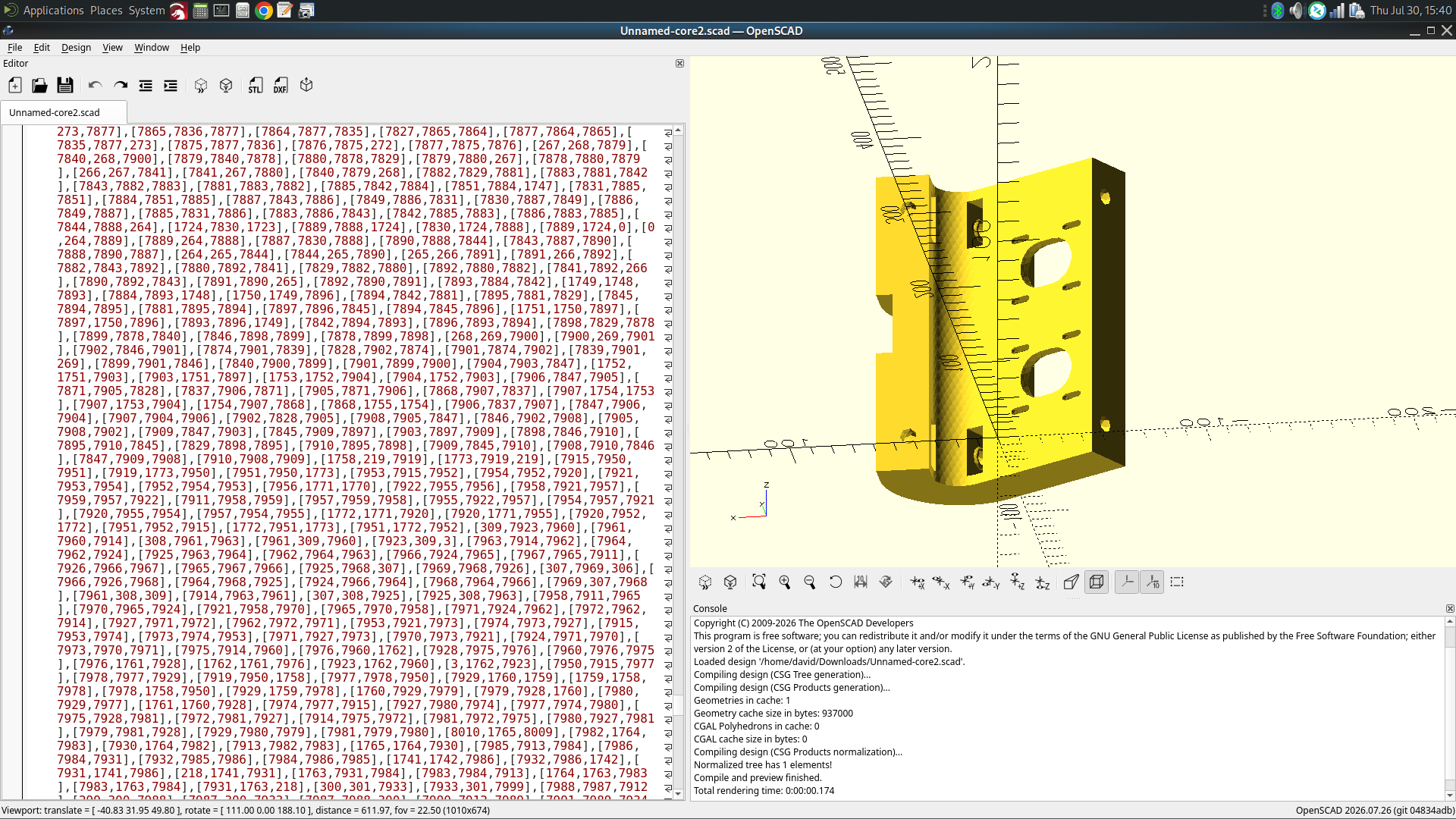
Export the part as OpenSCAD .csg or .scad and it’ll give you this…

Perfectly rendered… but I’m afraid that won’t give us the parametric adjustments we need…
:frowning:

You made me

But that I could like a post with multiple reactions… :heart::eyes::tada::double_exclamation_mark: