Ran an ethernet cable to the printer to get rid of weird wifi issues. I thought I had those fixed, but they creeped back in somewhere in the last 2 days.
While I was at it, I finally got octoscreen working on the external hdmi monitor with touch screen. My need to switch to Klipper is now less than what it was. I still want to make the switch, but things are stable again and with more of the features I would have picked up by switching.
I git the 3d printers both hard wired to ethernet now. These little unifi mini POE powered switches are pretty awesome.
I need to figure out why the MP3DPv4 has a wonky bed. Maybe my aluminum plate isn’t flat? Not sure how to fix that at this point. I do use screws in the 4 corners to build my plate. Maybe that corner just needs to be tightened a bit more.
It does look to me like your right rear is too tight and left rear is too loose. Under 1mm is not actually too bad in my opinion, obviously it can get better
It’s not horrible. I do need to figure out why the printer isn’t actually using this information. I’m working on a rather large print that uses most of the print bed. Watching the first layer print, it still squished the high parts and almost didn’t have any bed adhesion at all on the low parts. I think I missed a g-code command somewhere.
Yeah… Layer shift… 10 hour print. Shifted slightly about half-way through the print. In this case, it’s still usable. I’ll need to figure out what happened. This print is using almost the entire bed size, so I wonder if my umbilical grabbed on something when going from the back left to the front right.
I finally ordered the ‘brakes’ for the z axis I figure I’ll install them when I go to swap over to the Manta8P board and Klipper. I have a tendency to need to restart klipper a lot when firs setting it up and I just know I’m going to drop that bed a few times.
I think I finally have the rest of the hardware working reliable enough that I’m ok with spending more time on the software/controller side of the printer.
You can just use regular relays. I did find that the 3.3v logic of the skr 1.2 pro isnt enough to flip the 5v relay on the brakes to turn them off. I added a blue relay like the ones Ryan sells to take the 3.3v signal and toggle the 5v brake board. The initial brake boards were tested on an octopus board with 5v logic signals.
I like to throw money at Ryan every so often for keeping the lights on on this board. I don’t run much V1 equipment anymore, but I still tend to spend quite a bit of time here in the off topic area.
If you’ve been following along in my other thread, I’ve been having issues getting Marlin to do what I think it should with bed leveling : Marlin Bed levelling help
So I’ve decided to replace Marlin and Octoprint with Klipper. I had bought an all new MantaM8 and CMDB for this, but I decided to just run with the current control board. Mostly because I’m lazy and also because I’m just that fed up with Marlin. Yesterday I was able to flash the OS to a micro SD card and get a new RPI4 started. I did a rather quick botch-job of setting up a printer.cfg file, but it at least loads.
I didn’t have a lot of time this morning before work, but I’ve managed to flash the skr pro v1.2 with klipper.
I have a lot of config examples to run with to try to get things set up. I have a few links to configs from here on this site and I have my working klipper config for my smaller printer to steal macros from.
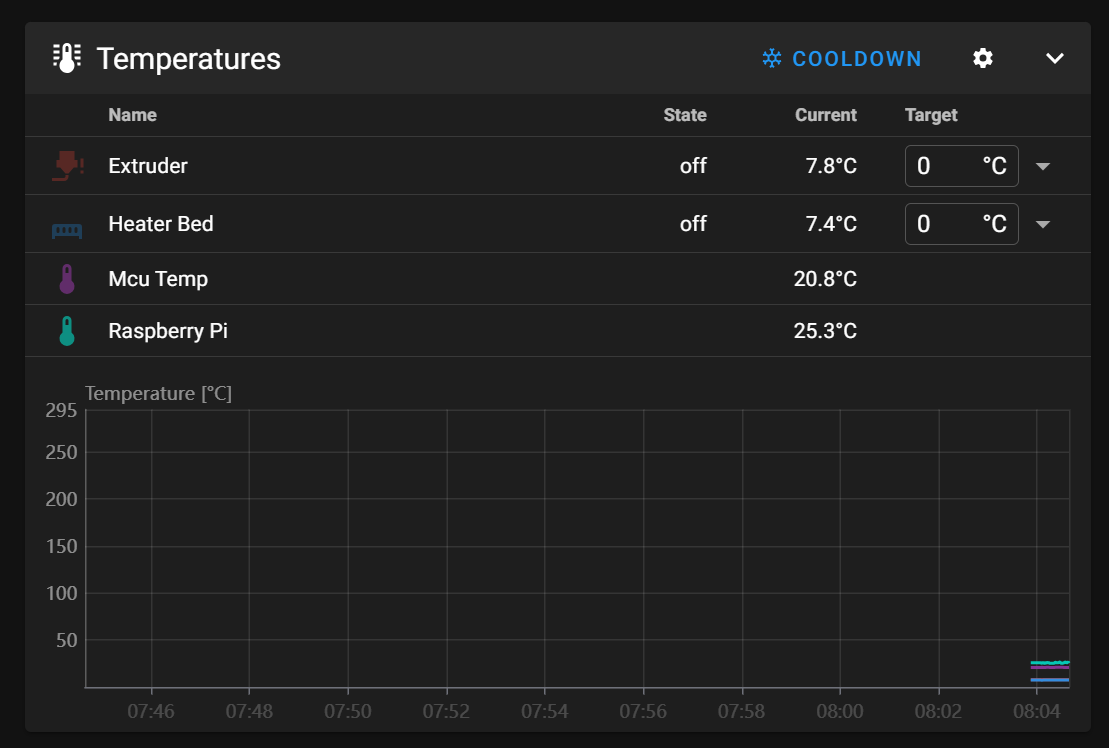
Right now I have Klipper loading and connecting to the control board. I have the temperature sensors working well enough to at least read temps. Heh… while typing this I tried turning on the bed temperature. I had the extruder and bed temp sensors swapped. Oops.
This evening I’ll work on actually moving the machine. I might get far enough to get a test print done.
Just yesterday I was wondering how Marlin is these days. I have not updated my V4’s in a long time. I have a few little pesky issues that I always just deal with. You convinced me, I am not updating them!
For me klipper printer stuff is easier, but the Pi stuff is a little harder for me. I can get it done but I am just cut and pasting commands and not really understanding much. The klipper side though, I like it, the macros are cool but can get super out of hand and hard for me to follow.
Every time i set up klipper (and i did 3 different setups last month) it is a time intensive exercise in board pinout and line-by-line setup of the printer.cfg file. While that rigor is sometimes unpleasant, it is easy to change and restart. Marlin required a recompile and flash each time, which was difficult for me. With respect to klipper configuration, i found that rarely are all motor’s spinning direction correct or the fans or endstops correct, but that gets resolved quickly by changing pin assignments and adding or removing !'s. The tricky part with core xy is getting motors a and b in synch so + and - movements are correct. I usually have to pull up a web diagram that shows -/+ movement and what changes to make to get it right.
There is a lot of power in this environment with skew and input shaping and macro editing that I like and use to try new things. I certainly don’t have it figured out completely though.
The rpi setup can be easy with installation of the lite (or command line version) and with the new os image tool it remembers your wifi settings and default account information, so you just have to pull kiauh and run that to install everything. Timelapse is a little harder because you have to manually clone that repo and then make install. But even with all that on the front end, it is worth it once it is going. I’m still a fan of running klipper on the cnc as well.
To make it easier, we could probably make an image file for each of the pi3, pi4, and pi5 boards with kiauh pre installed. (Right now my cnc has a 3b+, one v5 has a pi4 and the other has a pi5). The klipper setup will notify to update the repositories that are out of date, so having a dated image isnt as big of a deal since it knows to phone home and alert the user of a newer version.
I’d be interested in your config findings as you get things going because mine still need some work. Some random things: With a filament runout detector, it recently decided to not resume. I have a forever-long timeout to prevent bed drop. The slicer only has two lines of init for the printer and everything else is in print_start and print_end macros in the printer.cfg file.
I used the Raspberry PI flash utility and selected ‘other’->‘3d printer’. There was a Mainsail iso already there. Flash that and the system booted right up with a web UI. Just needed to ssh in to build the firmware.
Klipper has a generic-skr-pro config that thankfully has all the pinouts in it. Plus there’s a fair amount of time spent looking at board layouts to verify and double check what I have plugged in where.
This is a good approach.
Something is broken with the current version of Raspberry Pi imager, it messes up when inserting WiFi credentials or other config items.
In general, though it’s a good way to put a known config onto the Pi.
If I were better organized I’d look into using something like Ansible to make repeatable deployments of my stystems. For personal onsie twosie setups I never take the time to do this, so I am always re-doing it all each time.
Even scripting the setups would be better. I just did that with my routine for converting older surface tablets from Win10 to Linux- but that’s because I had a half dozen at once I was working on.

 I figure I’ll install them when I go to swap over to the Manta8P board and Klipper. I have a tendency to need to restart klipper a lot when firs setting it up and I just know I’m going to drop that bed a few times.