aha! my memory hasn’t totally failed me… .5 … .6 whatever it takes 
3 Likes
How long is the hardware update kit going to be on sale?
I will try to keep them going, at that price until the sales start to slow down.
1 Like
I Printed with 0.5 nozzle also, I believe @timonjkl and @barry99705 used 0.4mm
2 Likes
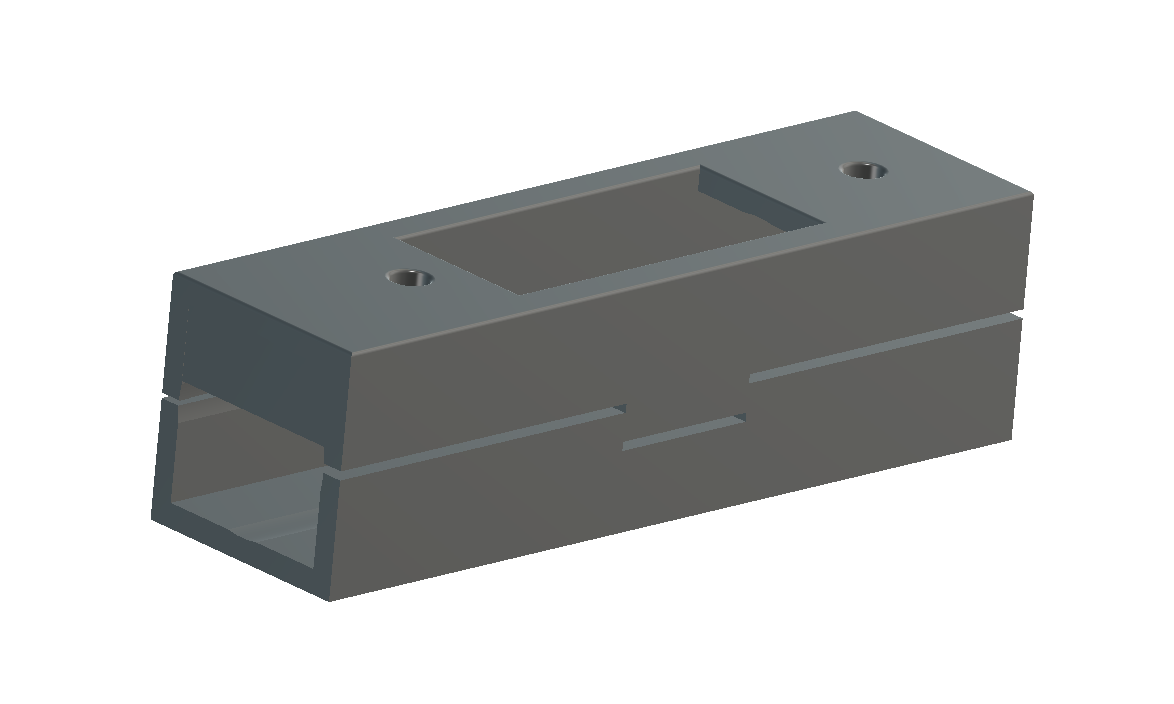
I will be uploading a Jig that I used to help drill the Z tube for the nut trap soon, once I’m back home.
3 Likes
Feet are printing at 4 hr 42 min each, 0.2mm layer, 0.4mm nozzle. Looks like a good fit on my SS. Looking good.
2 Likes
I don’t know your printer but with a 0.4 nozzle you could go to 0.28 layer high with no problem.
3 Likes
I’m doing all 4 feet at once. .4mm nozzle, .3mm layer height, 45% 3D infill and 3 perimeters, at about 11 hours total. Looks great at the moment.
edit: Prusa MK2.5
4 Likes
That is the settings I used with Ender 3 and worked great 17 - 18 hrs
1 Like
Its a Creality CR10S. Might be a little slow but it is giving excellent results and did a great job or my Burly so don’t want to mess with what is working at this point.
Can the next version be print in place? Assembly takes too long😃
5 Likes
I have a CR10S Pro
I already like the belt setup much better on the primo vs. the burley… With that said, it seemed the zipties just worked fine. I started to CAD up a rack and pinion design, but decided to wait to see what the primo would look like. In another comment you stated that the machine isn’t square anymore but rectangular. What was the particular engineering decision that went into that?
Thanks for spending your time and brain power on this! I showed this to a buddy and there might be two MPCNC’s in the works soon!
1 Like
I’d love to start printing but I need the 23.5mm one! I just found that I cracked some parts overtightening them and need to reprint them anyway, guess I will go this route! Any ETA on that? Also the feet look like the burly ones, should I go ahead and reprint my feet or are there changes there?
Symmetrical anymore. Just a choice that had to be made. Larger trucks, or asymmetrical design. A few mm Won’t kill anyone. I would never hear the end of it is I added 8+ hour print time just for a few mm build area.
I made some last minute tweaks so the calc should be an underestimate now.
Weird question that keeps showing up. “is it better than the Burly” or some variation of this. Why would I release something that I didn’t believe to be better in at least some way? Maybe I just don’t understand what they are actually trying to ask.
1 Like
Longtime lurker was going to finally start an MPCNC and then you announced a new version so I waited patiently! Congrats on your release. Is there any reason I shouldn’t start printing parts and building the table while I wait for the kits on the store?
Also, I saw in the comments and in the previous build that the parts sections had the name a different color so that your able to know what parts if you wanted to print two colored. Do you plan on doing that again?
Thanks again for all your and all the testers!
3 Likes
[Welcome, glad to have you here!
quote=“Snore, post:1259, topic:16891”]
Is there any reason I shouldn’t start printing parts
[/quote]
Not really, at this point there is a tiny chance that something might need to be redesigned or tweaked and reprinted. So worst case something might need to be reprinted.
I am not sure how to do that in mkdocs, but I have it noted to try and figure that out. Much easier this time around though. I listed the parts in this thread earlier.
2 Likes
I have it saved as a sticky note on my desktop. Works out pretty handy if someone missed it up above.
2 Likes
I’m guessing they want the differences quantified in some way. i.e. Enough info to decide: Should I upgrade? Should I consider this now when I decided against it for the Burly generation?
just put a third column on the table with Color ‘A’ or ‘B’