This is not the place to share my grief, but wow that Nextruder is impressive.
To be fair, I have a heavy cold/flu thing so my brain is somewhere other than where my body is, but yesterday, I assembled a nice Prusament Refill, stuck it on the printer and hit “play”. As is my custom I then walked away until Prusa connect dinged my phone to tell me my print was finished.
When I heard a crash from the printer, I knew not all was well. I had forgotten to snip the tyvek tape that holds the refill reel together, but the printer had just kept chugging on, pulling the filament tighter and tighter down between the side of the spool and the filament bundle, before eventually somehow tearing off that filament guide that screws onto the spool holder (no damage).
I ended up unwinding half the spool to get to the bit that was jammed, got it all back together and noticed a layer shift! Was it a slicer error do you think or Prusa’s dodgy usb stick?
Ouch! The Nextruder sounds like a beast, perhaps too much for its own good?
The USB stick is really lousy - but I’m not sure if an USB error would cause a layer shift? I don’t know if it’ll keep passing on gcode when there are hardware errors. This is far out of my reach! I had to replace my USB, it kept giving me errors. But the new USB also gave errors. Later I’ve found out that I’ve had wifi issues. More and more units were starting to get network issues. A hard reset of both fiber modem and router, and everything is fine. Haven’t had an USB error on the Prusa either.
Sorry, that was a joke, the layer shift was caused by the filament spool bouncing of the bed, and whacking the extruder on it’s way down. It’s a tractor of a machine though, no other adjustment needed after I’d reassembled it, but I am looking forward to the C1.
I managed to jam the nextruder with a tangled spool before but damn, that thing just pulls and pulls, when it notices the error, there have been at least 3 or 4 underextruded layers… it was also my fault every time.
Hm hm hm… It’s hard to decide. I really want the core one, but I actually don’t NEED it. I feel much more that I need multi color options, I really miss autochanging the filament, it’s a hassle doing it the manual way. (and my daughter really wants to print several colors and it’s always hard to argue against the kids when they wish something from dad’s tools and toys! )
Yeah, I’d take that unlimited money hack. It really has stopped being about needing it with the Prusa. I want the cool, new toys. But actually, my wife hates the smell of it printing so I hope the core one is going to remedy that. I also bought the filter with it so I can print other materials.
I’ve only been using PLA and PETG, but THIS has been great.
I feel that pain. BUT - the Mk4s is actually 20mm or so taller than the MK3 so I would have to print four spacers for my LACK enclosure, and I could use the smaller footprint. So that’s worth spending half a month’s pay on!
I am proudly announcing: my MMU bluescreen error has been fixed as of 20 minutes ago. A new buddy board, new power cable for the MMU and new power panic cable and it works. Took them only a year. I now have 1 old buddy lying around and 2 sets of MMU boards… If they don’t want them back, the MMU boards are 100% fine.
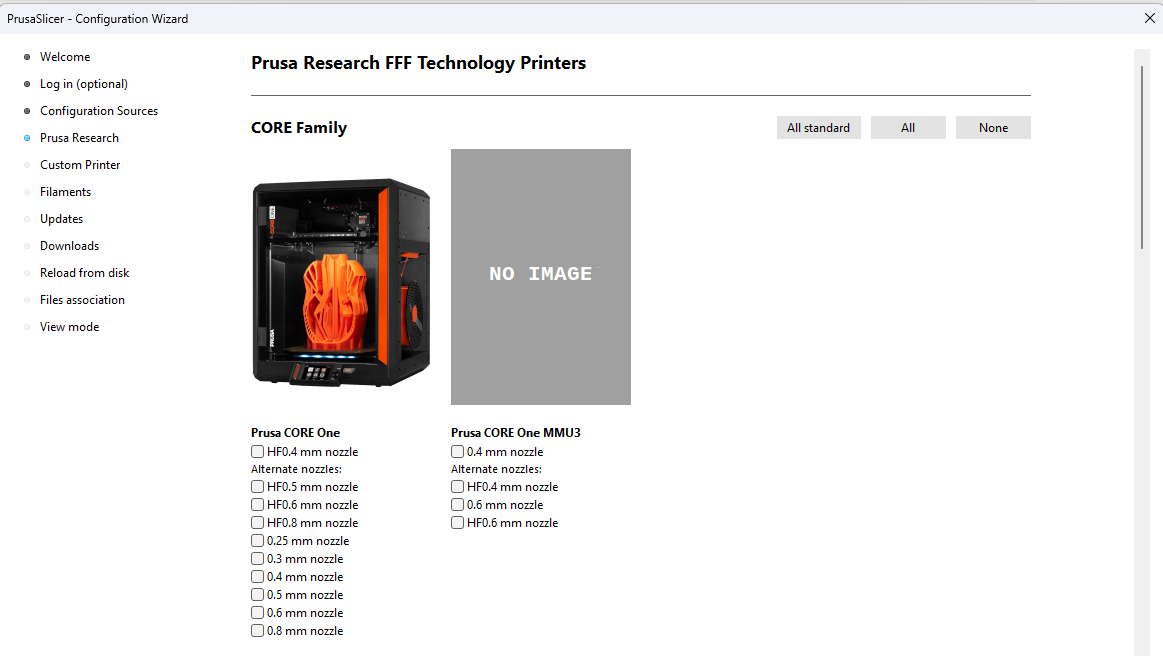
The last paragraph is interesting: HF06 and COREONE/COREONEMMU3. Exists for all the nozzle sizes and the only thing that is happening is that the infill accelleration is slowed down (which is weird, shouldn’t it be higher with a HF nozzle?).
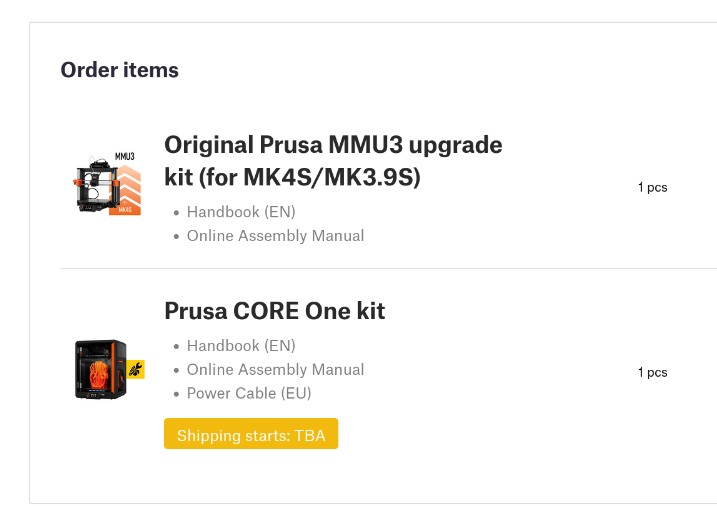
My optimism extends till October, when, in no particular order - the MMU will be sorted for the core one, all will be revealed by the development team, and my kit arrives!
Good luck in the meantime though, your feedback to support will be invaluable!
You should ask my city’s IT-Team, setting up everything for the schools… I think they’d miss me if there wasn’t one feature request or bug report per week…
Interesting I think - I didn’t think he was a fan-boy. He’s had a few words with Jo on Twitter but I am seeing “different” reviews of late - very objective and actually not slagging off because of the price. There again “very objective” is my own cognitive bias kicking in. It’s just nice not to see half baked crap, and a pointer to an affiliate link.
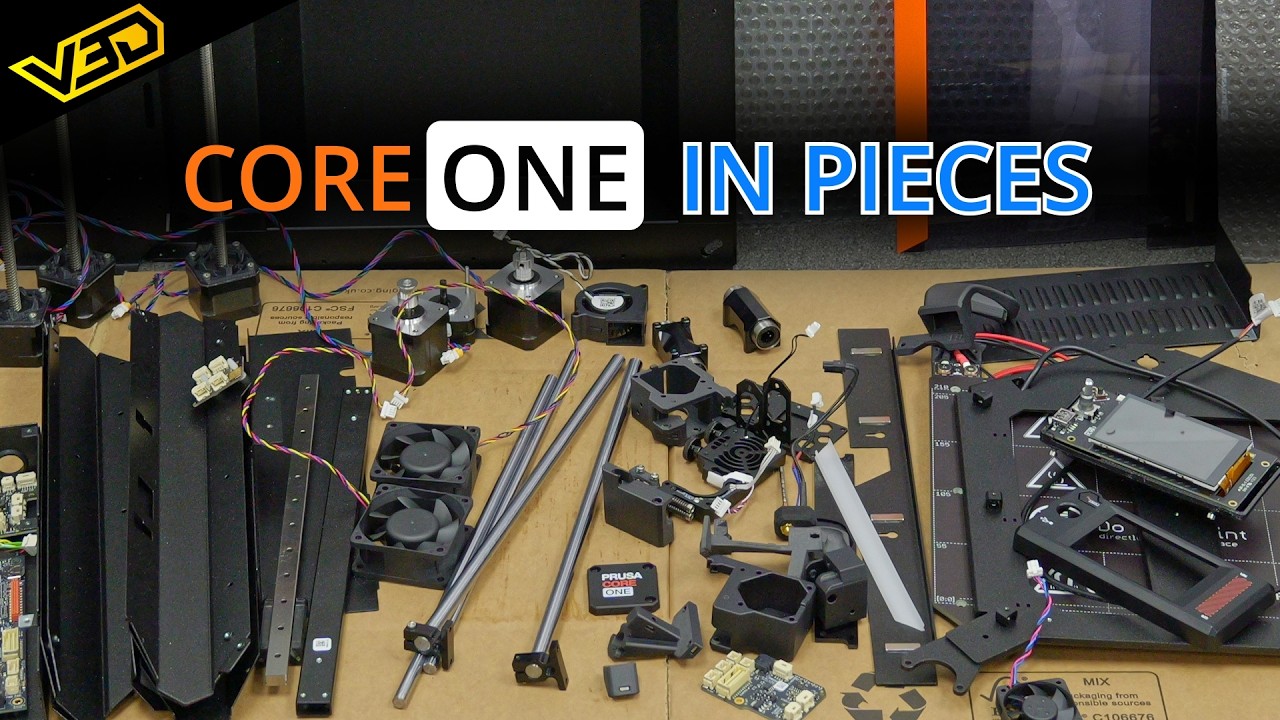
I watched this quickly in class and I can say: I am kind of looking forward to the build but it seems it will be a lot of work because I have to disassemble the 4 first… Oooof.