I would not know how to to edit the file, so no, it was not modified.
and while it is on, if you press the endstop do you see it deactivate?
Is the correct endstop showing when you hit it? little z is Z0 (usually min side) and Z is Z1 Same for Y
1 Like
ooooh good one, the lr builder has skills, LOL
2 Likes
I made it myself. Yes, It is entirely possible i have something backward. But, would it have been able to complete the home procedure once and draw the crown once if something was backward?
Riley I don’t understand what you mean by pressing the endstop. I am just flicking the limit switch whisker to see the change on the console. If I hold the whisker, what is the endstop that I am supposed to press?
i am coming into this late and much has been done, so I cannot say why it homed once and never again.
Jonathan brings up a great point. Does the Z stop trigger the Zstop in Iimits? or does it trigger x.
You need to check it all.
Checking means manually Pressing the endstop, while limits is on.
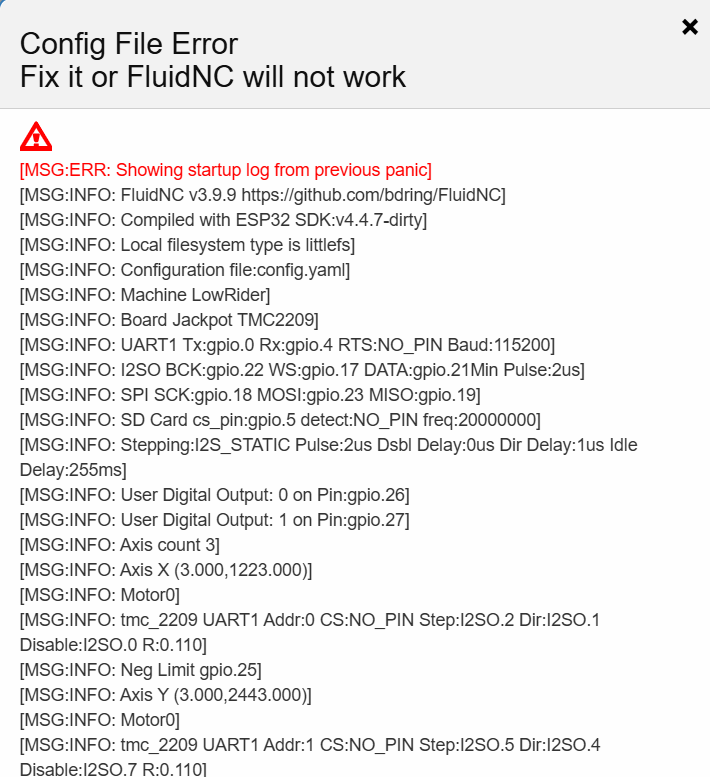
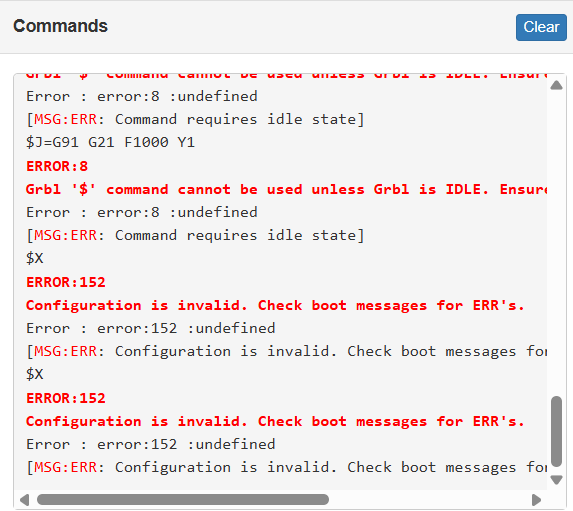
Keep in mind that I can’t have a live view in the forums if I’m connected to FluidNC because I have to disconnect from my home Wifi. And if I’m connected to my home wifi, I can’t connect to FluidNC. So I have to keep leaving and coming back, that is driving me crazy. I can’t help but wonder if that is somehow contributing to this problem.
Something is going weird for you to be getting config file errors all the time. That one is above my paygrade unfortunately.
That’s a @vicious1 @jeyeager @MakerJim or several others that I am forgetting
so have you tried adding it to your home wifi?
that is how I have mine.
I think they are trying to get him working correctly on AP before bringing in STA. that way we know its not home network issues involved as well
1 Like
I have not, I don’t know how to do that.
I have an alarm now that I can’t reset, so I can’t check the limit switches as you previously requested that i do.
Also, how do get to the Terminal? I can’t remember how I got there last time, I’ve twisted my head in knots.
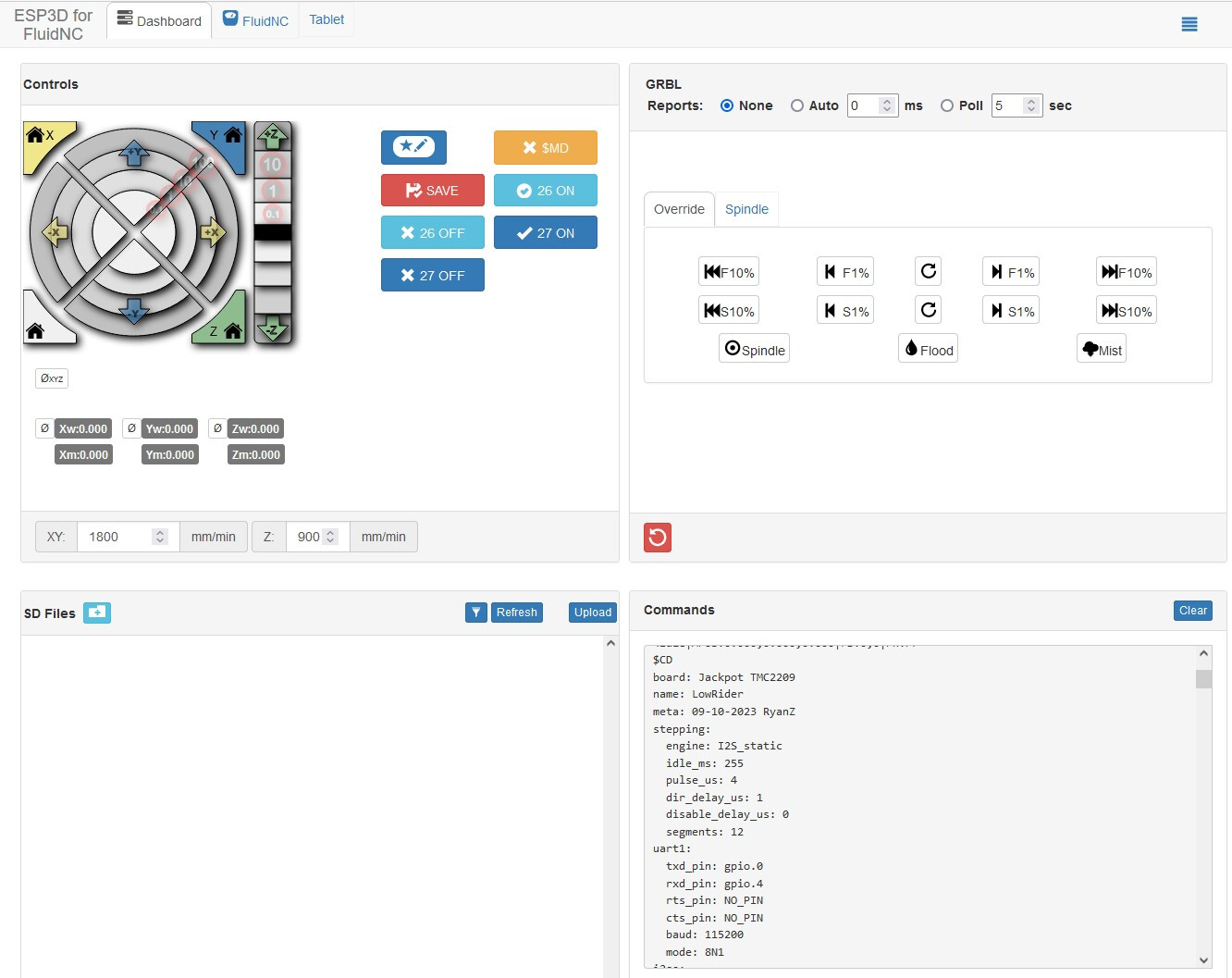
You should have a screen similar to this. its the lower right window. If you type ~ in that window I think it will clear the alarm. Its been a while so I might be incorrect
That is also the same place you would type in $limits
What you show is what I call the dashboard. I’m good with getting there. What I am calling the Terminal is where you flash the config. I might be calling the wrong thing.
But the good news is the error is now cleared even though i didn’t do anything to clear it.
I did the limit switch test again:
Left side Z limit switch = Big Z
Right side Z limit switch = Little z
Left side Y limit switch = Big Y
Left side Y limiti switch = Little y
Core limit switch = Little x
I still don’t know what Riley meant by pressing the end stop to see if it deactivates
endstop = limitswitch
1 Like
while that screen is running, if you CLICK an endstop, just press it with your finger, you should see it change.
that is all
jonathan, should this be little x or X
too cold in my garage rigth now.