OK, all good now, I was thinking you were implying another test, but it is the one I’m doing, I understand now.
1 Like
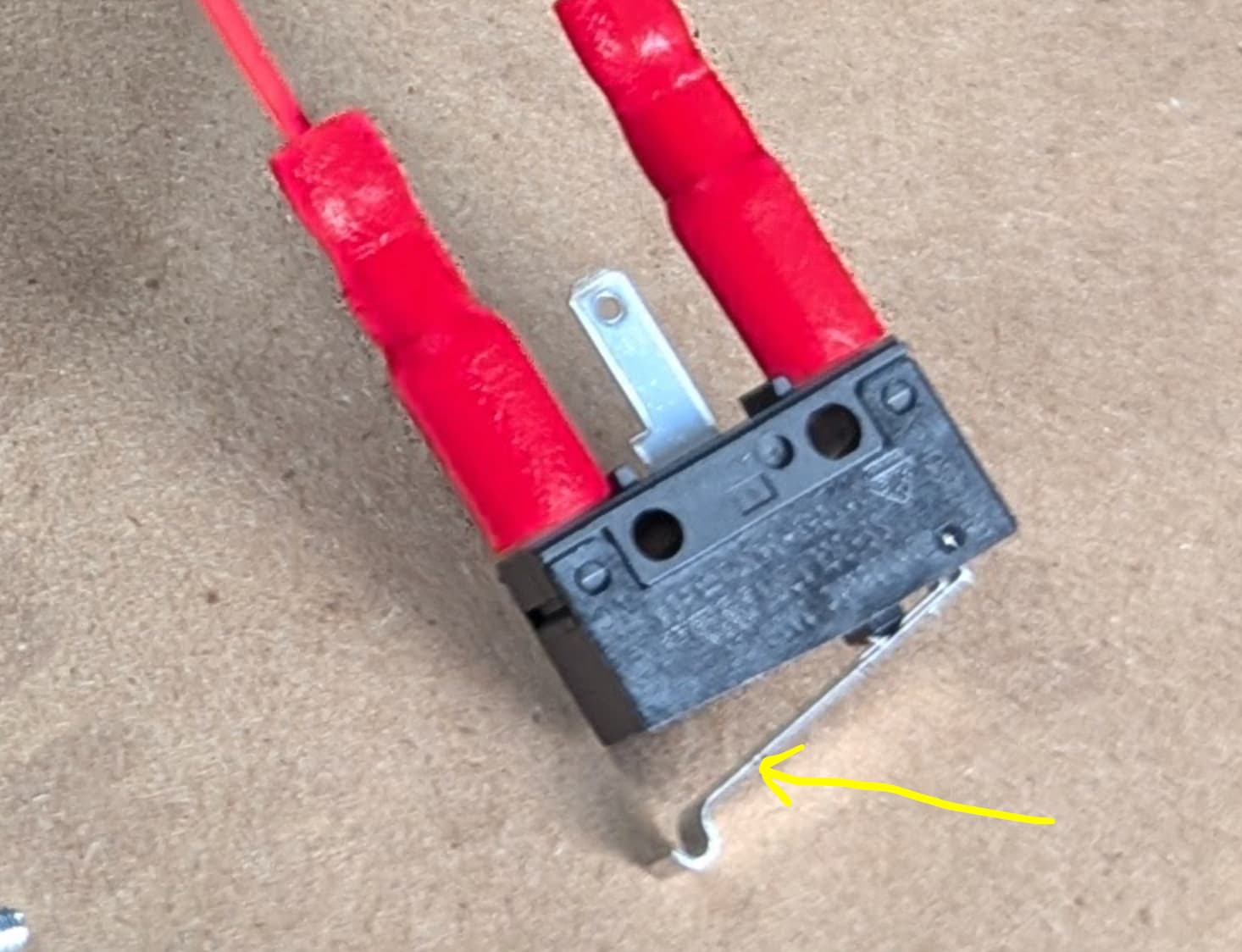
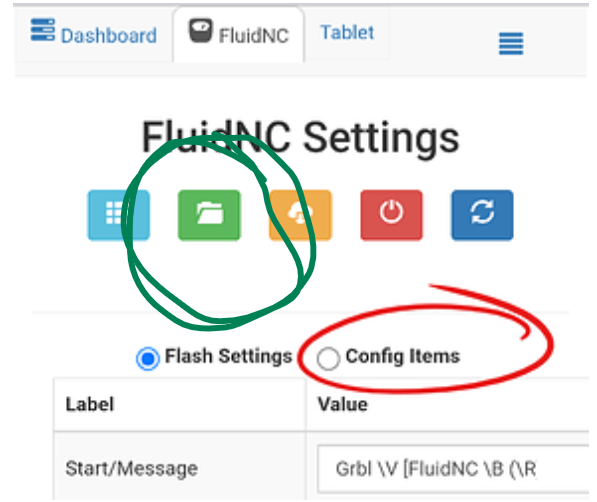
little on a LR
1 Like
i need to walk away for now,
You probably have seen this, but just in case,
take a look and see if it helps.
1 Like
Thank you, yes, i have read that several times.
1 Like
So that means my limit switches are set up correctly?
1 Like
Yes sir it all looked right to me. Still not understanding the issue with jogging you are having. That one is beyond my knowledge base
When I say some jog buttons and home buttons don’t work, let me add a little more context.
When I mouse over the jog and home buttons they light up an orange color. So when I mouse over the Z Home botton it lights up. When I mouse over X and Y home buttons, nothing happens.
When I mouse over Y+ 1mm, it lights up, when I mouse over Y+ 10mm and Y+ 100mm, they do not light up. When I mouse over Y- 1, 10 or 100mm, they all light up.
So something is very weird.
At this moment, even if if I click a jog button that lights up, it does not jog. But I’m confident that if I cycle power I can get back to the ability of jogging some but not all axes. So I am still stuck, I can’t jog and I can’t home.
Mousing over them doesn’t matter much. What happens when you click them is what matters. When the jog stops working does the position still update in the terminal window (lower left side)?
When you connect to the board are you going to your browser and typing in the IP or are you working from the captive portal that pops up?
1 Like
Yes, the position updates even though the axis doesn’t move.
1 Like
ok so that means you are still connected to FluidNC.
This is a weird one for sure. Sorry I’m not more help
I don’t know why, but it is working.
This last time that I logged in, all the jog buttons lit up as expected, all jog buttons worked and then I was able to home all axes. Then I ran the crown program, twice!!!
2 Likes
That’s great news! Hopefully that continues!!
I disconnected to write that message. Then I reconnected and ran the crown again. Now I will try powering down and see I can repeat the power up, homing and running a program.
1 Like
Thank you all! It is now working. It works whether I use the captive portal or the 192.168.0.1 address. I really don’t know why it is working but certainly happy and appreciative. Thanks Again!
3 Likes
Is it too soon to ask about the AP vs STA connectivity method?
1 Like
I would make sure it stays working for a few days before you make any more changes.
How is the wifi signal where you are at your machine? If your phone/laptop are not getting a FULL connection then I am not sure I would connect the Jackpot to it as it doesn’t have as good of an antenna as the phone/laptop
1 Like