I’m from an adjustment CNC community that does use estlcam alot but I know it was popular here at least when I had my MPCNC.
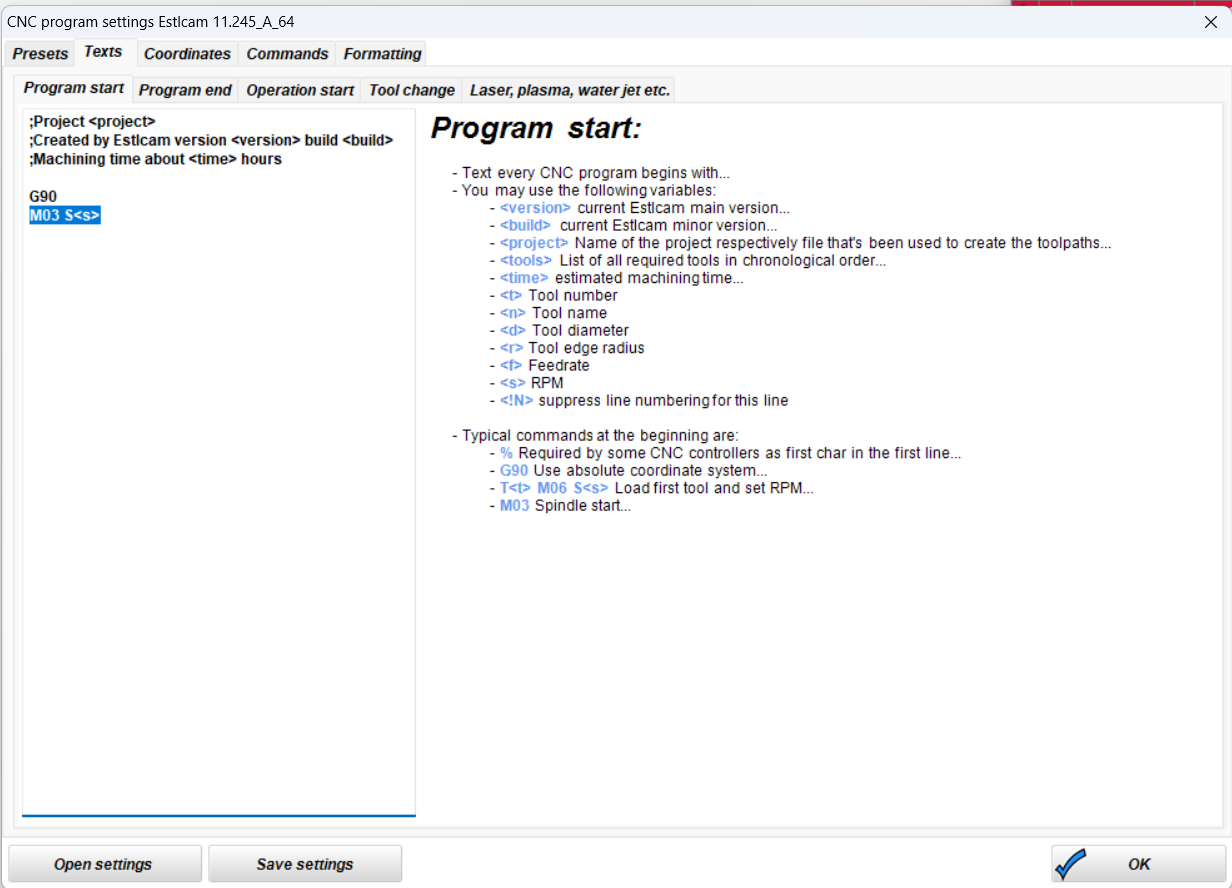
The problem I need to solve is my machine runs on a modified version of marlin. The 1st issue I’m seeing the the way the M3 code is defined in the firmware. In Marlin you turn on spindle with the M03 & M04. The code looks like this M03 S24000; setting to max speed. In the modified version it is turned on M03 P100; 100% of Power. I’ve noticed estlcam set the speed I’m guessing by RPM and I need it to come out from a scale of 1 - 100.
Has anyone has to make these kinds of changes to the post processor before?
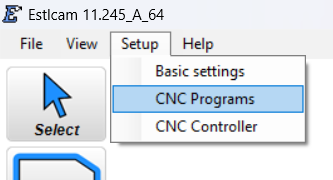
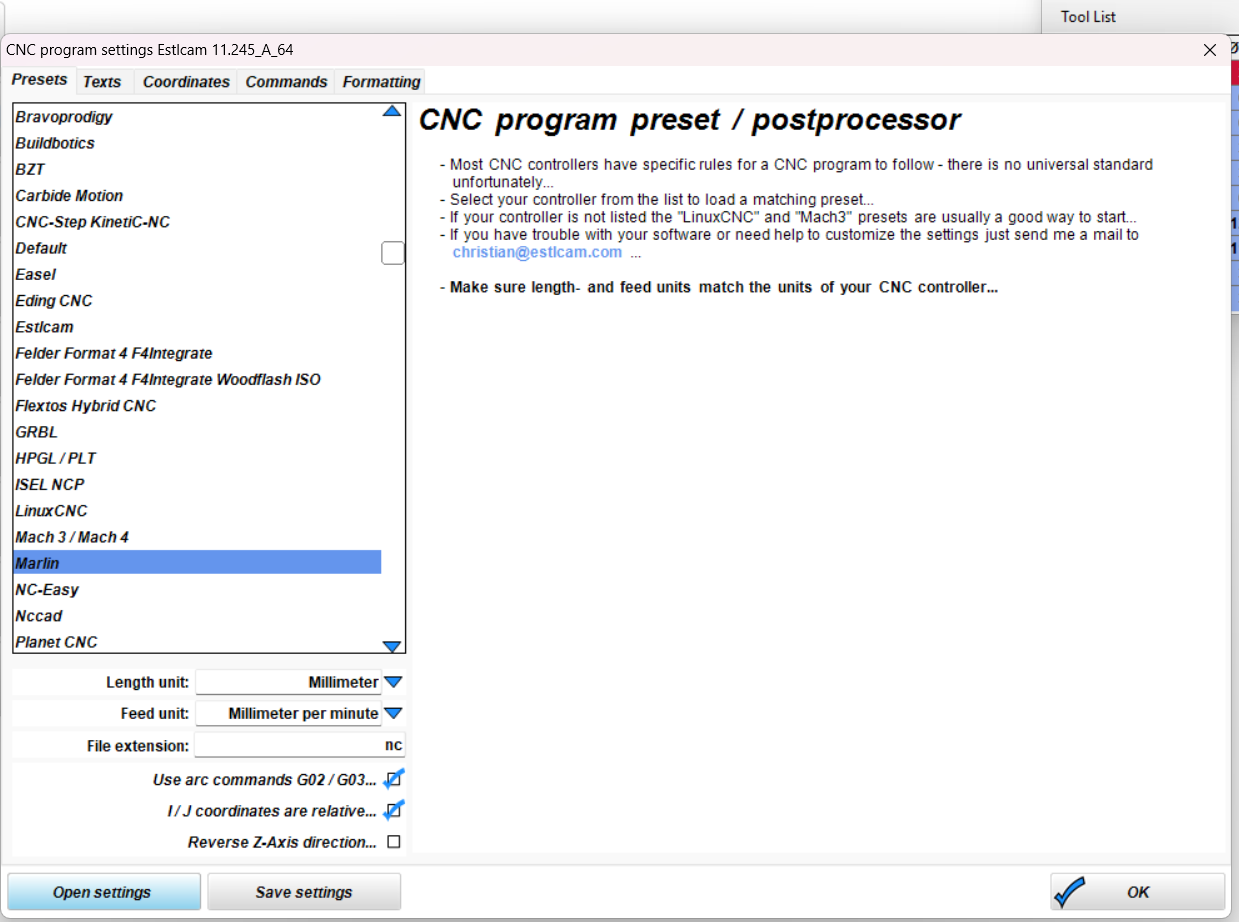
You can edit and save your own post processor in estlcam. I did it to run klipper. There is a page with functions sand commands that you can customize. It works.
Sort of. I don’t see a variable for percentage. You can change that line to M03 P<s>, but then you need to make sure the RPMs in the tool settings are always between 1-100.
There is no variable for that as using percentage is very uncommon for CNC milling controllers and would require additional fields for min and max rpm to be able to calculate the value.
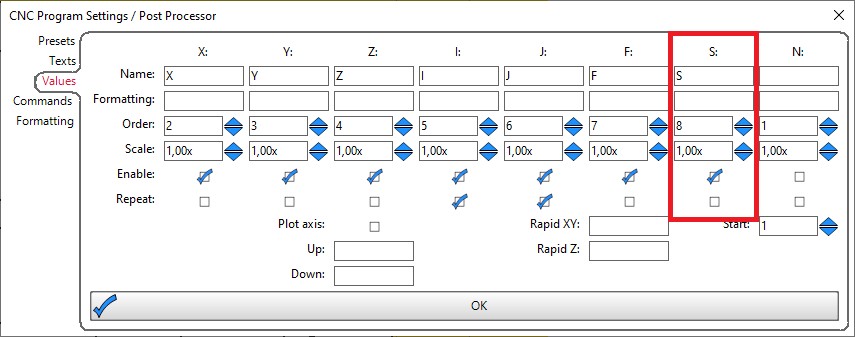
You can change the “Scale” of the “S” / “RPM” value.
If your spindle is running e.g. 20000rpm max you can enter 100/20000 = 0.005 as scale factor and then it will output 100 for 20000rpm / 50 for 10000 rpm and so on.
(0,005 will rounded to 0.01 in the textbox - but Estlcam will still use 0.005 for all calculations)
The other workaround is:
All number fields in Estlcam support math equations. Instead of entering 50 in the RPM field you can also e.g. enter 10000/20000*100 if you want the value for 10000 rpm at 20000rpm max.
But this only works in the number fields - not for the postprocessor variables.