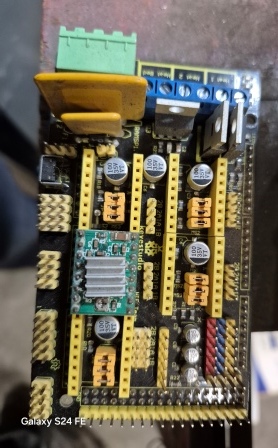
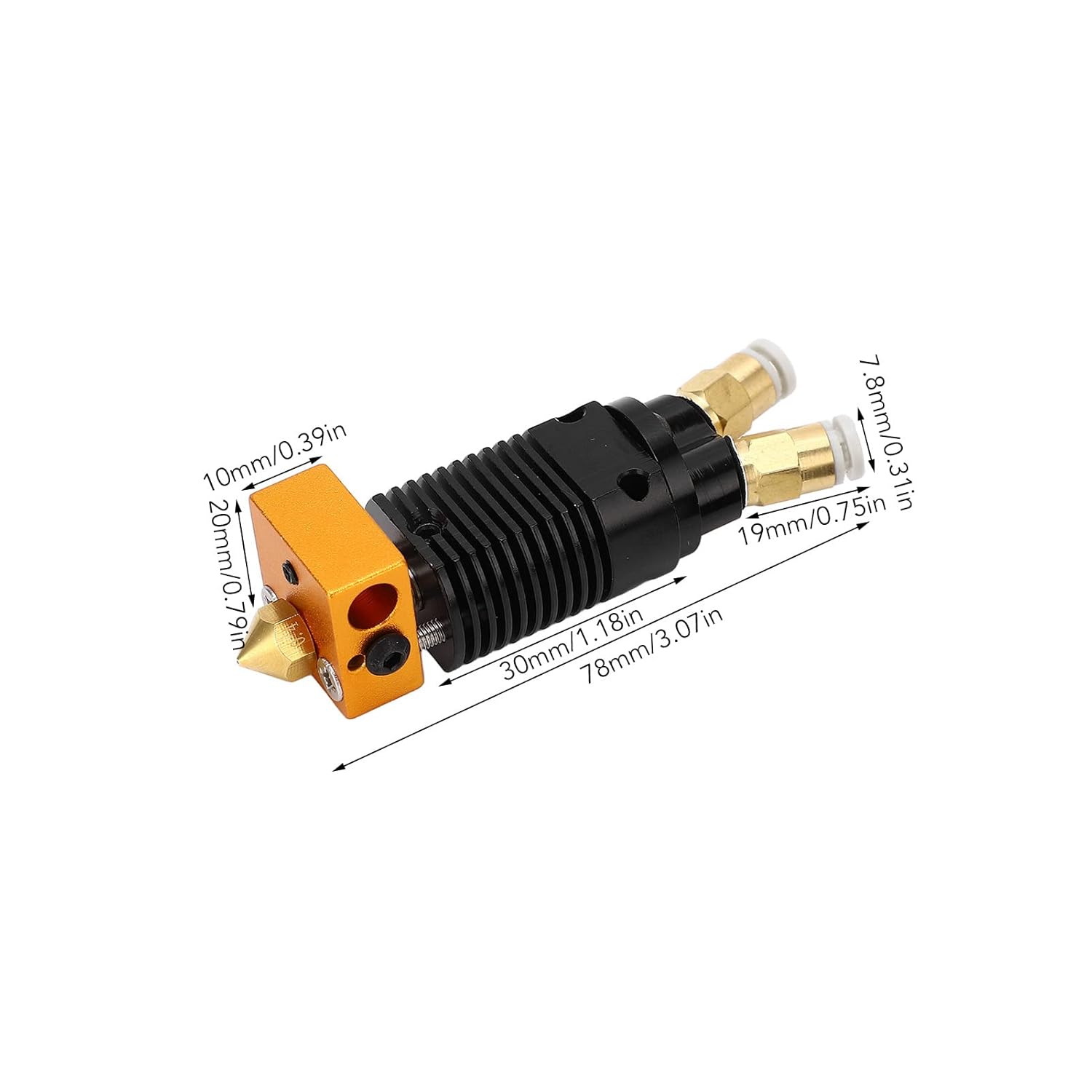
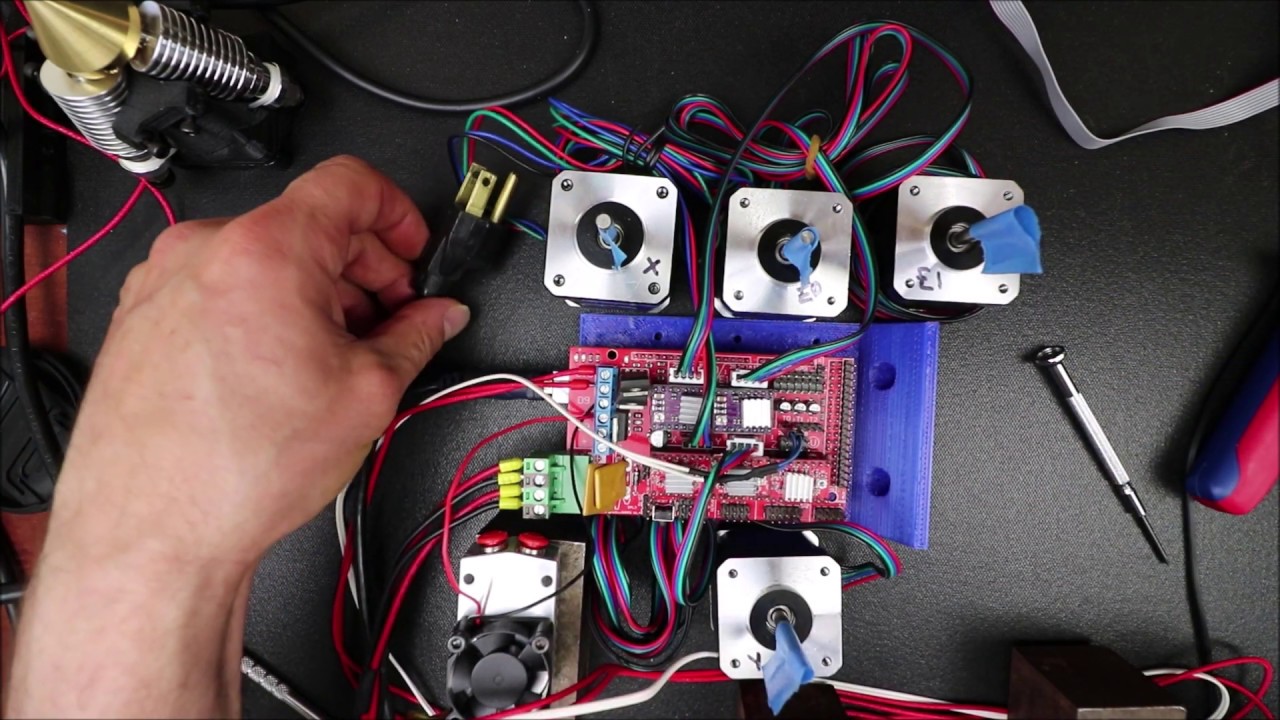
This is a revisit to an upgrade, got 2 in 2 Out Extruder 12V 40W Dual Color Cooling Chimera Hotend working somewhat. Both hotends heated on PLA preheat, only extruder 0 works off of Smart controller.
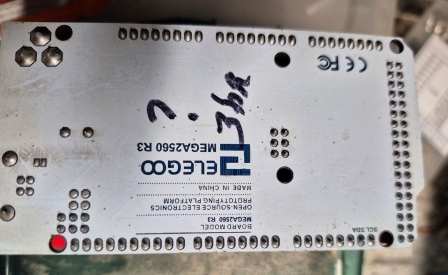
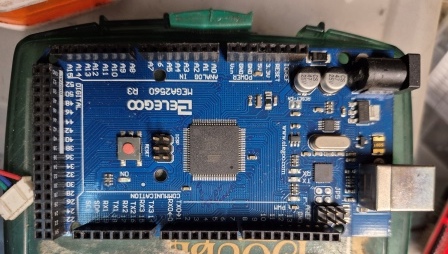
A Milled printer (V1 design) with RAMPS 1.4 for Arduino REPRAP Mendel PRUSA 2560 Board that I built in 2020 that I managed to get working with Marlin version at that time. , I need a complete download as if starting from ground 0, as config.H asking for files I don’t have. I’m in process of upgrading my printer to dual extruders single Hotend.
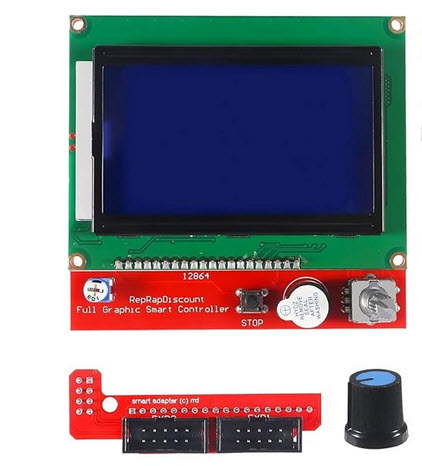
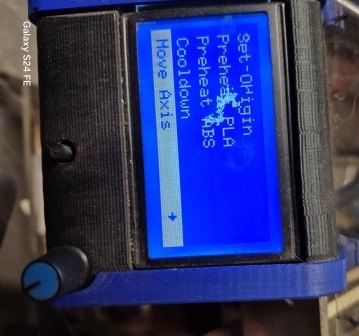
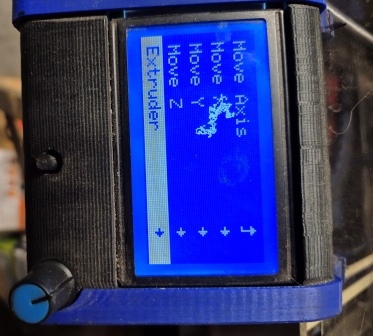
I got Marlin to recognize dual extruders, need to change coding on Reprap Smart Controller 12864 LCD Display to move extruders individually.
Did original programing with Arduino, kind of lost using Visual studio. Any help would be appreciated. Including coding I have been working on, base off “V13DP_Ramps_MK8” Marlin changes.zip (91.5 KB)
Found this in old coding under ultralcd.cpp
static void lcd_move_menu_axis()
{
START_MENU();
MENU_ITEM(back, MSG_MOVE_AXIS, lcd_move_menu);
MENU_ITEM(submenu, “Move X”, lcd_move_x);
MENU_ITEM(submenu, “Move Y”, lcd_move_y);
if (move_menu_scale < 10.0)
{
MENU_ITEM(submenu, “Move Z”, lcd_move_z);
MENU_ITEM(submenu, “Extruder”, lcd_move_e);
}
END_MENU();
Not sure how it sends code to Driver E.
Would be nice to upgrade coding to “V1ZXY_Ramps-2.1.1” example under Visio Studio Code Version: 1.96.4 (user setup) Date: 2025-01-16T00:16:19.038Z
You use Ramps V1xxxx? search for BOARD_RAMPS_14 in the marlin software and change it to set it to 2 extruders (look in boards.h wich to choose) . That probably solve your problem.
the is a fork on github.
Not sure how, but we can close this topic. Decided to go with manual switch on E0 driver for extruders. Running 2 different filaments, Cura not accommodating this in coding either. Thank you for your time.