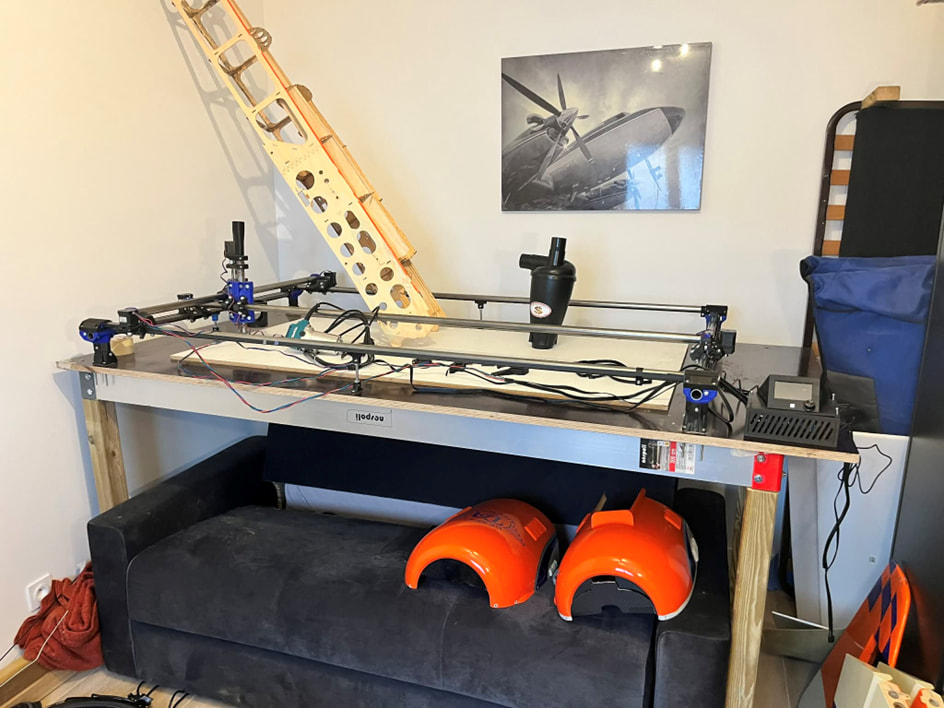
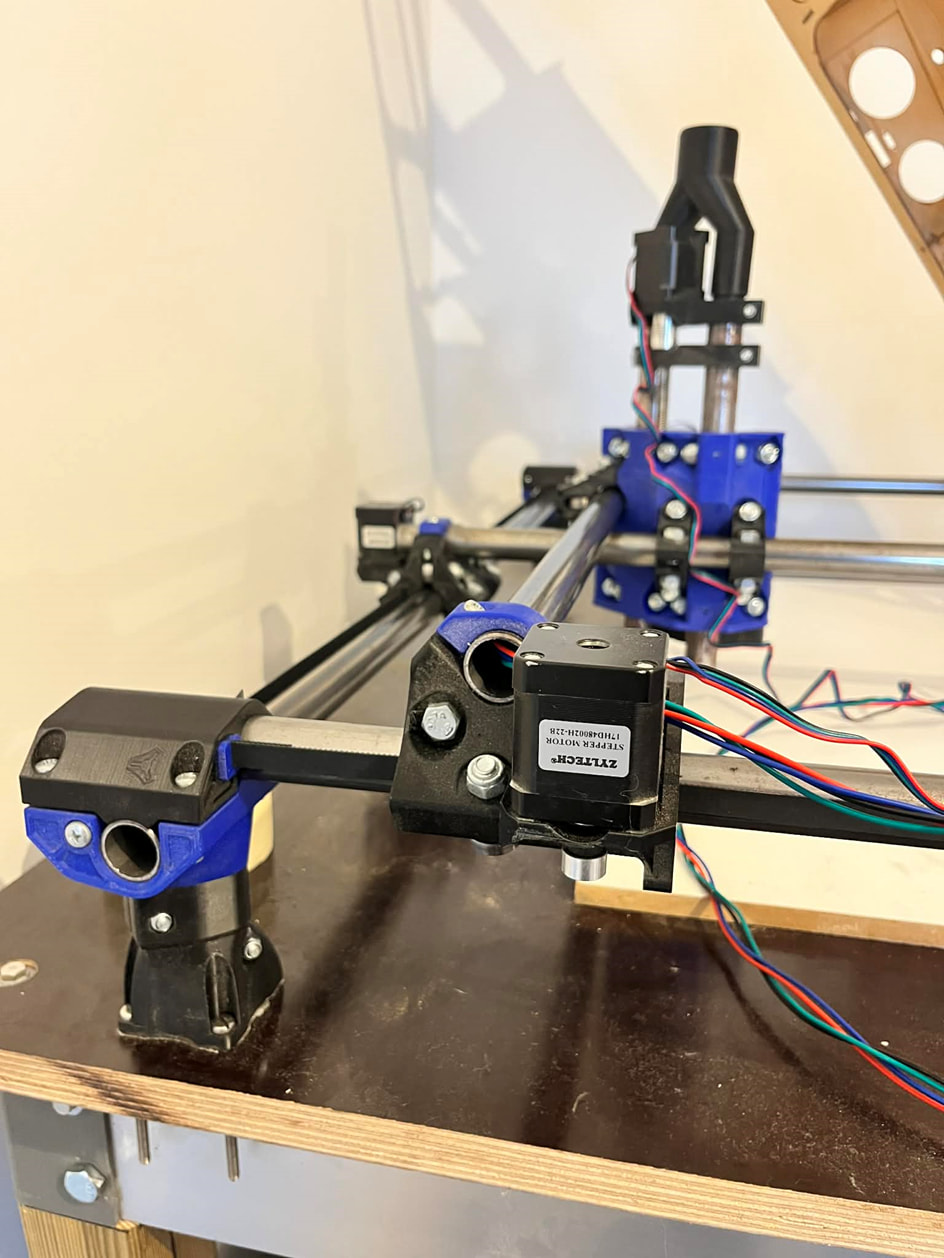
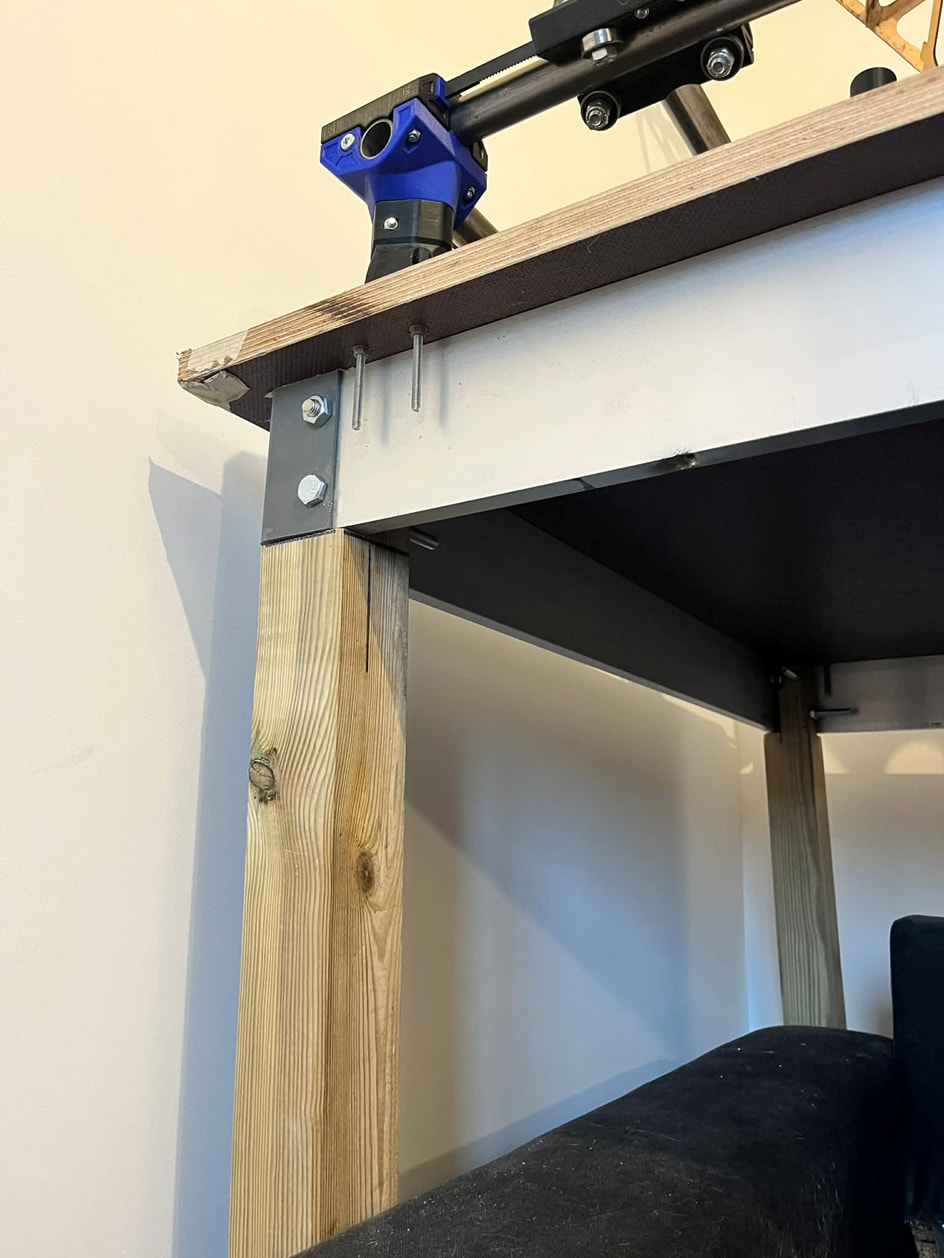
I built this machine to manufacture RC model airplanes, which has been my passion since I was very young.
This CNC should allow me to create molds and cut wood parts for my projects.
Now I need some help to properly configure my setup.
The file was renamed to FIRMWARE.CUR, which confirms that the firmware was successfully installed on the board.
Software Used
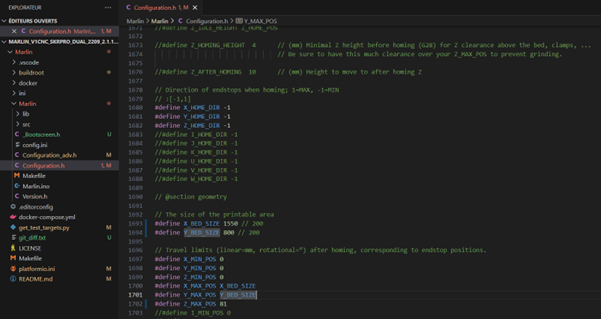
Firmware: Marlin 2.x
Compilation: Visual Studio Code
CAM Software: Estlcam V12
Problem Encountered
I am unable to properly configure the TFT35 screen in CNC mode.
Most of the tutorials I find are for 3D printer mode configuration.
I managed to find:
The TFT35 folder with CNC/Laser images
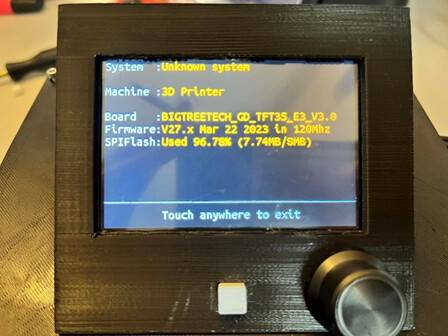
The firmware file: BIGTREE_GD_TFT35_V3.0_E3.27.x.bin
However, I believe the issue comes from the config.ini file.
Inside this file, I still see many parameters related to a 3D printer configuration.
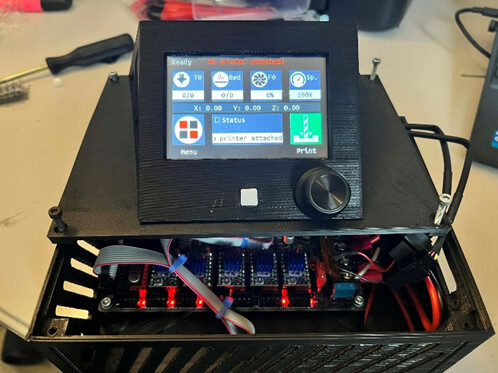
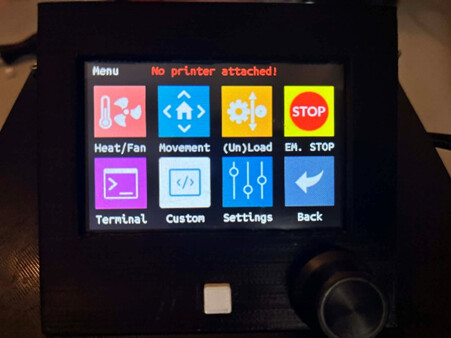
Even after installing the three files on the screen, it shows some CNC images, but the interface clearly seems designed for a 3D printer.
There is no current CNC specific screen firmware - as far as i understand it needed to be updated everytime SKR made a new board firmware update and that became too onerous. when I last used an SKR on my MPCNC it had the 3d printing ‘theme’, you just ignore the parts that aren’t applicable
Is your native language not english? Your summary looks AI written, so I want to understand if things are being lost in the translation.
That’s a very large footprint for a Primo, it’s probably fine for work on your airplane parts, but at some point you may want to consider building a LowRider.
On to your issue:
Is there anything in your machine that doesn’t work correctly?
As noted in the last thread, and by Dryfus, the BTT firmware is mostly used by 3D printer builders. The extra icons and settings for 3D printers don’t hurt anything or impact machine behavior if you have the correct firmware on the SKR Pro- they are just a minor annoyance because the 3D printer features don’t do anything for a CNC.
This community tried to get the changes for CNC-only taken upstream by BTT, but they refuse to do so because it would confuse the majority of their users who are building 3D printers.
It’s too much work to try and customize each of their releases to not have the 3D printer features, so we stopped trying to do so.
I agree with Dryfus that if everything CNC wise is working then you have the latest setup for that machine.
I hope you’ll post more about the RC airplane work that you do.
The screens in your pictures look different than the ones I am using on my SKR/TFT setup. Did you use the ones from the BTT GitHub or from the V1E GitHub?
I echo what others have said - there is no CNC screens, only 3D printer screens. But they work fine for CNC.
If you use the lcd in marlin mode it works fine. In touch mode you have a lot of extra menu items. You wont need or use the temperature settings, just the position and zeroing settings. The skr is a decent board and will run accelerations and process faster than an arduino. I’m not sure what advantage other than cost the arduino board has over this setup. You might consider the jackpot board specifically built for this application.
 Machine & Electronics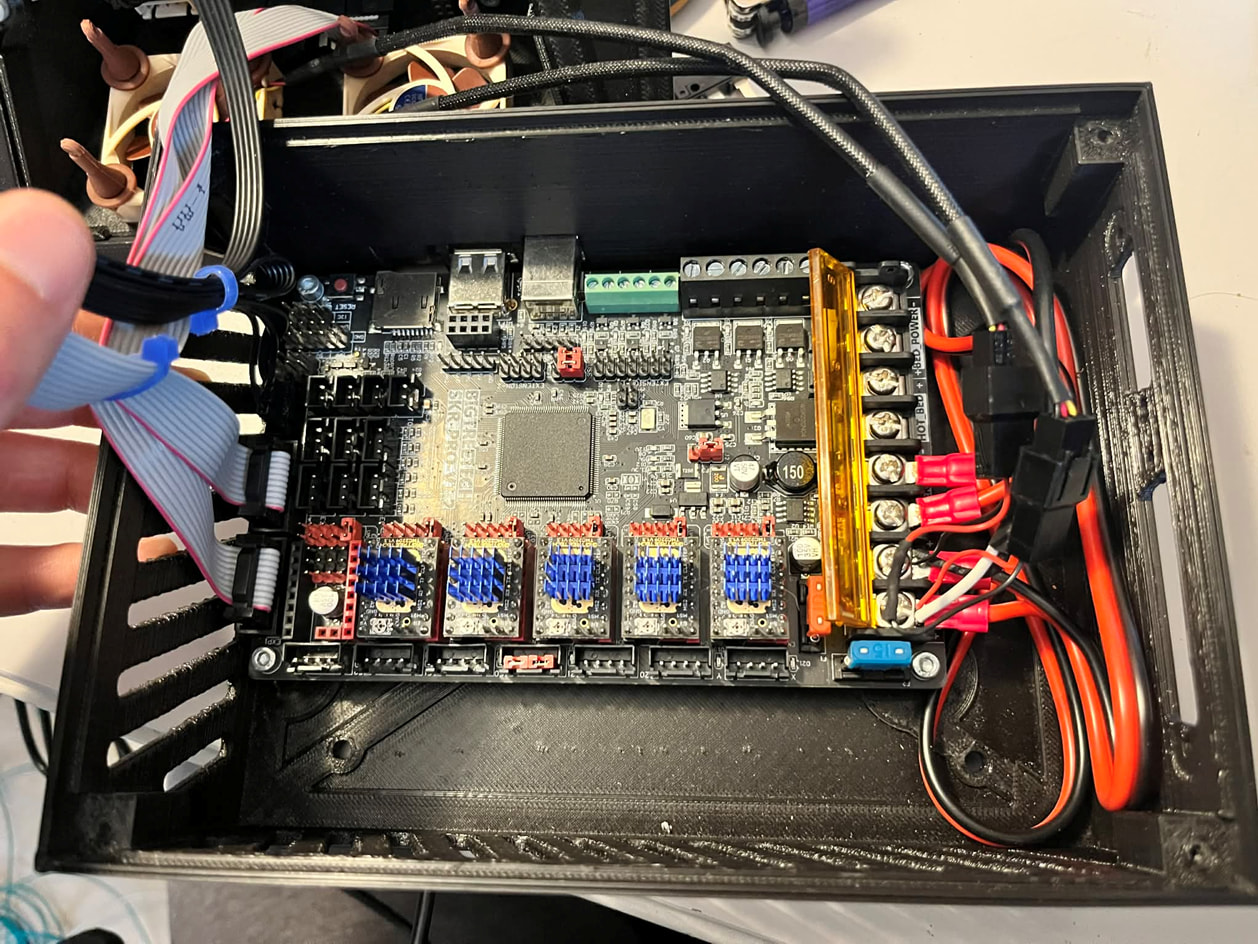
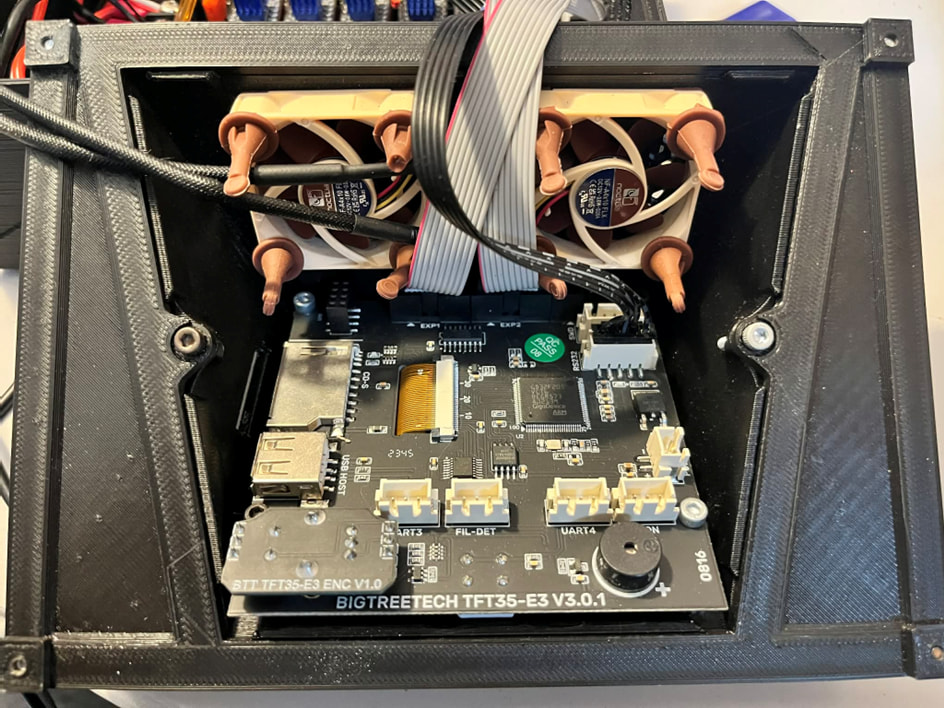
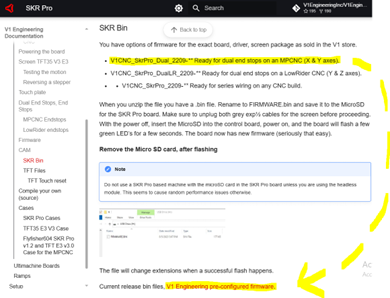
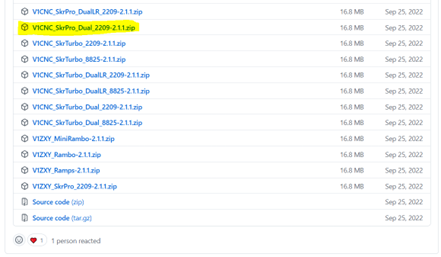
 Software Used
 Problem Encountered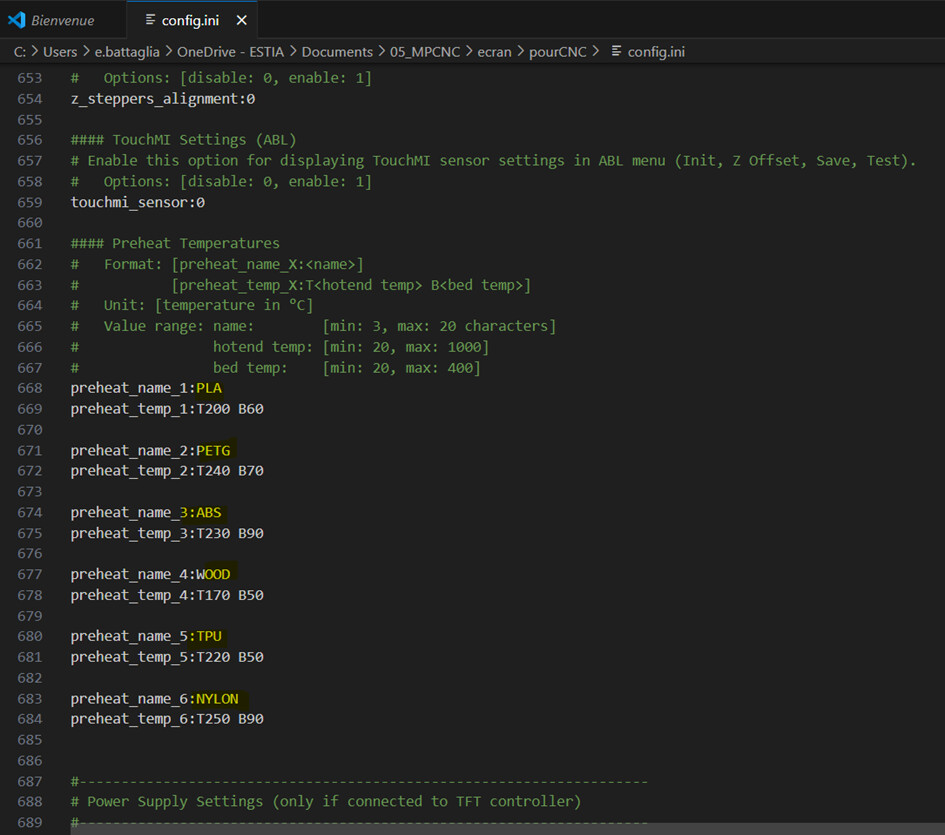
 Files Available