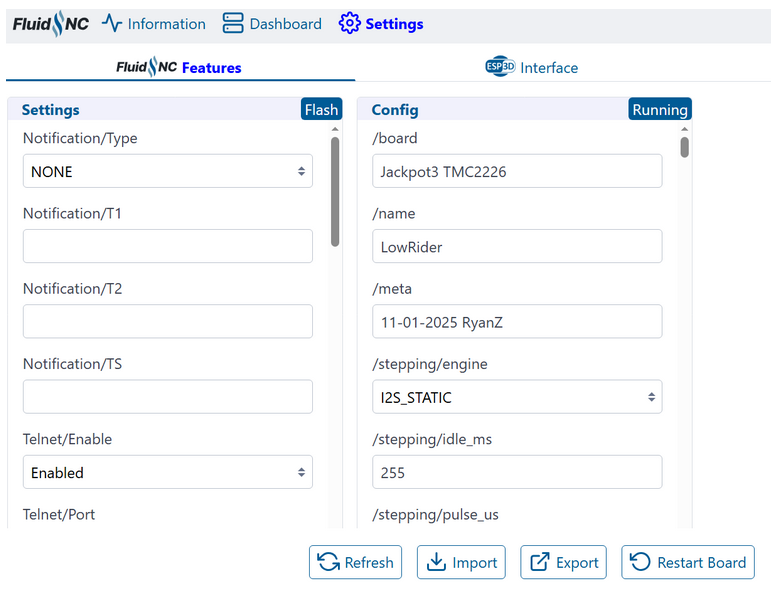
Hey guys! I ordered a Jackpot 3 board directly from the V1E website and it came with the firmware for a Lowrider flashed on it instead. I did a lot of looking around and thought I got it right, but now when I try to change my startup scripts or enable soft limits, it wont save and take effect. I’ve done the following:
1: directly edited the .yaml file, saved it and replaced the original .yaml file in the directory.
2: Enabled and saved soft limits and their respective values in the GUI interface. I also tried making those values negative and saved with no luck.
3: I’ve actually removed the .yaml file completely to see what would happen and it didn’t change a thing as far as how the machine operated and reacted to my commands.
If any of you have the entire stock SD card contents of an MPCNC Primo you could email to me so I can start over, that would be MUCH appreciated.
Any help would be much appreciated and feel free to ask questions to make my situation more clear!
I also ordered a Jackpot 3 board directly from the V1E website and it came with the firmware for a Lowrider flashed on it instead. I am using an MPCNC Burly. Will the LowRider software not work with the MPCNC?