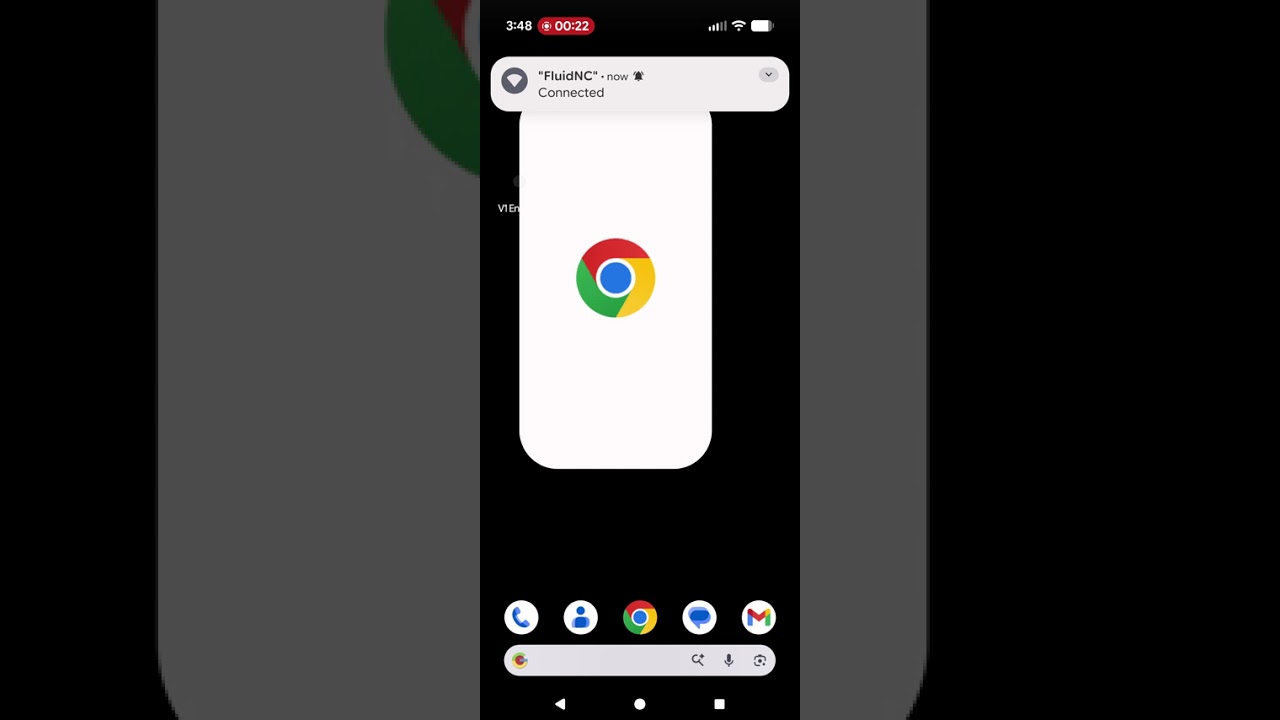
I was going to add this to the instructions, so first timers might understand the weird captive portal thing on a mobile device.
Much easier to see the clicks if you do it full screen. I can add a color or something to them if I edit it in resolve I guess, if you think it is to hard to see.
Yes, super helpful - I was stuck on this for a while not knowing you had to click the three dots and choose ‘use this network as is’ until you mentioned it in another thread
I’m not sure that it was actually mentioned in the docs, so either a mention or better yet, a video, would help for sure.
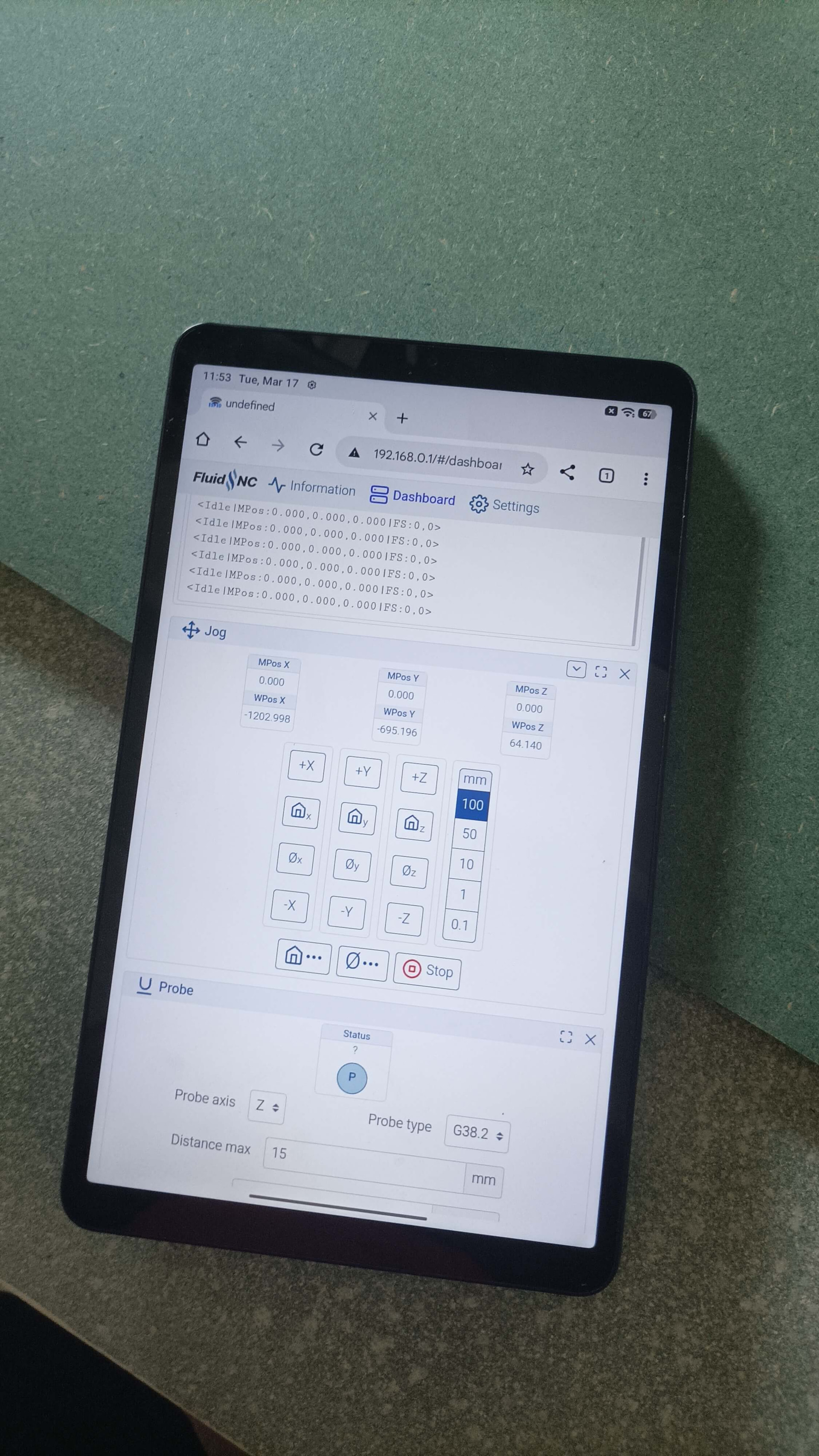
One weird thing I noticed is I don’t get the dots and that option when using a tablet (Mi Tablet) - only on my phone. So I’m tied to using my phone only which sucks, but it does the job. So YMMV based on browser/device still.
Chrome IIRC. I’ll double check though, but I think that’s the only browser on there. I’ve always figured it must be a tablet model specific issue rather than browser.
give it look and I will see if I can help. I have a fire tablet with “silk” browser or something odd like that and it is pretty similar to the vid except the first window that pop open is orange so you know something is different.
My guess is there was some browser or tablet issue previously, but it’s since been factory wiped (my son keeps setting pattern passwords and forgetting them ) and works as standard, no issues.

 ) and works as standard, no issues.