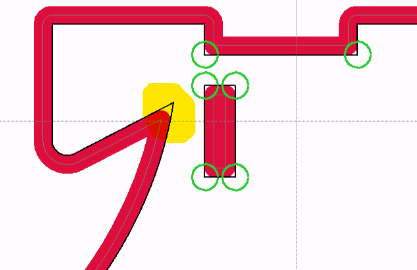
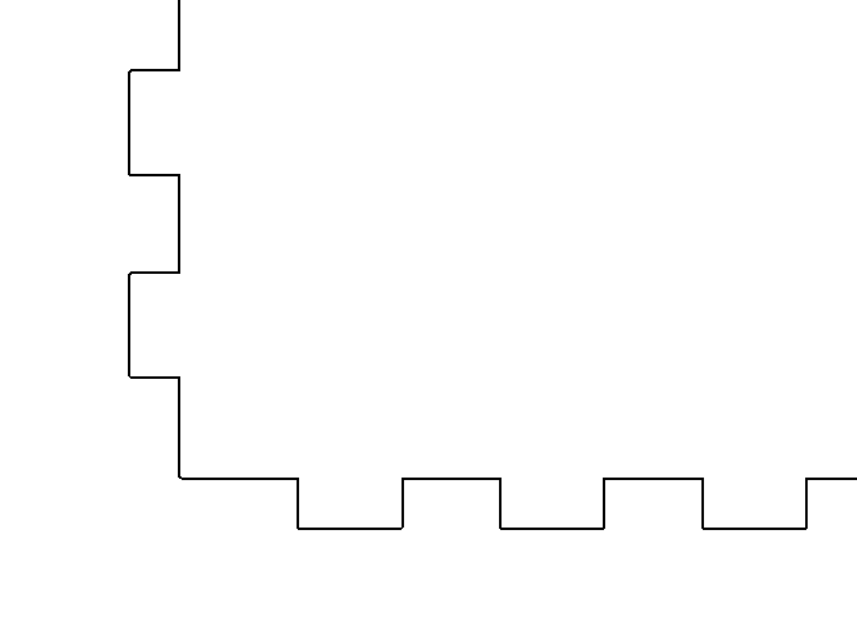
I am on my second day learning MM. I brought in a SVG of a plywood box with tabs. I see the pocket dogbone operation but how do I produce inside corner overcuts to accommodate having square corners?
Thanks
Also should be asking on the MM Forum instead of V1?
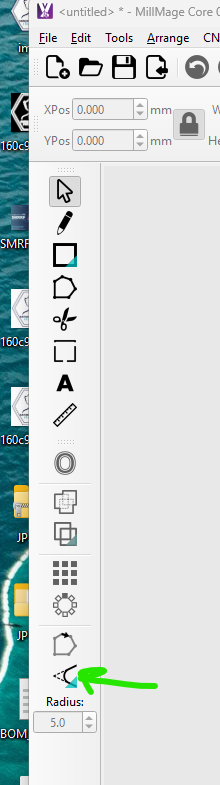
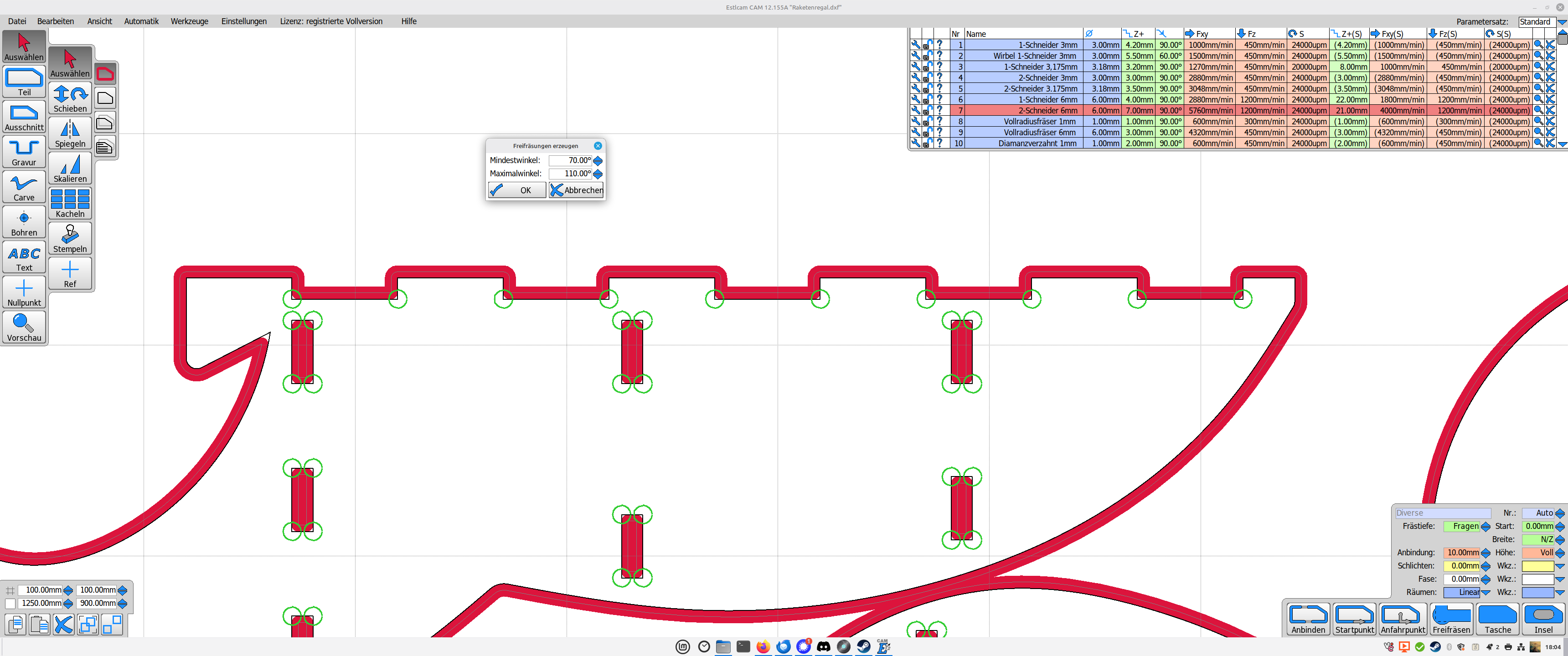
Thanks found it. I am getting used to the little drop down icons. Do I have to click on literally each inside corner? On Estlecam is a simple command under Automation.
For now, yes. Do you auto-dogbone the shapes in EstlCam as part of pocketing, or does it just alter the geometry of all the inner corners with a click?
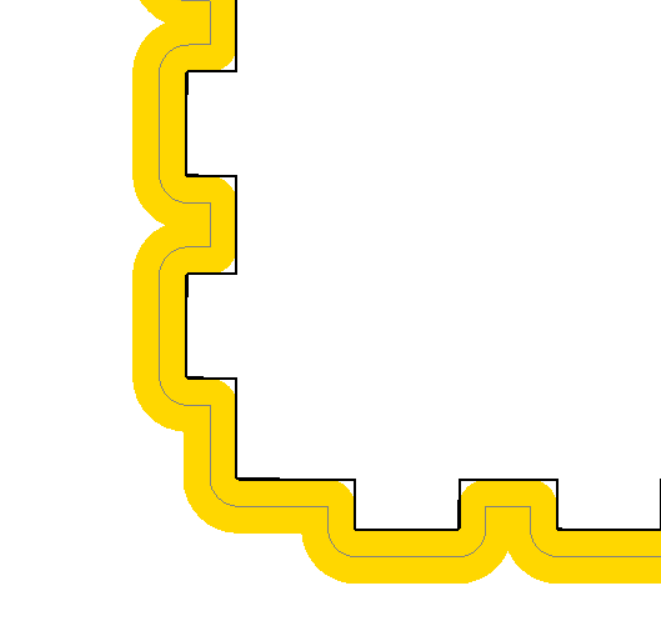
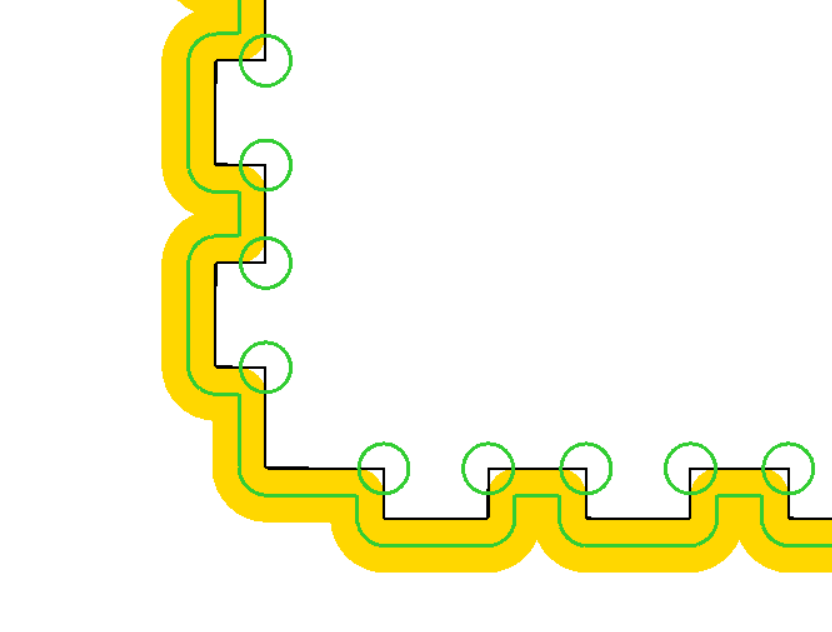
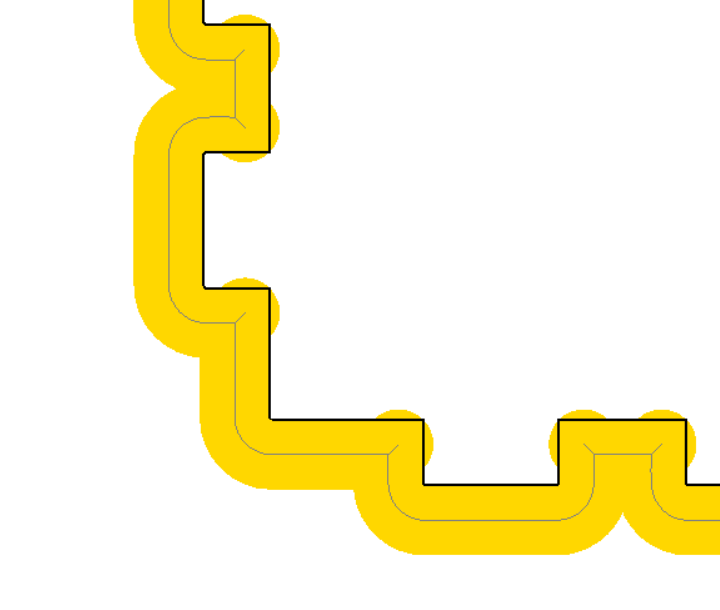
Once you create a “Part” cut path, an exterior profile, you can then optionally do an automatic operation to Add Corner Overcuts and the tool path gets modified.
I tend to do smaller ply boxes and this is not too critical as I use Fusion often and create the inside corner overcuts easily. I asked because I was curious if I missed something.
Because I’m an hobbyist I do have access to the local library makerspace that has an Epilog Fusion Edge Laser so easy to use for smaller ply.
As @vicious1 said for larger stuff not a big deal to manually select or model in the model.
Hope to dive deeper in MM today and make some sawdust. I watched all your YouTubes and enjoyed.
BTW I love your French Cleat Shop collection! I am feeling guilty I need to do. We communicated I think years ago about your harpsichord bench?? Do you still have I hope.
BR
Craig
PS Miss my trips to Germany when I was working at Molex. And Two Cherrys Chisels my favorite!!
Yes. I just slapped it together quickly without checking, but this corner is just optical so I just might have left it like it is.
After having it processed the green rings disappear and the dogbones are being shown in red as well like in @CABix’s post.



 Your answer is a lot more in-depth than mine and explains the whole process.
 long enough to know!