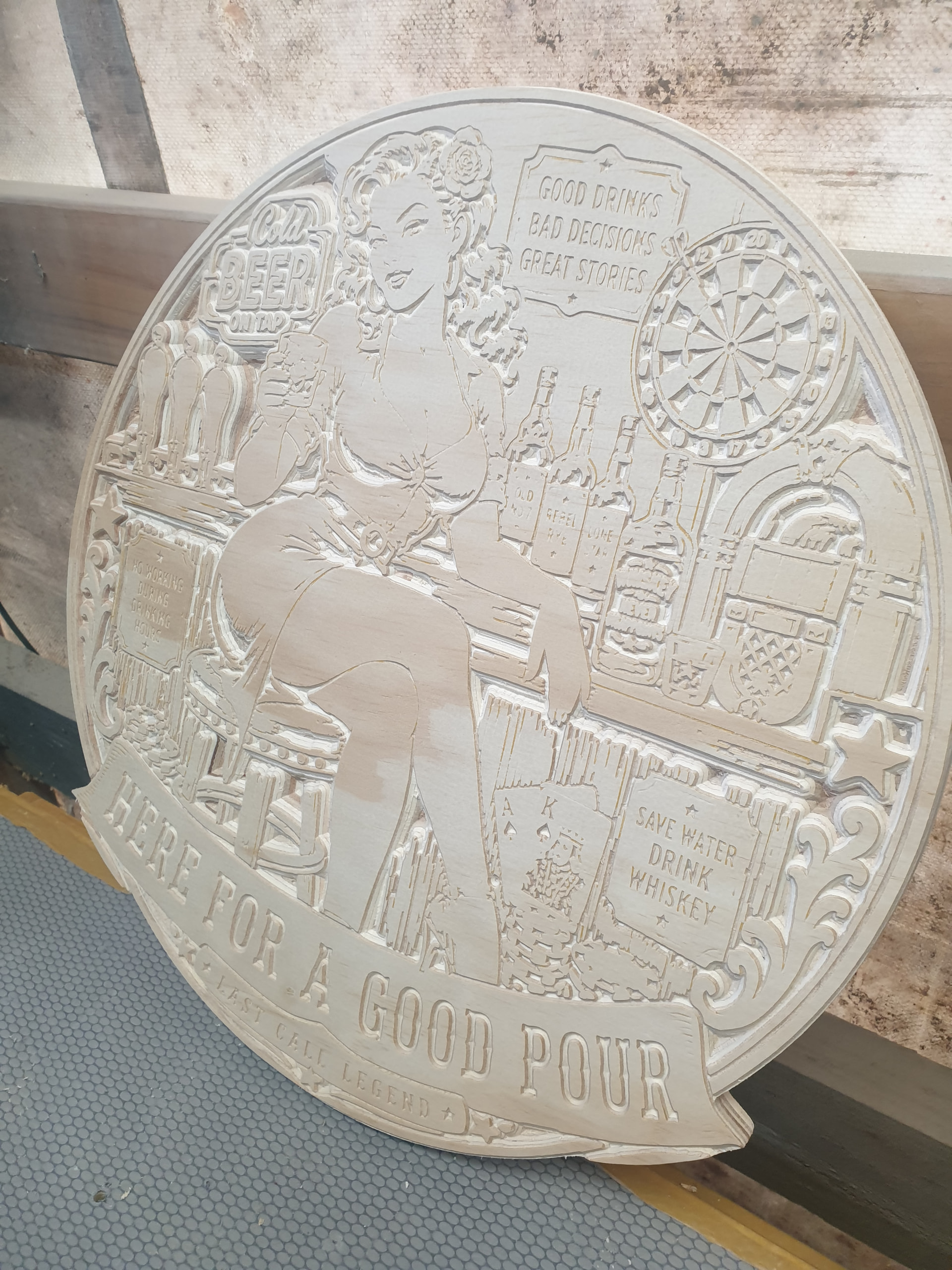
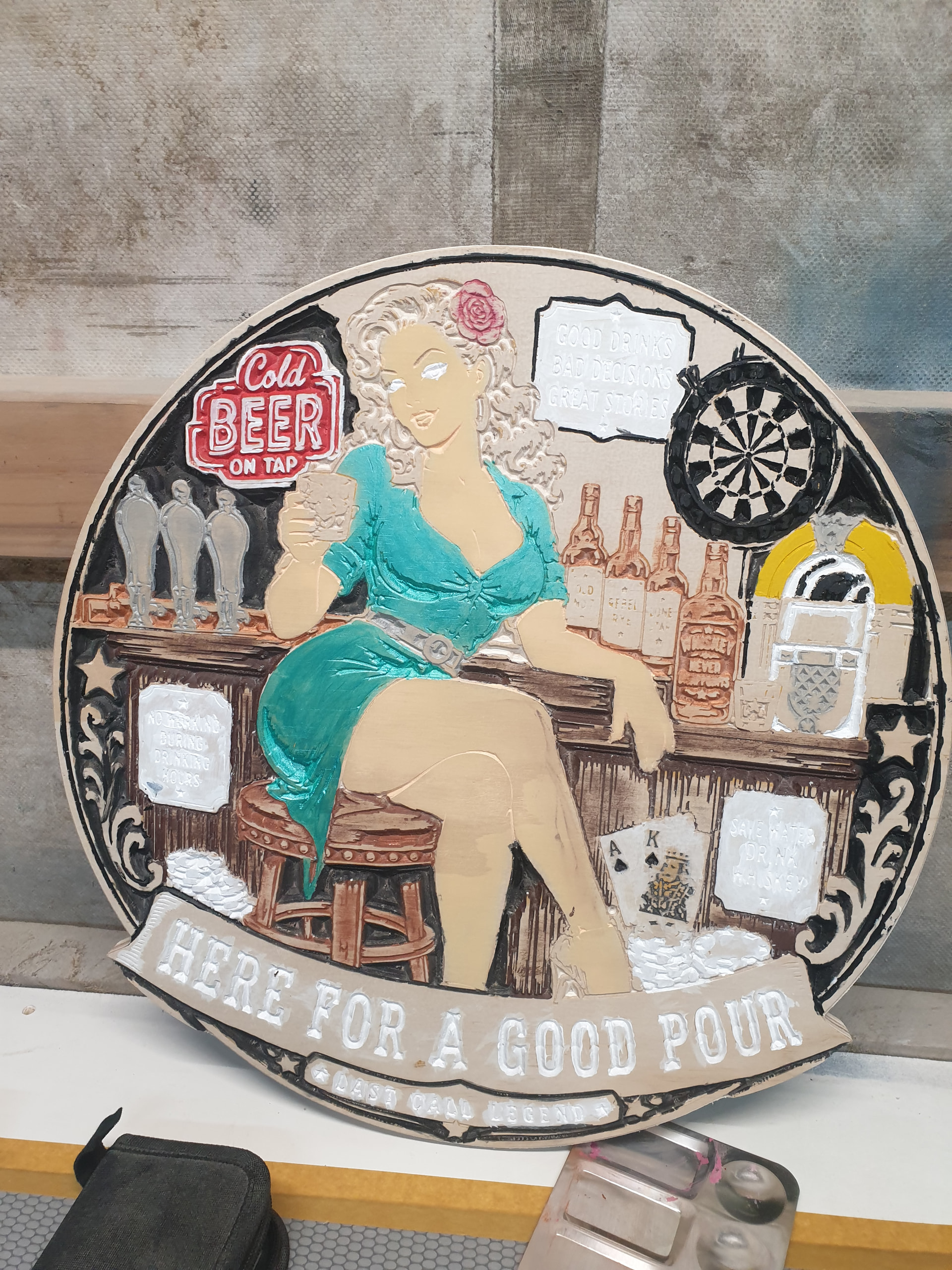
I thought I would post this here in case anyone missed it. I’ve been beta testing it for a while now. It is pretty good.
Wow, that looks like what I wanted a year or two ago!!! That is AWESOME, the nesting the vcarve, wow!
Okay, new we just need 4th axis.
Oh… Is Lightburn getting the ‘true nest’ ??? I could really use that.
It has a limited nesting right now, but this newer version will make it into Lightburn from what they have said.
True nest will be in 2.2. For now, you can open Millmage files in LightBurn, so in a roundabout way, it does already work lol.
Glad you guys are excited. Show us what you make!!
No dessert for you until you eat your dinner.
Compared to lasers, there are considerably fewer CNCs. Of those that we target, I suspect fewer than 5 to 10% of them have a 4th axis, so it’s a lot of extra effort for not much gain for us. (It’s also kind of disheartening for us to do a ton of work like this, and every time we push out something we’re really proud of we get, “ok, now it just needs my pet feature”.)
“4th axis” also means a lot of different things, so you’ll also have to be much more specific. If you mean the ability to treat the rotary axis as though it was the X or Y, and just wrap a flat job around a rotary, we might do that at some future point.
If you mean true 4 axis milling from a 3D model, highly unlikley.

I know, I just got my first one after all these years and I realized there really are no good CAM options…and that is the reason I never got a rotary axis in the first place. Catch 22.
But now I want to make a nice little aluminum shift knob so I will make it happen.
I know it was really a joke now that there is no more questions about V-carve, sorry, too soon!
Kiri:moto does indexing, that will handle what I want to do it is just less efficient. I suspect, that would be most CAM software’s first step into rotary anyway. Mill, turn, mill, turn…
I also think I can just make 2 milling jobs with a 180 A axis turn in the middle.
Double sided jobs we’ll do. I don’t have a timeline yet for that, but that will cover a lot.
We might even be able to do model import at some specified degree increment and index it onto multiple pages as XY passes. I could see that working too.
I’m probably just over sensitive at the moment. I need a vacation, but I just had a vacation. 
I never feel like I need a vacation as much as I do about 2 days after taking a vacation…
I can’t make my wife understand that no one does my work while I’m gone… so I just get back with even more work to do, and even more stress…
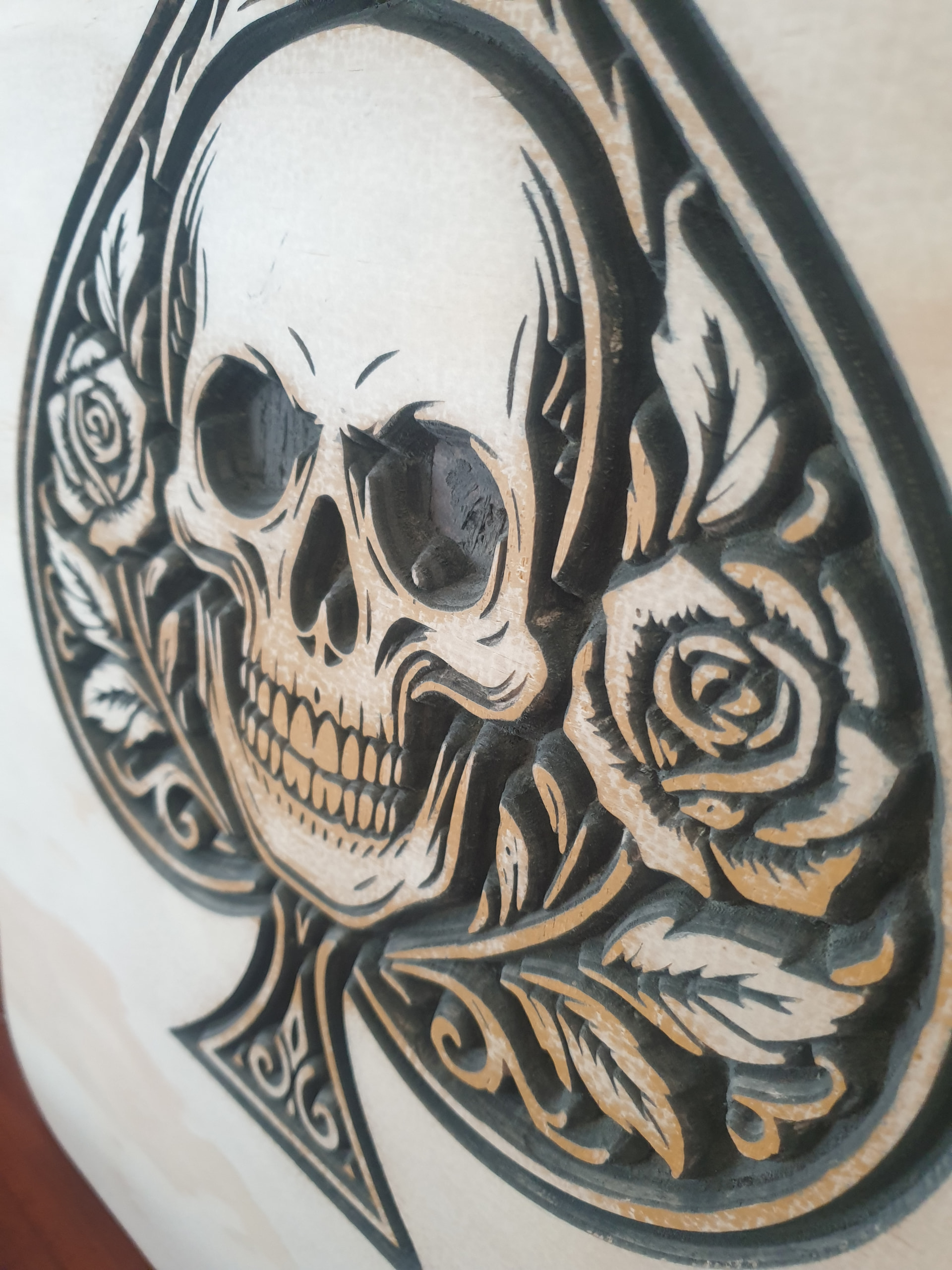
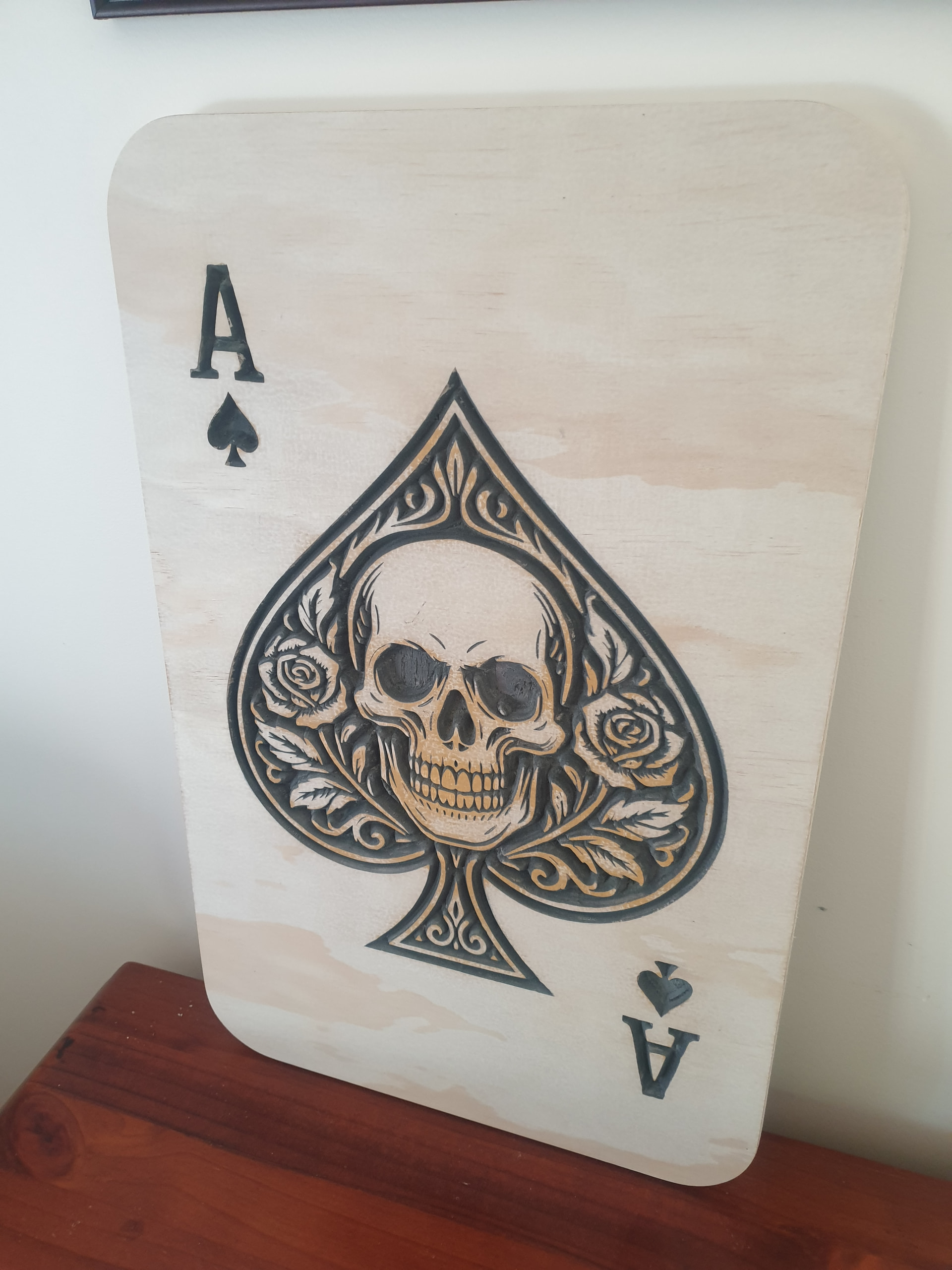
Nice. Does it generate what to carve on its own?
yeah pretty much, but like anything tool settings etc still need to be triple checked before running
WOW!!! That looks great
sure does , and so easy to set up , i did stuff up my doc ,so took way longer ,rookie mistake, but so cool , and there are other features being worked on still 
That is very nice! Can’t wait to give it a try
Same issue I’ve got. The jump in complexity from 3 axis to 4 axis is minimal, hardware wise. The jump in complexity CAM-wise is immense.
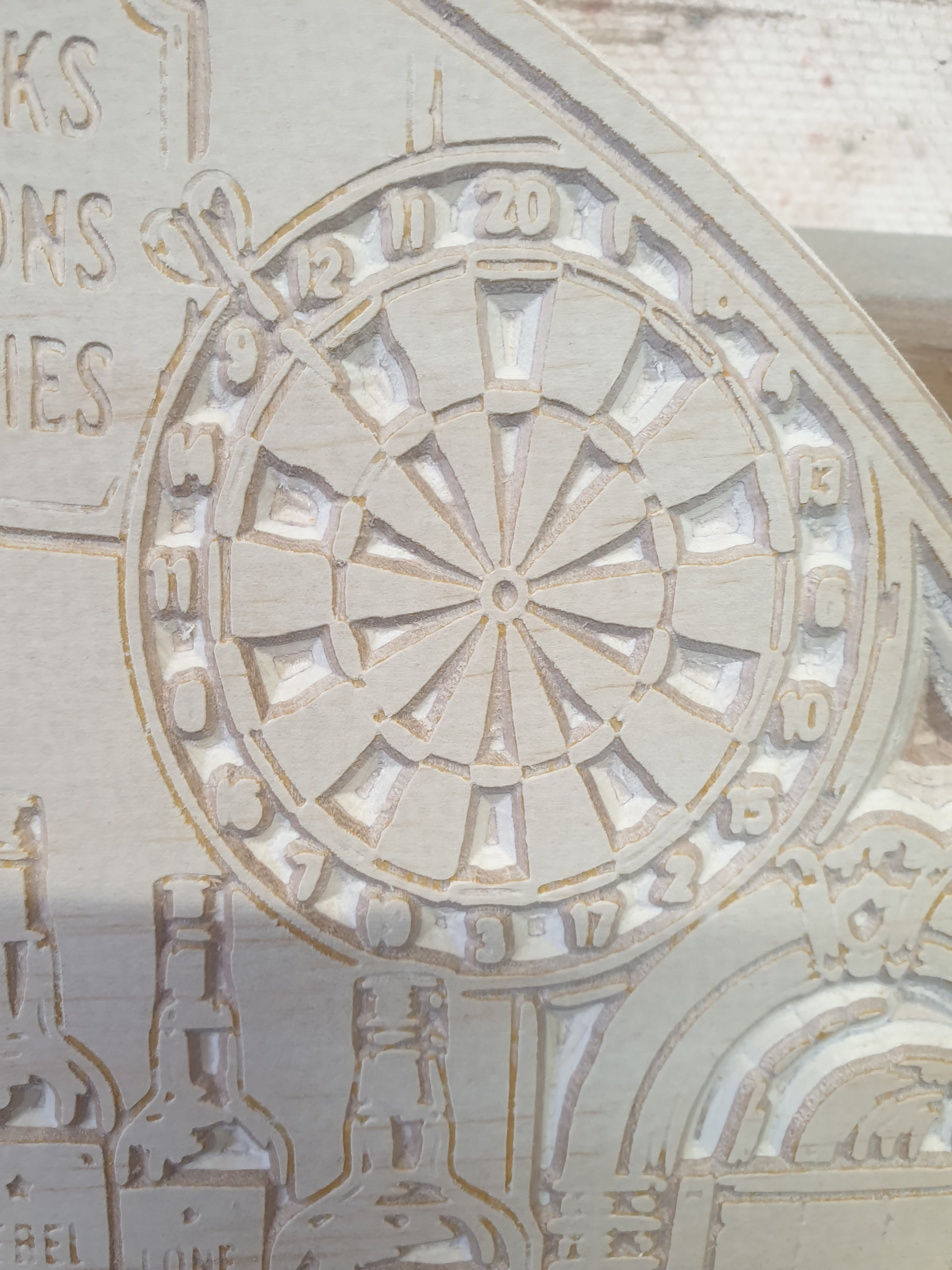
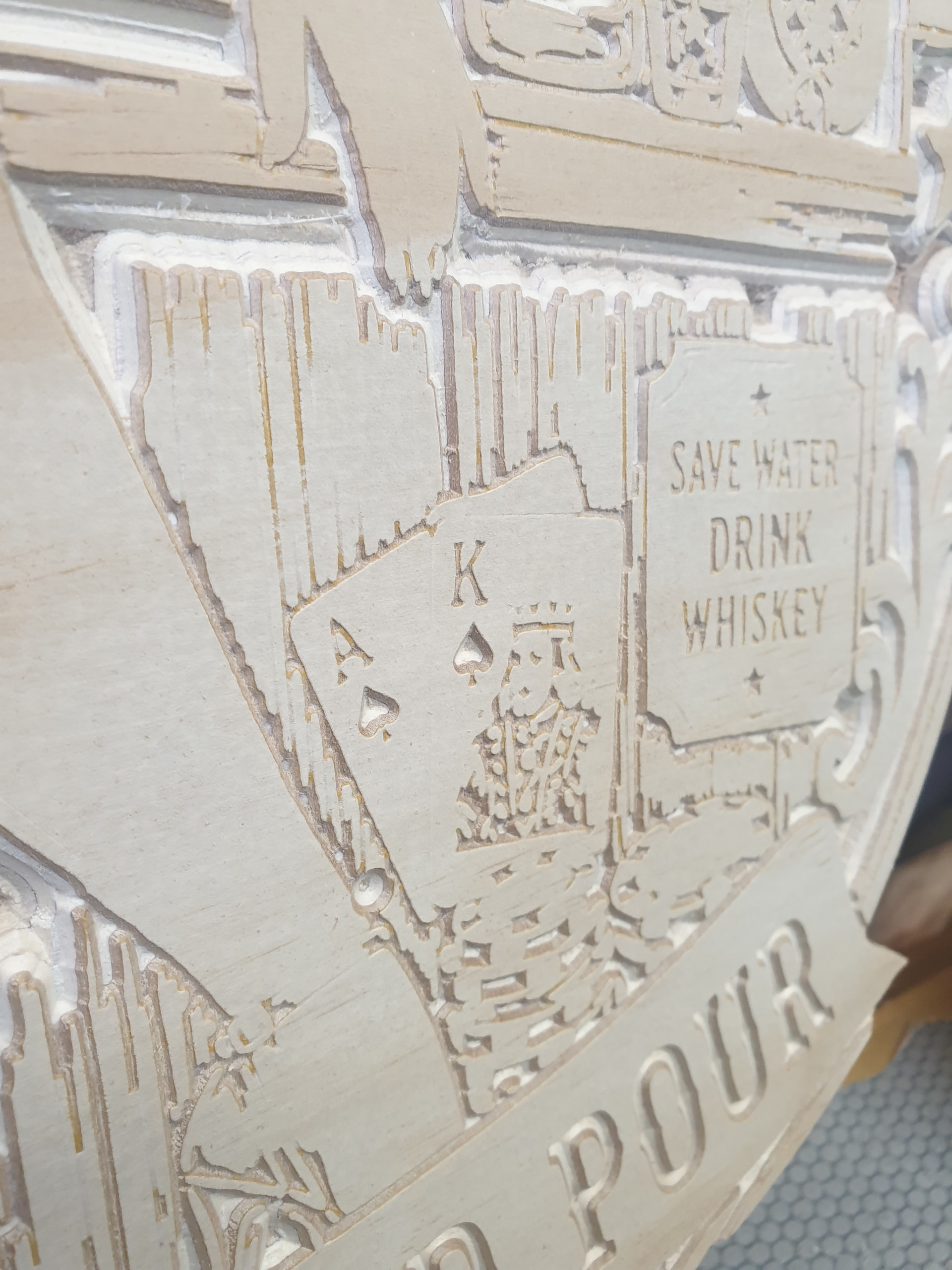
the detail it can do is crazy , 2nd v carve 4.5 hrs
the numbers on that dart board are only about 4mm tall
thats screen shot from video will put up some decent photos when get to shed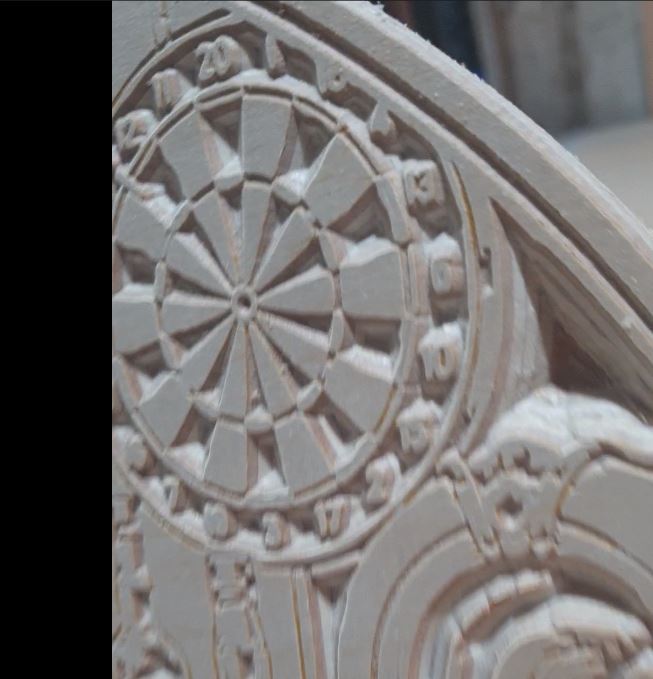
i did stuff up again assigned 60 deg bit , but than when finished realised had put 90 deg tool in , joys of a mushy brain haha, can only imagine how much finer it would of been with a 60 deg bit
might try a 30 deg tool next and see how that defines small detail ,will triple the time, but reckon it will be worth it