Makes sense, I knew surfacing was going to happen at some point, and some forum reading a few days ago led me to that same conclusion - that it would happen once my table is built. At the moment, the machine is within 1/64" of being square, although I will check that again before I start the actual table cuts - which won’t be until I’ve done more testing in foam and have done some testing in scrap plywood as well. I also finally have a tape measure that has both imperial and metric, so I can get back to using millimeters for things like squaring! (Blah blah American using metric yadda yadda heresy something something…)
Working on an adapter for dust collection so that I can use the floating dust shoe for my next foam cuts! I noticed there was a fair amount of dust from my cut. I have the LR3 side taken care of, but my white-coiled hose can’t currently connect to the shop vac I’ll be using (temporary direct connection until I have a cyclone collector figured out). So, time to measure and create something!
One more foam cut is all I had time for, thanks to the weather and the crazy puppy. This small section of strut seems spot on, dimensionally. I think I’m ready to lay down a sheet of hardboard and start practicing on that, since that will be my strut material. I hope to have some test cuts done in the next couple days, puppy permitting, and maybe even cut at least one of the struts over the weekend.
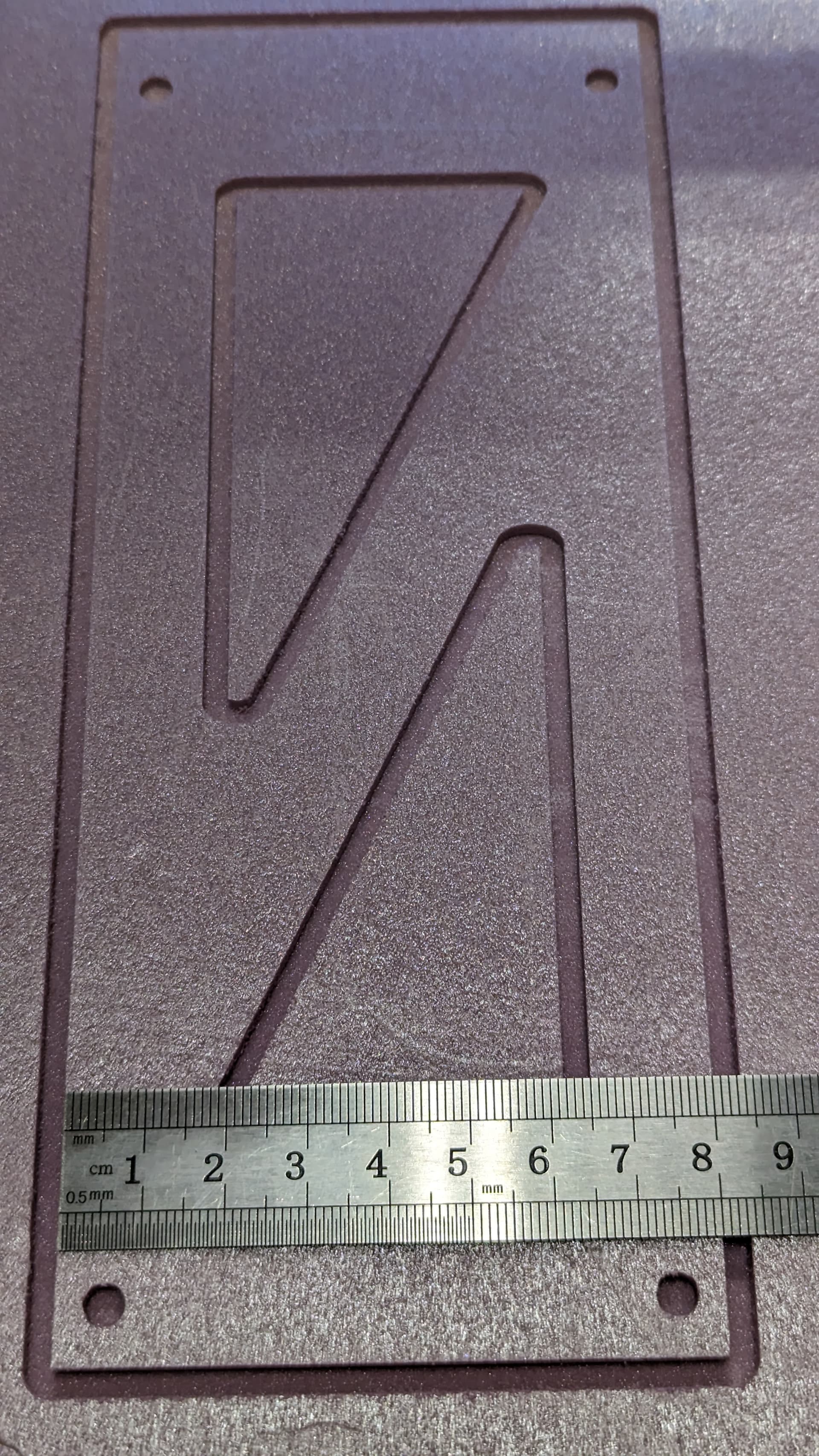
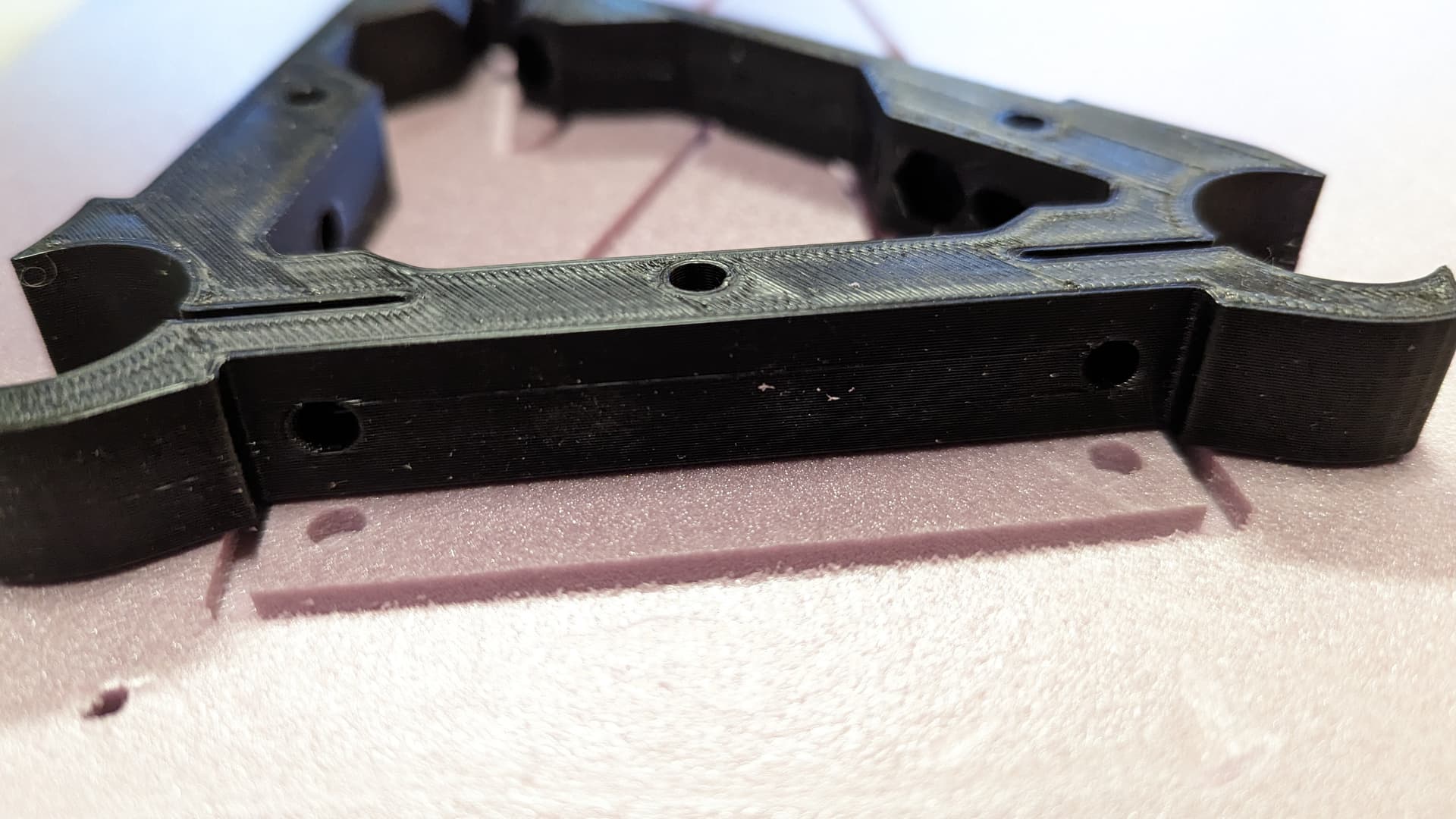
Excellent!!
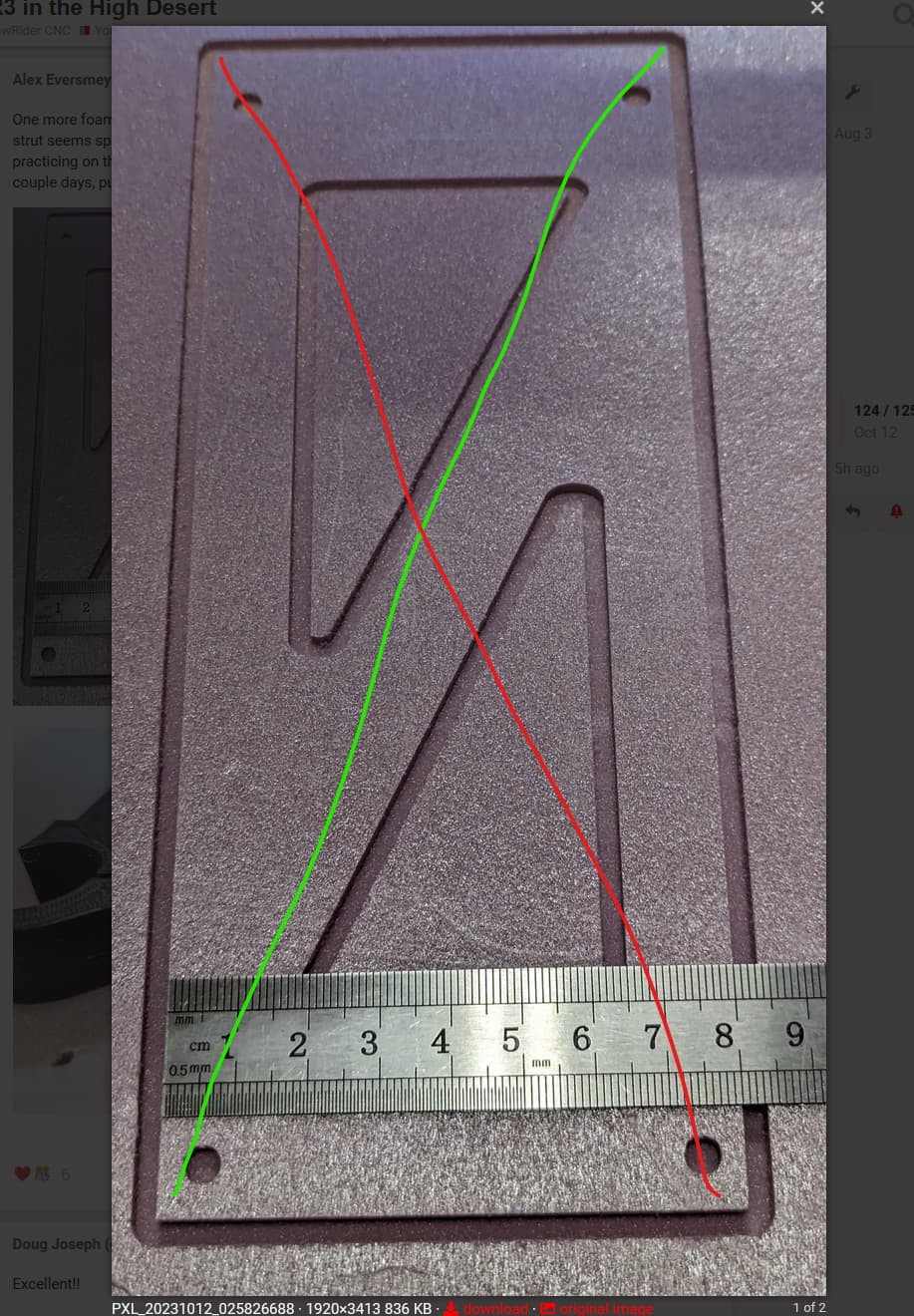
Great point, should be easy with that test cut. I will do that this evening! It was square corner to corner on the spoilboard but things may have shifted. I was planning on doing a big squareness test before cutting my struts, and certainly before cutting the table - something like the corner-to-corner test but maybe more involved, or at least g-coded for repeatability (instead of fully manual movements).
Related to struts: I haven’t changed any of the “conservative” tool feed & DOC settings from the docs in ESTLcam for the 1/8" upcut bit (15mm/s, 1mm DOC:

Just one strut is estimated at ~90 minutes of cut time. That seems like a long cut, considering I plan to use hardboard for the struts. I have some forum reading queued up to see if there’s any info already floating around, and I do plan on doing some test cuts in the hardboard first, maybe adjusting DOC to see what happens. Any initial reactions from the crowd about whether a full depth cut might be reasonable for 1/8" hardboard? I’d love to speed up the strut cuts.
I did mine at 1mm and took it slow. I cut one at a time, then moved the stock close to the edge again and did it again.
The machine is not that rigid without the struts, so I would take it light and keep it moving as close to the edge as possible.
90 minutes does seem long though. I think mine was only 30-45 minutes each max.
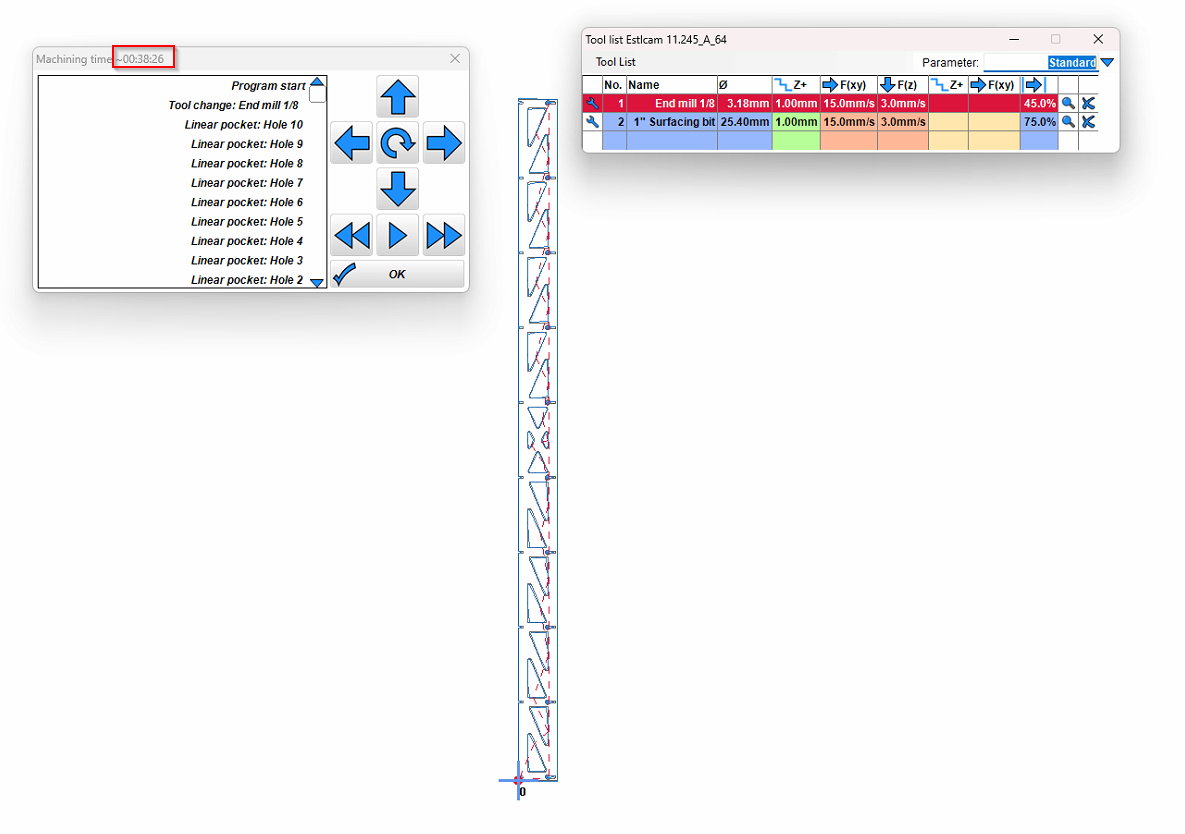
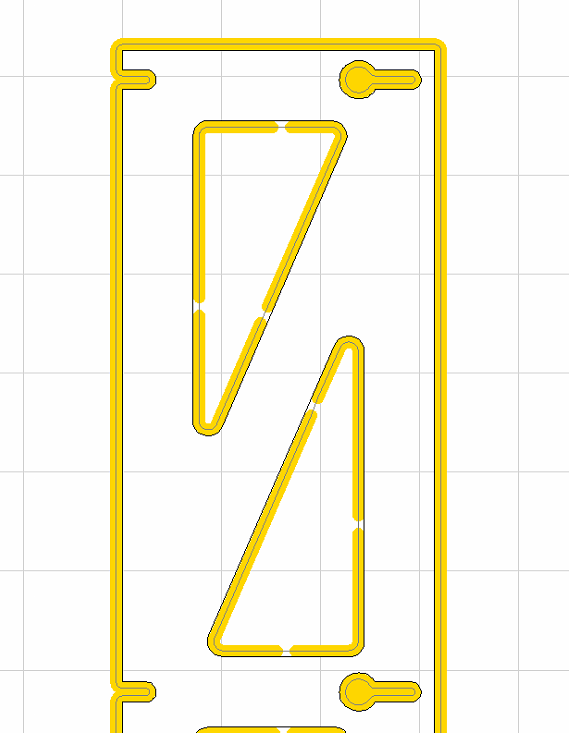
Similar. Probably it’s the finishing pass that has added a lot of time? I added other tools but am exclusively using the 1/8" upcut. (Edit: I lied, I’m using the 1/8" downcut for the finishing pass. Myabe that doesn’t make sense for hardboard.)
My front strut is mostly solid, other than the lettering, no triangles to cut out.
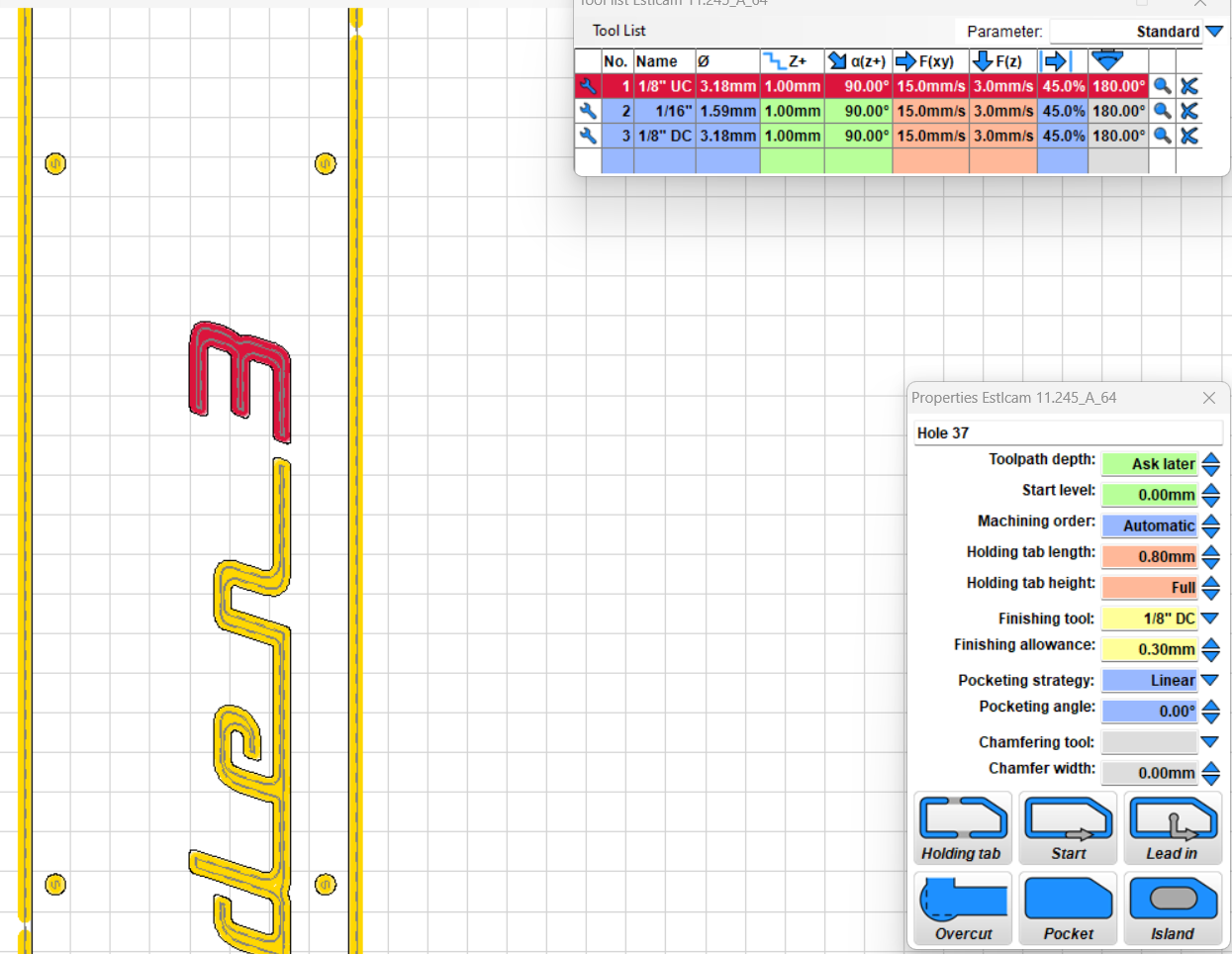
Possibly. It’s got to double the movements.
I didn’t use a finishing pass, I just hit it afterwards with a Random orbital sander and it cleaned up all the fuzzies pretty good.
Maybe run a small test on the hard board first like the small section in your foam and see if you need the finishing pass, or the quality is good enough after sanding
I’ll add the sanding to my testing before I actually cut anything. Makes sense. I’m sure I am overthinking, as usual. Off to Home Depot later today to get a sander!
I won’t stop you from buying a sander, because you’ll need one at some point anyway lol…almost certainly with the hardboard for sure, even with the finishing pass
But you also gotta think how much time is really worth spending reducing that time. It might be better just taking the time, then worry about speeding it up once the rigidity is there.
You might be spending 3-4 hours just to save 1-1.5 hours of machine time
Expand your settings you are not showing the green regular cutting speeds for some reason, you are only showing the finishing pass settings. Click the wrench or change the parameters drop down.
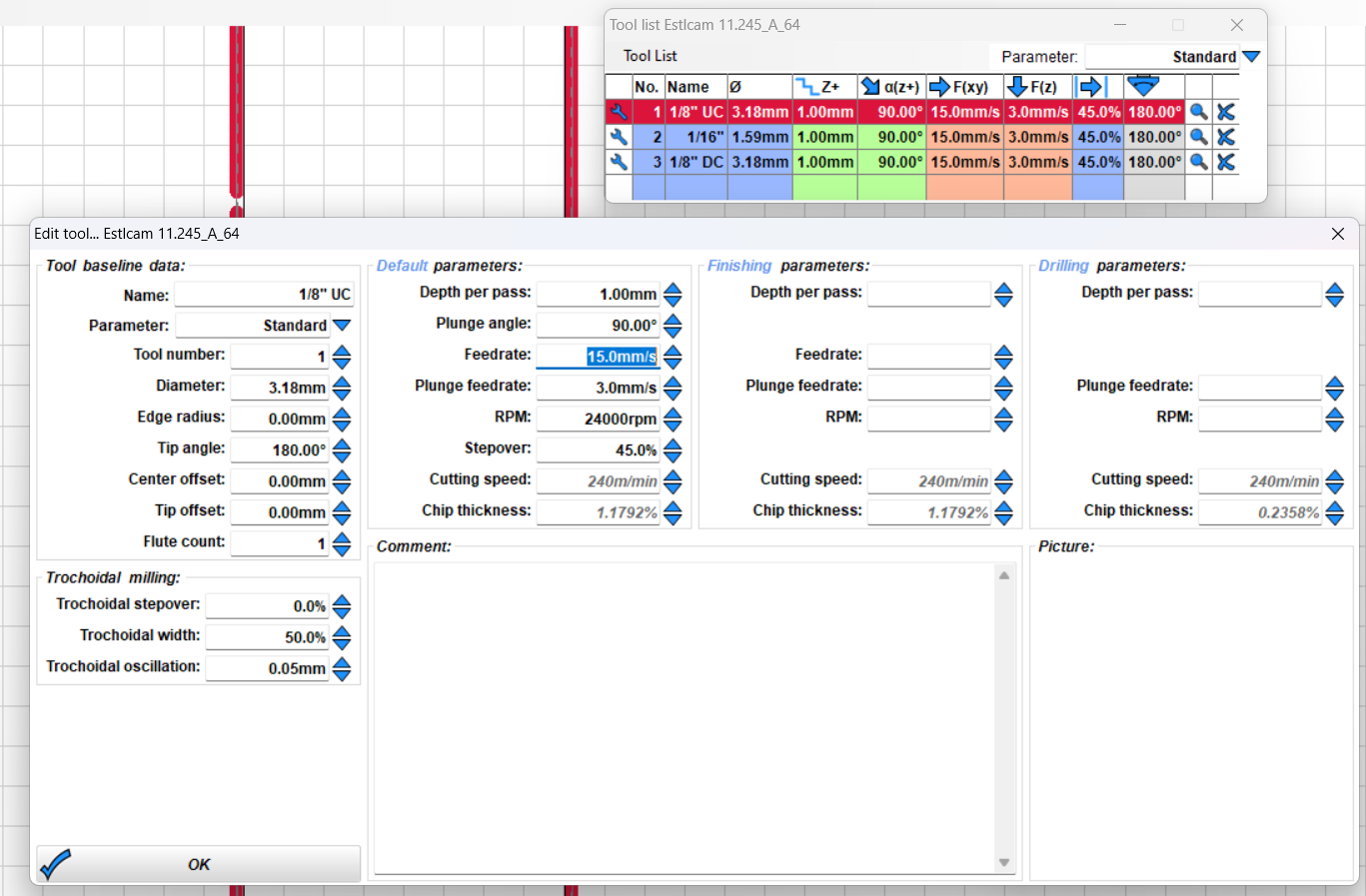
I stand corrected, Haven’t seen a new install in a while, looks like the finishing matches regular speeds by default.
Cool. Not sure why yours is taking so long other than maybe your material thickness is not set right.
If you want to take off a bit of time, you could probably set the finishing pass to the full 1/8" depth @ 10 mm/s or so you only have to do one finish pass. I haven’t built a LR3 (still a LR2 user) but I’m guessing its rigid enough to take off that small bit of extra material accurately.
And more helpfully, upload your gcode here and watch it run. Its saved me some unit conversion and other mistakes.
NC Viewer // GCode Viewer and Machine Simulator
Good Point, always try to do a full depth finishing pass.
Robot doing robot things…
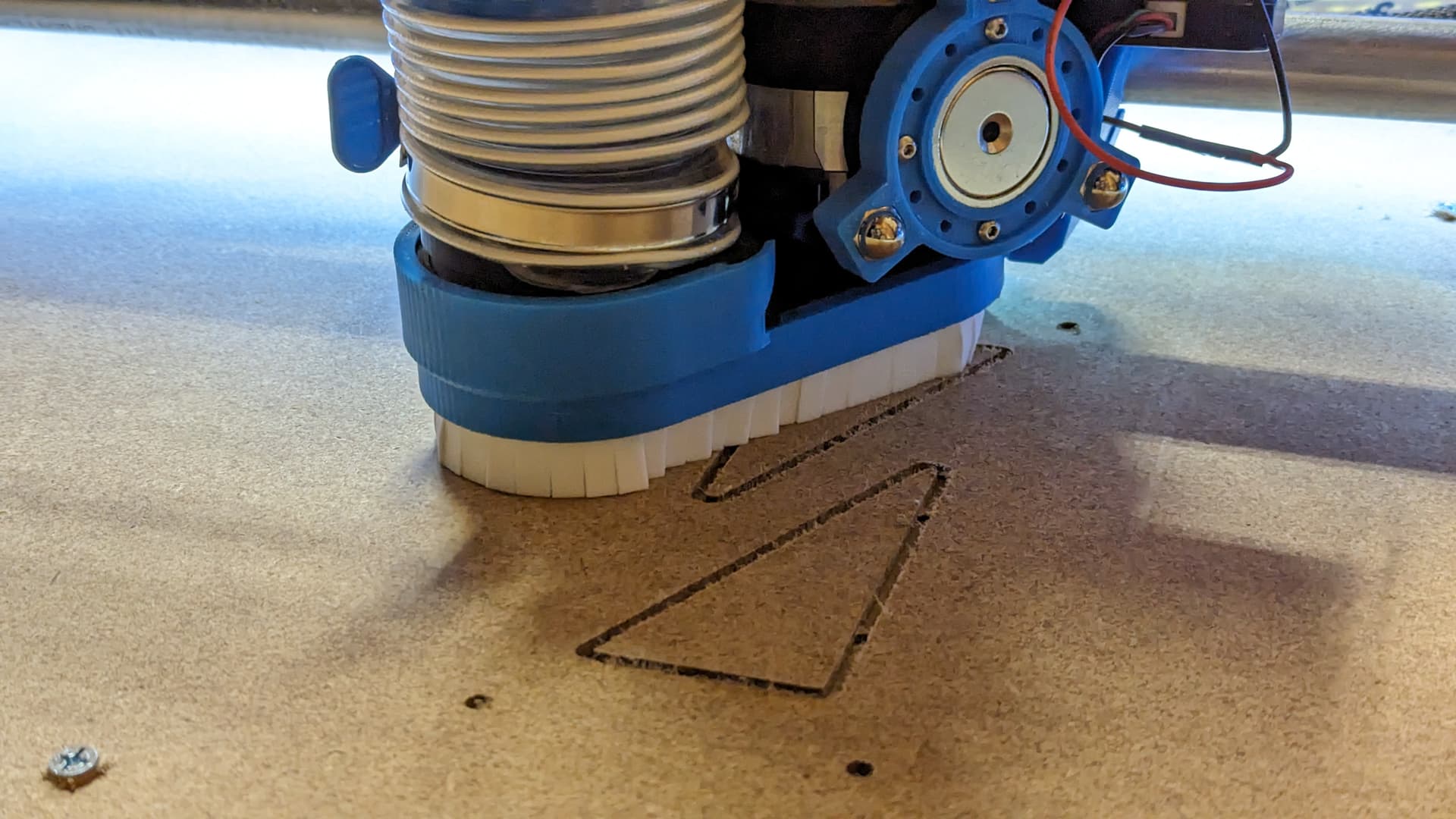
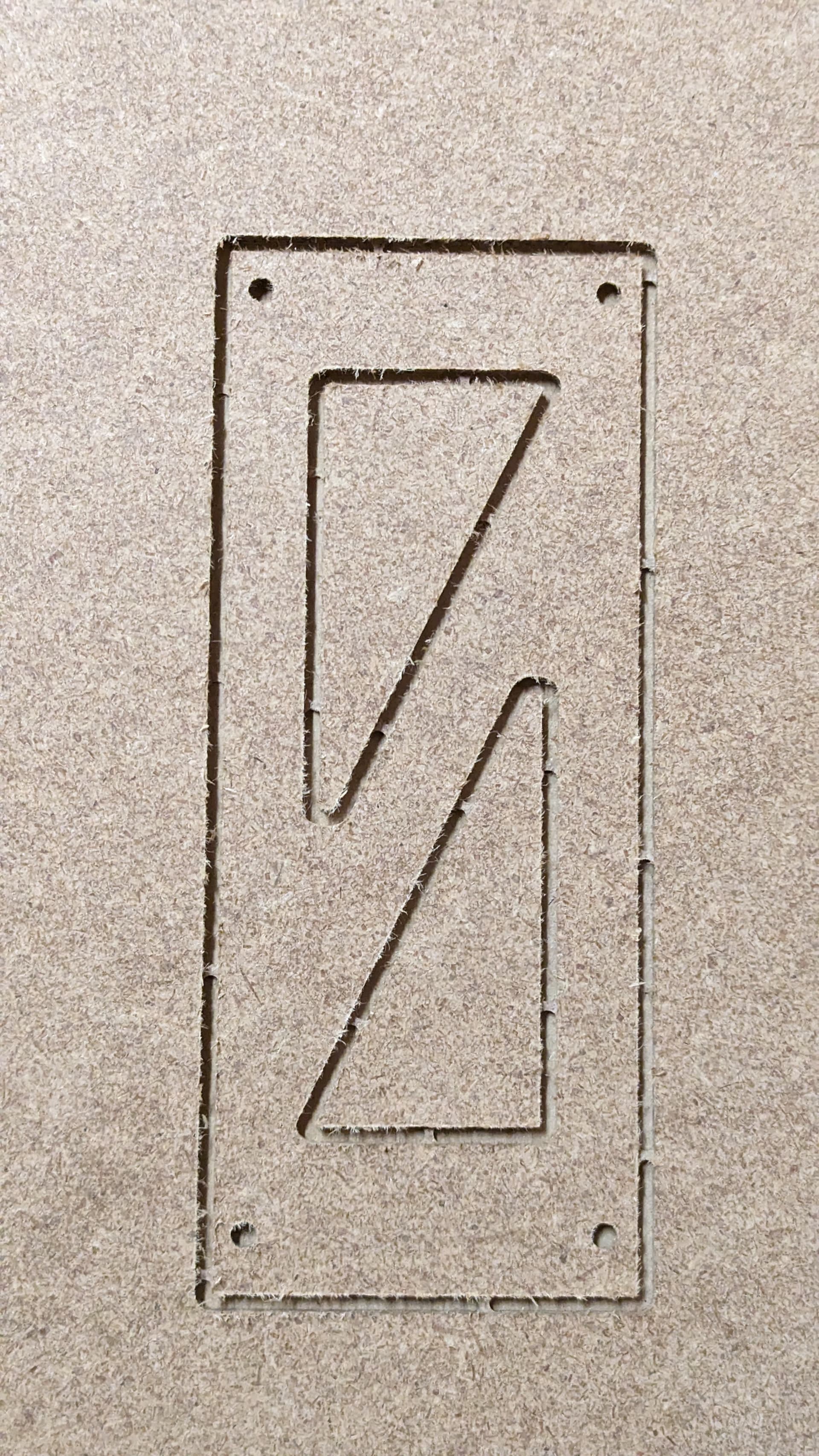
The cuts are about what I expected, rough on the top edge because of the upcut bit. I cut a couple of these, this is the second one. I upped the DOC to 2mm without any issues, cutting at roughly 4 on the Makita (I don’t remember what RPM that is). I think I want to try a full depth cut with this sample tomorrow to see if the machine can handle it. Once I have that information, I can make the final gcode for the full struts and get cutting this weekend!
@DougJoseph the floating dust shoe worked great! The second photo is just post-cut, no vacuum touchup needed.