I never had this before! The rectangle gets cut to full depth first, then the guitar body outline is next. What could cause the machine to shift down the Y-axis by around 8cm during the last approx. 0.5mm of cutting this 3mm acrylic sheet?? It looks as though the motor pulleys have slipped (or jammed) during cutting.
There is additional evidence below….it finished the job way off the zero starting position in the Y direction. Afterwards I tested the Y-axis and it moves fine using the V1 menu→motion→Y-axis.
Previously, I had been cutting a lot of wood…so could it have been a wood chip getting jammed in the Y-axis belt/pulley?
It doesn’t make sense at all, I don’t see a spot where it might have been stuck, it just seems like it moved… Were you standing next to it when it happened? Do you have a recording?
Hi Philip, I have not had a chance to re-run. Hoping to do that tomorrow . I am going to check the grub screws on the motor pulleys beforehand. It might be that one has worked loose…..cheers.
This does not make sense, because there are two and if only one slipped the new toolpath would be crooked. It has completely moved though on both sides as far as I can see. Both motors slipping by the same amount is just mechanically highly improbable if not even impossible.
That also rules out 1 btw. Try to move the LR and block one side, the other side will continue and the whole path will be disturbed, but not completely shifted.
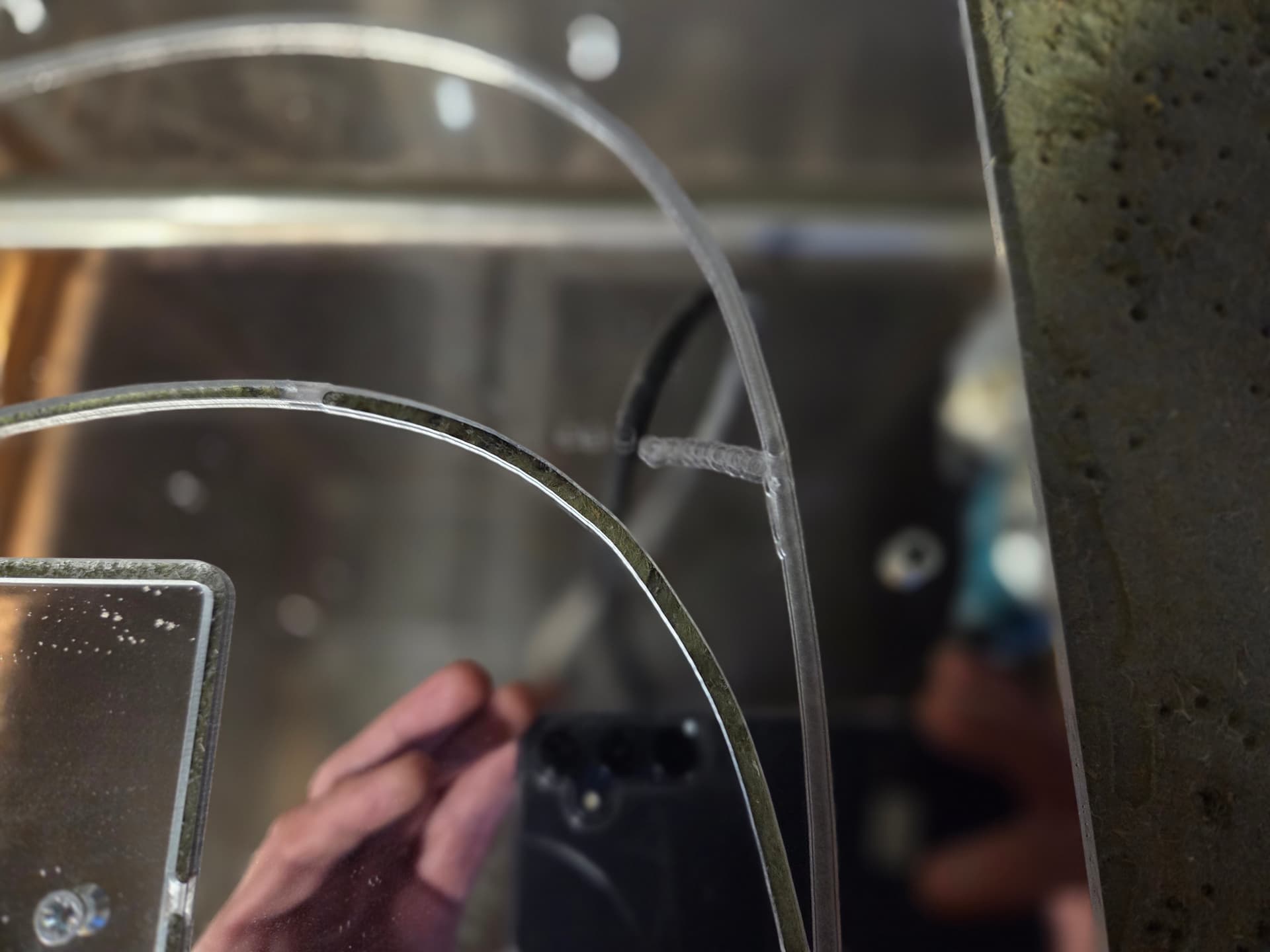
I did a clean up of all the rails/bearings and checked the grub screws (all good). Found a small crack in the top Z coupler 3d printed part. Re-printed this and fitted it.
Ran the job again with no issues:-). So probably debris and/or dodgy Z coupler.
Still does not explain it, but I had my X-axis take off without stopping before (that was on my controller I guess) and my Z dropping and I still don’t know why. Didn’t happen again…

 Was it a one-off mistake or has it happened more often?
 . I am going to check the grub screws on the motor pulleys beforehand. It might be that one has worked loose…..cheers.