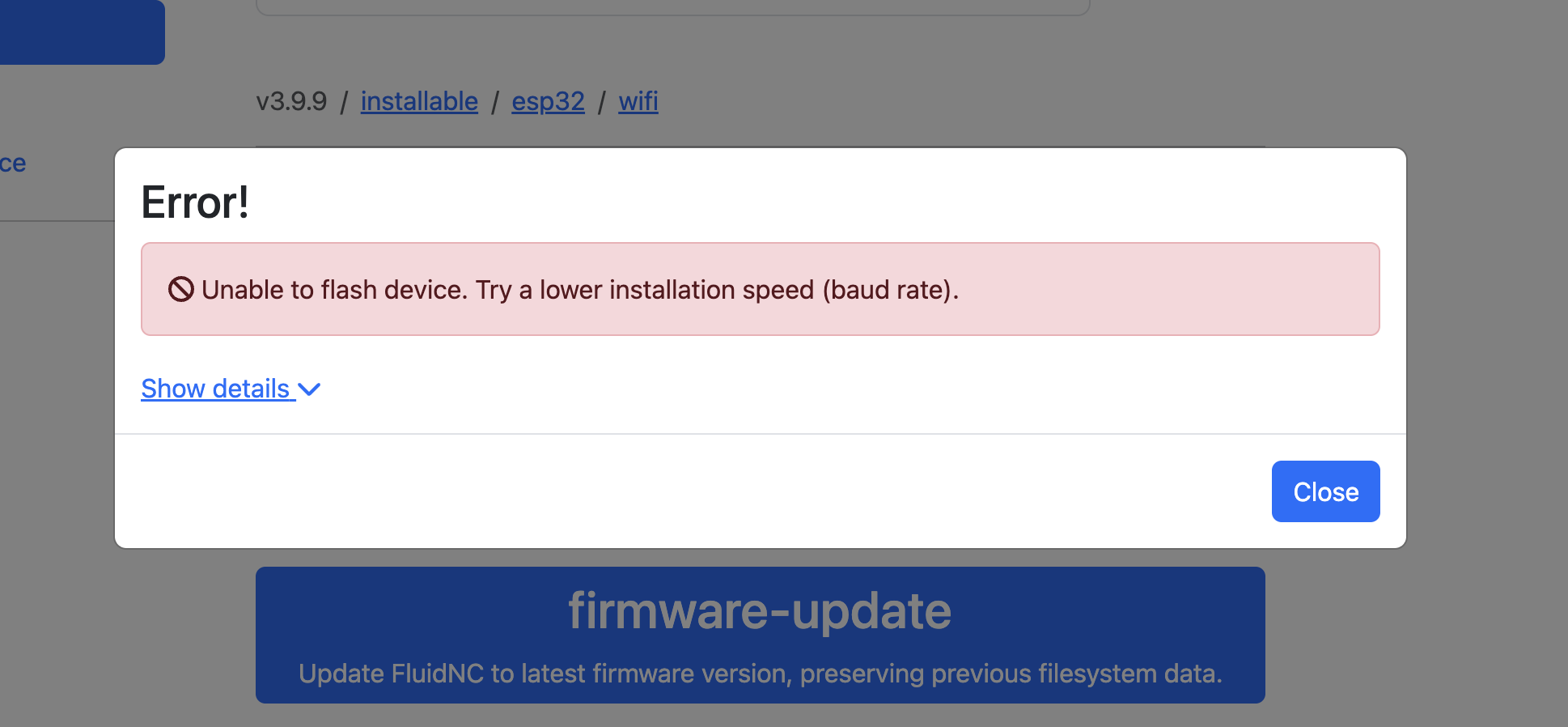
I received my J3 a few days ago and I finally plugged it in last night and was able to jog my machine and everything, but I noticed that it kept dropping the connection over and over to my Macbook Air that was sitting right beside it I did a few config changes through the web UI on the settings page (changed the max X and Y distance and turned on the soft limits) and unplugged it and went to bed, today I turned it on and the green light on the board comes on but the Wifi never shows up, I used multiple devices to ensure that it want the MB, I also tried using the USB cable and nothing when I go to the fluidnc.local. so I tried to update the firmware and the online updater says it is stuck in a reset loop. I tried putting the yaml file from the website on the SD card I purchased along with the board and the LR4 hardware kit with no change, I tried doing the erase and the install on the esp with no luck, when I plug it in I do see the usbserial, and the SLABUSB_toUART connections but nothing shows in the serial monitor. I have attempted the hold boot, press reboot, and release boot. I am not sure what else to try or do.
Try connecting with fluidterm or the webinataller. Seems you dont have ap fallback activated
Okay next time before you flash or erase check in here real quick. It sounds like you changed enough setting where we need to start over.
the yaml does not go on the SD card.
if you erased it nothing is going to show up.
Lets slow down a little bit here. You are doing a lot.
What browser are you using for the web-installer? Does it let you connect, a pop up comes up for a com port or something similar (I have never used a mac for this)?
Please, just take this one step at a time while we are trying to help you. If you skip ahead it makes it harder.
You have to tell it to stay connected without internet, then connect to 192.168.0.1, as shown in the instructions. Otherwise your laptop keeps kicking you out to get to the internet.
thank you so much for your response:
I am using Chrome for the web installer. I only tried the other things once this continued to fail.I have tried all of the baud rates as well.
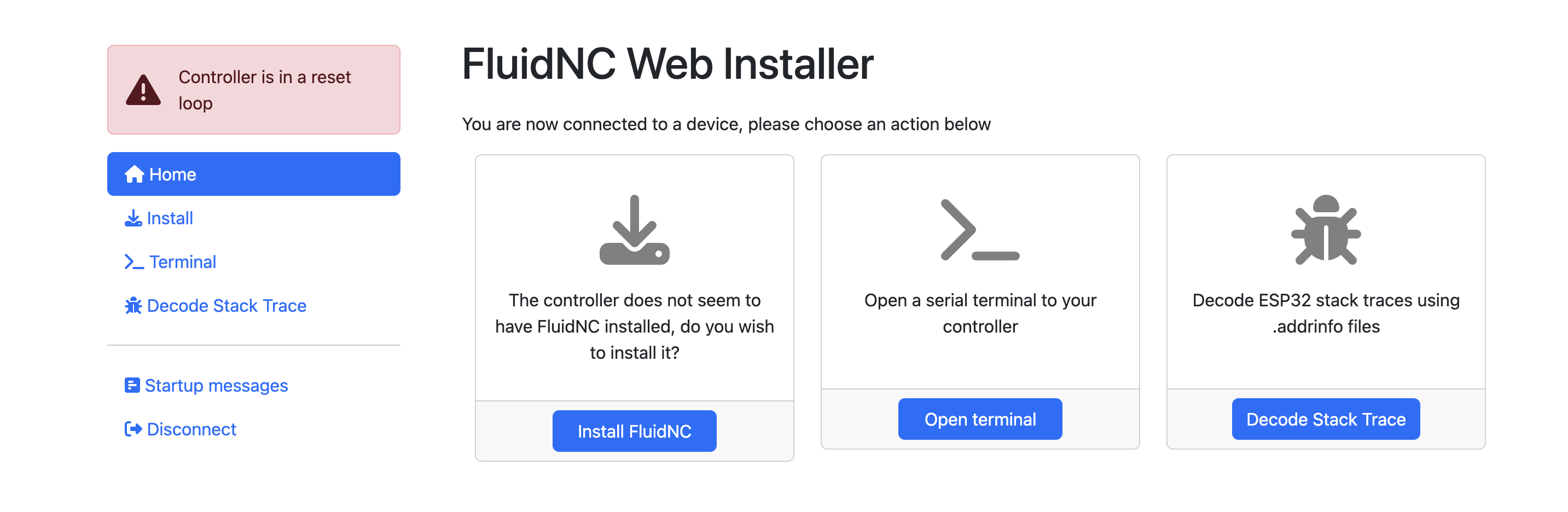
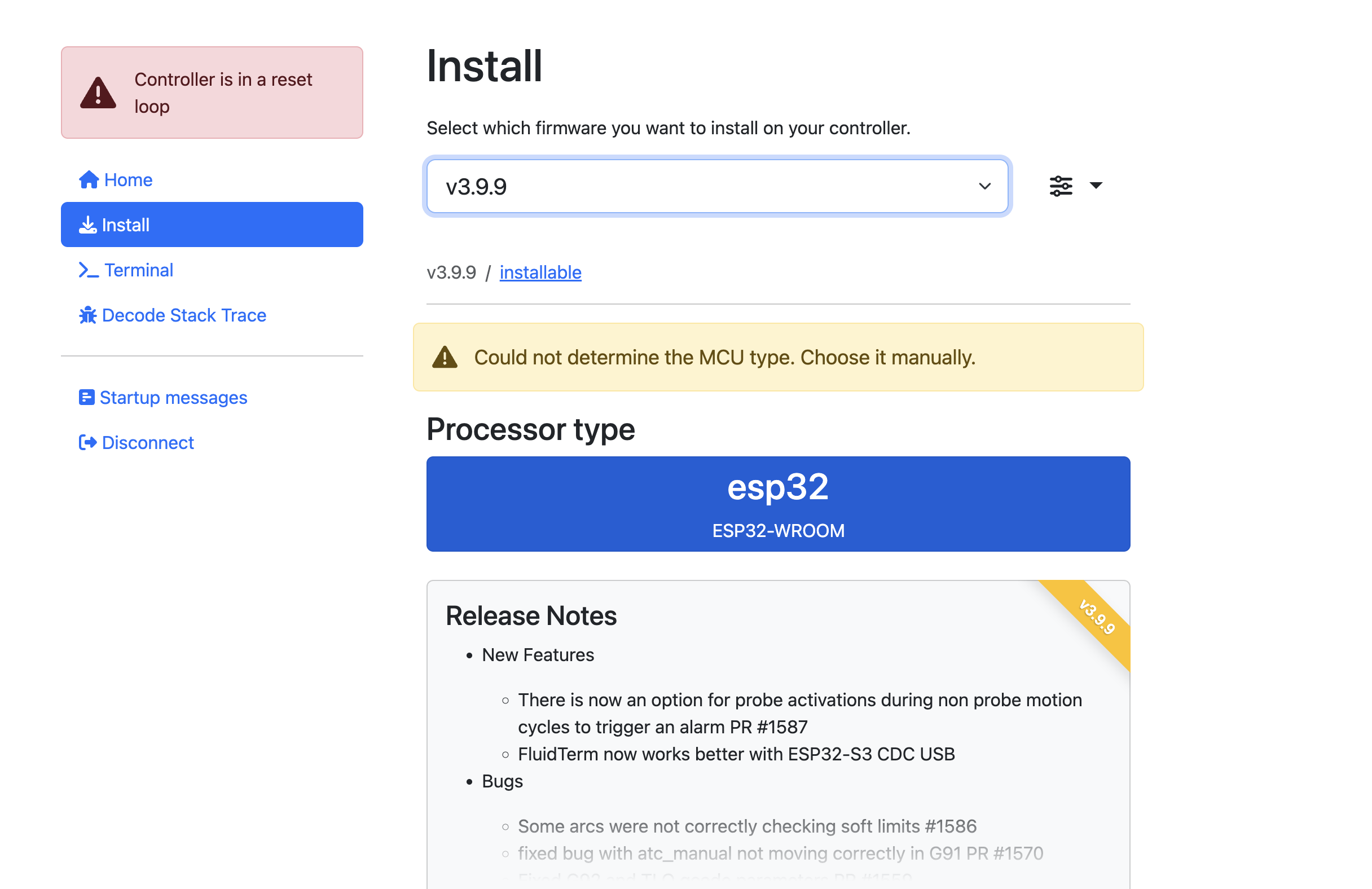
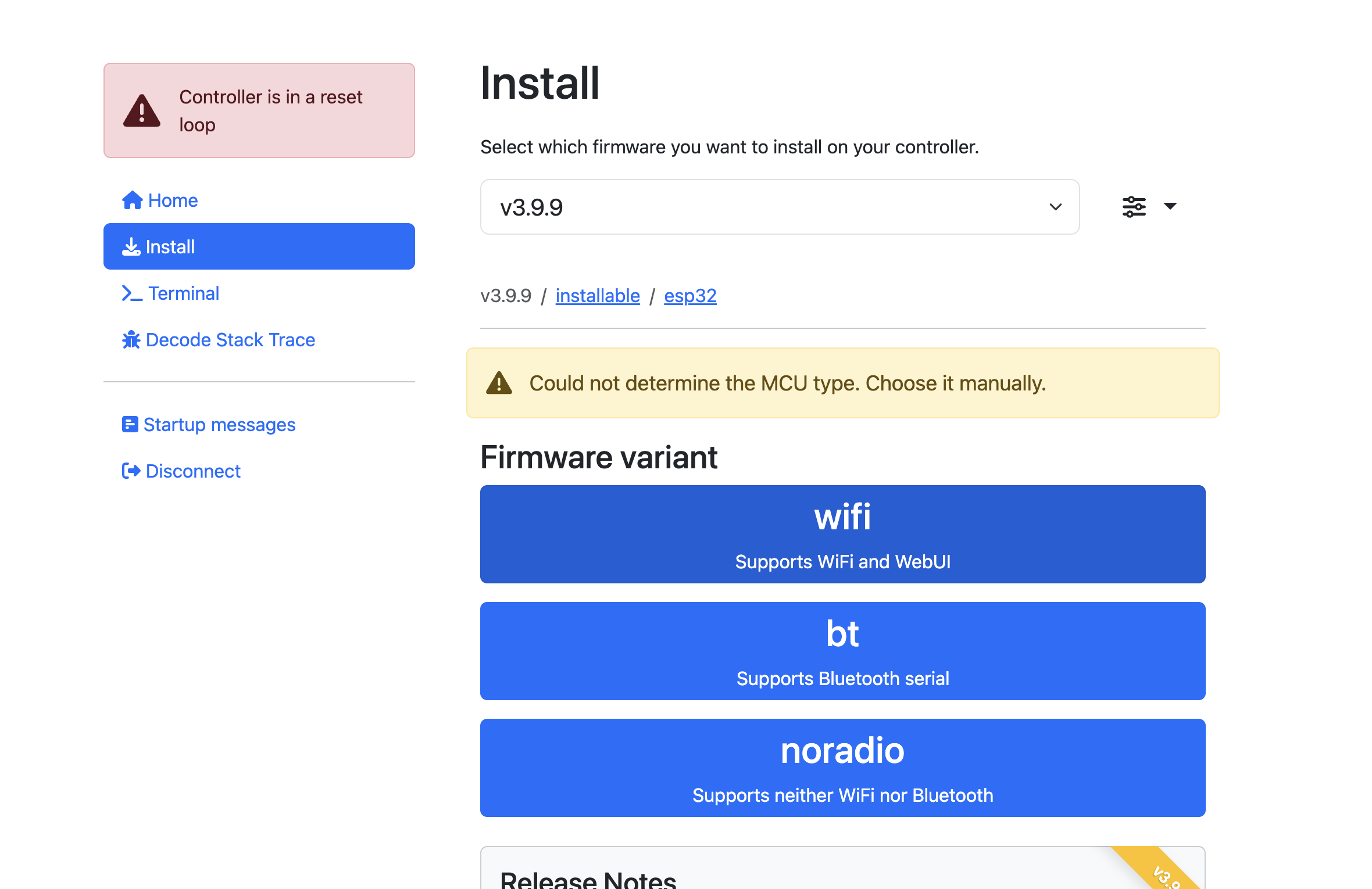
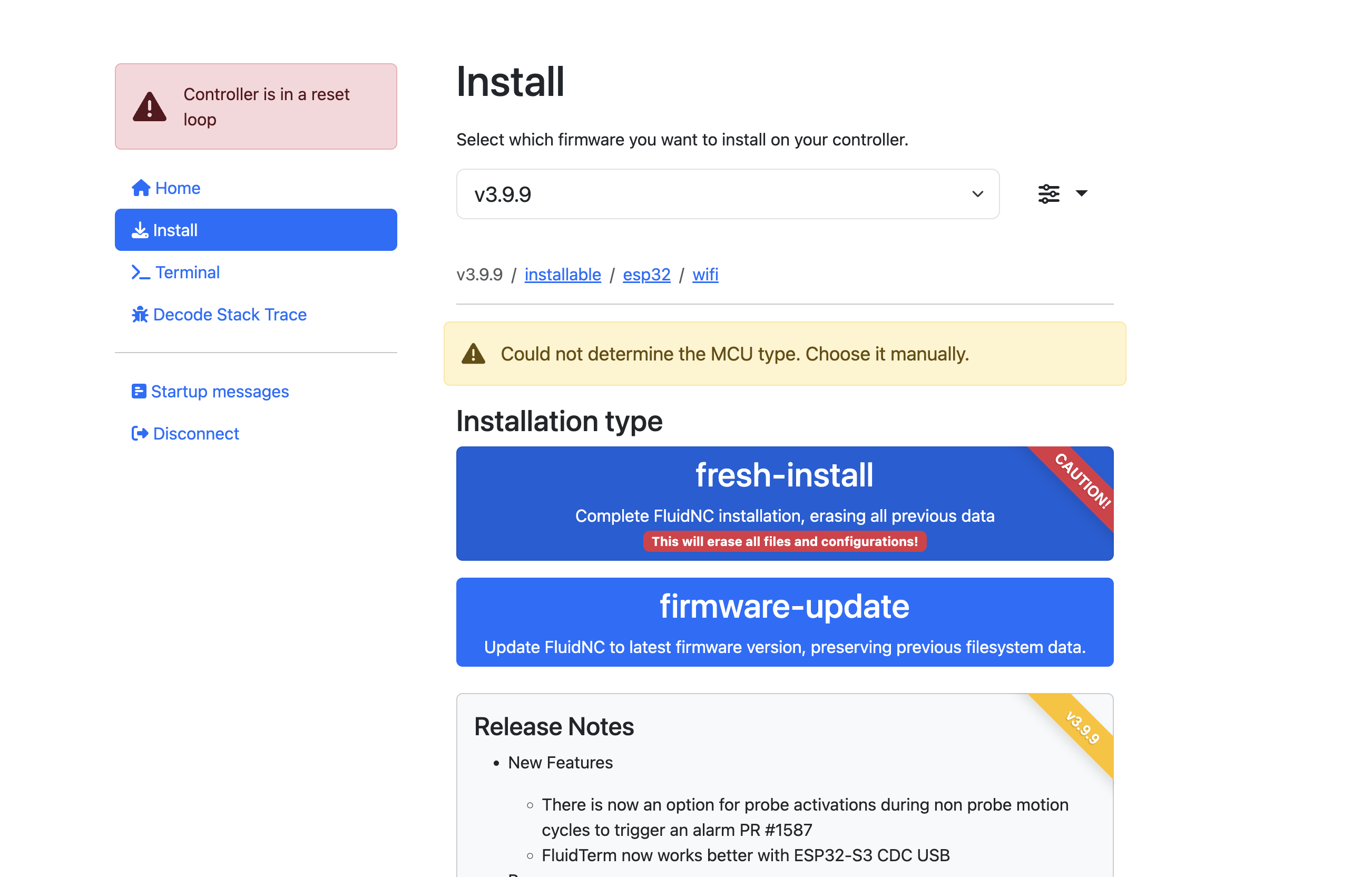
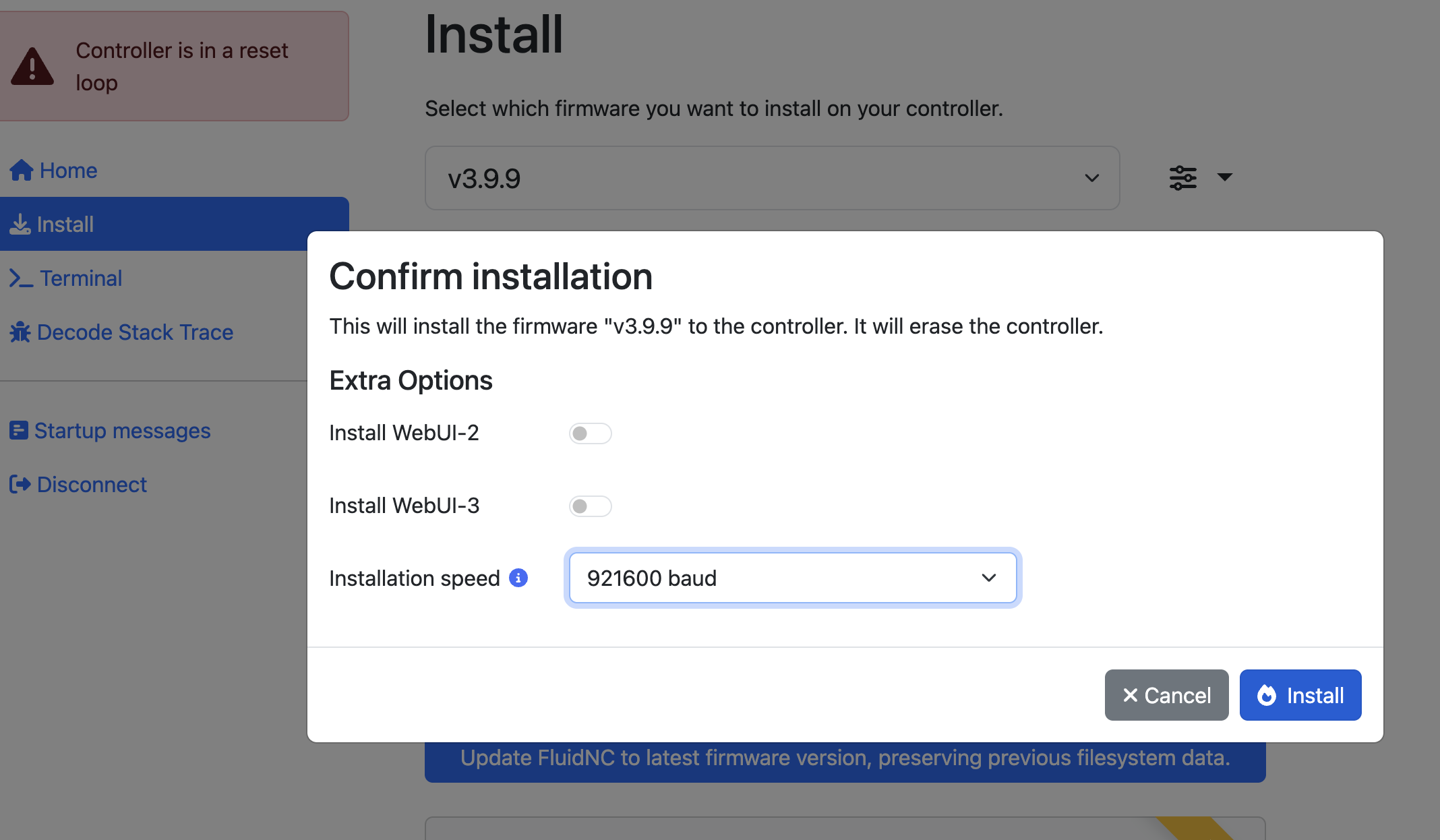
Did you install the drivers from here:
Make sure you install the drivers.
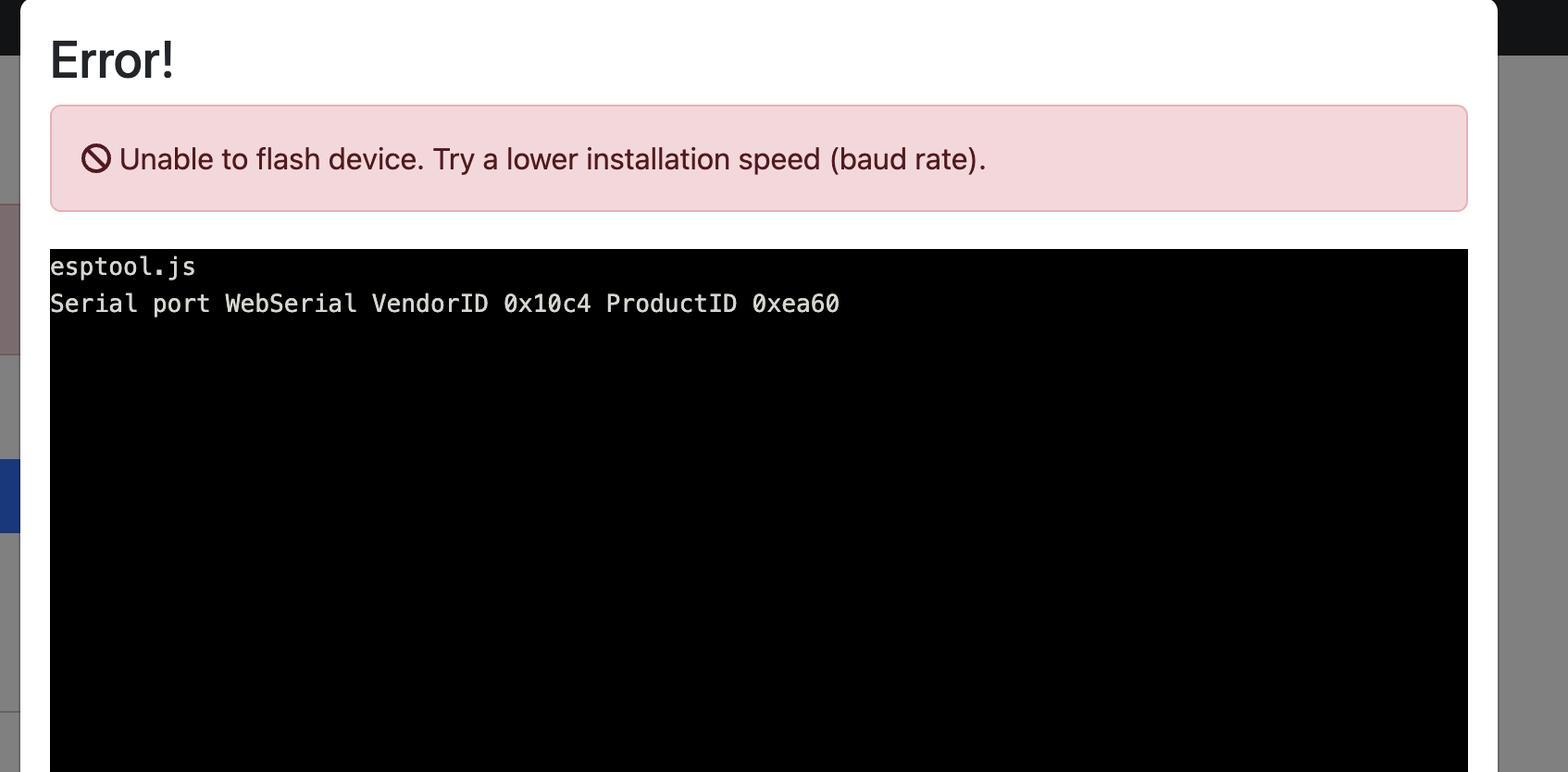
Use the drop down that says “show details”, don’t change the baud rate, if it says use the boot button hold it down for 3-5 seconds and usually a few extra lines come up. At that point it can take up to 4 minutes for something to happen. (if you use bitwarden it takes a bit longer).
Ryan helped me with the same problem today. I ended up buying a new USB cable. One that is for data as well as charging. That was the trick for me. I needed those drivers too.
The easy way to identify that condition on windows is to open up device manager and plug in the USB cable.
If an unknown device appears then you need the driver. If nothing happens then you need a real (data and power) USB cable.
the board shows up but will not allow me to upload, change or delete anything.
-– Available ports:
-– 1: /dev/cu.Bluetooth-Incoming-Port ‘n/a’
-– 2: /dev/cu.SLAB_USBtoUART ‘CP2102N USB to UART Bridge Controller’
-– 3: /dev/cu.debug-console ‘n/a’
-– 4: /dev/cu.usbserial-120 ‘CP2102N USB to UART Bridge Controller’
-– Enter port index or full name: 4
-– FluidTerm v1.2.0 on /dev/cu.usbserial-120 115200,8,N,1 —
-– Quit: Ctrl+] or Ctrl+Q | Upload: Ctrl+U | Reset: Ctrl+R | ClearScreen: Ctrl+W —
…
it never moves past this point.
I use port 2 on my MacBook.
so I decided to try and be a little more linear about my testing and eliminate as many variables as possible.
The things I wanted to make sure were not an issue:
Board
Cable
Installer
Process
interference
all of which I have been able to clear outside of the board.
here is what I did:
I removed the board from the LR4 and tried with no difference.
I used the same cable and the webinstaller to install to a random ESP32 I had laying around and it uploaded as you can see in this screen shot:
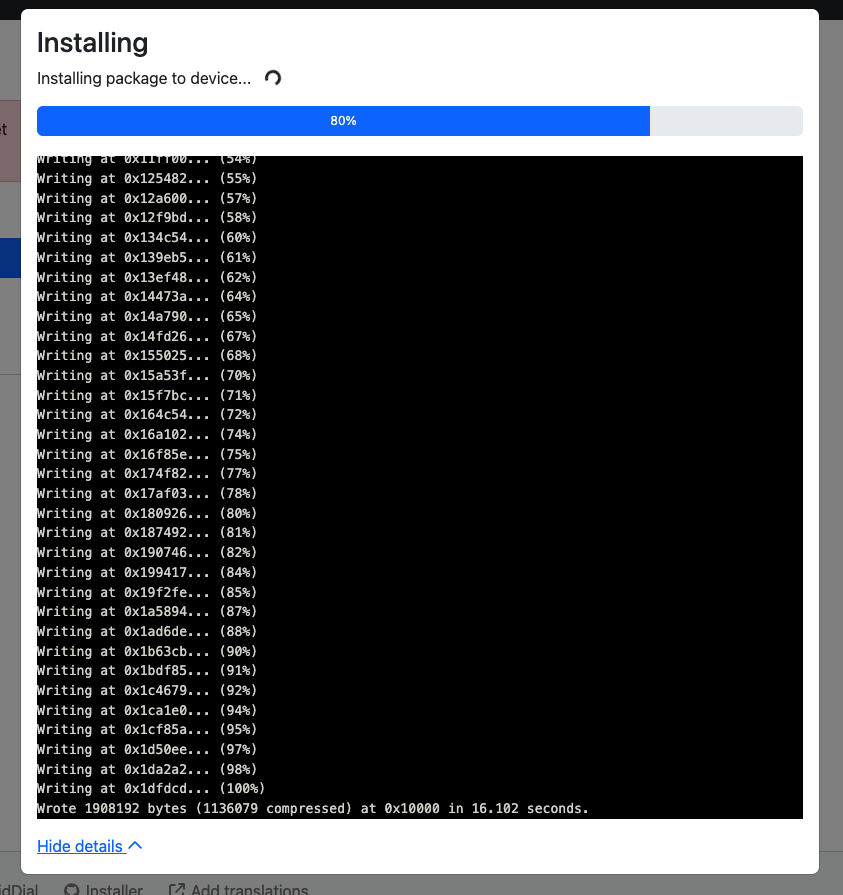
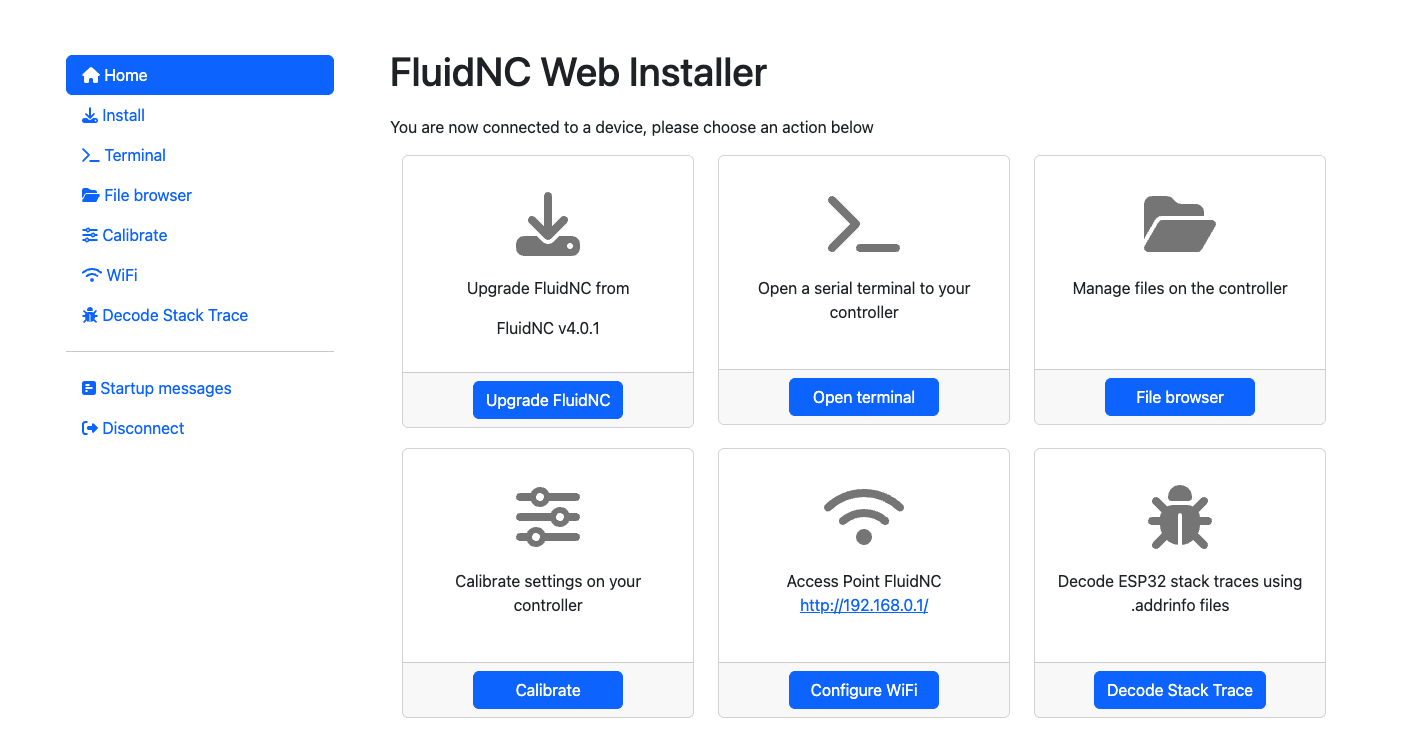
this shows me that it has to be an issue with the board and isn’t the websinstaller, the cable, or the drivers. So I am not sure what I should do from here.
You haven’t fully cleared it, Web Installer issues could still be present.
You’re on MacOS, right?
Download a POSIX installer , e.g.
https://github.com/bdring/FluidNC/releases/download/v3.9.9/fluidnc-v3.9.9-posix.zip
That gets you a native installer without the web installer cruft.
Extract those, and in a terminal window cd into that location.
Plug in the Jackpot USB cable.
From there:
- Run erase (erase.sh)
- Run install-wifi
- Run install-fs
- Unplug and re-plug the jackpot to your USB. See if it comes up.
Post the terminal outputs as preformatted text so we can review them.
this is the output for the erase.sh:
sh erase.sh
esptool.py --chip esp32 --baud 230400 dump_mem 0x3ff5a018 4 SecurityFuses.bin
esptool.py v4.8.1
Found 3 serial ports
Serial port /dev/cu.usbserial-120
Connecting…
/dev/cu.usbserial-120 failed to connect: Failed to connect to ESP32: No serial data received.
For troubleshooting steps visit: Troubleshooting - ESP32 - — esptool latest documentation
Serial port /dev/cu.debug-console
Connecting…
/dev/cu.debug-console failed to connect: Failed to connect to ESP32: No serial data received.
For troubleshooting steps visit: Troubleshooting - ESP32 - — esptool latest documentation
Serial port /dev/cu.SLAB_USBtoUART
Connecting…
/dev/cu.SLAB_USBtoUART failed to connect: Failed to connect to ESP32: No serial data received.
For troubleshooting steps visit: Troubleshooting - ESP32 - — esptool latest documentation
A fatal error occurred: Could not connect to an Espressif device on any of the 3 available serial ports.
esptool failed
One last variation : Repeat, except after you plug in the USB cable and before you run erase.sh, hold in the boot button for 3-5 seconds, then run erase.sh.
Thank you for being thorough in troubleshooting.
Thank you so much for your help.
Okay I just tried holding down the boot for 3-5 second and continuing to hold it through the entire erase.sh and also holding it for 3-5 seconds and releasing just before the execution with no change still giving me the same error output.
Good idea to try that button dance. Now I’m in to curiosity territory…
What happens if you hit the reset button before erase, or the reset button and the boot button just before erase, that button dance.
This is pretty strange. I’ve never had an ESP-32 that I couldn’t flash with some combination of the button dance except when I’ve blown up the voltage regulator. That should be nearly impossible on the system and nothing in your post history would lead me to believe that happened.
Can you post a close-up, high-res picture that shows your ESP-32 and it’s voltage regulator after you try that reset button dance?
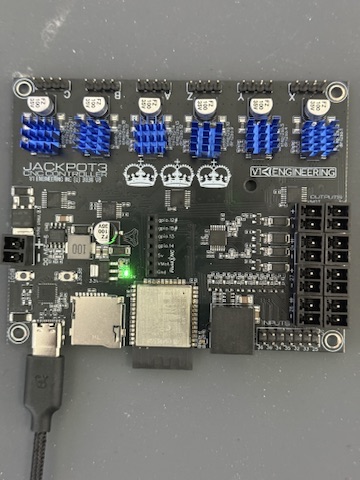
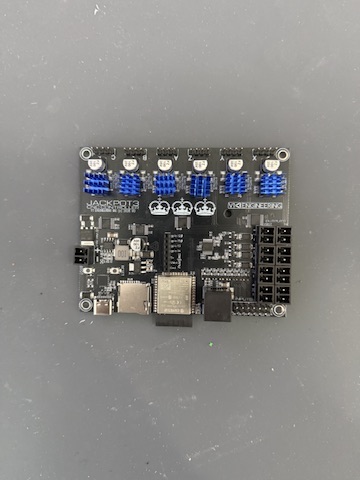
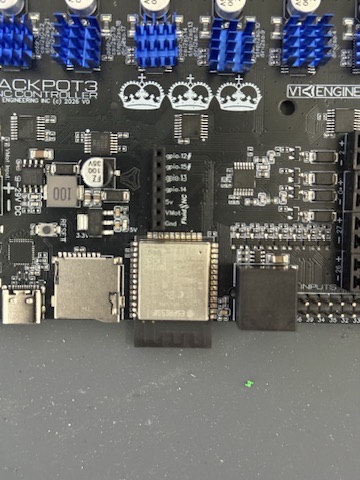
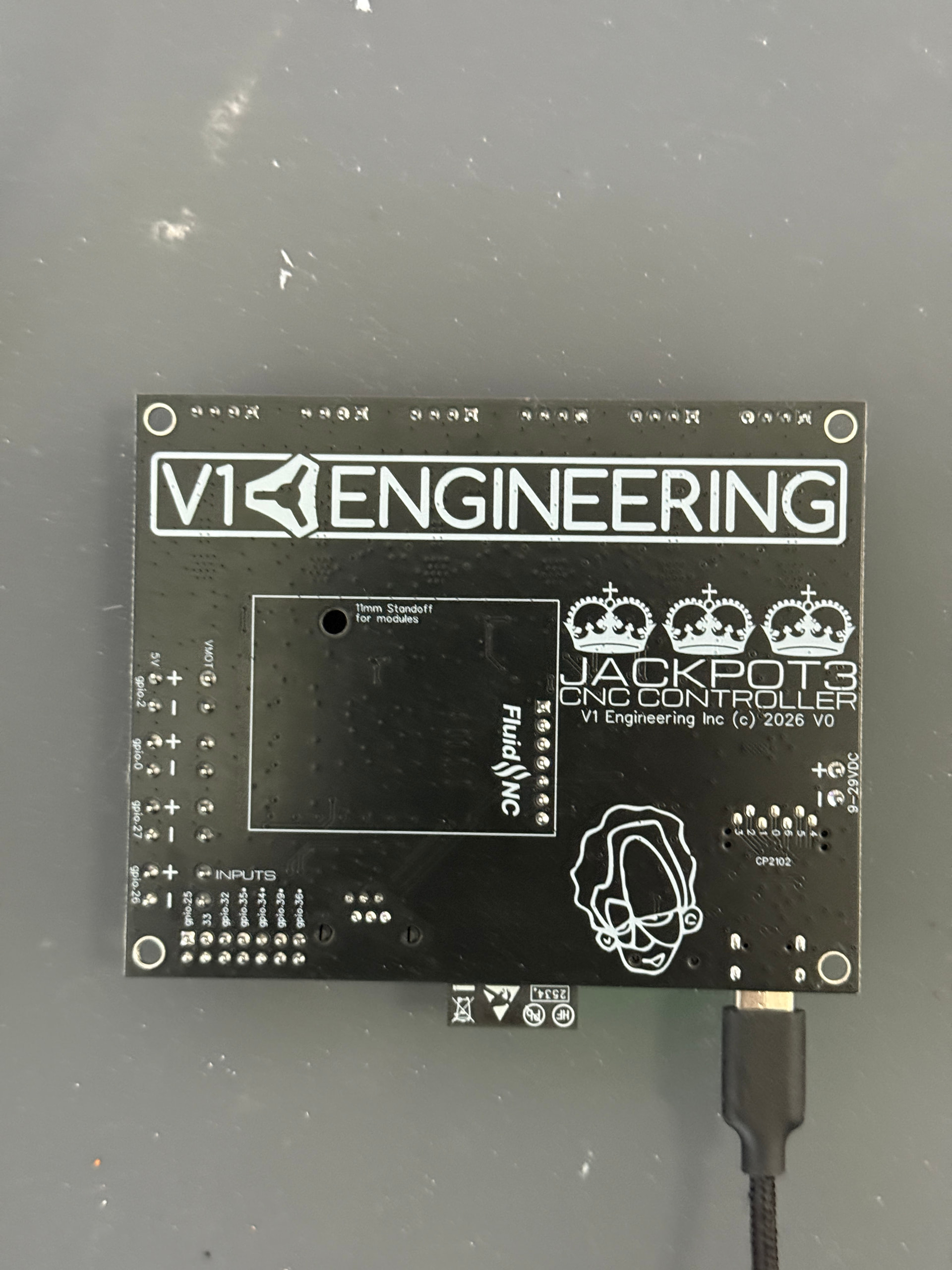
Thanks for responding, those are very low resolution. Do you have high resolution versions?