I have completed the MPCNC rebuild. Weak parts started breaking. My question is about the Jackpot 3 configuration. It appears to be set up for the lowrider outputs to the motors. What is the process for reconfiguring the outputs for MPCNC? X1 and Y1 are reversed and X1 runs with the Z motor input. I’m old and weak on programming. I need spoon feeding. Thanks .
On the jackpot firmware page there is a link to the current files. Download those files and all you need is the config.yaml in the mpcnc/jackpot 3 folder. upload that to the board and reboot, you should be good to go.
If you need more details let me know and I can break it down a little further.
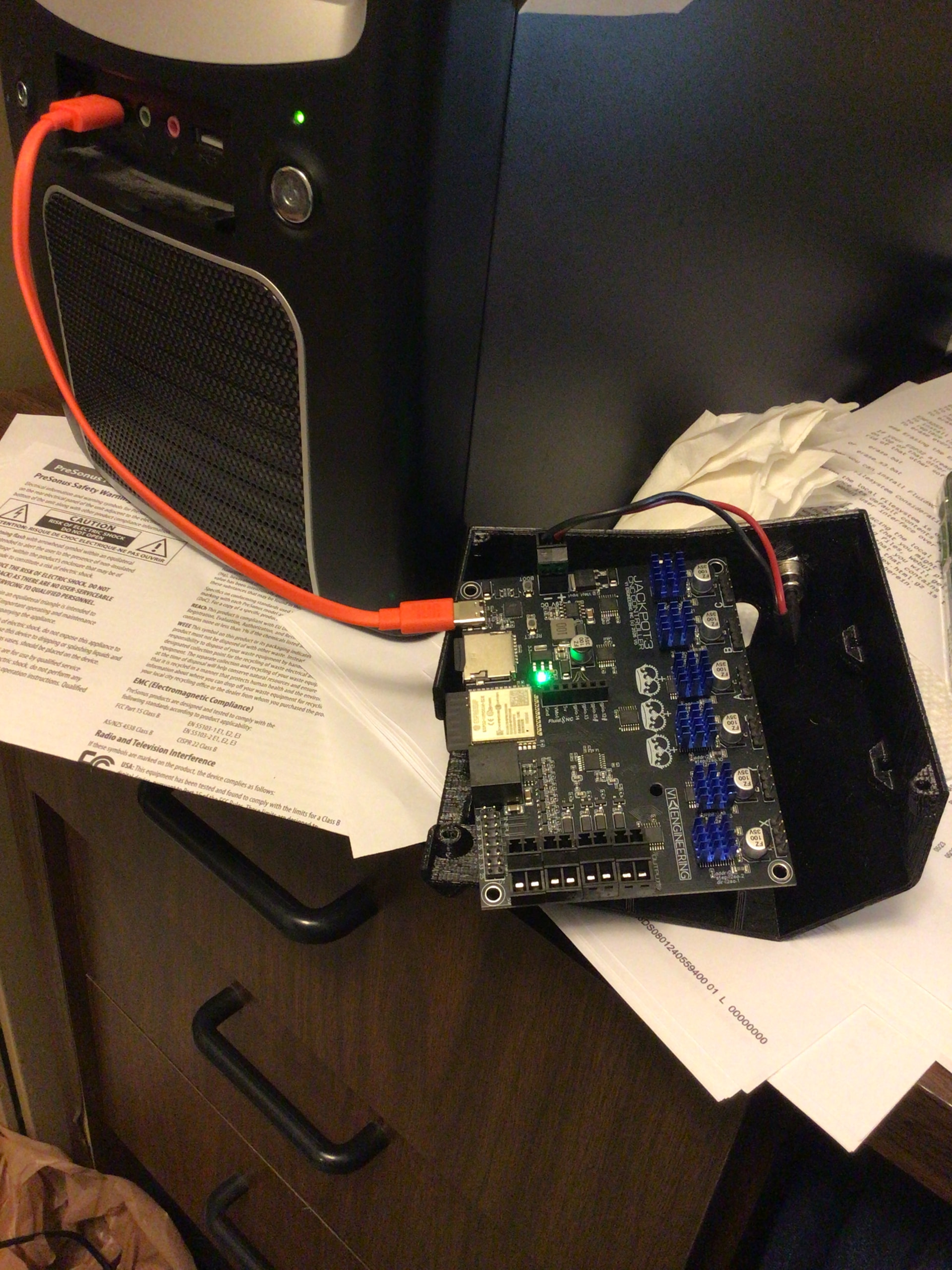
I made a stab at it, but no joy. I downloaded the yaml file for MPCNC but I don’t know how to use the terminal program to up load it. I have put it on the card and it shows up on the board. I have the board on my desk plugged into the usb. The light is on, the power supply is disconnected and I am stumped. I can build a computer but can’t program one. I’m a hardware guy I suppose.
Two ways, first, plug it in via USB, use the webinstaller in chrome edge or opera, https://installer.fluidnc.com/fluidnc, connect and use the file uploader function.
Or if you are connected directly to it over wifi select the flash portion of the files section, you will see a config.yaml there, then use the drop down to upload the new one.
Step three is reboot.
Give it a try, if that is not clear I can get a screenshot for you in about an hour.
I’m getting a message in status, upload not enough space
Did you upload anything else to the Flash storage? If so, delete that and it should fit.
I deleted everything and disconnected the board. Now all I get is a blank page, ESPD3 tool page. Github refuses connection . How is reboot accomplished? I see the boot button on the board. My density knows no bounds here. I appreciate your help. I confirmed I have uploaded the correct version but I can’t get it installed and now I can’t get the controller to connect properly.
No worries it can always be brought back.
If you deleted everything then nothing happening is to be expected. You will have to connect via USB and use the webinstaller to do a fresh install of 3.9.9, and upload all the files in the mpcnc folder.
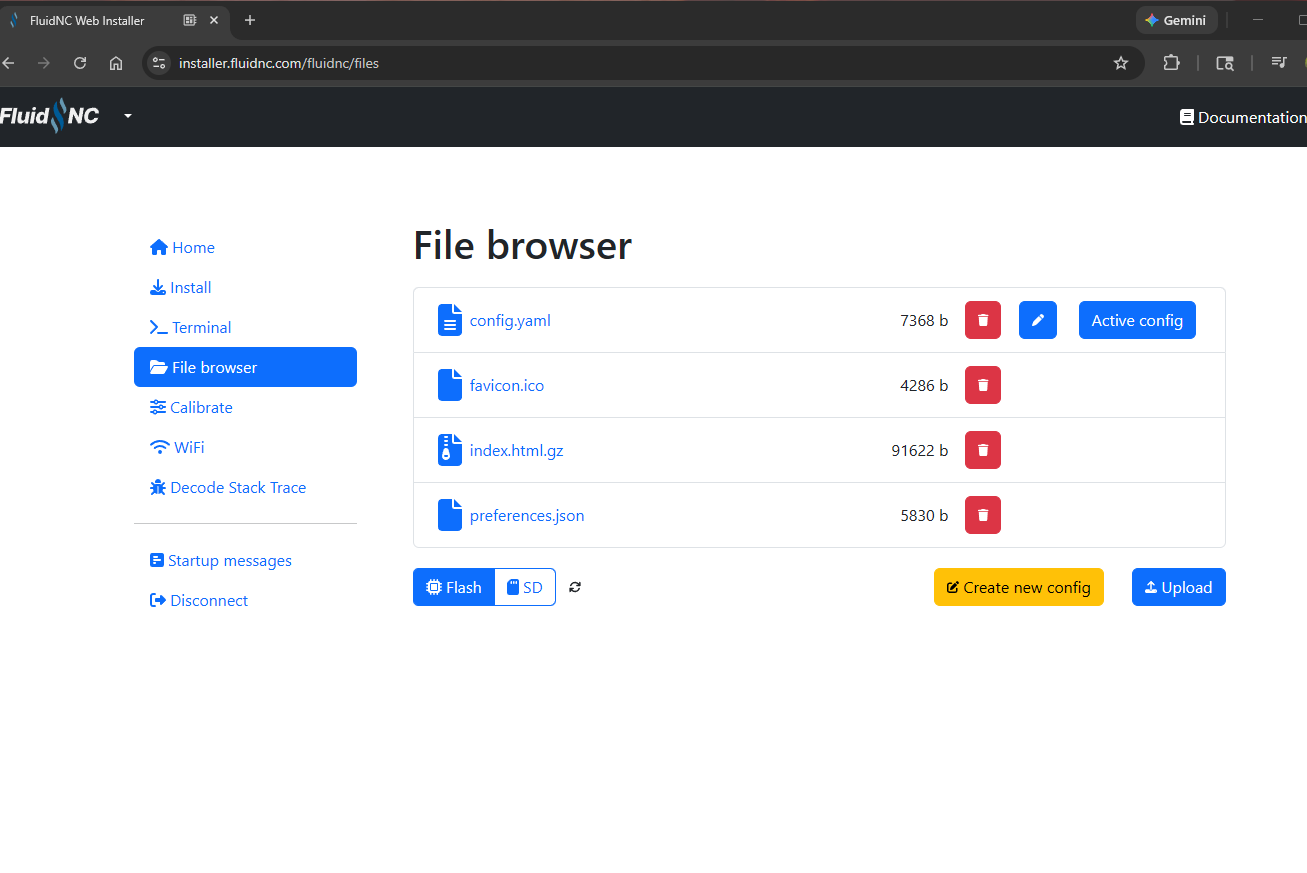
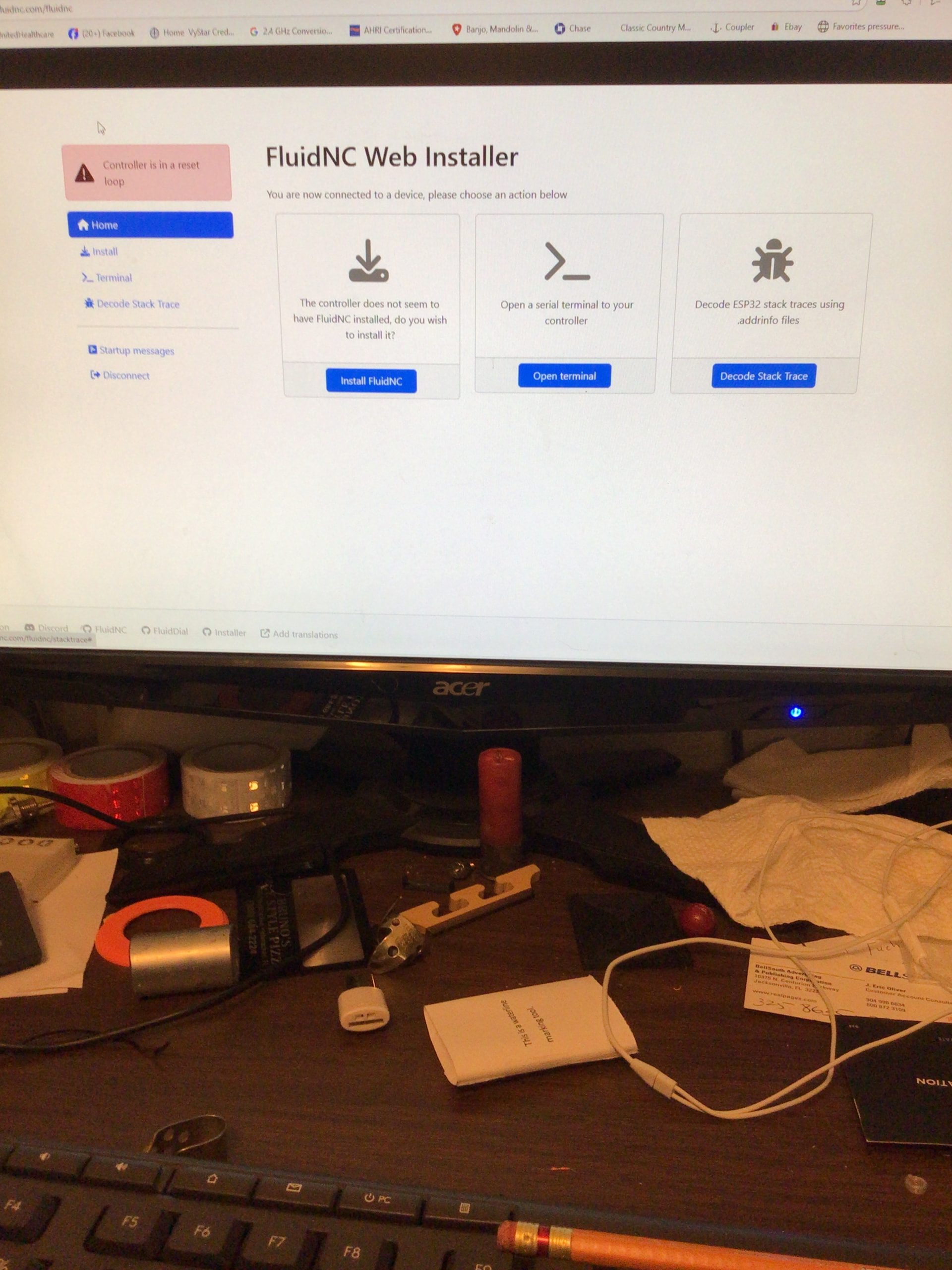
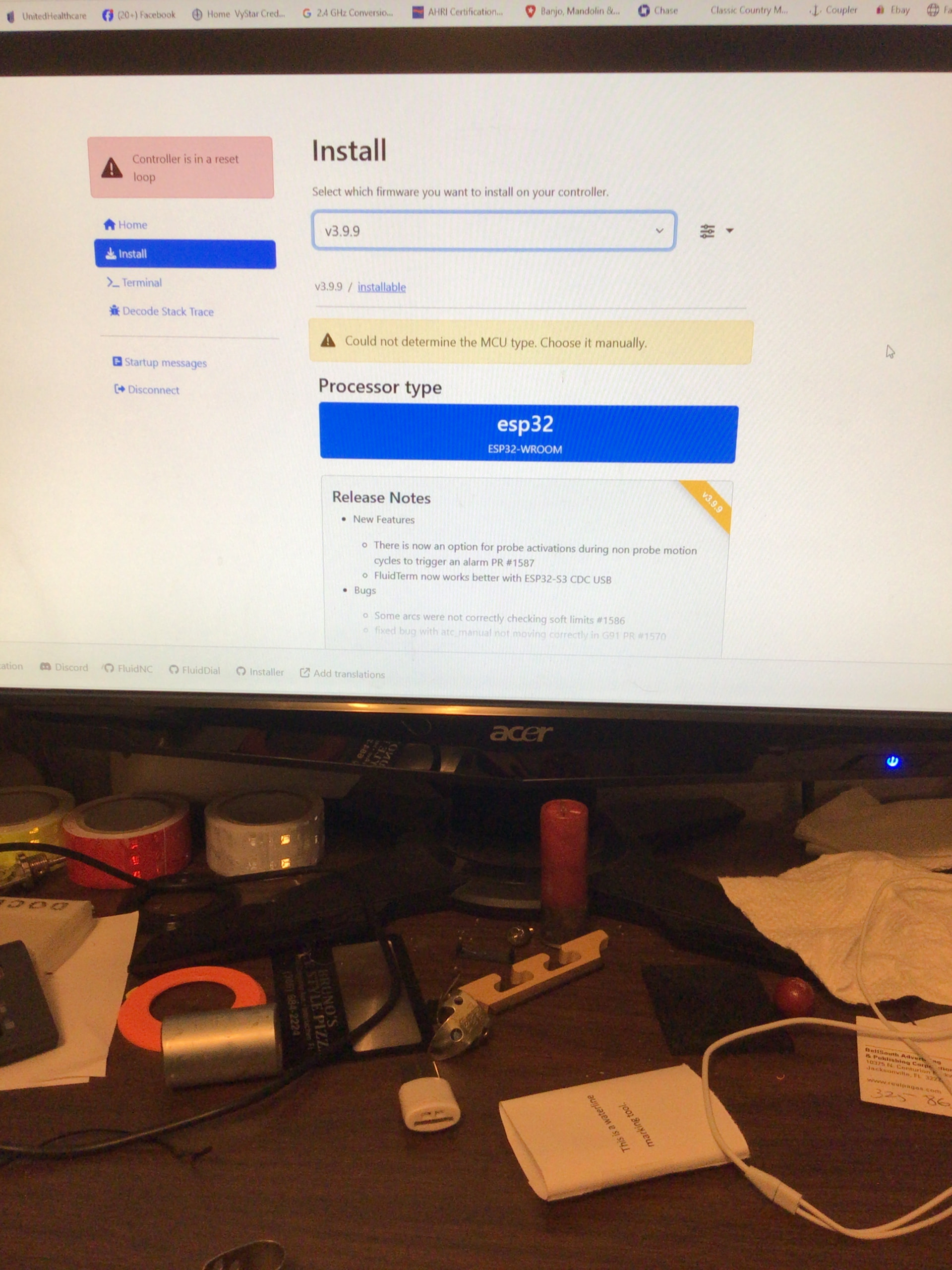
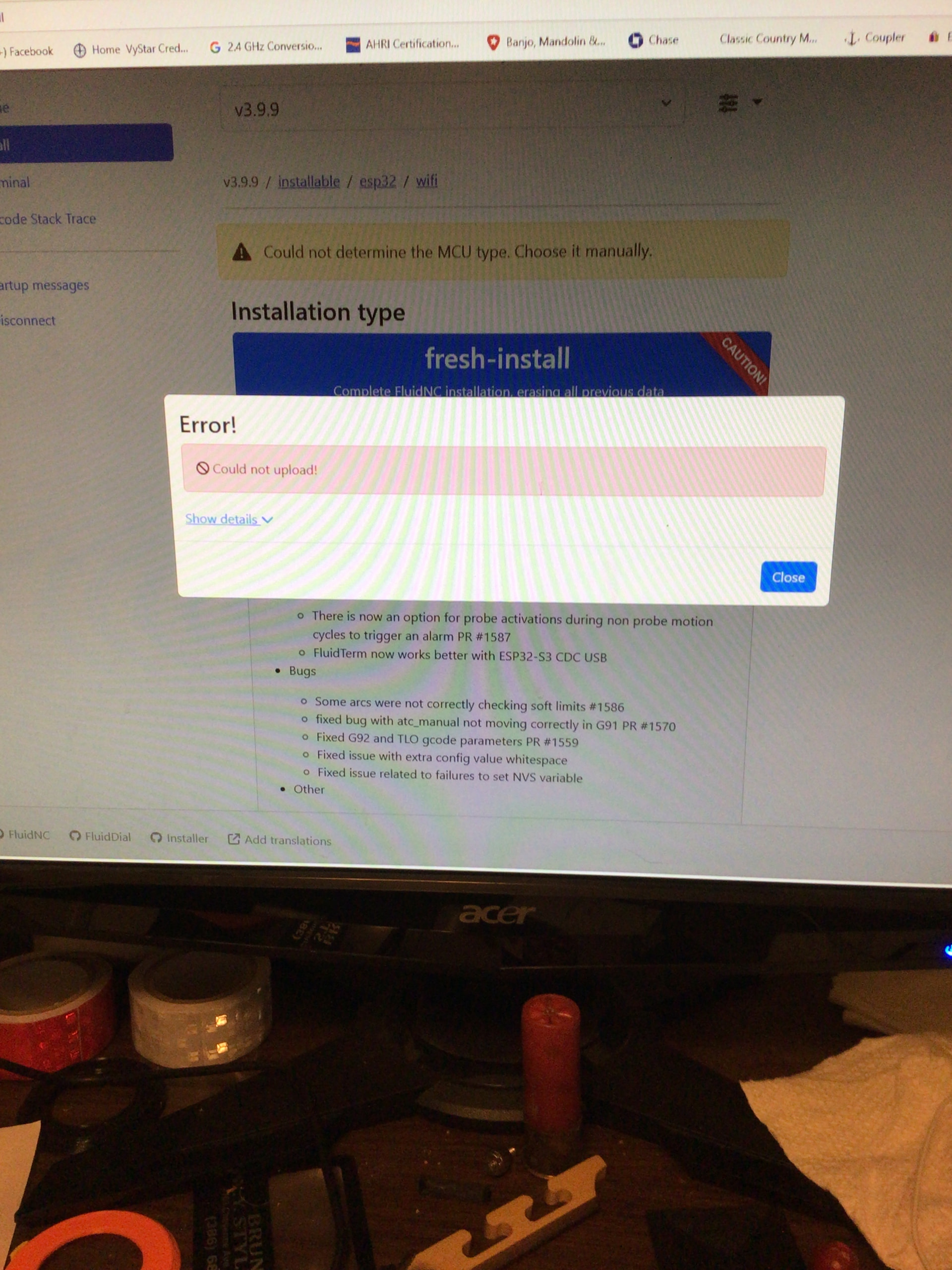
install fluidnc, use the dropdown to “show details”.
You might need to hold the “boot” button for 3-5 seconds.
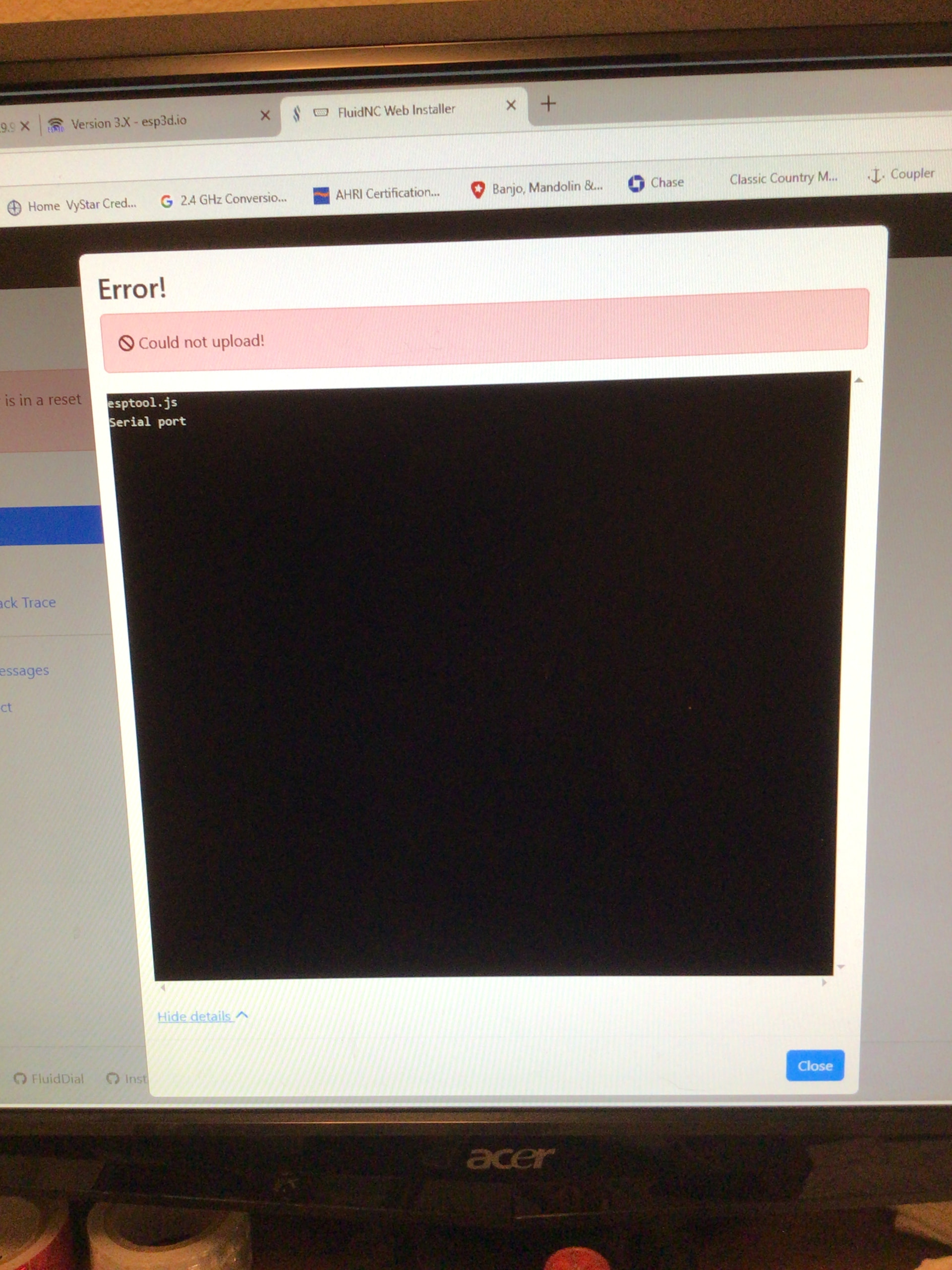
Yeah, that is crazy common.
Another thing to try is installing the driver in the jackpot firmware page.
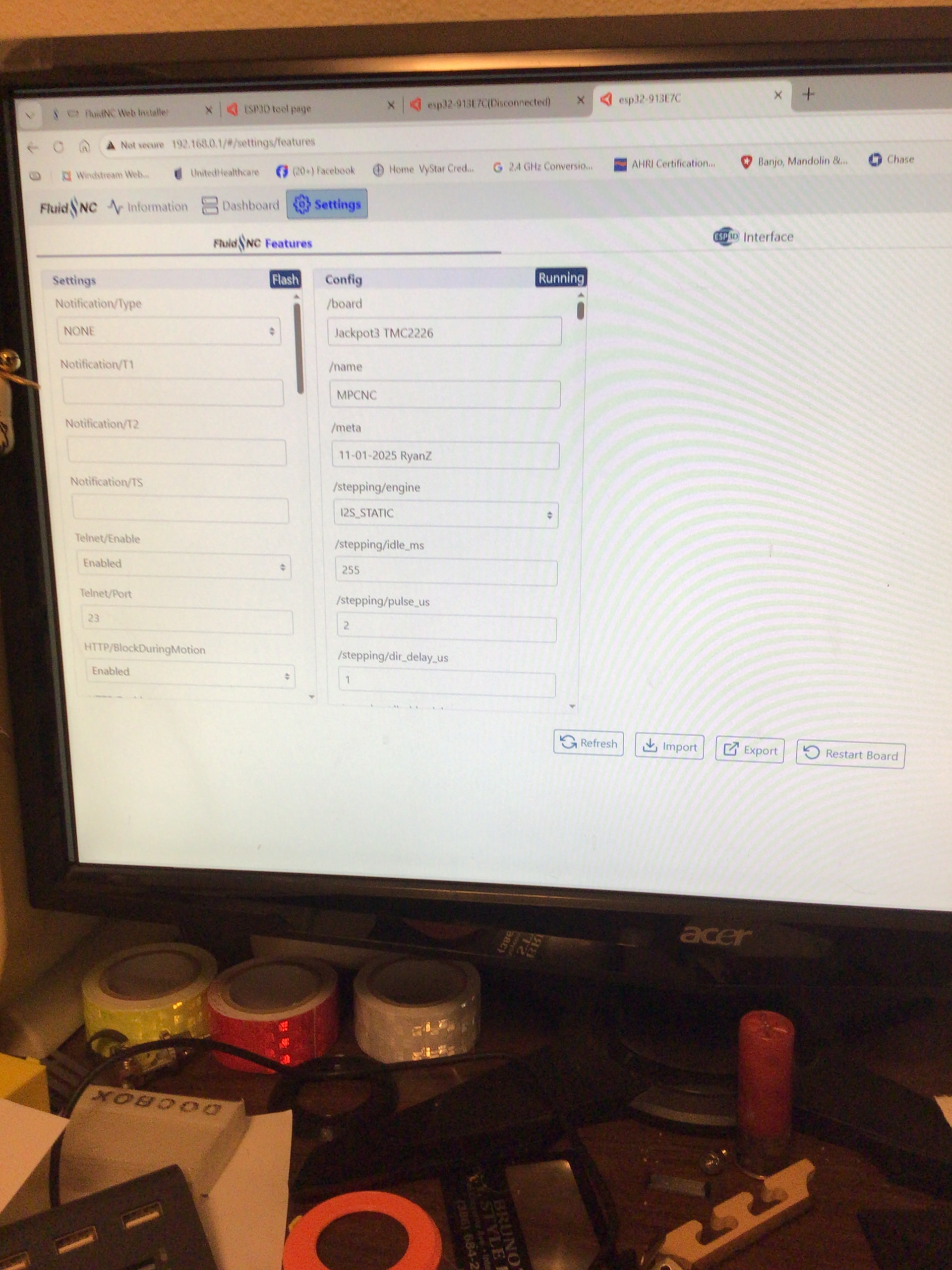
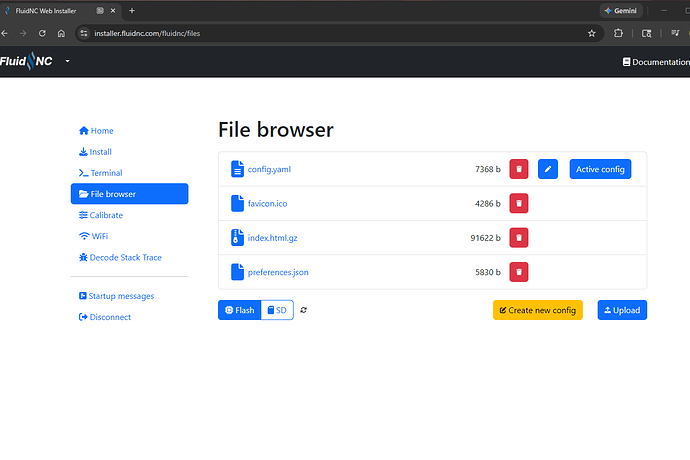
I’ll check the list. The steppers jog in the correct direction, but home to the positive direction. The controller stops the X, Y homing saying something about the switches. Something else to figure out. The end switches are NC. I’ll confirm with an ohmmeter when I go back in the shop. First fix the homing issue. Thanks for your time. I love a challenge.
If they move the wrong direction for just a little bit when you try to home they are wired wrong.
$limits in the terminal will let you check them to make sure they work
So, wire them for proper homing direction and rethink the jogging direction. ok.