Has anyone tried the inlay feature yet? I just stumbled upon it in a random commentary on Youtube and was like: “I’d know about this.” Thing is - I didn’t. It’s in there since February and I never bothered to upgrade.
Just bought the V13 and am waiting for the key, I want to try it. There are, besides that mention in the patchnotes, no videos or anything yet, which puzzles me. Hoping to have the time to do it.
I tried it now, it did work for an inlay (at least the generation of it) that does not have any “inner” features.
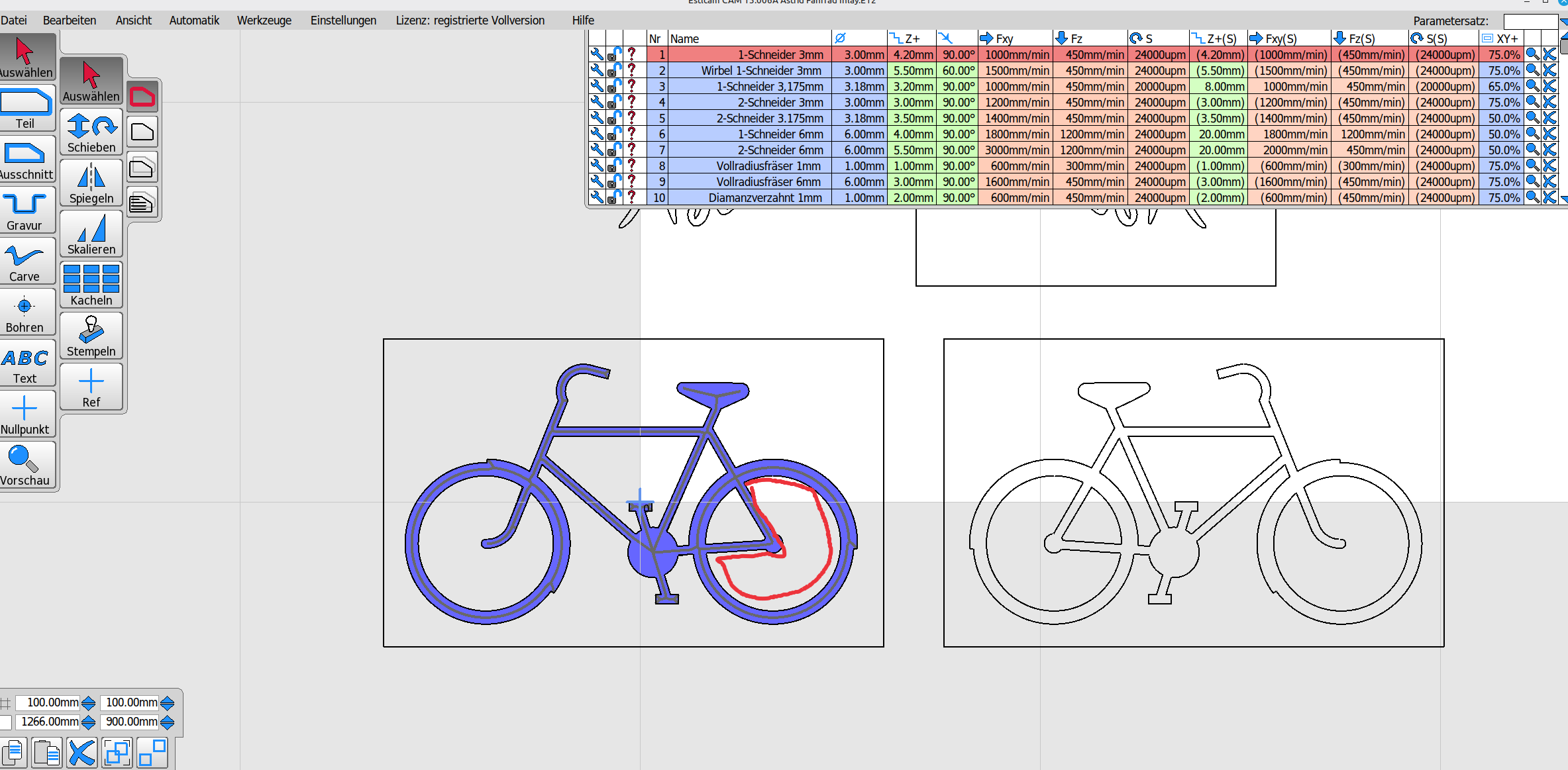
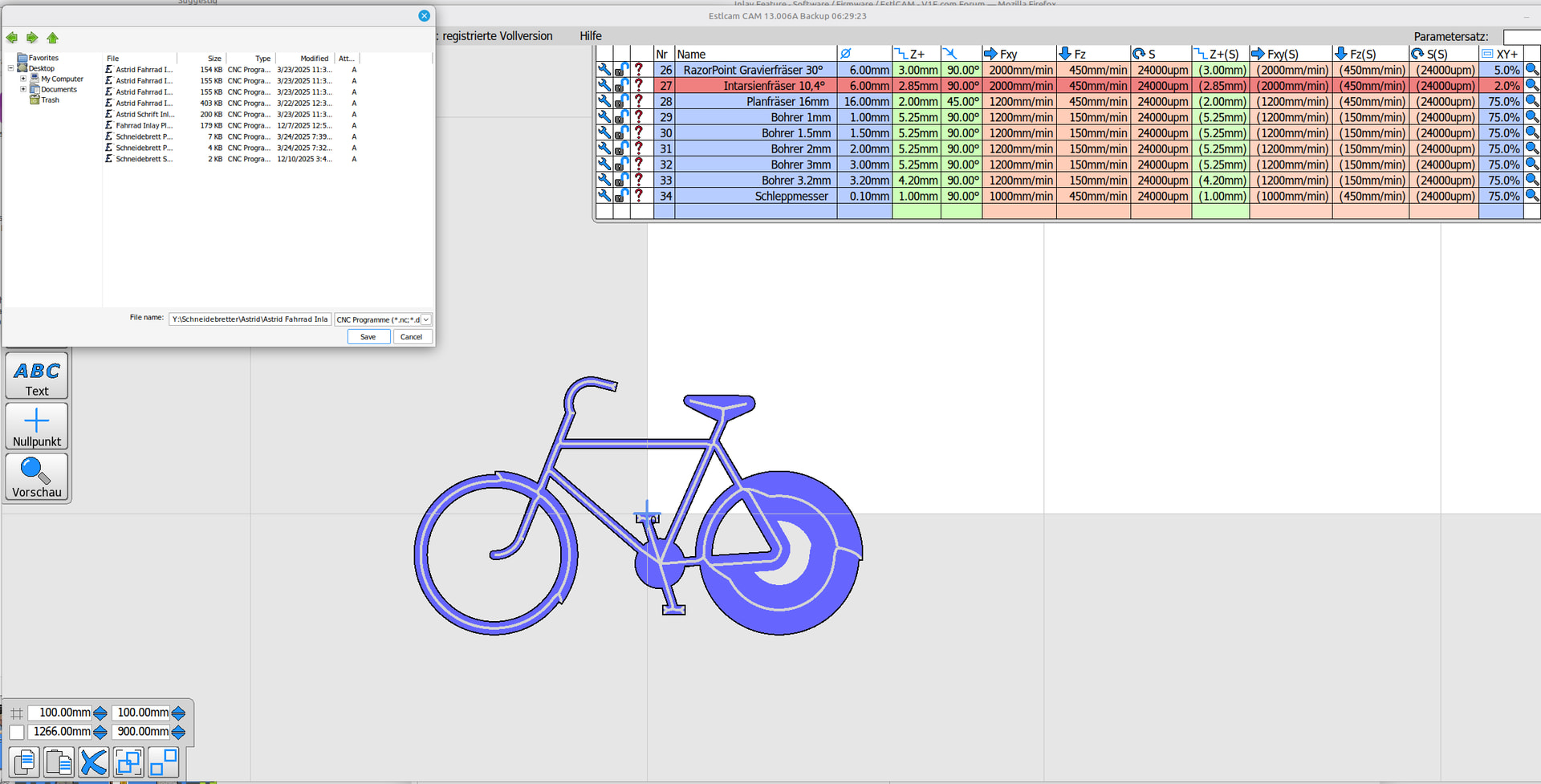
It didn’t work for a bike, because it had islands and when generating the carve again it deletes the inner circle (marked red). Don’t know how that is supposed to work. I think it might be a bug @christian-knuell
It also wants to cut the plug at double the depth. That is a waste of material, it should give me an option to say how much overcut (or however you’d like to call it) I’d like to have (or I missed it). For a 6mm deep inlay, I want an 8mm plug, not 12. I’d also like to be able to specify a glue gap.
For shallow inlays it might work well, because 2 and 4mm are fine… But not for deep inlays in cutting boards.
Double the depth is the same theoretical perfect match that the Carve function provides when the female Depth is entered in the male Depth and Start level boxes. It’s sounding like the carve inlay function isn’t adding anything new, e.g. X,Y offsets.



 But not for deep inlays in cutting boards.