I found a solution for my Illustrator to Estlcam export problem. Looks like it´s important for scaling 1:1 that the resolution of your Illustrator file is 72dpi, even when it´s vector.
My working workflow for export files from Adobe Illustrator 2020 to Estlcam 11 in millimeter is (I didn´t tried it in inch but should work, too):
New Document → Units = mm, 72dpi, then draw what you want and with text Choose Type > Create Outlines to convert the text to paths → Export to DXF for AutoCAD 2018;
in Estlcam: open file and choose mm for units
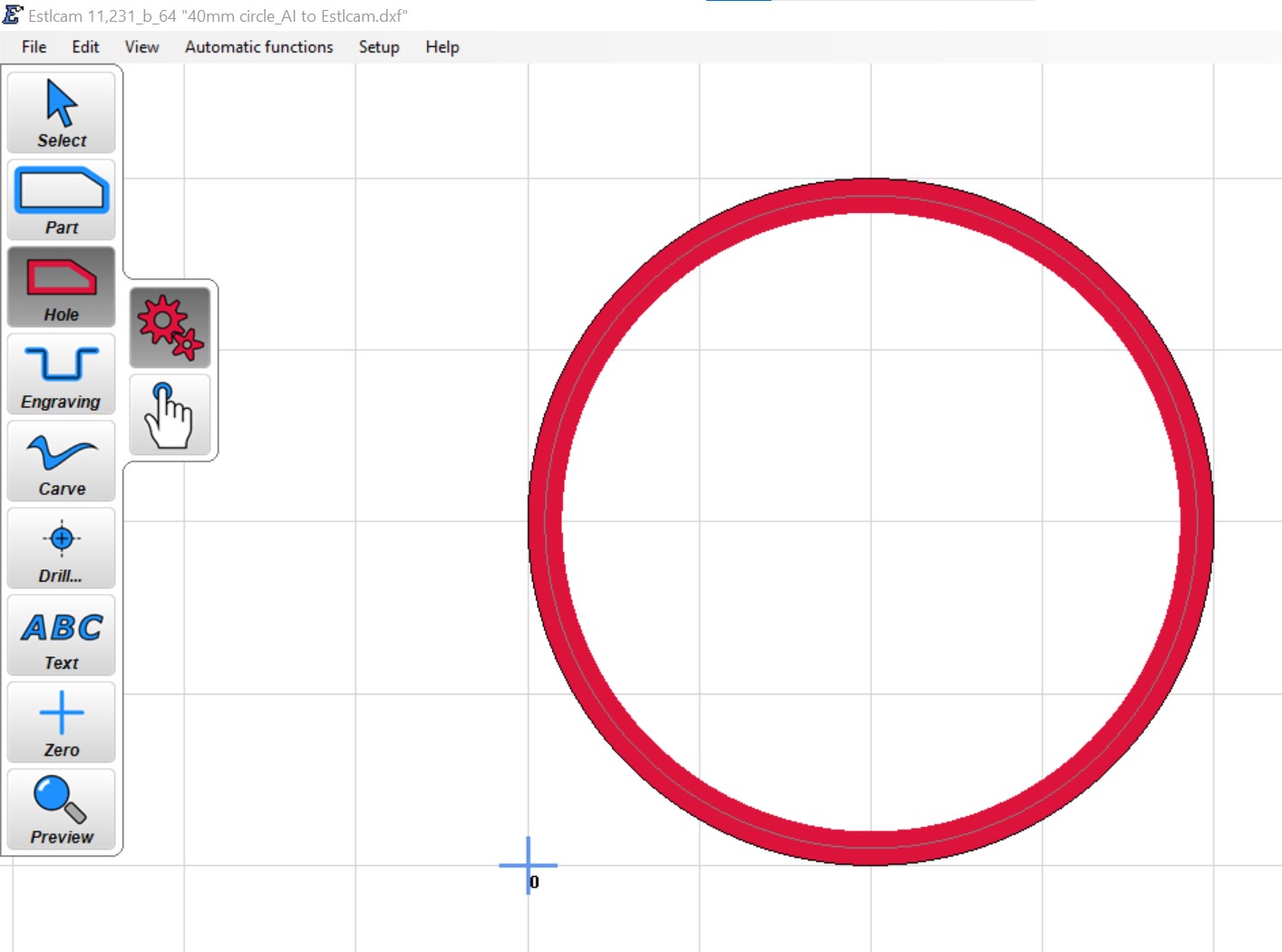
Perfect 40mm circle on a 10x10mm grid