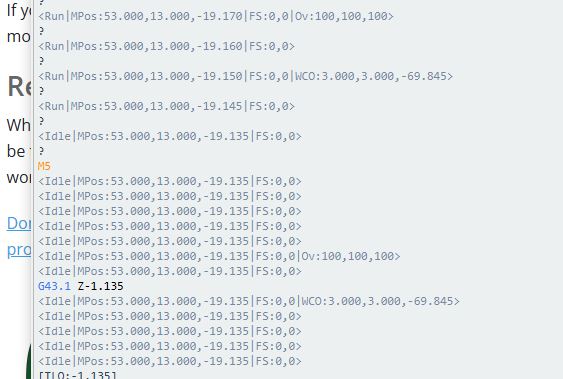
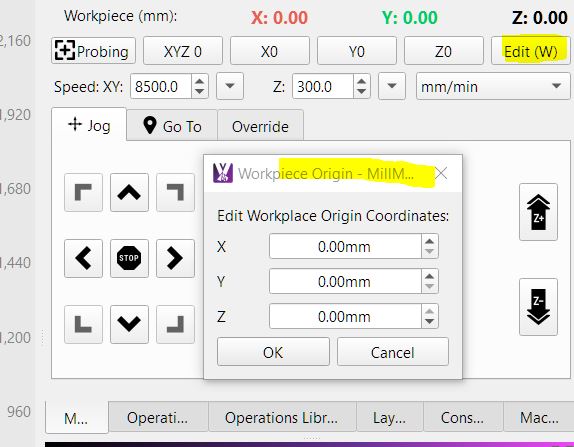
running few surface passes yesterday first three ran at correct depth , than 4th was set at 0.5mm , when it started cutting it was actually cutting at 2mm found this in the consol after the error
Q1: can say a short/ break in probe wire send a false reading throwing the probe reading out ??
MM support have come back saying
G43.1 is a Dynamic Tool Length Offset, this is your problem. This means the tool is being told it’s 1.135mm longer than probed/expected. Please review your your probe settings.
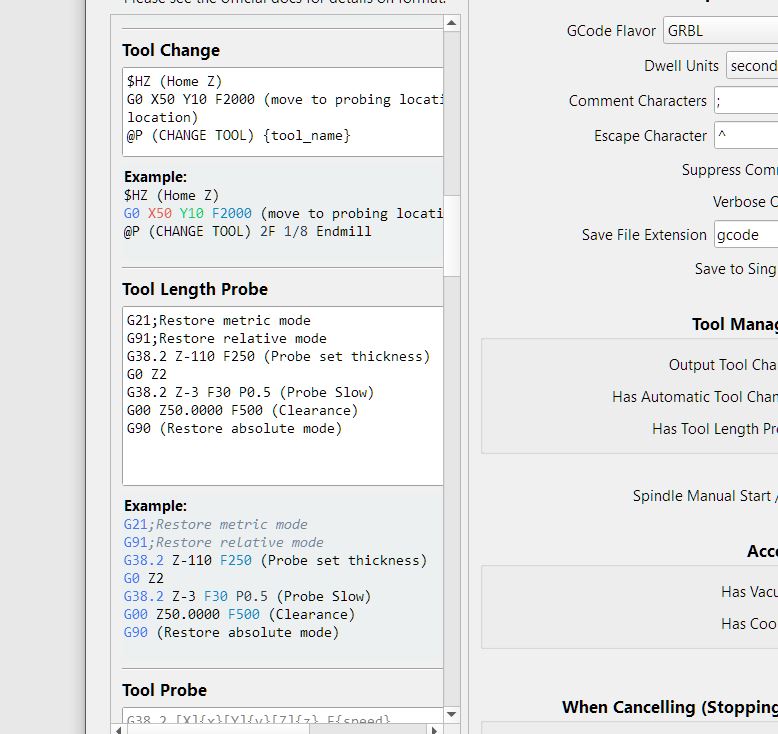
this is my setting and how they said how it should be , where does G43.1 code hide i cant find it in the gcode when viewing it pre staring job
the hole in the wall is getting bigger from banging my head , when its running sweet is good , but when it throws a wobbly , i watch hundreds of dollars of material go in the bin
@Terry_O_Sullivan, do you use MM to send the gcode, or do you save the gcode and run it from the SD card?
I use MM to send the gcode. I enable the operations that use the same bit and disable the ones that need a tool change. That way I can probe before each set of operations and then start MM cutting. This has worked for me very well so far. Just a thought for you to try maybe. If I was working on that expensive of wood I would be very upset too.
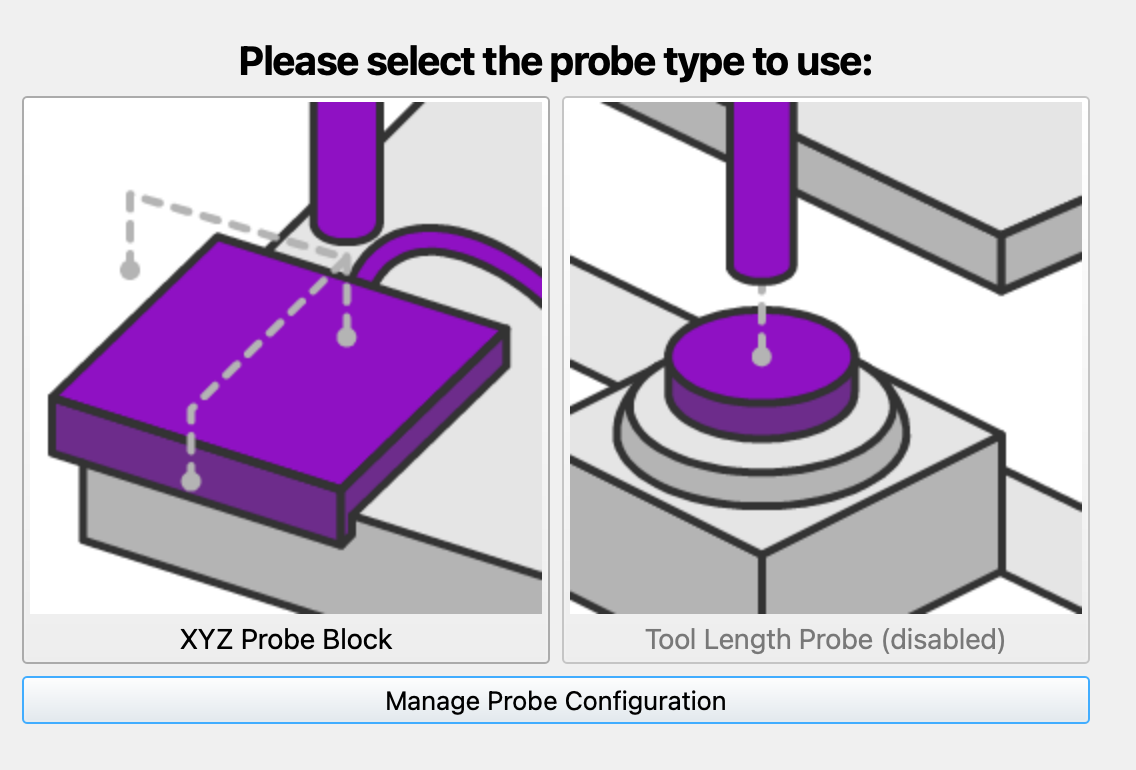
was just doing the wiki search myself and see it doesn’t support g43.1 , no the V1 probe only , everything is as shipped , havent even updated board after frying 1st board
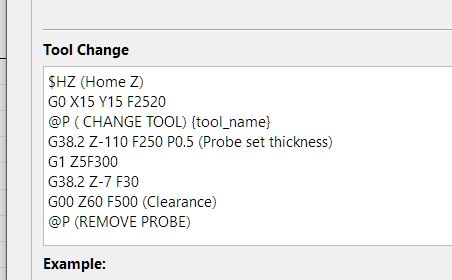
yip i really like it also , its been running sweet until the latest patch release then boom theses depth issues, i did a 4 hr job prior to the patch with 5 tool changes and it never missed a beat with my old settings from mill basics in tool change , below is old screen shot where i had missed 2nd P0.5
when contacted support they said my settings arnt as they expected it to be used, they said should jusst use generic , which i said didnt work so they wrote a code which i had to alter 2 lines as it froze the machine, now im just like WTF full head spin which is the issue
which box is that haha, thats part of the issue 2 may boxes and where you would expect a code to go wont work eg @P the way i had it originally in tool change box worked ,
they put @P in Tool length probe box which froze machine i had to move it to operation start for it to pause after tool change probe
G49 would you try it in job header or in user start script ?, its like a lucky dip
i have always done everything from design to cut in MM multiple tool changes where it probes each time when change of tool , without any issues
every now again after an update i have had similar issue and have run jobs the way you say , even to the point of one tool cut , save job shut down machine and MM re start do 2nd tool , very time consuming but for piece of mind when working on expensive job
always let MM know of the issue , it has been a bug on couple of occasions and on next update its back to normal , but now that they have told me my tool change codes arnt as expected to be used i don’t know what’s right or wrong any more
oh yes def scraps although running out of scraps from multiple trials
i really appreciate the helpful support generally from MM , but every now and again you get a support response that is generic.
have you read docs its not the software its how your using etc its in your codes which is frustrating
i have read docs inside out , always re read sections of docs and test and search before creating a topic as some days my brain just doesn’t see the obvious so dont want look like an idiot with a dahhhh question,
granted if i had had only just started using last week id expect that response, but ive been using it every day since RC1 running the same gcode settings 15 months now i think