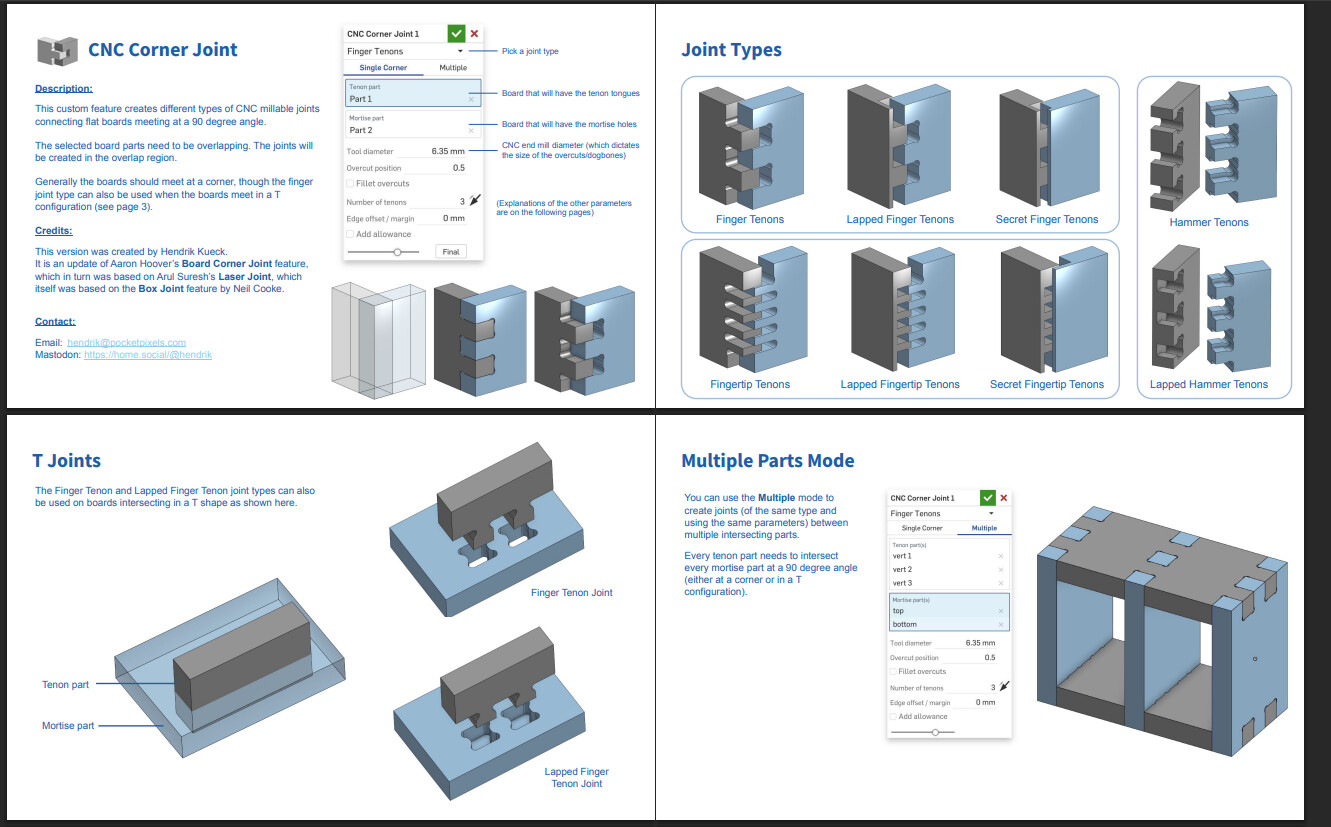
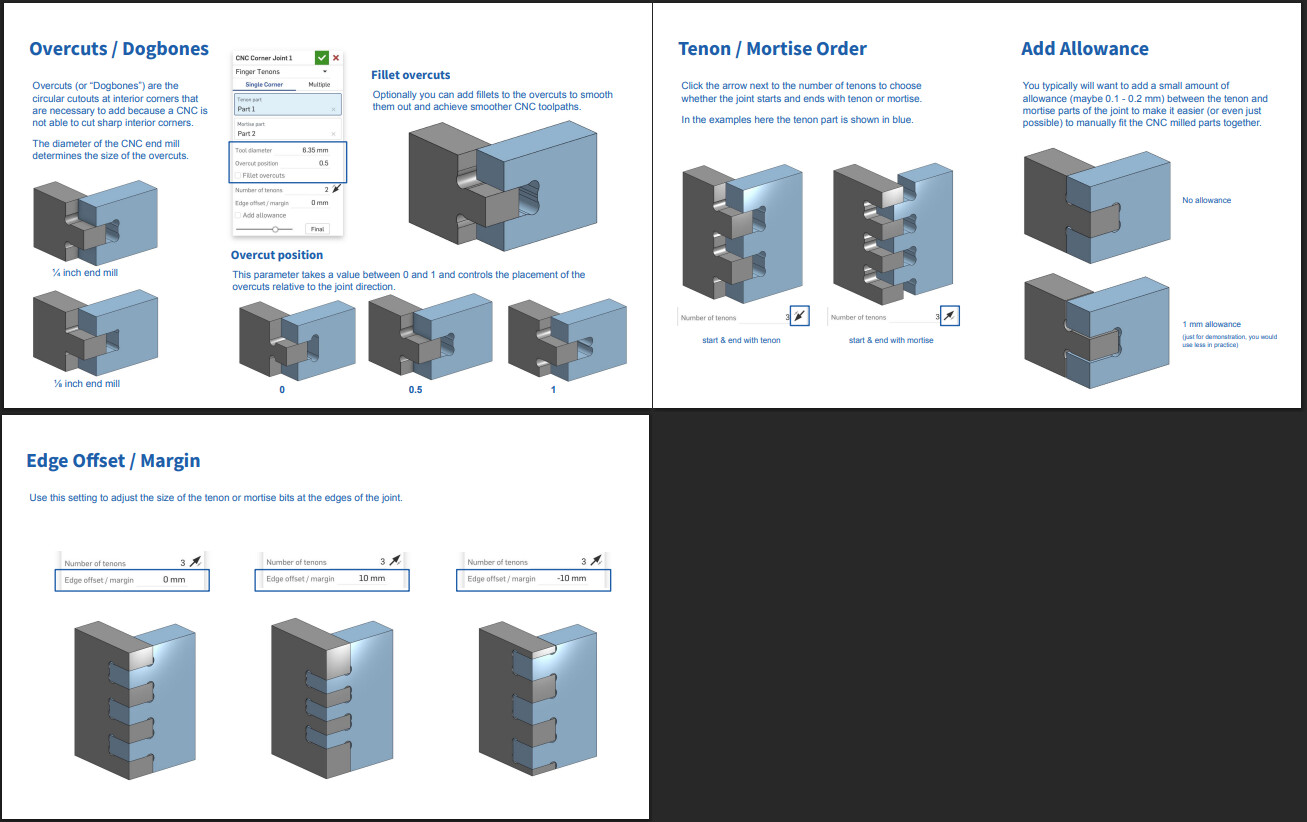
You surely know my love for F360 plugins, and for finger joints assemblies
Over the years, I found two plugins that help me a lot in those assemblies
- BoxJoint: GitHub - EvilHacker/BoxJoint: A Fusion 360 Add-In for creating CNC friendly box/finger joints · GitHub
- Dogbone: GitHub - DVE2000/Dogbone: A Fusion360 addin that creates dogbone joints for wood joinery. · GitHub
Today is the day when I give back, and propose an update to these plugins to cover a few shortcomings I found…
Half blind fingerjoints
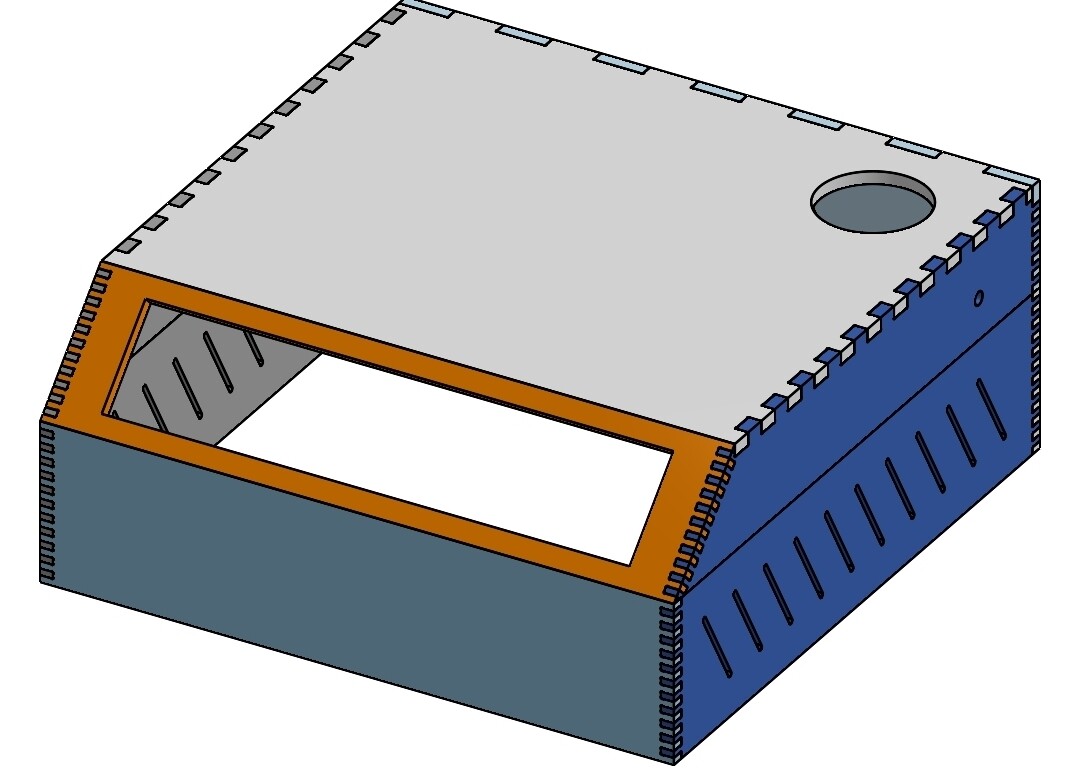
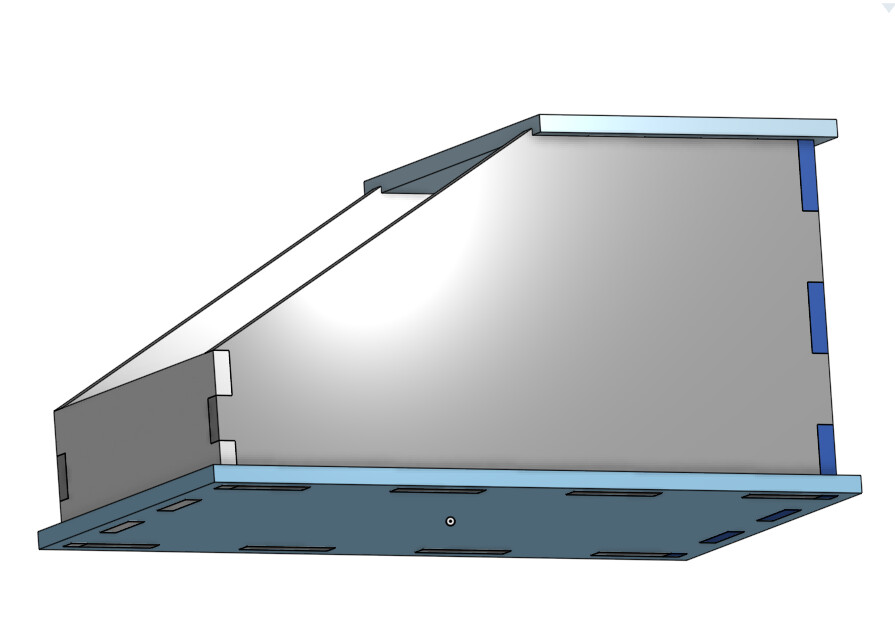
Most of the time, I will use an “half blind” finger joint for my assemblies, as they are almost invisible when done right.
But the workflow is pretty cumbersome and prone to error/misshaps
So I made my own version
The old workflow
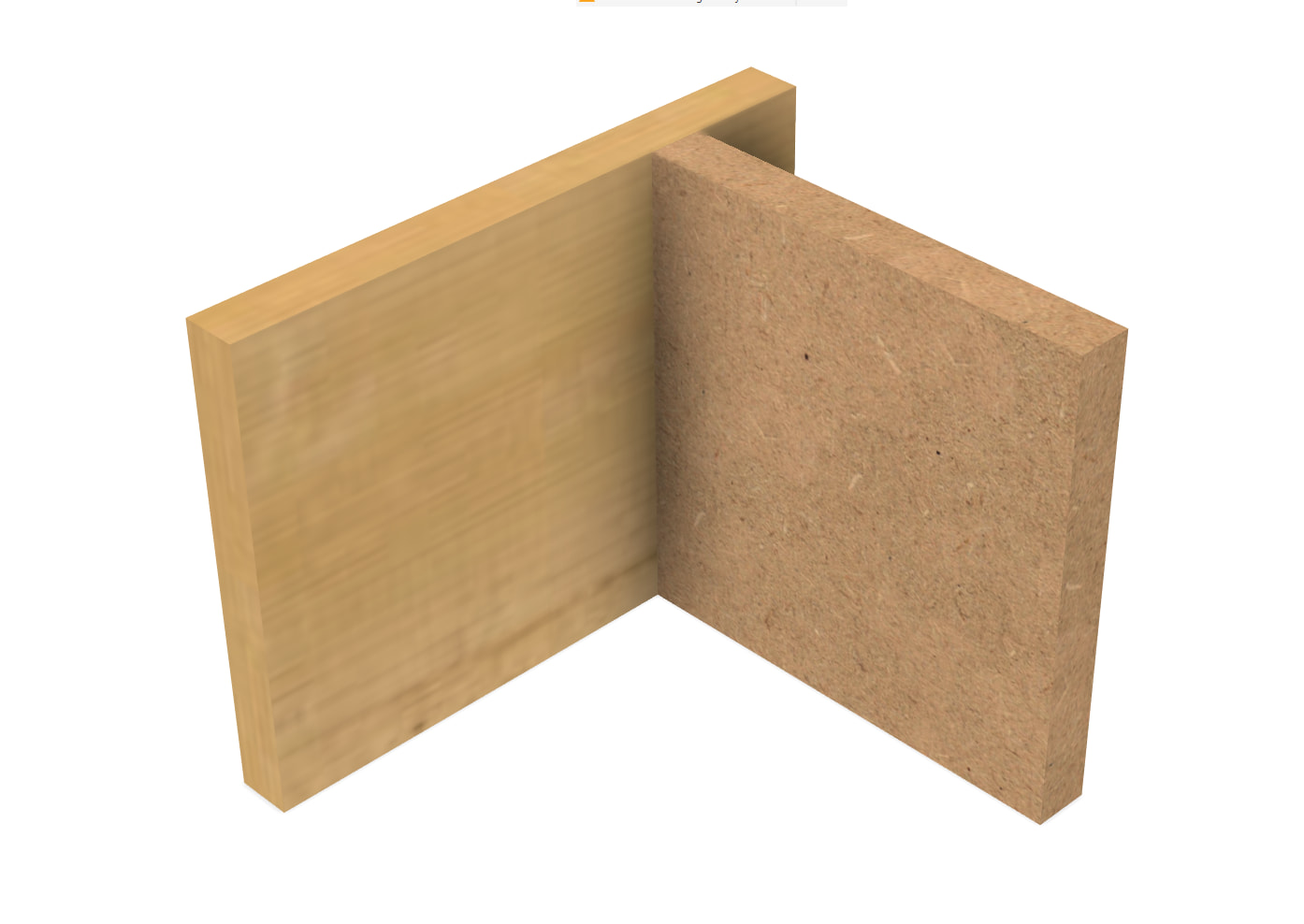
Make a butt joint
Use the plugin to make a finger join
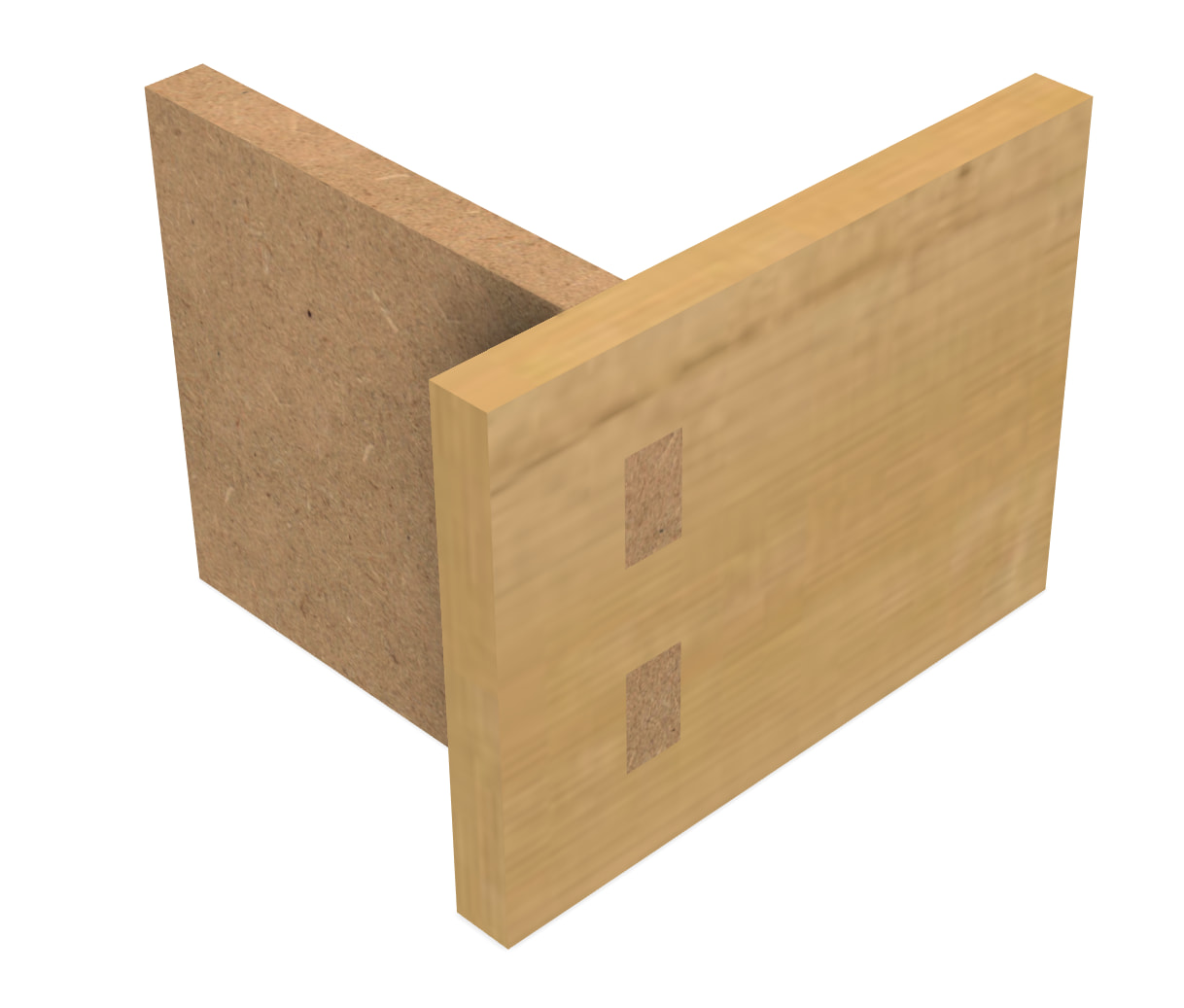
Extrude back the fingers 5mm
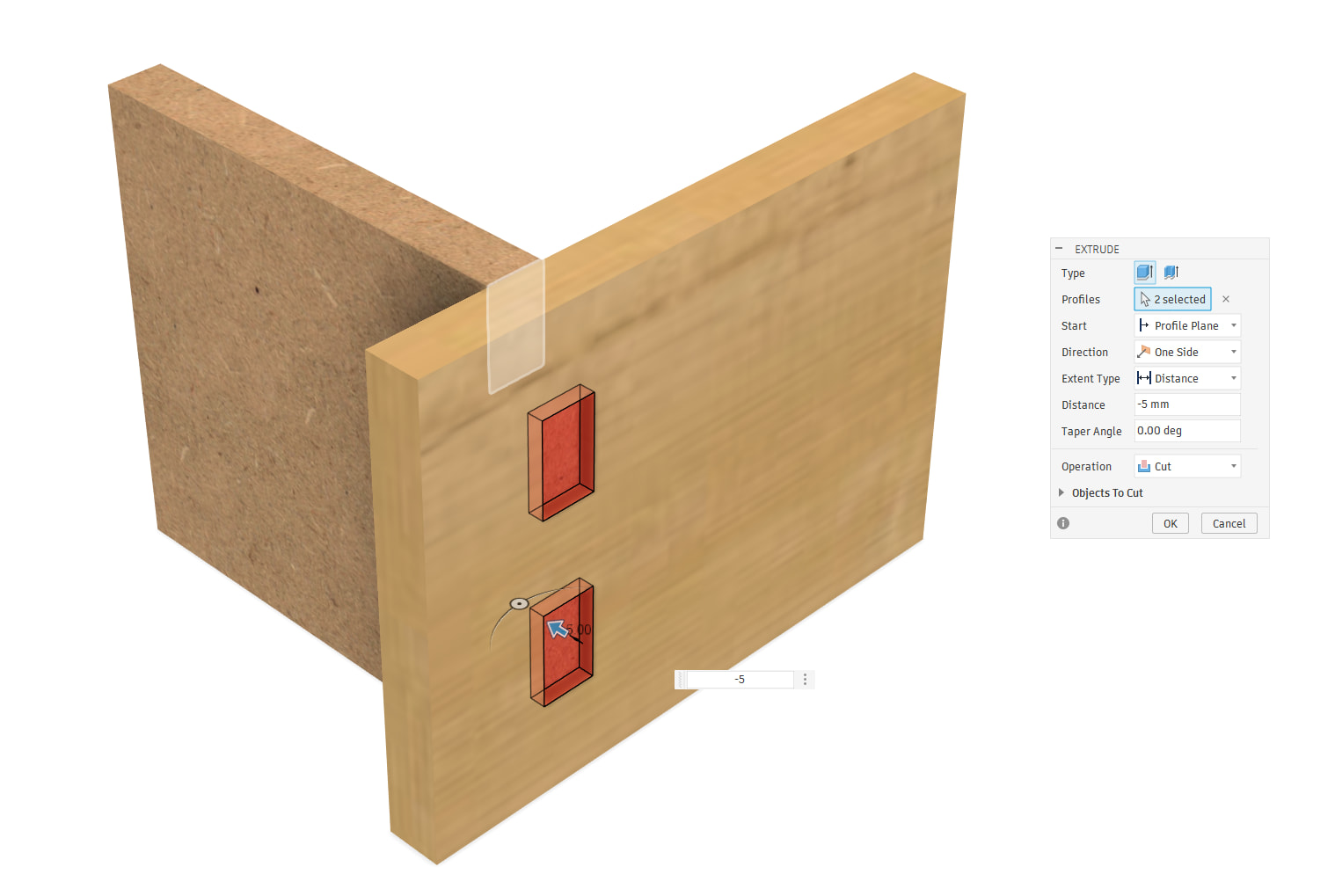
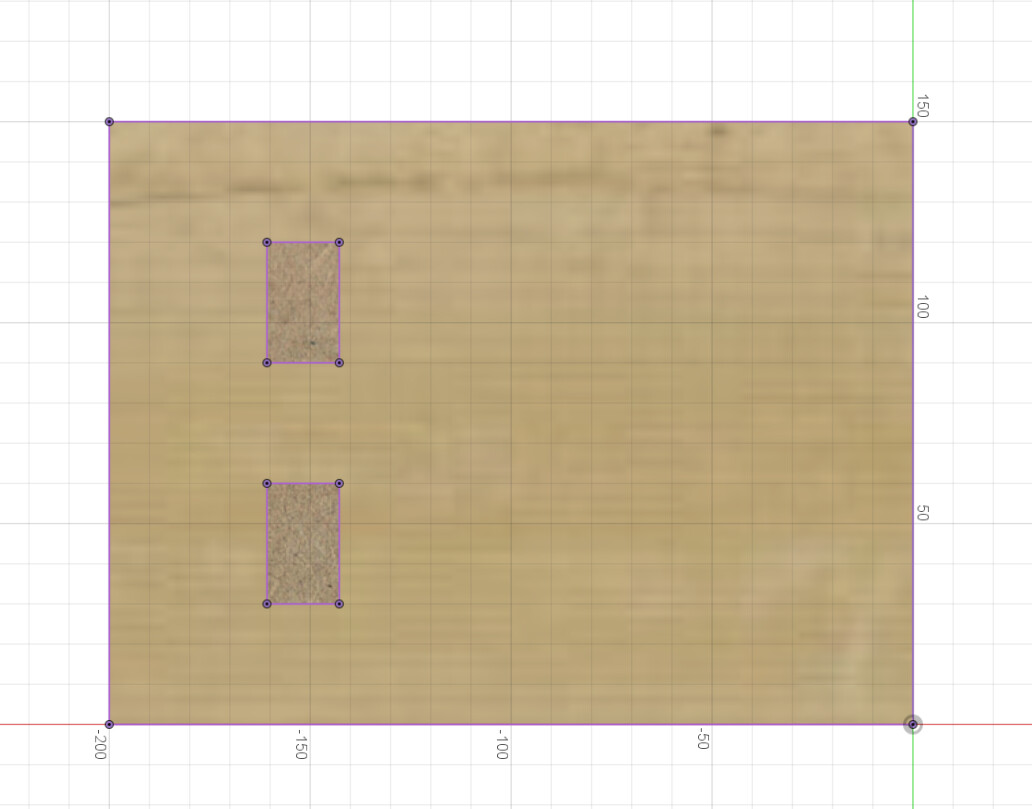
Create a sketch to project the fingers on the other board
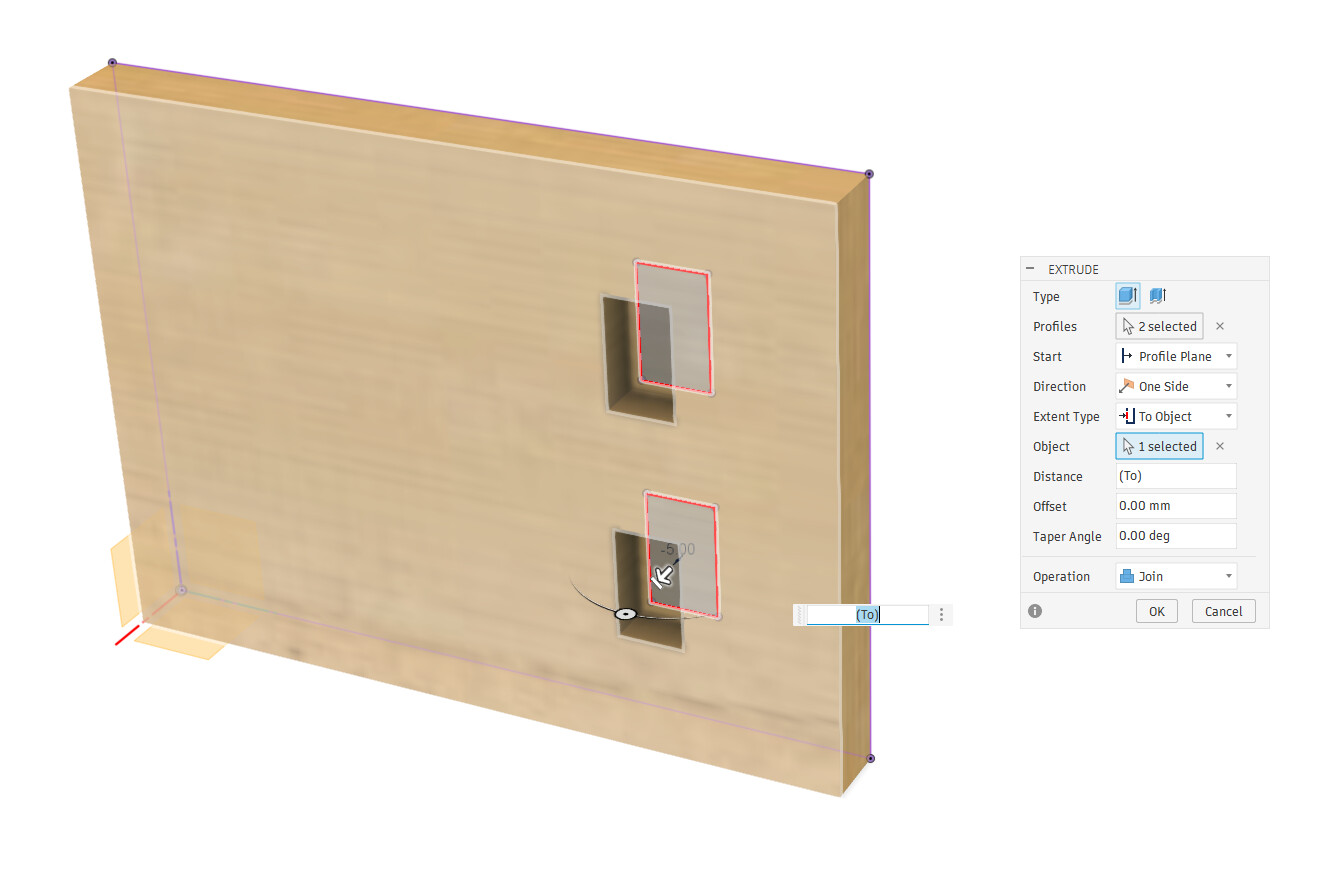
Extrude up to the finger’s tip and join with the other board
Yay!
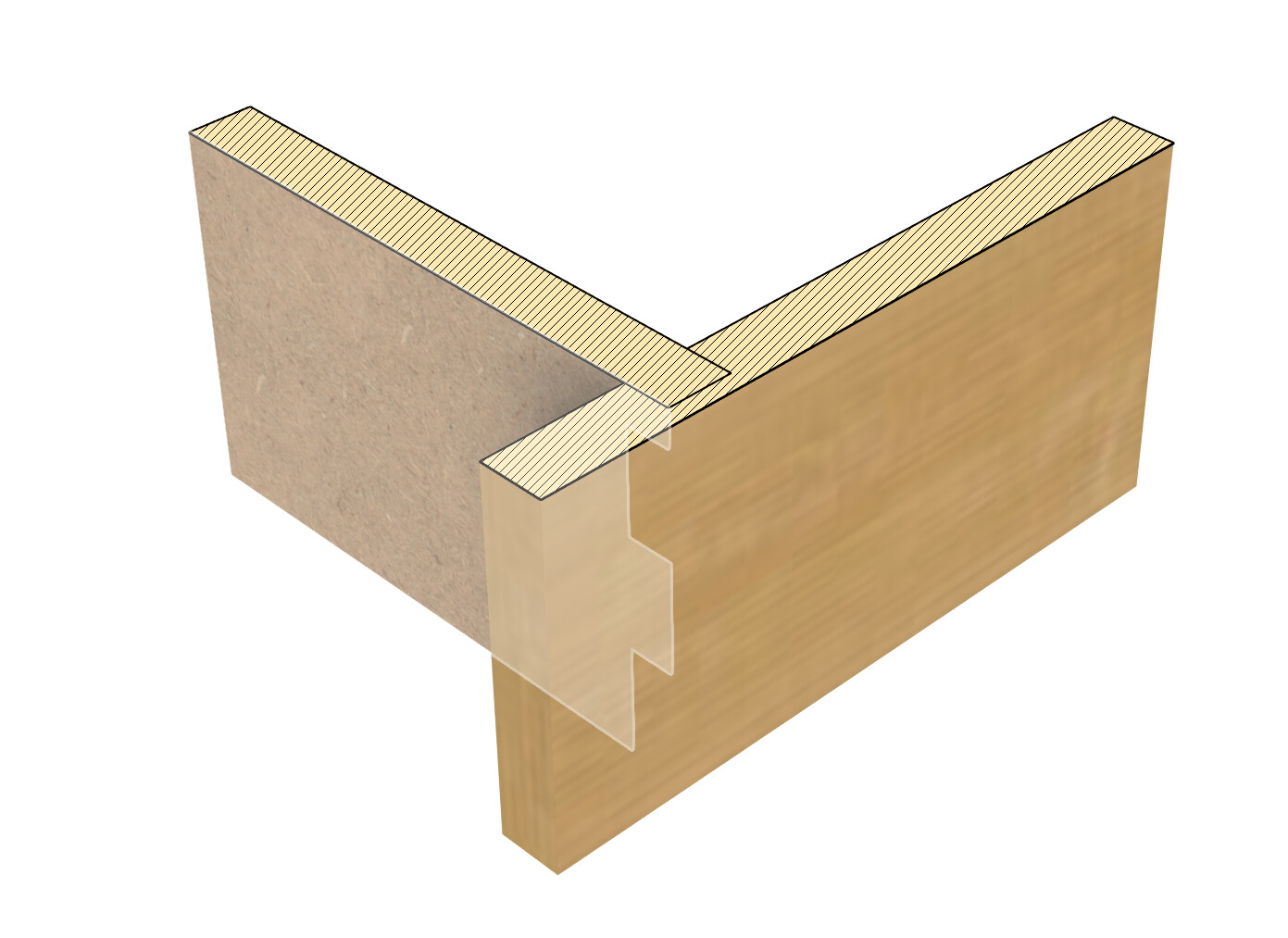
4 steps

It may not seem like much, but you have to repeat the 3 last steps for every face that has half-blind joints and it quickly becomes a hassle…
The updated workflow
Make a butt joint
Use the plugin to make a finger join, enable the “Half blind” option
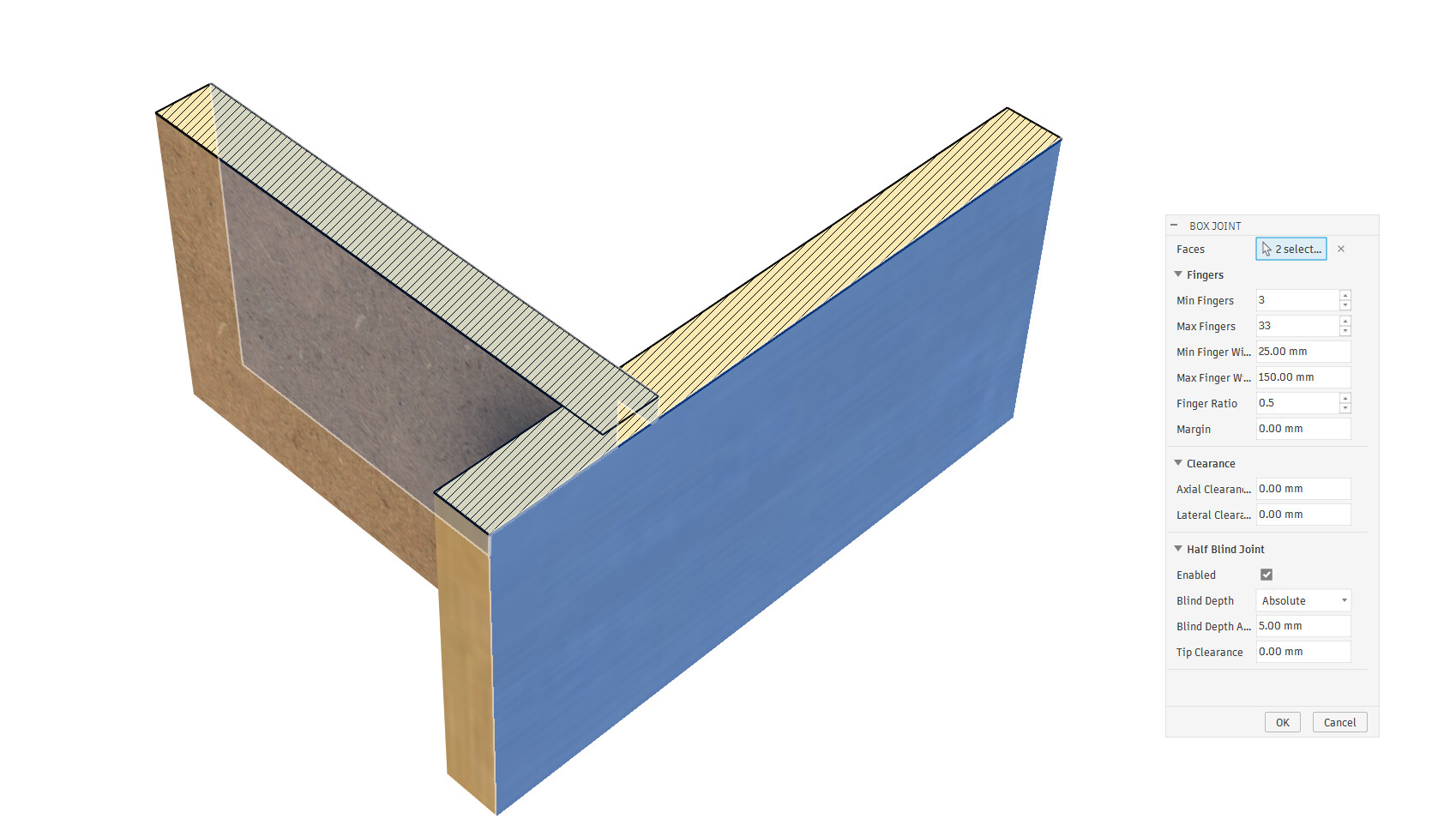
Yay!
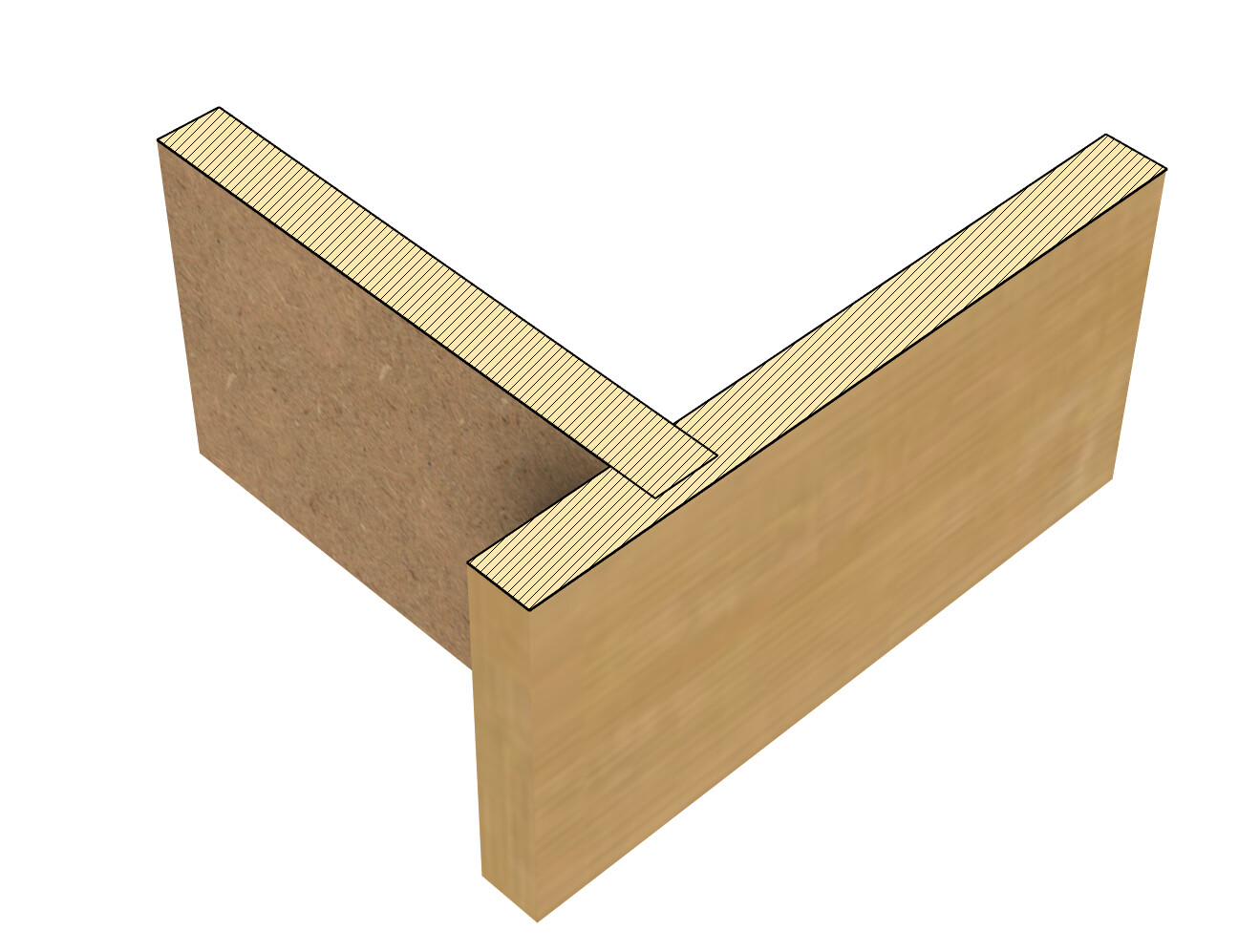
One step 

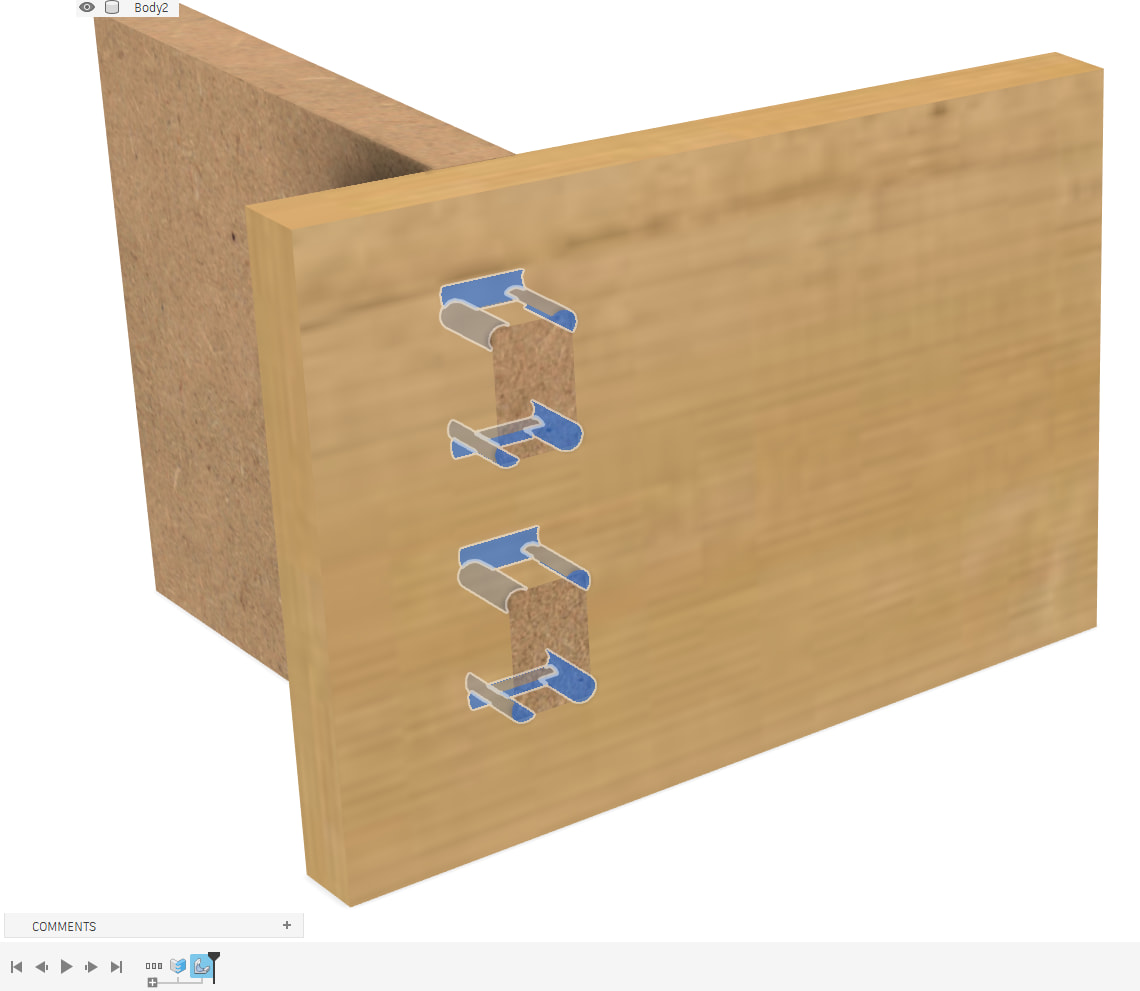
Dogbones
The original Dogbones plugin works but I always thought it was very cumbersome to use
It generates a lot of steps (althhough it will at least group them) and you have to delete thhose steps and re-do the work if you want to change a parameter
So I made my own version
The old workflow
Click the Dogbone plugin, select your faces, and voila
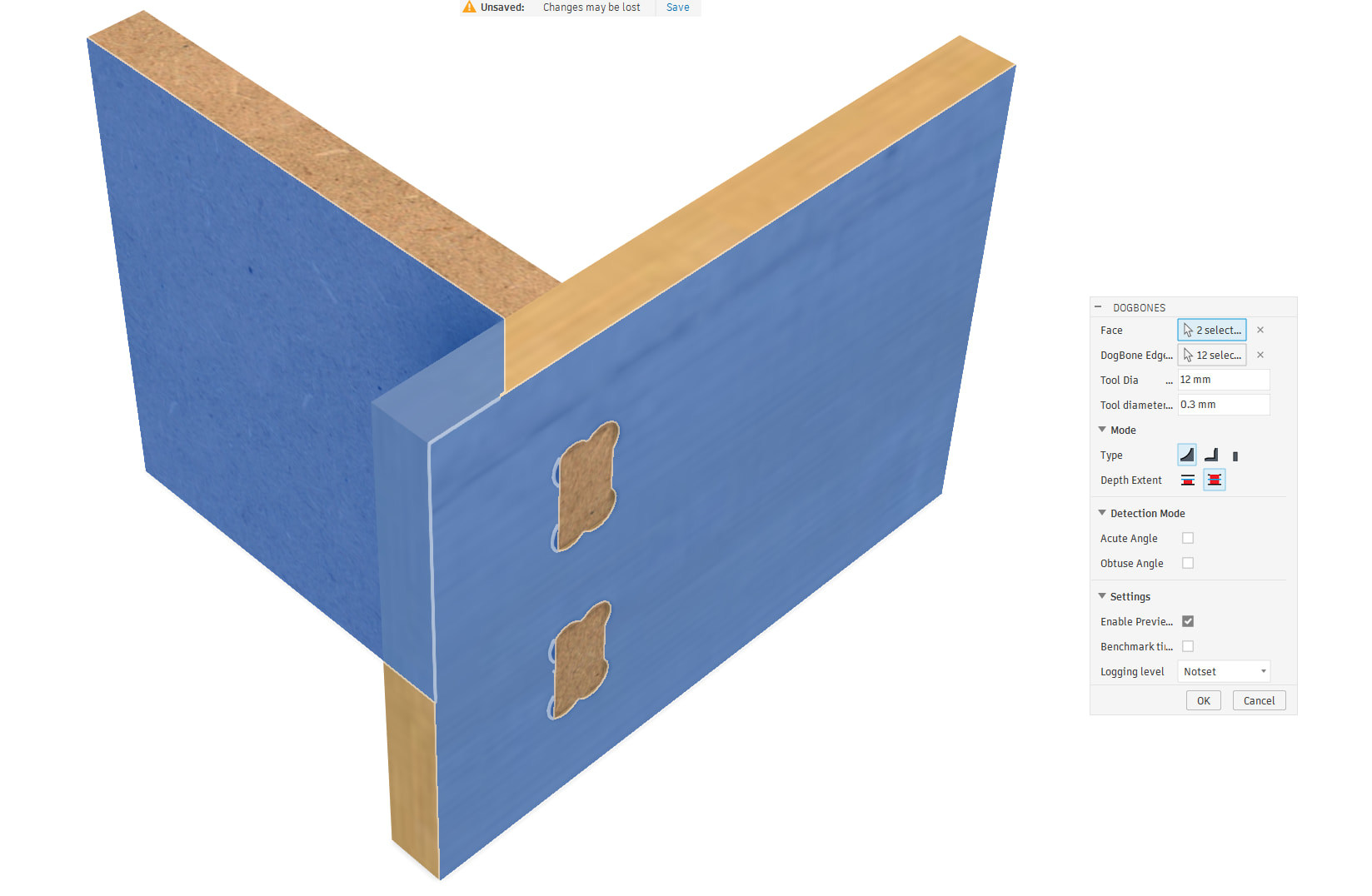
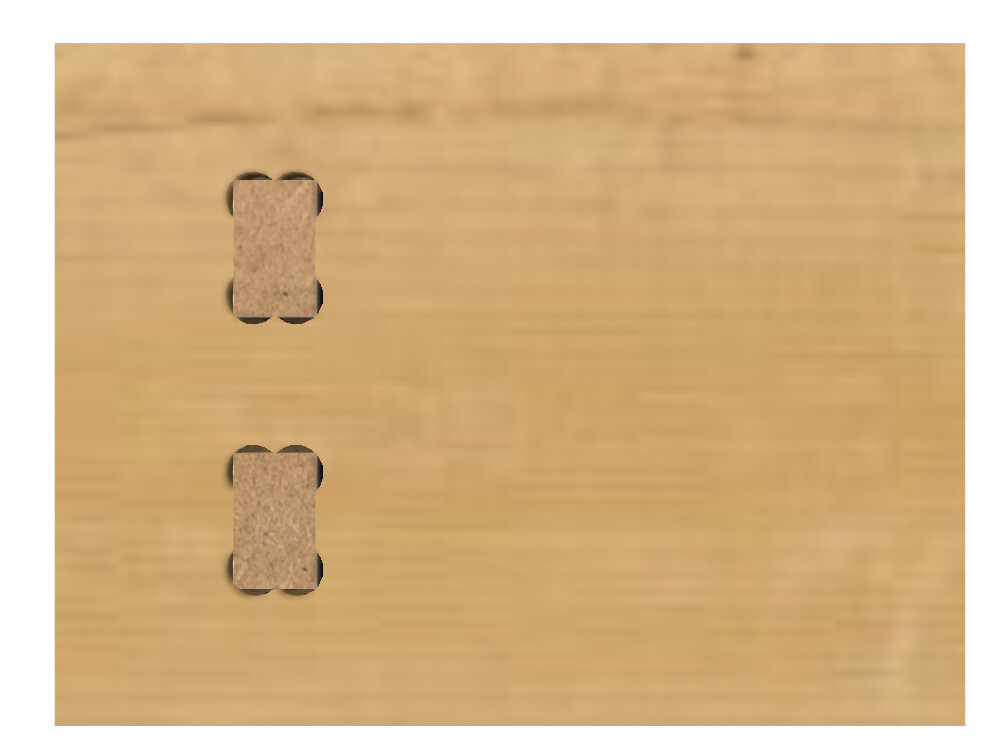

Oh ! But wait! I used a 12mm tool diameter instead of 6! >_<
Ok, delete the groups…
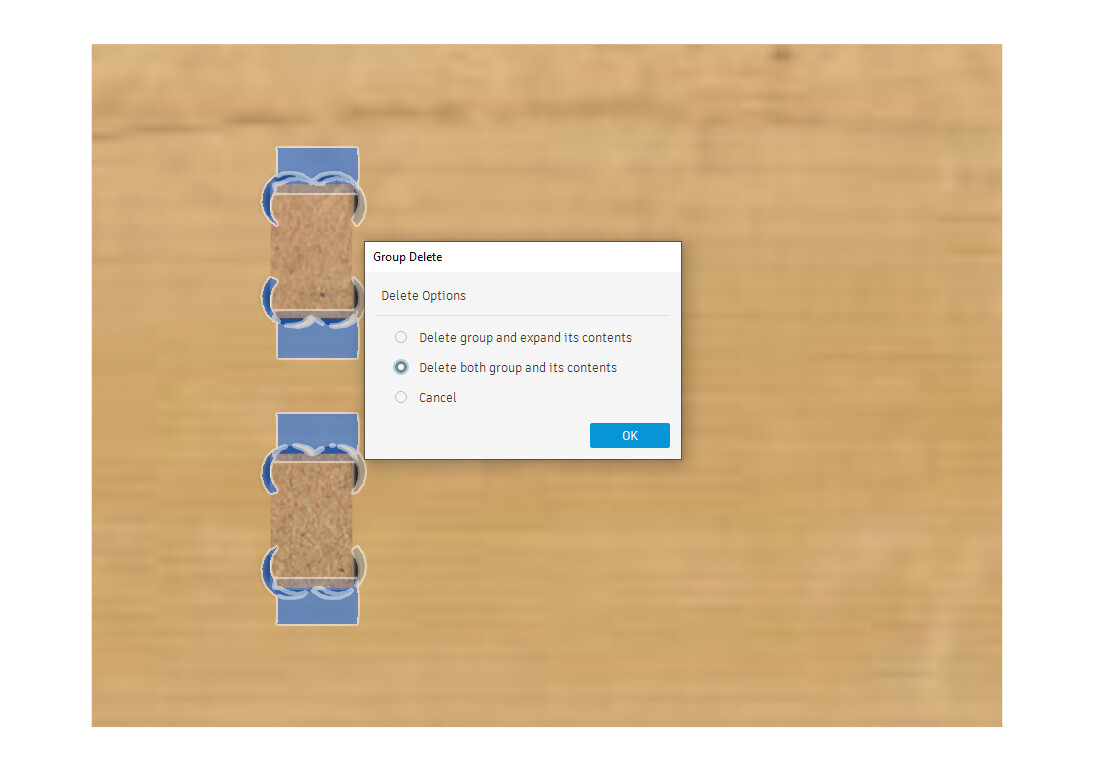
Re-click the plugin, and re-select the face, be careful with the paramters this time (and let’s hope the offset will be ok…)
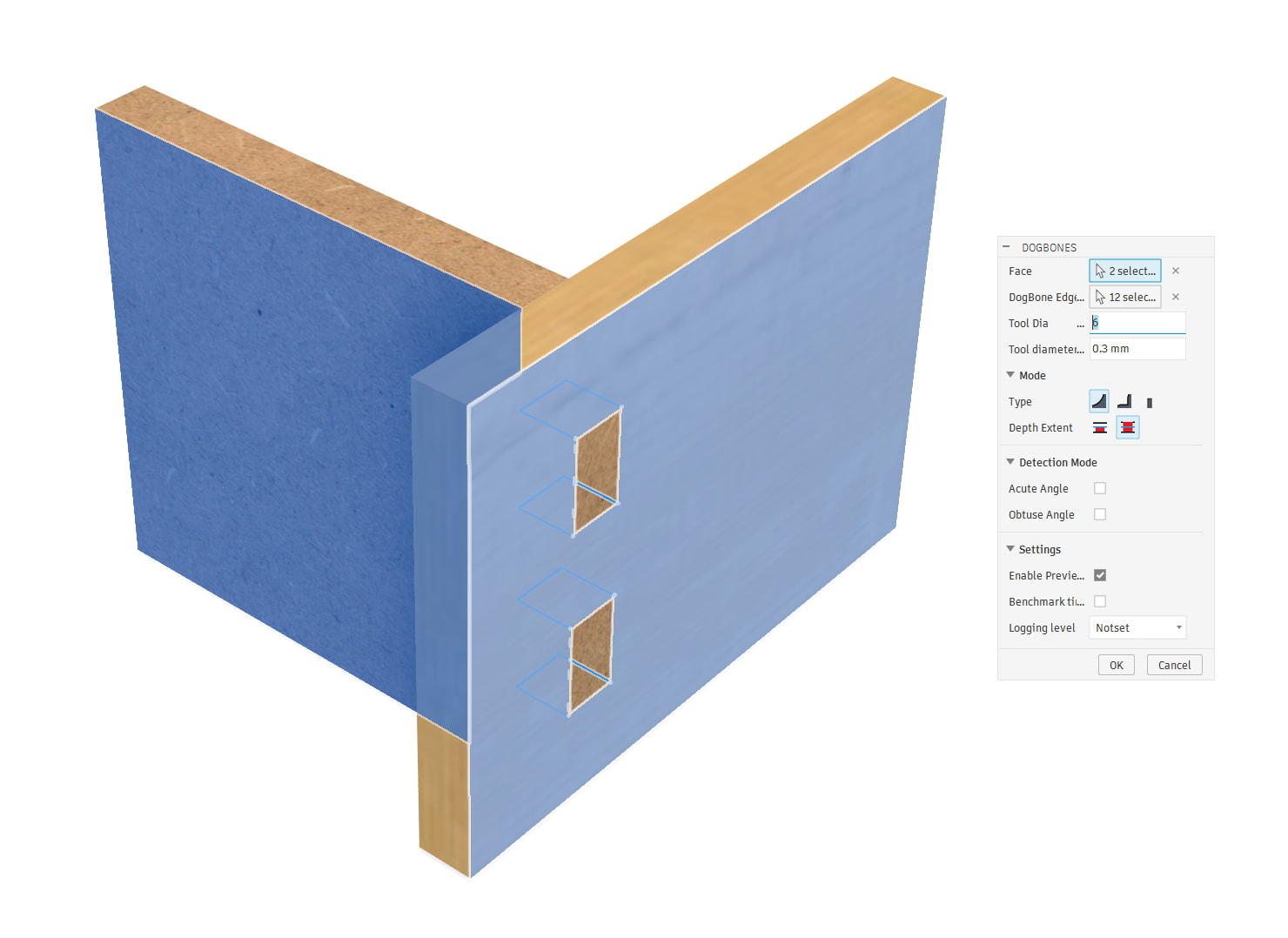
Yay!
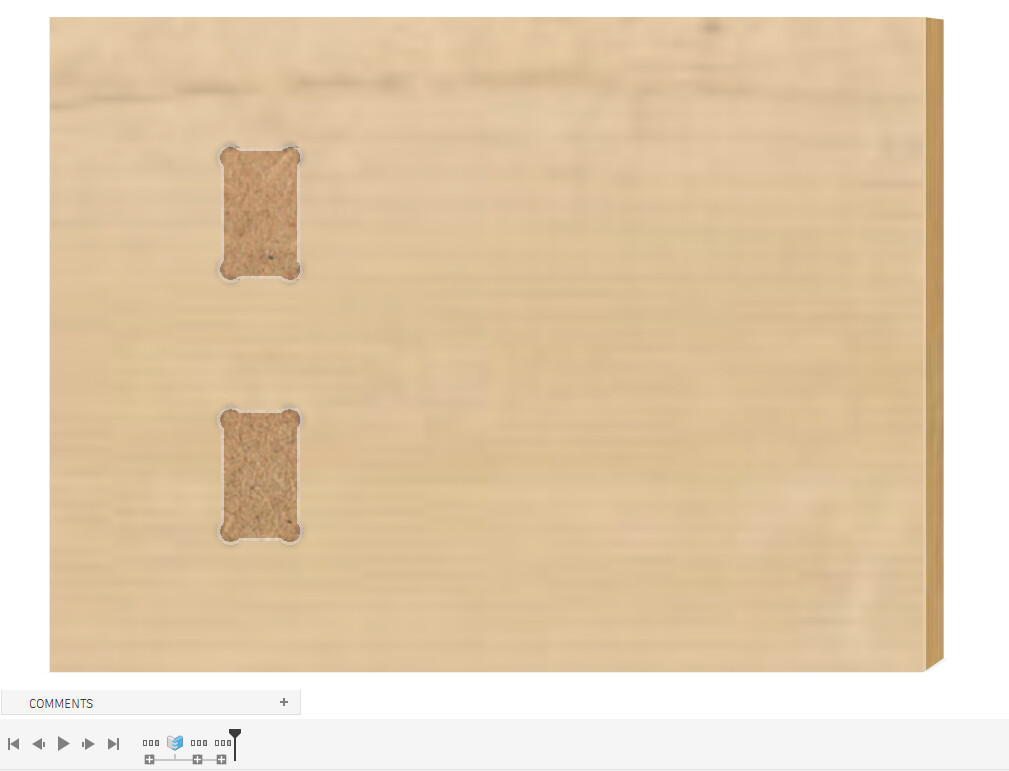
The updated workflow
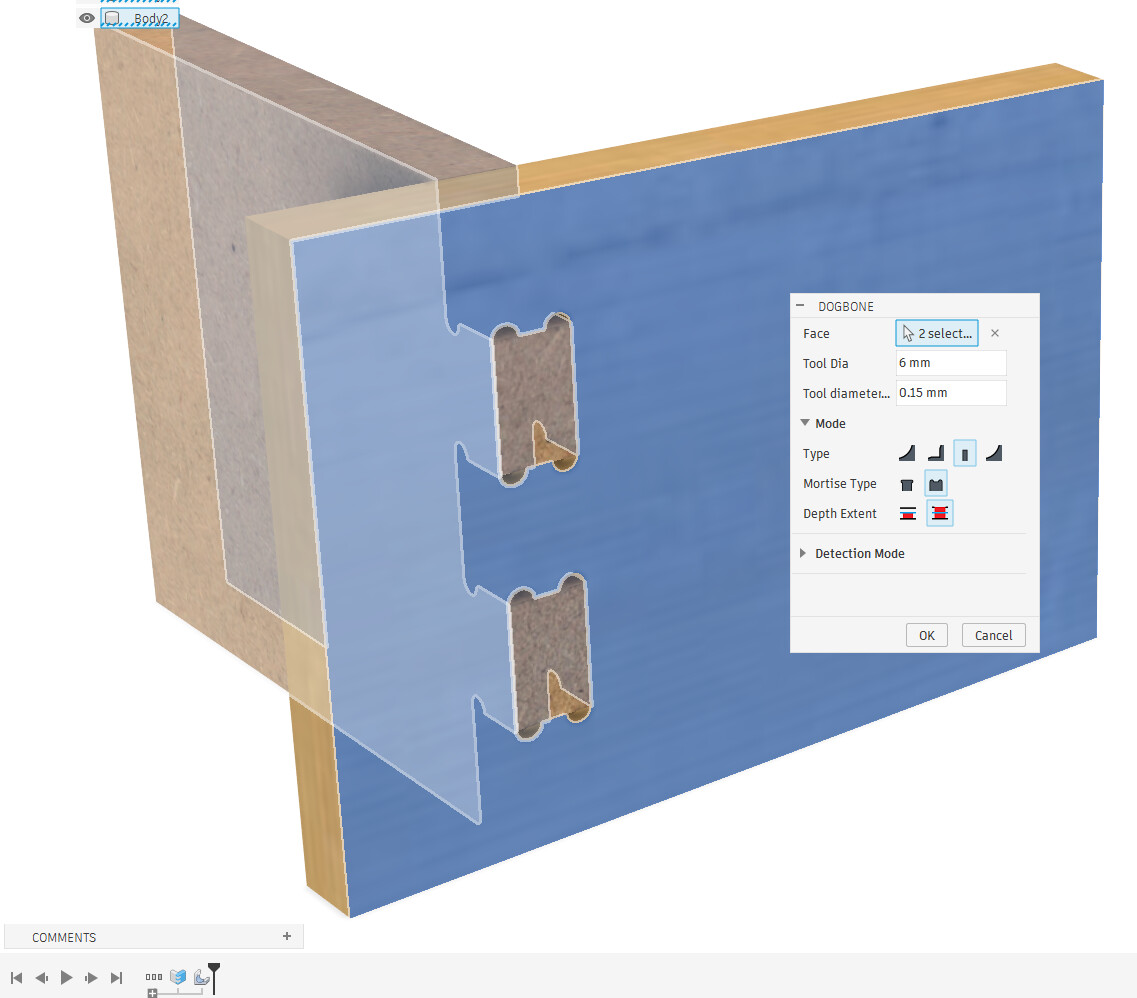
I made the Dogbone plugin generate a “Custom feature”, just like the fingerjoint plugin
Nothing changes in usage, select the plugin, select the faces, done!
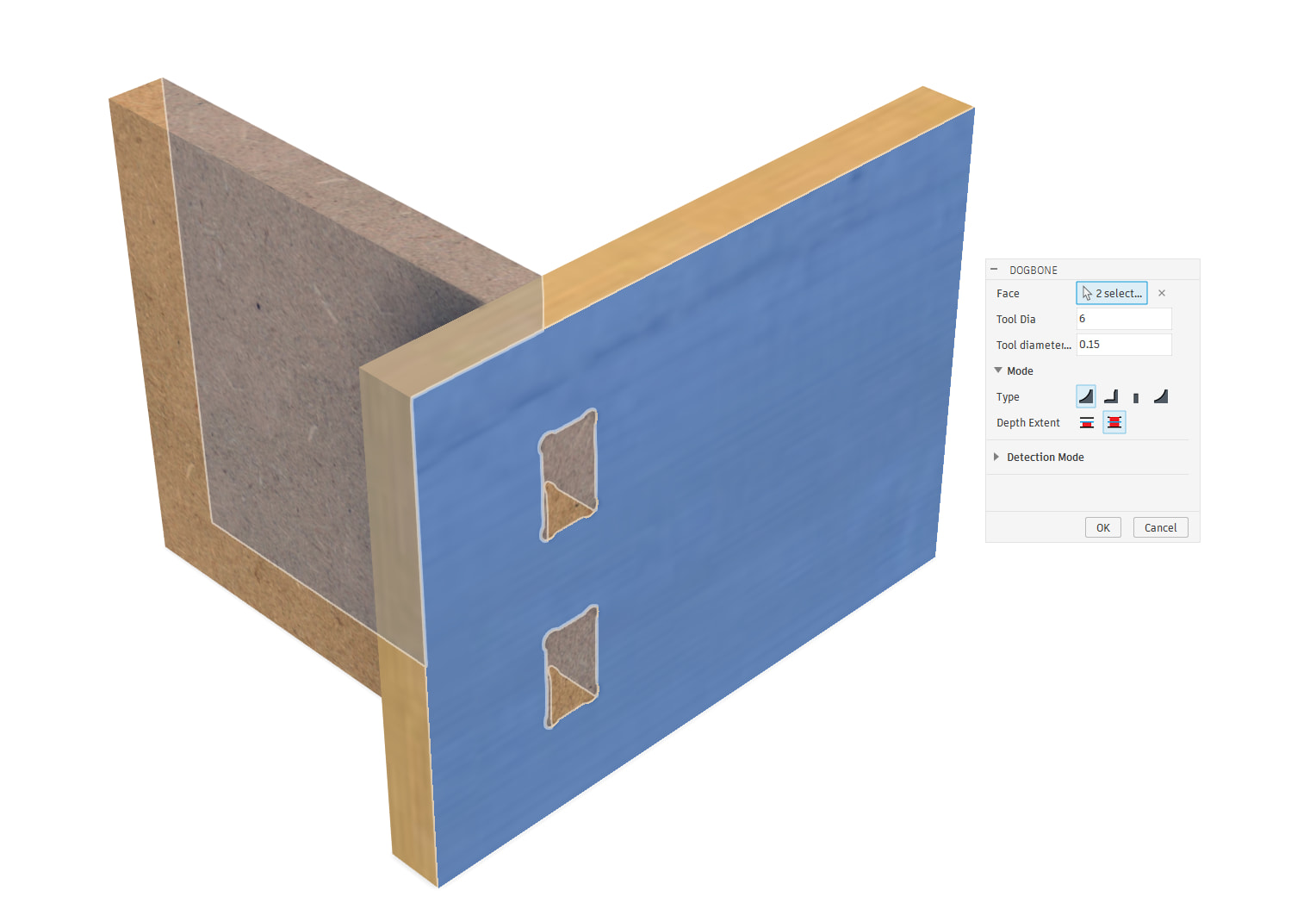
But if you want to change anything, now it’s just a feature in the timeline you can doubleclick and edit