OpenSCAD has its place for some things but I use FreeCAD for most things. The interesting thing about OpenSCAD is that you can (try to) get AI to help you. Earlier today I attempted to do that creating a case and failed so I went back to FreeCAD.
Interestingly, you can also create things programmatically in FreeCAD as well via Python scripting.
I’ll suggest a couple of links for the FreeCAD curious. I think you’ll find, as others have suggested, that the MangoJelly videos are some of the best.
Link to MangoJelly videos. Includes some of the most up to date 1.1 stuff
Dimensions/ Constraints - must know stuff to deal with constraints easily
Activate the New Sketch Attachment Mode for Part Design - 1.1 users will want to know this!
Model, Assemble, Simulate, Animate - covers a lot & particularly useful for a new user I’d think.
Onshape & FreeCAD Side by side simple part design comparison
Can FreeCAD pass the SOLIDWORKS Pro Certification CSWP ? (Full Tutorial & Parametric Method)
Fusion has a personal use license that is free. It does have some restrictions, but many of them can be worked around.
Yes, the FreeCad learning curve is steep. I used it for about 6 months, then finally gave up and used Fusion. Maybe the effort I spent learning FreeCad helped, but I found Fusion much easier to get started with.
One thing that frustrated me with FreeCad was the lack of documentation, and a less than helpful Forum for beginners (many answers to questions were somewhat dismissive, or made reference to concepts that were not well explained).
That’s what I ran into yesterday. Mirror is only for parts that are still touching. Otherwise you need to clone and set the position. I cloned the four legs and set the position based on my spreadsheet.
Thanks for the suggestion. I do have all of the education versions of basically every CAD program. I am using it commercially now though, so technically I can’t use them any more. Same goes for the public license. Autodesk watermarks the files (which I am not selling), but I also don’t want to take the risk to being sued for selling physical goods I created based on the educational or personal editions.
Okay, the most important thing I figured out is to respect the Workbenches.
FreeCAD pretty strictly divides up what you can do where. It seems really, really complicated but it also seems to me that it forces you into a correct way of doing things. Fusion is like: yeah, you do you, constraints don’t matter, extruding directly from solids is fine (which Inventor also does not allow, so that’s not new to me), you do it as a hobby. FreeCAD is like: You do it right or not at all…
Will keep you posted on my journey. Next step: how to make a Carbon Copy of a sketch.
I use FreeCAD and it is powerful tool. I usually learn softwares like “open and play with it” - this DO NOT WORK with freecad! like AT ALL! Only way is to follow youtube videos on the subject or some step-by-step instructions. ver 1.0 is worth installing if you are using old versions.
The most confusing thing about Workbenches is that they’re called workbenches! Where Fusion groups related functions together, FreeCAD (sort of) calls the functions Workbenches. I think this is an artifact of how FreeCAD has evolved - from a lot of individual development efforts by unpaid advocates. Only half a dozen workbenches are needed for most CAD/CAM stuff. I like accessing them using tabs rather than a drop down - this can be configured via preferences.
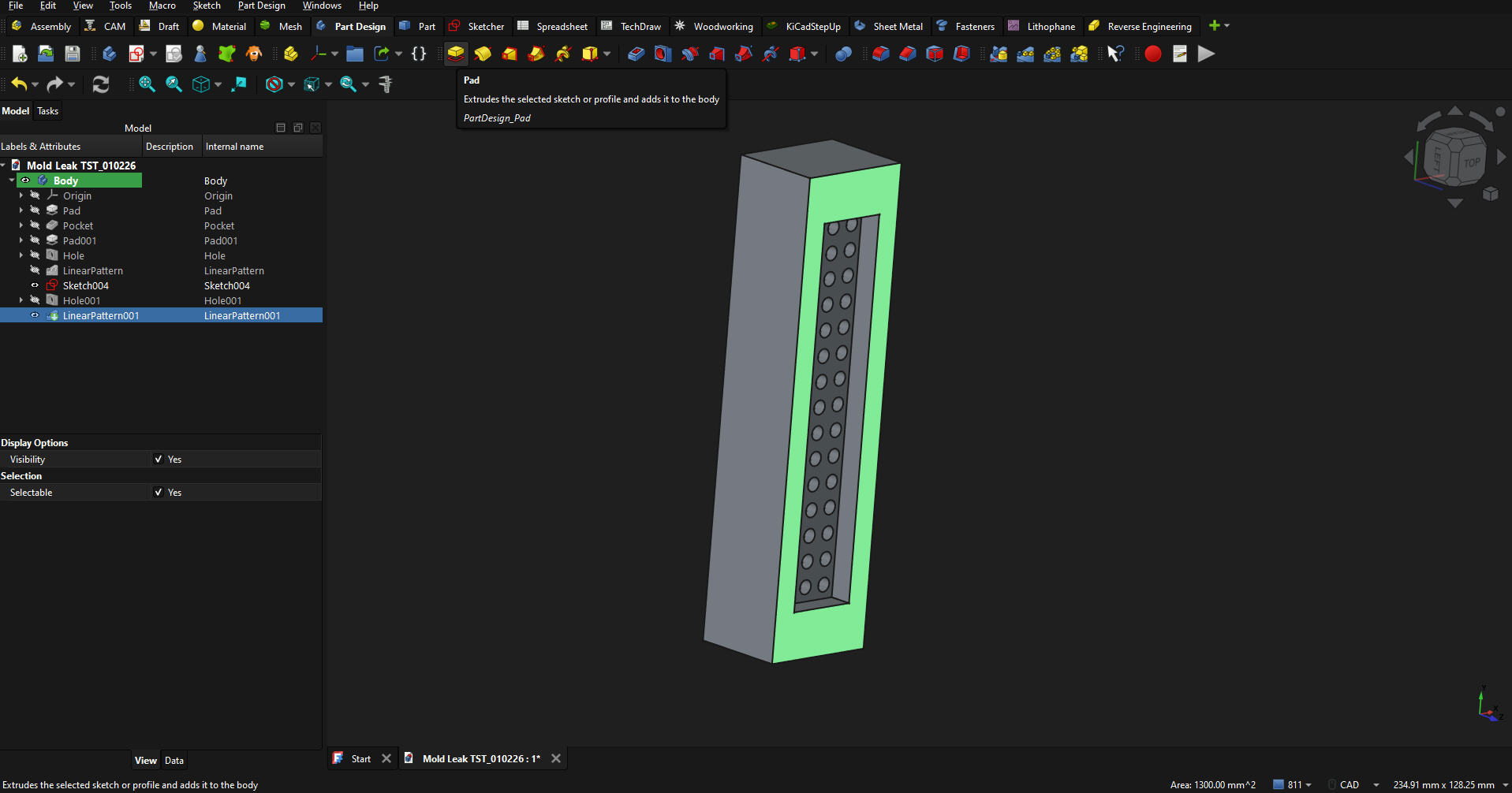
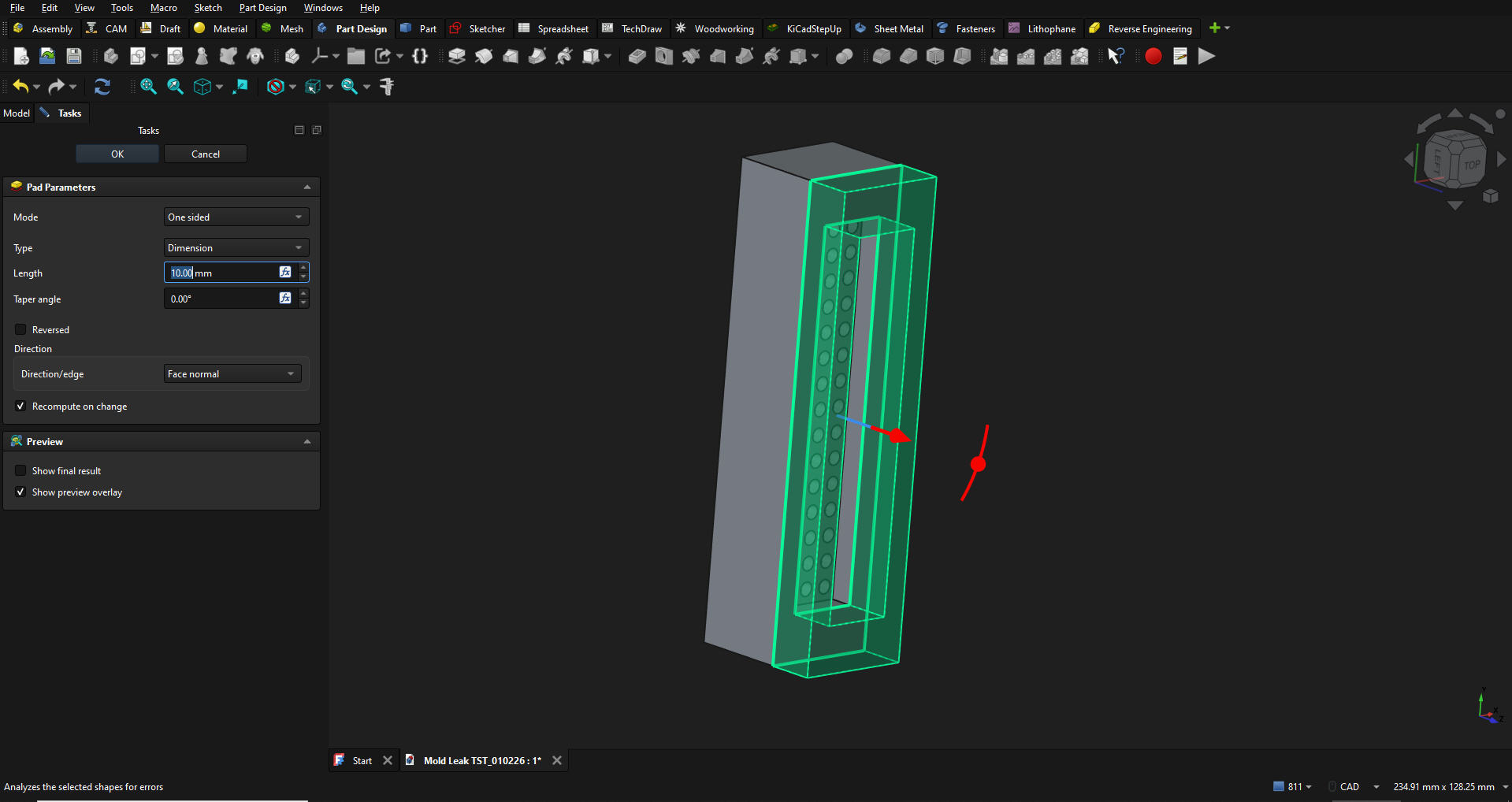
I may be reading it wrong, but you said Inventor doesn’t allow extruding directly from a solids either. If you meant that FreeCAD doesn’t, you may want to revisit it. FreeCAD calls an Extrude a “Pad”. That can be done easily by selecting a surface, then selecting Pad.
I’m glad to see others interested in FreeCAD. Although I’ve used F360 and Onshape since day one, Autodesk changed my license in the last update to a 30 day trial (although I’ve had it since the inception of the personal license), and then said it had lapsed. No amount of interaction via their AI “customer service” hellscape OR human interaction has resolved this, so I’m finally done with Fusion. FreeCAD’s CAM isn’t on par with Fusion’s, but it’s making steady progress and that’s the only reason I hadn’t quit Fusion sooner. I love how easy Onshape is, but I always feel like a traitor to the Personal Computer Revolution when I use it. There is no “cloud” - it’s someone else’s computer. That’s exactly what we were trying to (and did) change in the late seventies/early eighties. The revolution was about gaining control of our computing, rather than pay the corporate overlords (GE, etc.) for timesharing on their mainframes (IBM, etc.).
Damn I’m old!
Good night, and good luck.
Carbon Copy was a bust, but I was just able to copy it to a new Body.
That’s also new that I have to define every body manually. Fusion kind of does it automatically. If I start to draw something on the other side of the workspace, Fusion makes a new body. FreeCAD says: no, you have to make a Body first or I am going to complain. A lot…
But: the table is complete, completely parametric (I just have to fix one minor thing). You can change the plate thickness, length, height, width, depth of the extra storage area etc. in the spreadsheet and it just does what you want. Amazing.
Sigh, I have popcorn here, was going to suggest discord session so I/others can watch and heckle/learn/help. But you’re done already. Nice!
Personally interested in exploring FreeCad more, especially the automation options. Really like that OpenScad has a client web hosted option. F360 has it’s quirks for sure, but, has a lot of features and updates for being free for hobbyists. OnShape pricing and data rules are fluffed up.
Okay, I just figured out: not everything has to be constrained… Hmm… before it was always complaining about not extruding objects that are not constrained… but… that was not making parts. I am confused… Stay tuned with bamboozled Philipp’s adventures down the rabbit hole…
I only use FreeCAD and I never used anything else so I cannot really compare. On youtube you have a lot of good tutorials. I have the feeling that ultimately it is like programming..once you learn the basics there are multiple ways of doing the same thing. One thing I like is the possibility of working on bugs directly with the devs. When I started I found a guy (posting on the FreeCAD forum) who gave me a few hours lessons focusing on my needs and from there I managed myself with the help of tutorials if needed.
On the other hand: Exporting DXFs is also incredibly easy. FreeCAD could easily replace AutoCAD as well I guess. This is getting exciting. There’s lots to learn but I think I am not going to look back once I understood how it works.