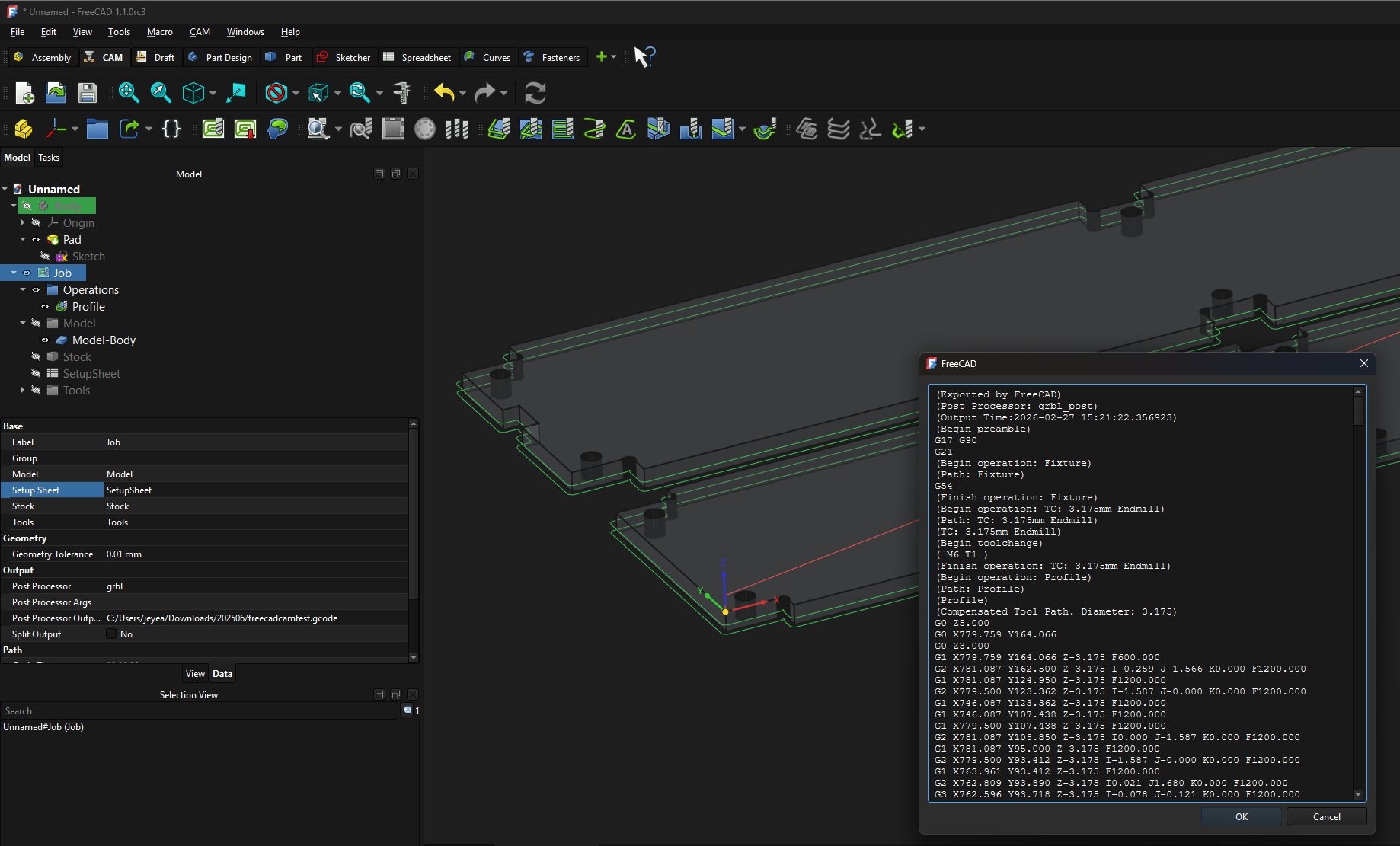
This topic is to discuss the FreeCAD CAM module.
Please make sure to specify whether you are using 1.0 (1.1) or 1.2, since there seem to be major changes incoming.
This topic is to discuss the FreeCAD CAM module.
Please make sure to specify whether you are using 1.0 (1.1) or 1.2, since there seem to be major changes incoming.
First question: does anyone know whether I can import Estlcam’s tool list into the cam? Otherwise I’d ask Claude to do it, that should work when providing examples for both. 
Following along.
I had put a link to an awesome youtube for freecad cam in here somewhere, let me see if I can find it.
I poked it a bit but still some stuff to figure out. I imported an SVG, converted it to a Sketch, extruded it to the stock thickness, made a Profile cut, and exported. I haven’t figured out the full configuration or how to do tabs. I’m also not sure how to do the holes since they’re not just circles I can select.
For holes there is a different operation.  Don’t ask me which though.
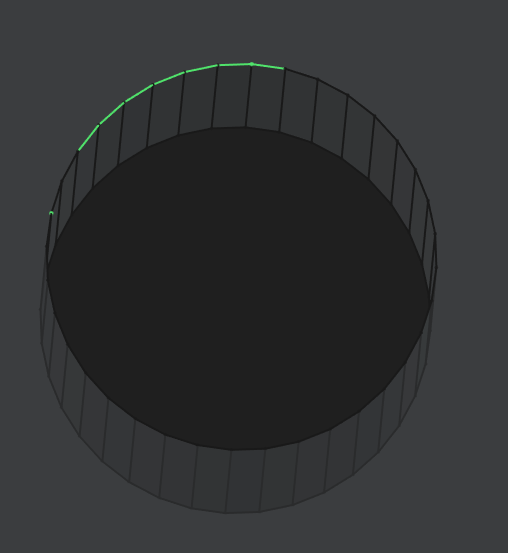
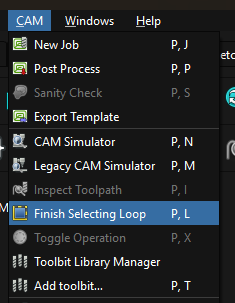
That’s what we were doing in class. You can select an edge or for a hole a face, then use the select loop tool.
It was also selected to do a helix drill for the holes if the cutter (endmill) is not a center point cutter.
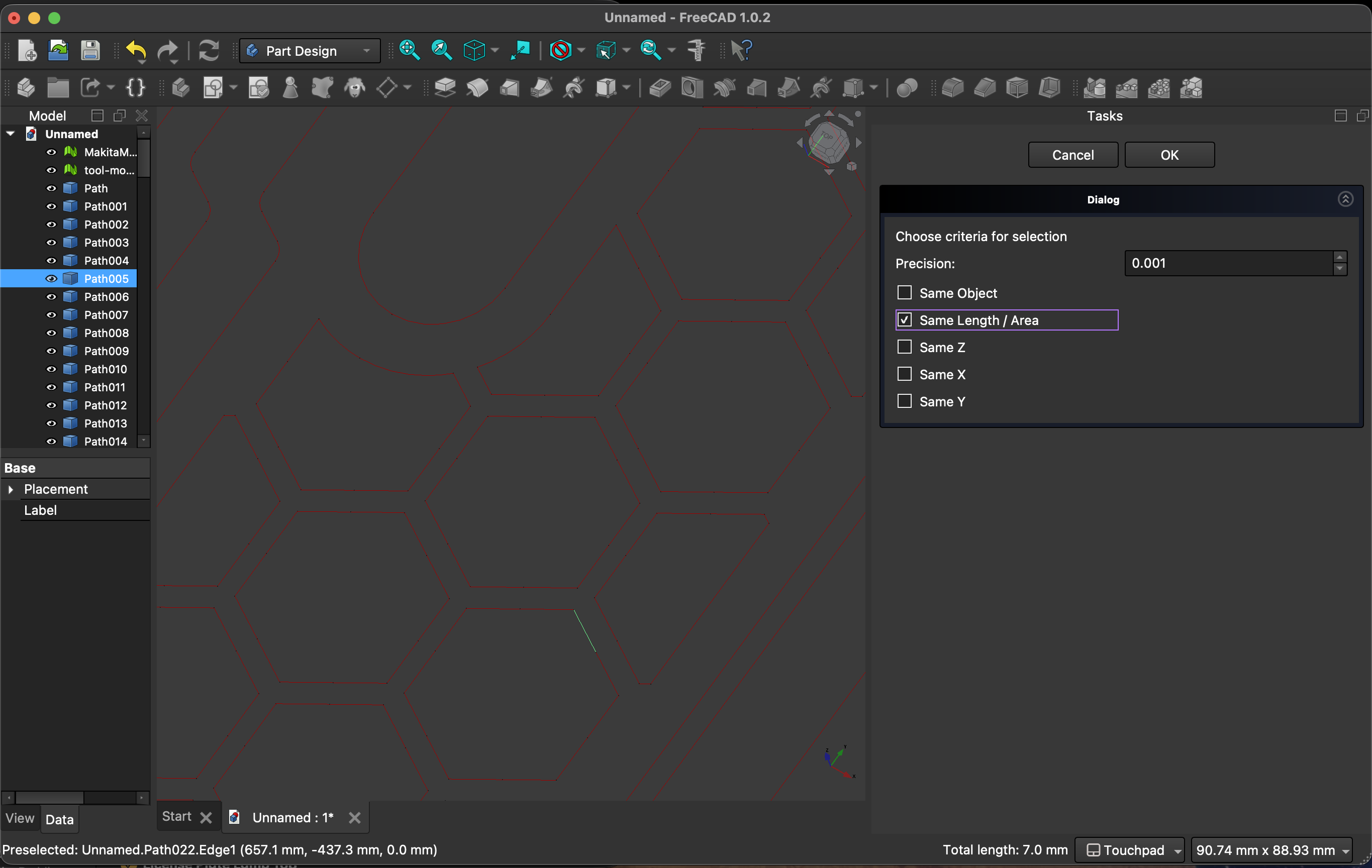
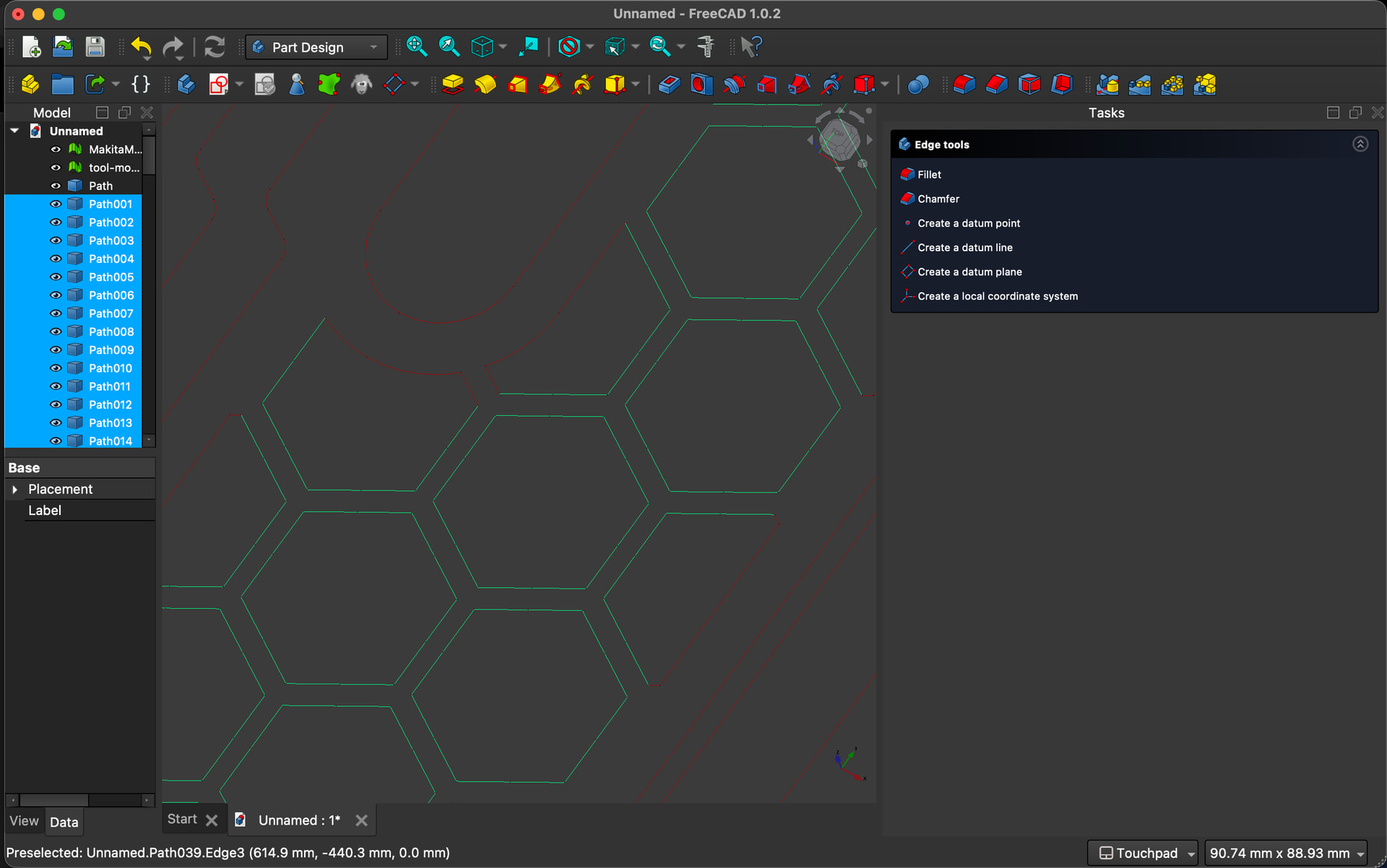
I found this macro to “select similar features”, it works great! I found it while trying to do the same thing you are (the stupid segments for circles) FreeCADScripts/smartselect at main · wayofwood/FreeCADScripts · GitHub
So I finally found it:
I am posting this because it was in response to someone using FreeCad as their cam.
I like the idea of this. I added it but when I run it, I’m not sure how to make it select what I want.