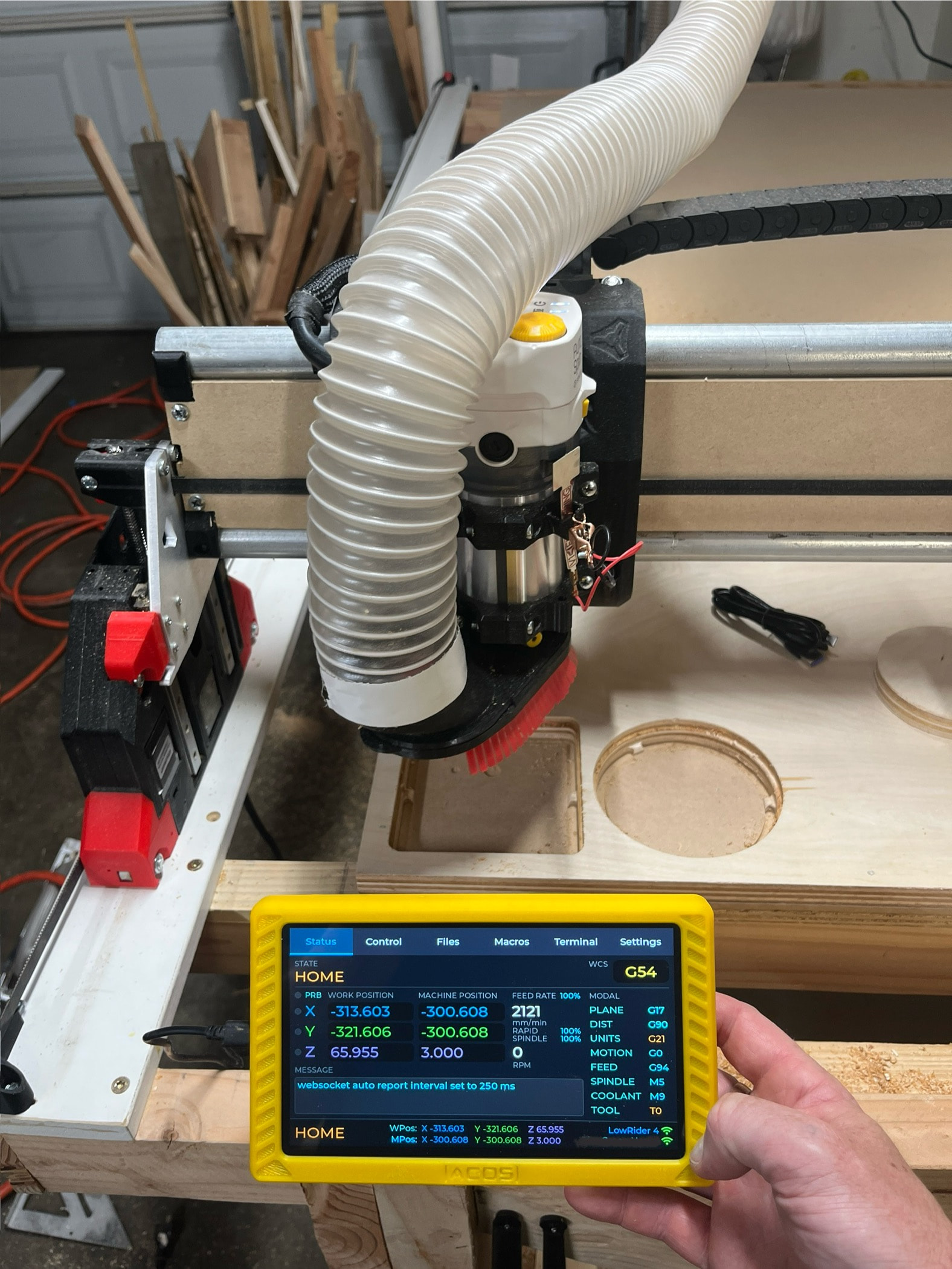
Hmm, I know I have my Jackpot configured in STA mode, but it should work in AP mode like you have setup.
If you connect to the web installer, don’t install, just select logs, and see what that shows when it’s trying to access them. That should hopefully provide more details.
How difficult would it be to make the SD card on the FluidTouch tablet accessible/sharable on the wifi network? My computer is on the other side of my property from my CNC and I’d love the ability to just drop a file on the SD card if the tablet is on and connected.
I’d have to look into it but I could probably implement WebDAV so you can mount it as a drive. This would be similar to what was implemented for FluidNC in v4.0.
I’m super happy with my JP2 controller and FluidTouch is working flawlessly with it. The combination makes for a workflow that’s about 10 times better than my original RAMPS implementation from a few years ago. But I’m having one issue that’s not a show stopper but kind of bugs me. Fluidtouch is not able to see the local SD card. I’ve tried a couple different cards, with this one being the latest:
Not sure if I formatted the card incorrectly (with Windows 11), or if there’s a compatibility issue with the SD card. Any advice about how to narrow this down quickly?
That’s a high speed SD card. The slower Class 4 cards generally work better with FluidNC. Be sure to format it in FAT32. Here’s the last one that I purchased and it works well:
Yeah I was trying to use mine today and my two SD cards wouldn’t work. One is an older 8gb card. Also had a lot of trouble connecting to both the wifi and the LR4 – might need to add the wifi antenna option since my laptop had no issue.
I don’t even have the excuse of not seeing it in the docs. I saw it in the docs, looked at the switches when the board arrived, and said to myself “yep, they’re already both set to on”. I got one of the SD cards Britt recommended but still no luck. Only then did I decide to double-check the switches. They were both off. I switched them and now I’m golden. Sheesh! But thanks to all you guys for the help.