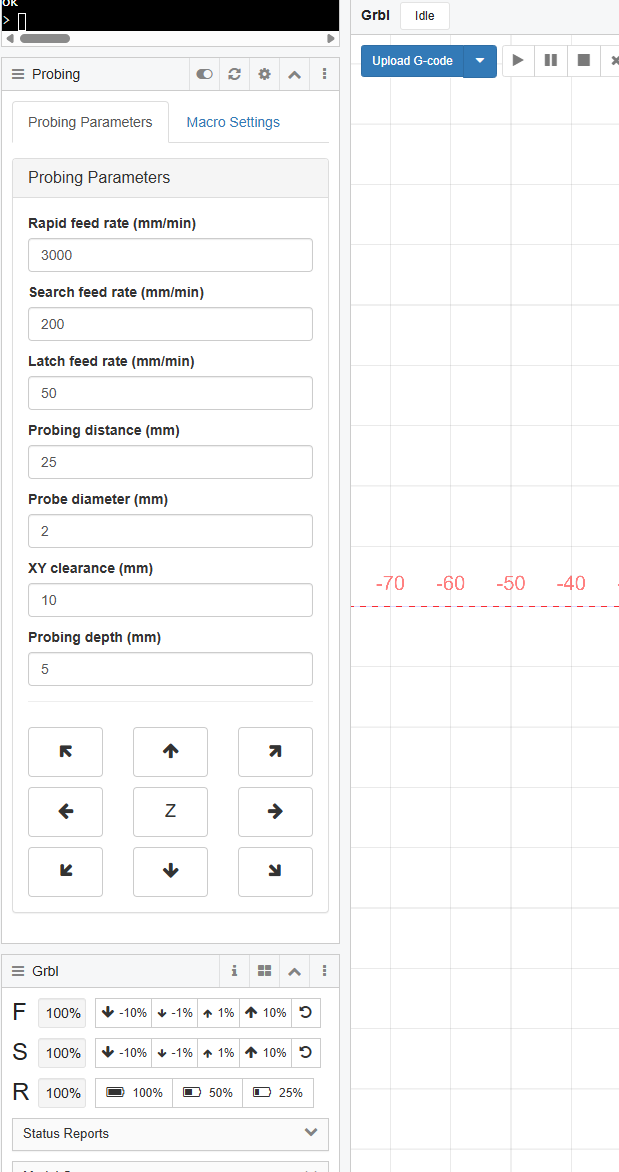
I wrote a set of probing macros to probe corners, edges, and Z for my own use case (3D probe) and I thought I’d share it in case anybody else wants to use them
Just realised a bit of context is needed on the usage. 00-Probing-Parameters needs to be edited for your specific use case and also executed at the beginning of every session to set the parameters used in the other macros. You can also set this as a startup macro so it’s executed every time your controller board is started.
How do you use this in terms of workflow? I’ve probed to a corner before (using an endmill and touchplate) but given that requires my work piece to be aligned perfectly square, it didn’t really help. Do you run this manually from the WebUI, put it in an $SD/Run in a gcode file, or something else?
I was also curious why the M2 was at the end. I know that is common at the end of a gcode file but I’ve never put it in a macro before. The wiki suggests it might not be good to put in a macro. I suppose if running it via $SD/Run in another gcode file is the case where that could potentially be problematic (but still probably not). It will effectively set it back to G90, among other things.
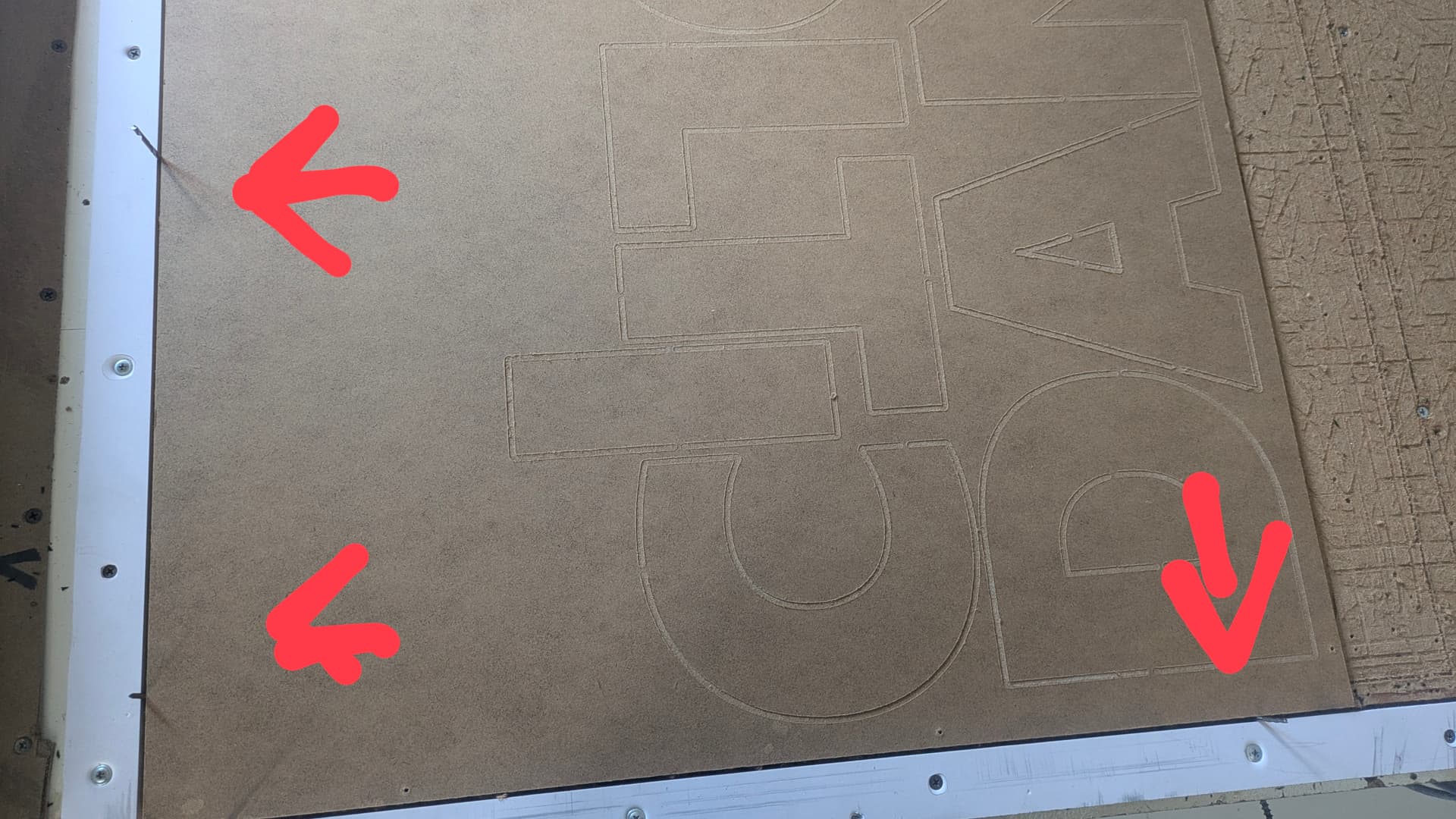
I solved this using a fence on my machines Xmin and Ymin as a reference using a 1/8" bit i cut all the way around on the outside and i use 1/8 bit shanks to place the material.
Could do this is by setting an oversized piece of stock on the machine, and carve out that fence to exact machine coords. As long as it doesn’t move, the fence will always be at exact 0 either y or x.
Then you could carve out a grid pattern in the spoil board so you visually know where you are pretty quickly.
Oh and a member already wrote a program to generate the path for you.
I have the front half of my cutting area set up for work holding through the use of threaded inserts. When I did this, I also made locating holes all along Y on both side of the cutting area so I can line things up. Unfortunately FluidNC doesn’t support G68, otherwise I would’ve made a rotation correction macro too.
As for the M2, I thought it prudent to finish the macro, but didn’t know that it could potentially be problematic in FluidNC.
I run the macros through custom macro buttons in webui3 that basically trigger macro files stored on the SD card.
Does this way effect the performance in either direction? I could see it being faster because it doesn’t need all the code stored. But u could also see it being slower because it has to access the file remotely.
I’m just starting out with all this stuff so try to use small words like talking to a toddler. Lol
I run all my gcode from the SD card and have never encountered any issues. I believe that’s pretty much the default way that most people run ops if they’re running FluidNC.
In any case, with these macros, I haven’t seen or experienced any delays in the 100+ testing sequences I’ve run.
Edit: I’m looking at putting a Pi in my electronics cabinet and running CNCjs in the near future because a) I really want nice buttons and visuals to tell me exactly what I’m probing and b) I really want rotation correction (G68/G69) which FluidNC doesn’t support, but can be done through scripting.
I considered using an old laptop for similar reasons. I’d have to Linux the thing first, but then it could in theory be a dedicated interface and overpowered pi at the sane time. It’s a bit out of my comfort zone currently and I’m having fun turning random 2x4 scrap into much smaller scrap.
I couldn’t let it go and started creating a probing widget for CNCjs. Once it’s fully tested, the plan is to make a rotation correction and Z compensation one as well.
Yeah, technically you could do that once I have the Z grid widget going. Instead of modifying the loaded gcode, you could just take the lowest Z value and set that as your 0 point
I’d love to, but Estlcam is Windows only and not web based like CNCjs. I don’t want to have to connect my laptop through a long USB cable to control it.
Did you get anywhere with this? Btw, I think your GH link doesn’t point to a valid repo.
I find it pretty annoying that GRBL (and so FluidNC) lacks support for G10 L2 R-, which would easily enable direct stock probing and alignment.
My particular use case is two sided machining: I find alignment dowel pins cumbersome and imprecise (in hobby CNCs with MDF wasteboards that degrade with use). I would much rather machine two through holes in the first side and then use hole centering on both of them when machining the other side to uniquely determine the necessary offset and rotation adjustment for the coordinate system.
So as far as I know I’m left with doing the rotation in an external gcode sender (which I don’t really like), modding FluidNC (which I REALLY wouldn’t do) or switching to LinuxCNC (which I don’t really like either).
I came here to see if you had found a better way to do this. I’m really looking for an alignment workflow that is precise, simple, fast and with minimal human interaction