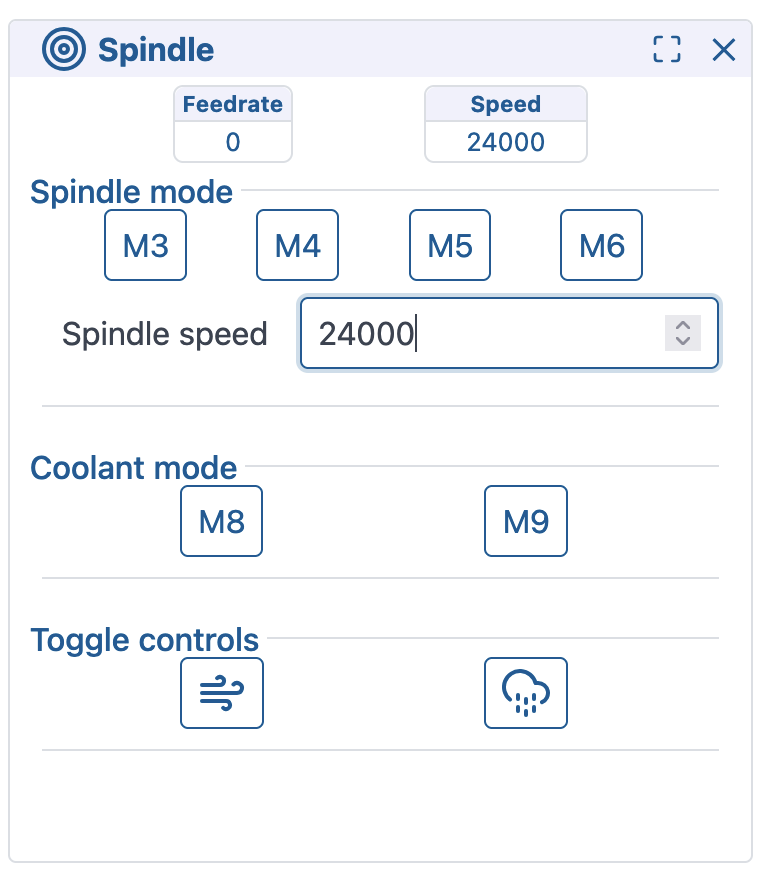
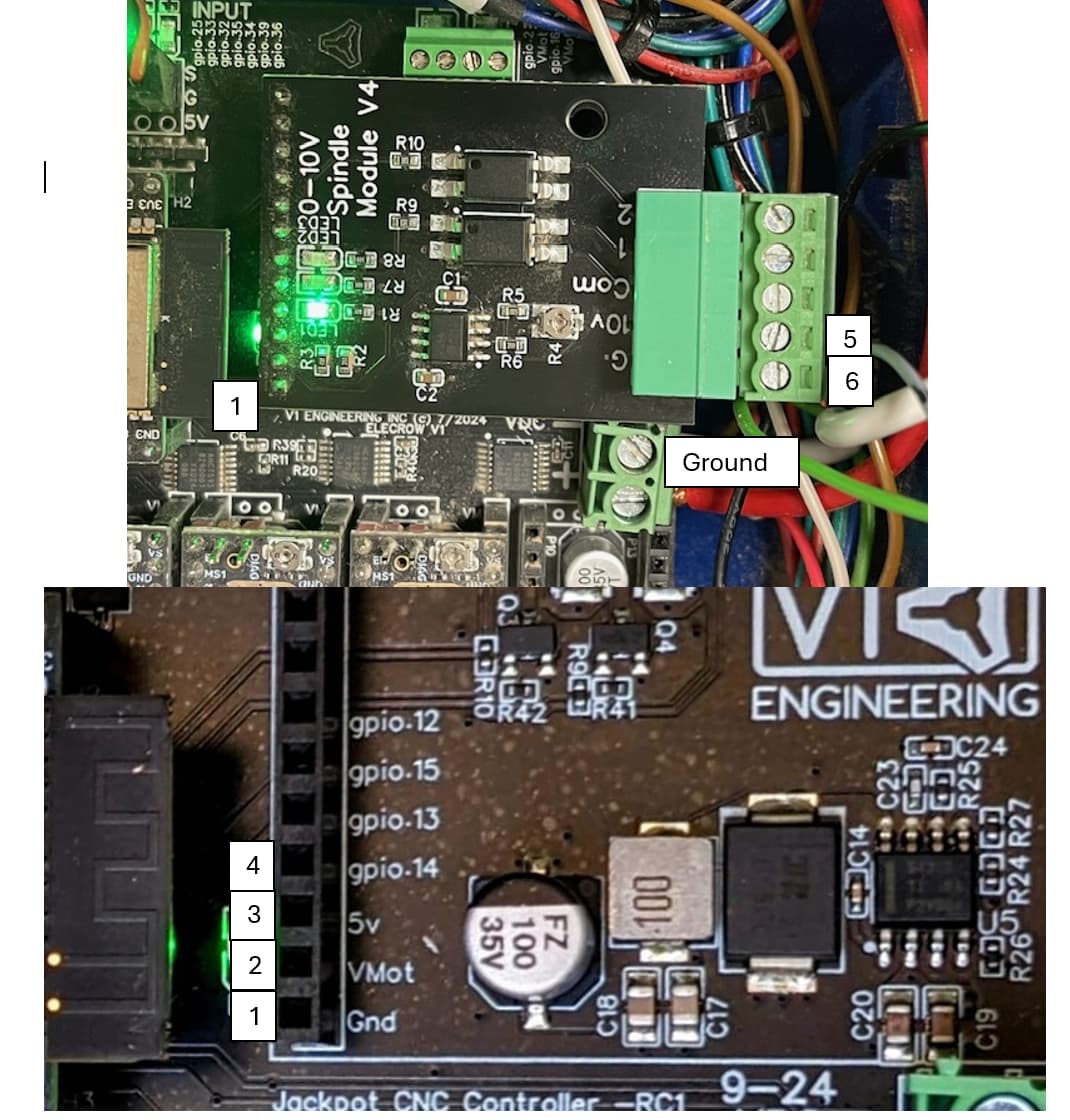
FluidNC + 0–10 V Spindle Module: Spindle Always Runs at Constant Speed

I ran a basic test using an LED and resistor connected to GPIO 14 — unfortunately, the LED stayed at the same brightness regardless of the spindle speed (S-value), which suggests that GPIO 14 is not outputting a PWM signal.

However, when I toggled the spindle on via the FluidNC web interface, I noticed a voltage change on GPIO 13, which indicates that the 10V: section of the YAML is most likely being loaded and interpreted correctly.

So it seems that FluidNC is parsing the config, but GPIO 14 isn’t behaving as expected.

I haven’t had a chance to set up a spare jackpot to test, and probably can’t today.

It might be worth doing a test where you remove the 0-10V module, change your config.yaml to swap GPIO 14 and GPIO 13, then repeat your test using the LED in GPIO13.

If you get the ability to change intensity of the LED when commanding spindle speed with GPIO 13, then you may have a bad GPIO14 on your ESP-32.

Bonus points if you test GPIO14 again after you have pulled the 0-10V module but before you modify the config.yaml. This rules out a weird failure on the 0-10V module. I don’t expect that to be the issue.

1 Like

Unfortunately, I also tried the LED test on GPIO 13, after first swapping GPIO 14 and GPIO 13 in the YAML configuration — but it didn’t respond either. The LED stayed at a constant brightness, just like with GPIO 14.

So it seems that neither pin is producing a PWM signal when changing spindle speed.

That probably rules out a single bad pin — maybe there’s something deeper going on with the configuration or the ESP32 itself.

Thanks again for the suggestion!

On the esp32, I think any pin that can be an output can be a pwm pin. 13 and 14 should work.

I just wanted to check in and see if you’ve had a chance to test the GPIO14 PWM output yet. I’m still stuck with the issue and haven’t been able to resolve it.

It would be really helpful to know whether you’re getting a PWM signal on GPIO14. That might help narrow down whether it’s a config issue or a hardware fault on my ESP32.

Thanks again for your help — really appreciate it!

I was away on work travel all through last week.

I have a test jackpot that I will set up, but I do not have a 0-10V module as I do not use that spindle type.

I should be able to do some testing this week with my test board.

Thank you. I appreciate your support and look forward to hearing about the test results.

Just a note to say I’ve been distracted a bit by other things so am only just now getting back to a test.

I’ve made arangments to get my hands on one of Bart’s 0-10v spindle boards, and I plan to put my little handheld DMM/Scope on the system to do some testing.

It will likely be a few more days before I have the scope in the system, and another week or so before the 0-10v board ships to me to install in the system.

There’s a fellow community memember that is providing that 0-10v spindle board- but they’re away at the moment on a work assignment. The board should ship to me soon.

4 Likes

Hey, @Florian- I have been able to get some test results finally.
Thank you @Jonathjon for helping me out with a 0-10V spindle expansion module.

Short answer: This module, on my test Jackpot V1, works as expected doing 0-10V.

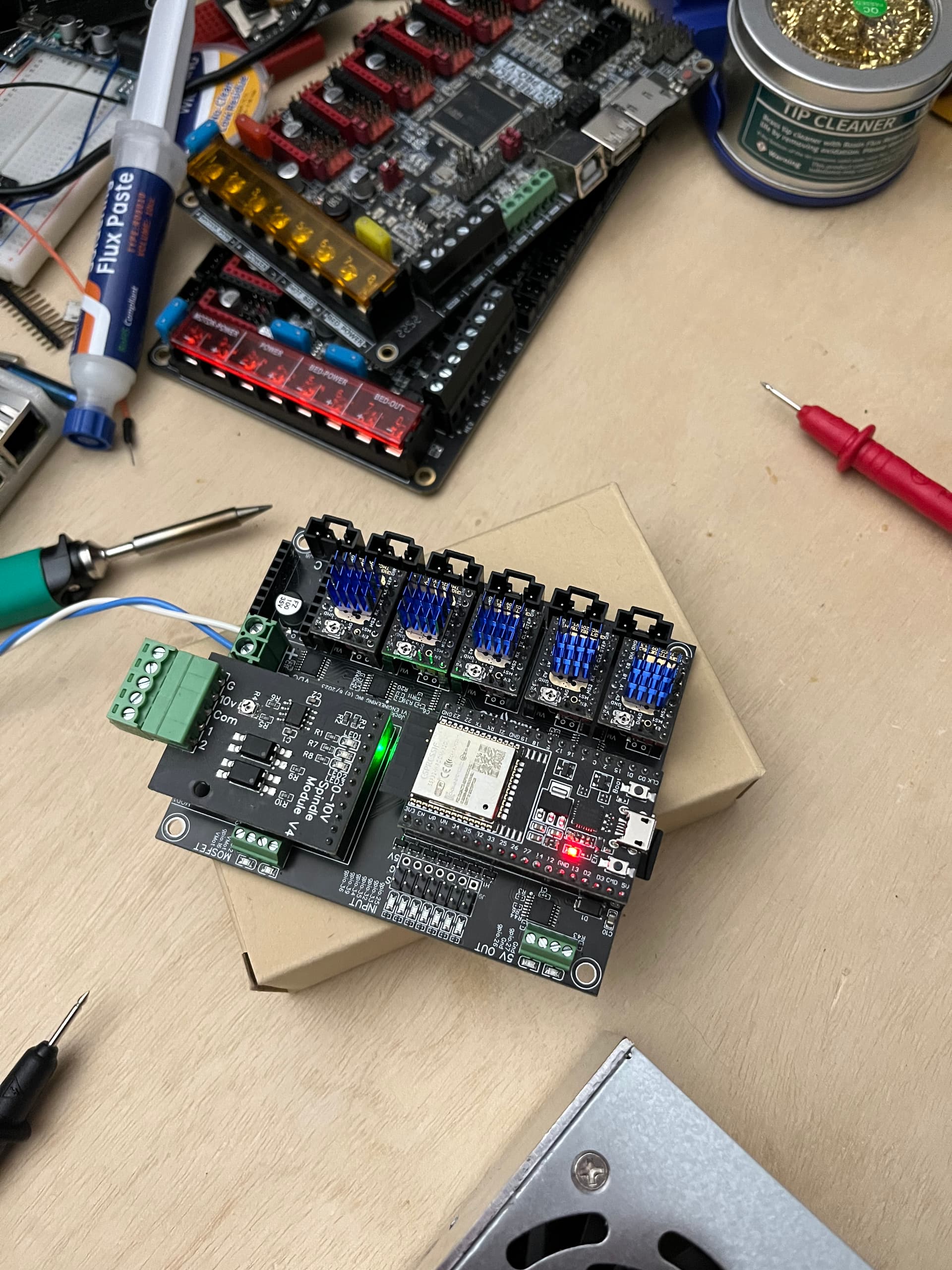
Here’s the board, set up on my overflow test bench:

I added this to my test LR4 Jackpot config.yaml

10V:
  output_pin: gpio.14
  forward_pin: gpio.13
  reverse_pin: gpio.15
  spinup_ms: 0
  spindown_ms: 0
  tool_num: 0
  speed_map: 0=0% 6000=0% 24000=100%

When I start up my Jackpot with this config block in there, I get this line in $SS output:

[MSG:INFO: 10V Spindle Ena:NO_PIN Out:gpio.14 Dir:NO_PIN Fwd:gpio.13 Rev:gpio.15 Freq:5000Hz Period:8191]

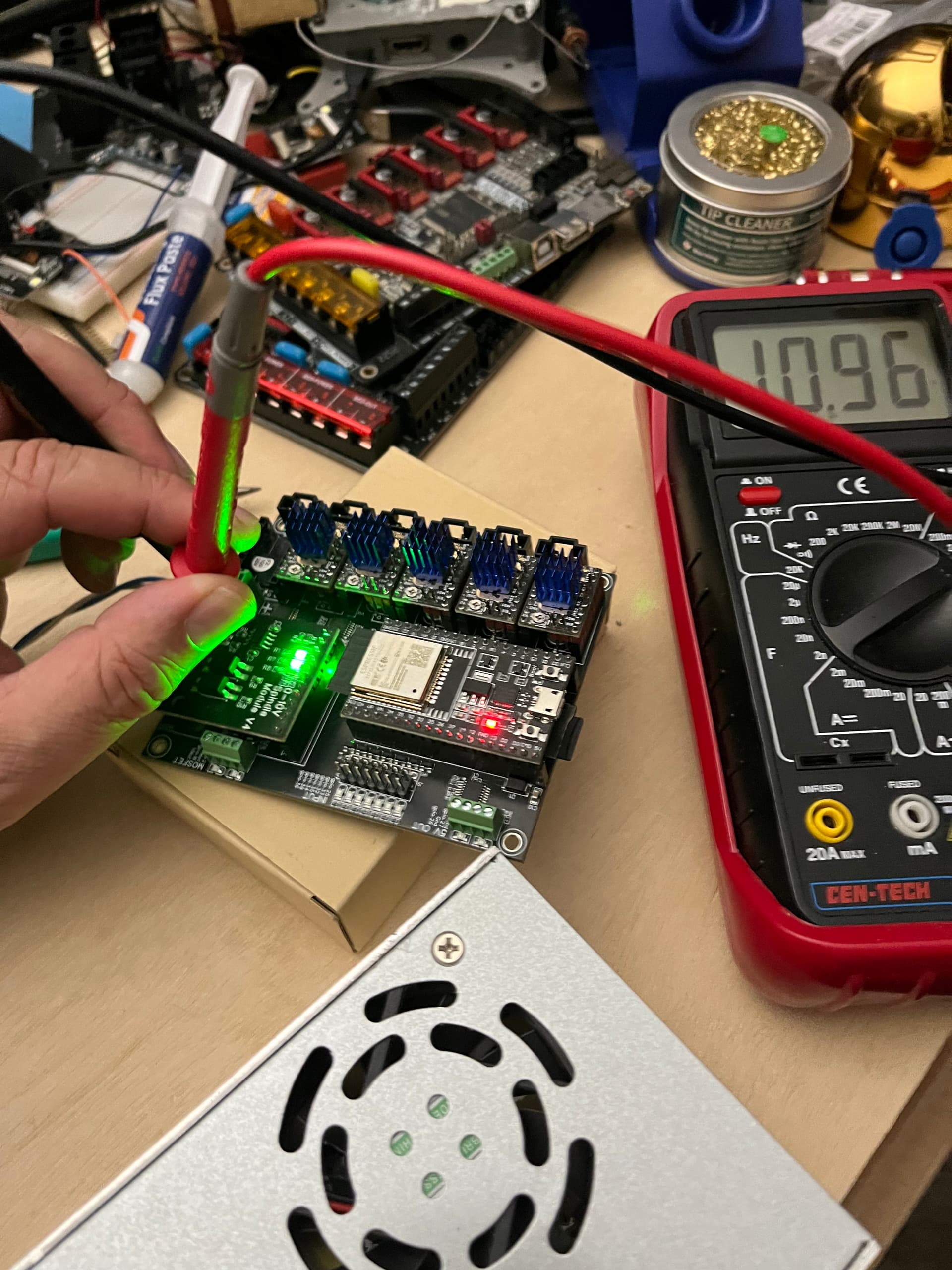
When I command the spindle clockwise and to 24000 RPM, I see the voltage on the board. In this case, without adjusting anything, I’m getting 11V when commanding 24000 RPM.

(I would need to adjust the trim pot on the expansion module to get this to exactly 10.0V if I were actually hooking up a spindle)

When I’ve done this commanding, I see 3.25V with the DMM on the Jackpot gpio.14 over at the expansion header. If I command off the spindle, we go back to 0V on the output.

So, my assessment is that your board has a blown ESP-32 GPIO 14, or your config file is wrong somehow. I’ll re-study this thread to see if anything catches my eye.

I’d love if the rest of the forum participants take a 2nd look as well to see if anything jumps out.
5 Likes

Hi @MakerJim , thanks for the testing! I appreciate your help and the help from the whole forum very much. The thread was created by one of my students. In project groups they are building the LR4 for a kind of makerspace. Since their project is almost finished I will try solve the speed controlling or my next project group next semester will. I’ll keep you posted on the results. Soon I can show our first project… :grinning:
thanks! Stephan

4 Likes

Sounds like a good learning exercise.

Heck yes! Please do.

2 Likes

Hi @MakerJim – I also want to thank you for your support and helpful input over the past few weeks!

This project has been a great learning experience, and your contributions – along with the help from the whole forum – really made a difference for us.

We’re truly grateful!

3 Likes

I just finished my LR V4 build with a jackpot controller, and thought I would try my luck with adding a spindle. For starters, I purchased the 0-10v I/O Cnc Module (like the picture) and I am not receiving 10v from the 10v (#5) terminal. I tried testing this with no wires attached to the 0-10v module. Am I supposed to?

please start a new topic for your spindle work.

that way the support doesn’t get lost in an old forum topic.

Post what additions you made to your config.yaml and what methods you are using to command the spindle to stop and start.

Also show how you hooked up your spindle, and specifics of the spindle you are using.

Thank you, will do.