I am using WebuiV3. I created a folder called macros on the SD card
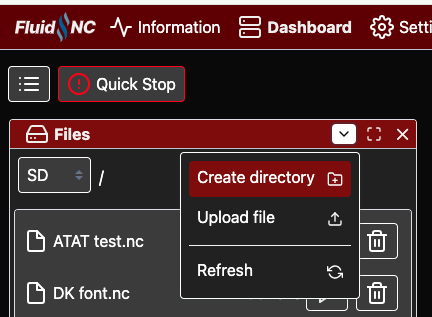
Next I create the macros with a text editor and save them in a macros folder. The macros need to end in .g
As an example:
(X22Y17.g)
G0 X22 Y17 Z10
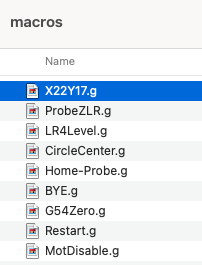
Then I upload the macros to the SD card.
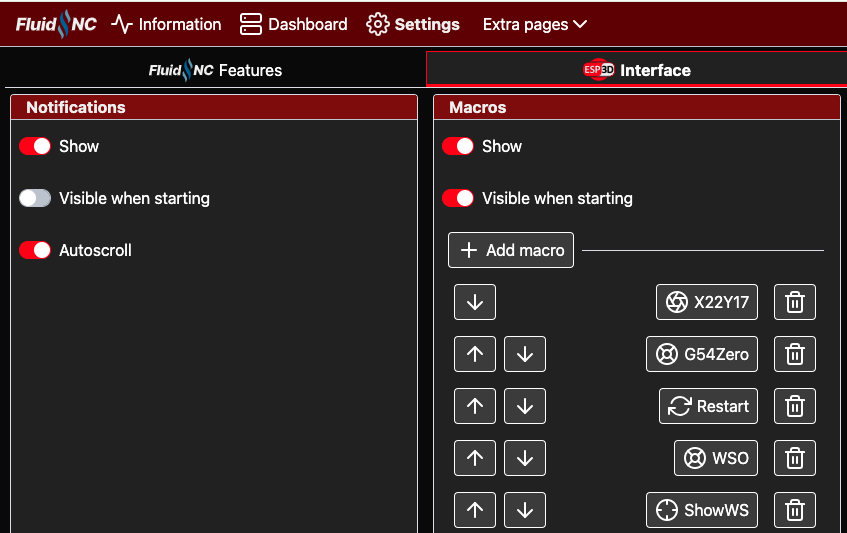
Here is how to add the macros to the Webui and Pendant:
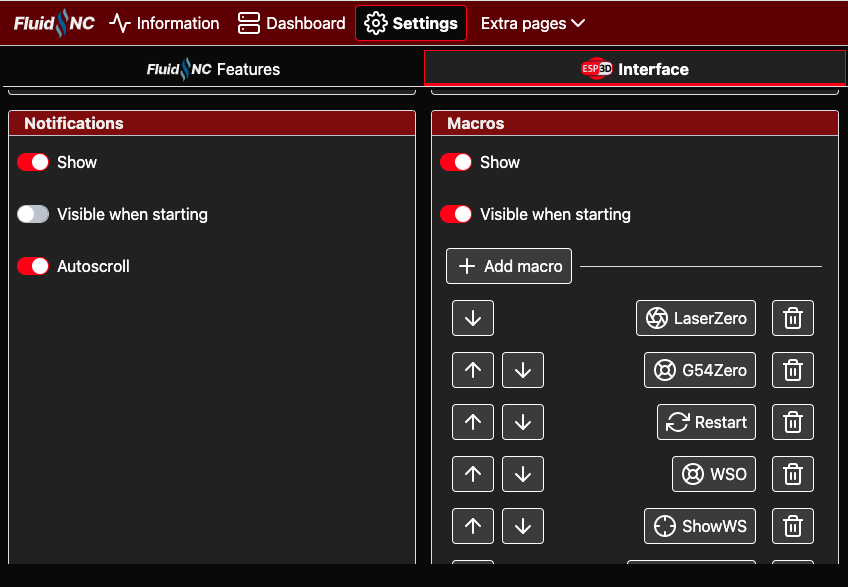
Go to Settings and Interface. Scroll down to Macros and click Add macro.
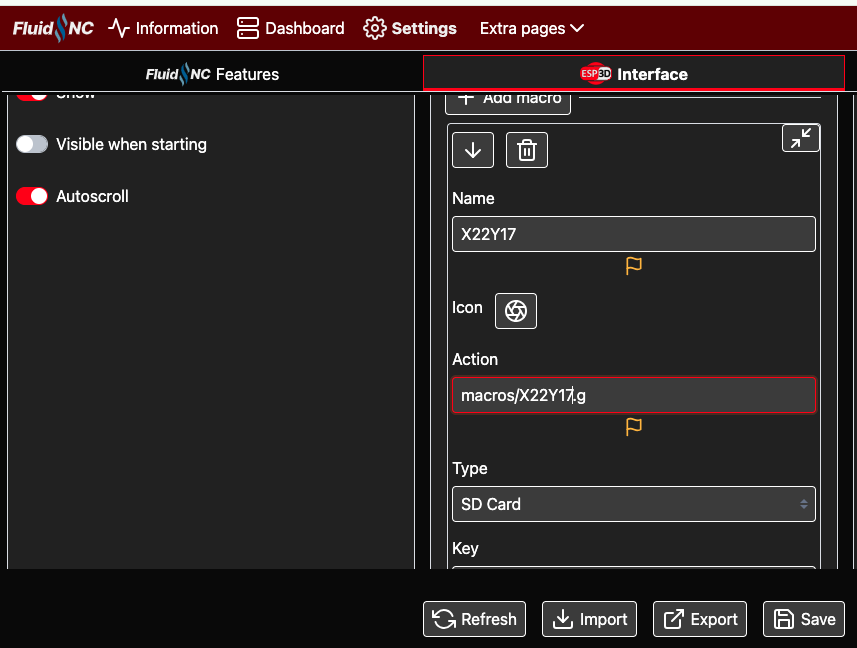
Then enter the Name (X22Y17), Action (macros/X22Y17.g), and Type (SD Card). Click Save
You should see the macros in the webui and on the pendant now.
Hope this helps.