Does your dial have these icons?
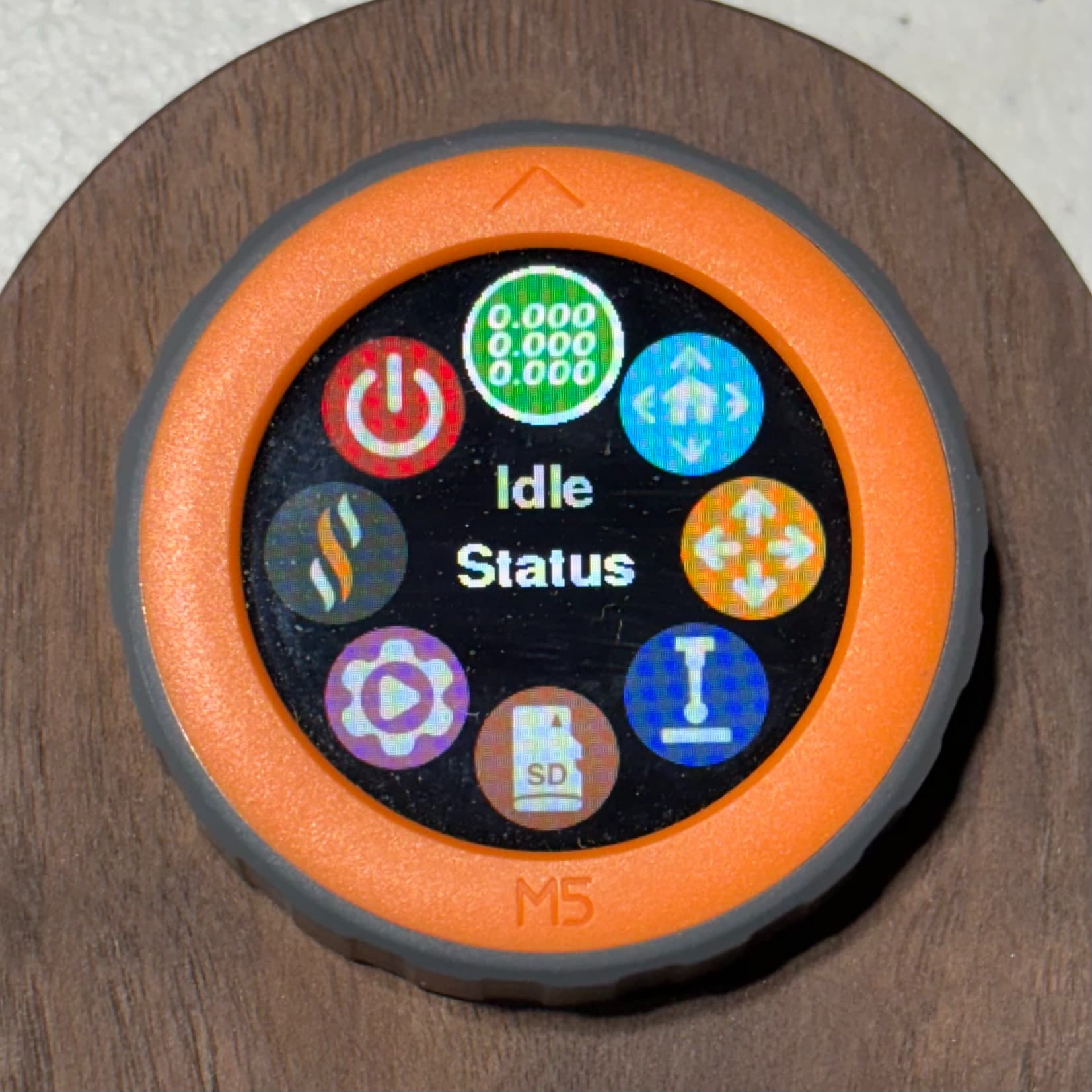
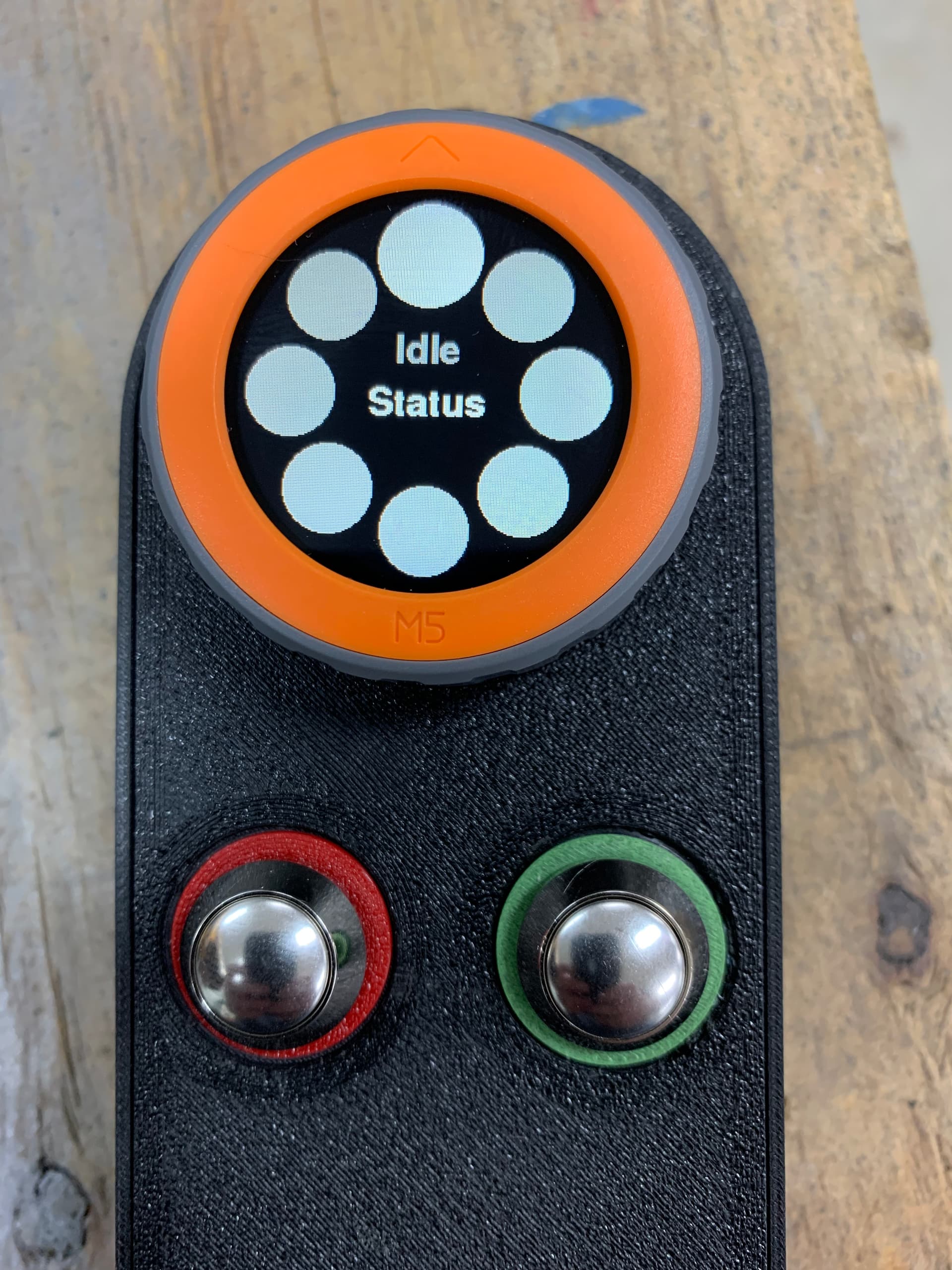
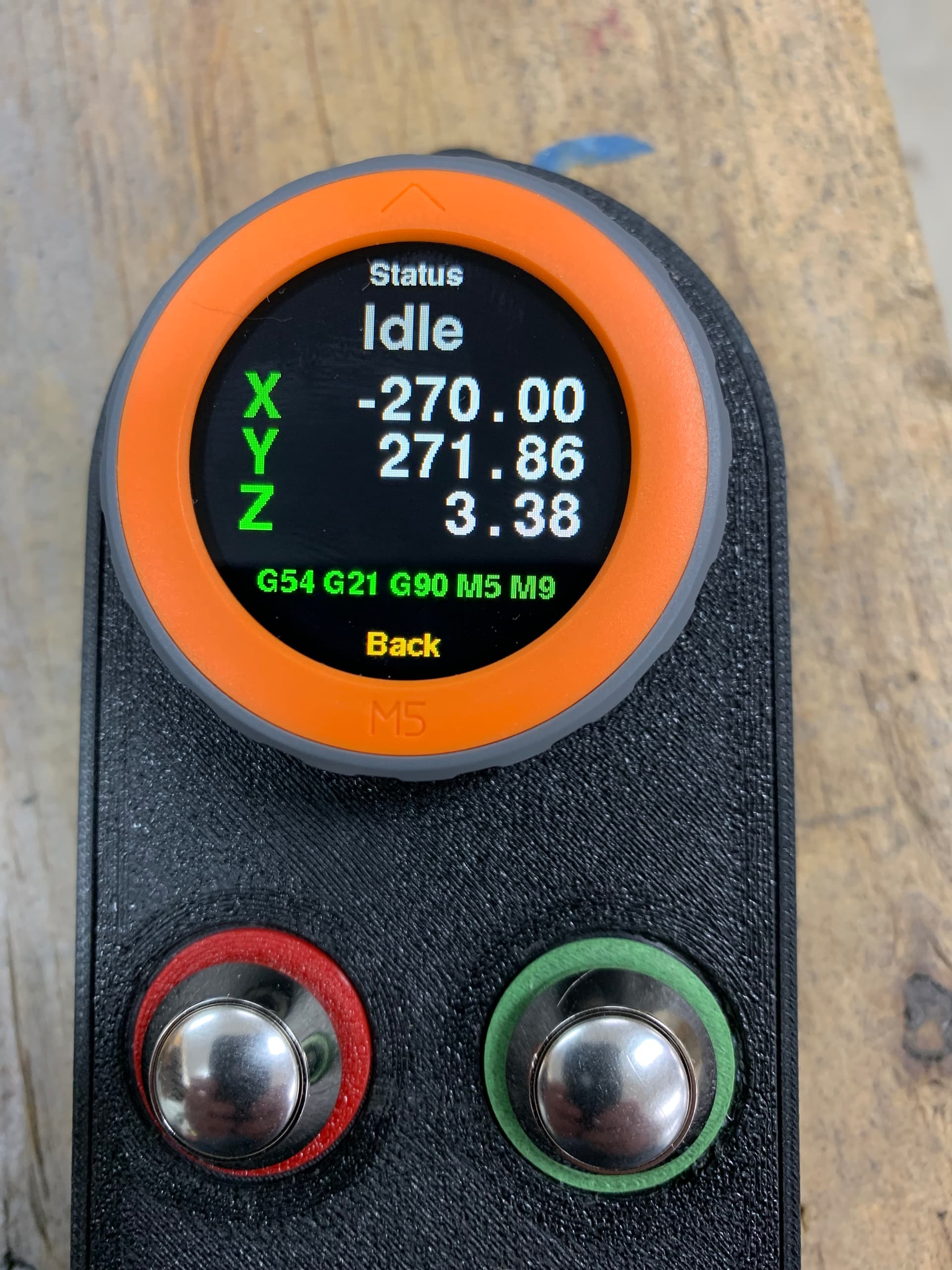

Having not used Platformio before I used the upper right build option. After looking at Doug’s screen shot for 15 minutes I finally click on the Alien head. Now my screen looked the same as Doug’s and it start to be clearer. I uploaded “Upload Filesystem Image” and now it works as expected. Thanks Britt for your last message but I did not read it until afterwards. Thanks for everyone fast feedback.

Glad it’s all working. Have fun!
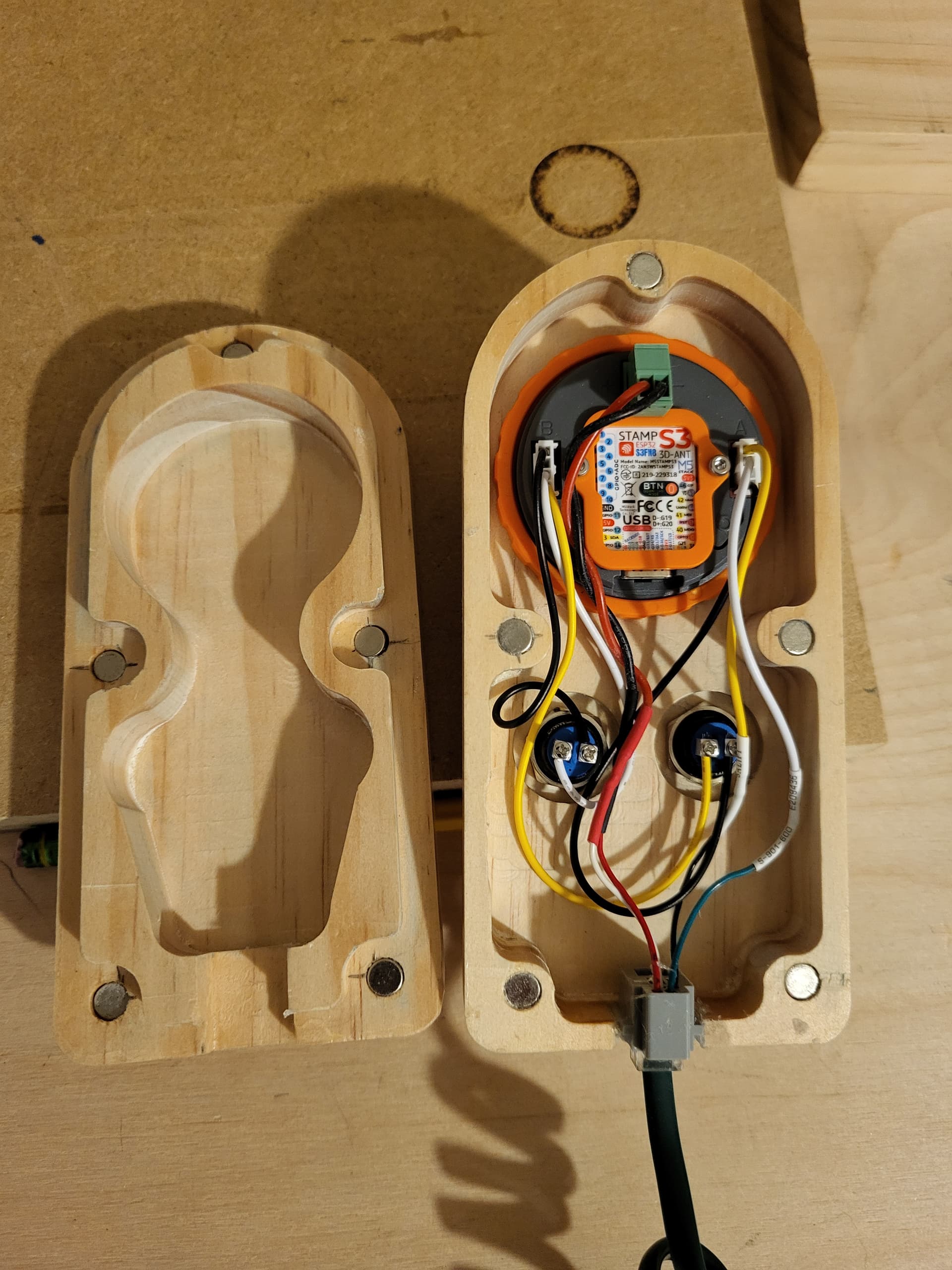
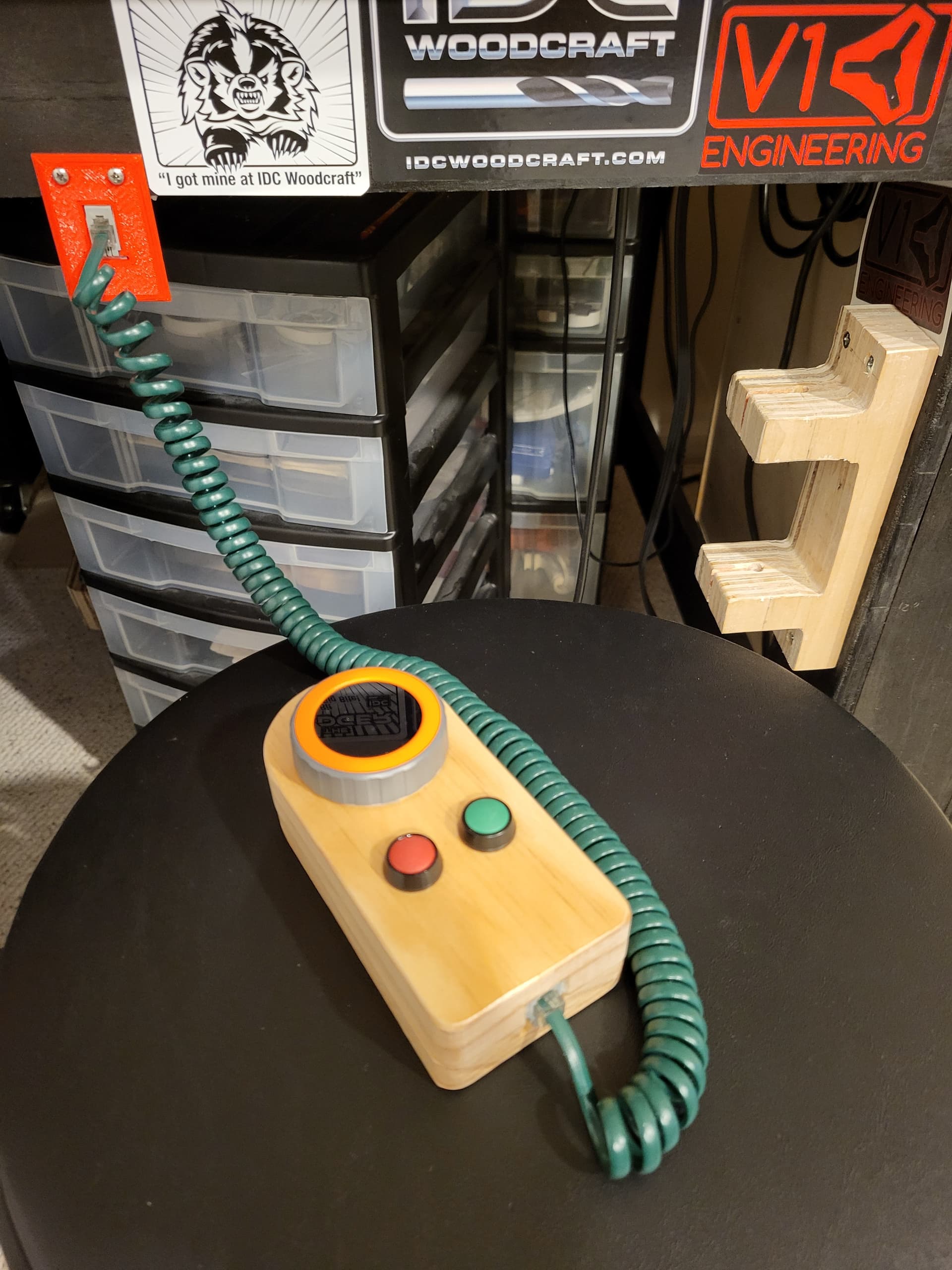
it looks good. 
That looks really great!
I did erase flash with paltfromio and now it’s dead. My computer is connecting and disconnecting rapidly from the fluid dial. Is there a way to restore to factory or did I kill my dial? Also used M5burner it took new firmware stopped connecting and disconnecting but no screen light u
On the M5Stack website, there is a software tool that can restore it to its factory condition. I would give that a try. I have not used it myself but someone else on here did and it seem to work for them just fine.
Doug, thanks for the advice I tried that but no luck. Just ordered a replacement. I won’t hit that button again. Also love your youtube channel and all your stuff on here, reason I got the jackpot and m5 fluid dial
The Dial is powered by a stamp. I wonder if you could just replace the stamp and restore it to working order? The Stamp S3s are much cheaper than the dial.
DK
I talked with someone at RMRRF today who did exactly that after “killing” the stamp.
I suspect with the correct tools many ‘bad’ stamps would be fixable, but the stamps are inexpensive to replace. The allen key is included with every M5 Stack.
Regarding this:
I second this:
Did you get just the stamp or a whole other dial? If you got a whole other dial, you could possibly cancel the order, or just order another Stamp, and then have a second working dial you could sell here on the site to another user who wants one.
Thank you for the kind and encouraging words!
Jumping back into this thread after a long while. I want to update my fluidNC firmware and my Dial firmware to be up to date. I see a lot has gone on since I was last in. Any type of idiots guide or summary somewhere of this whole process? I tend to get lost in platform IO. Doug had done a writeup in here a while ago for me that helped a lot but I can’t find it now. Thanks all. Apologies for being so needy 
Joe M.
I’m looking for the iGuide too! I see all the comments about using the webui, but there isn’t much comment about saving config files or other stuff from the system before starting the update.
Mike
Maybe I will be able to make a video of how to use VScode to install newer versions of firmware for both FluidNC and FluidDial.
Thanks for your continued input and work on all of this. That would be really helpful if you made something like this. I do understand you are probably quite busy so no pressure! Do these steps you wrote to me back on Feb 6 still apply to installing most recent FW?