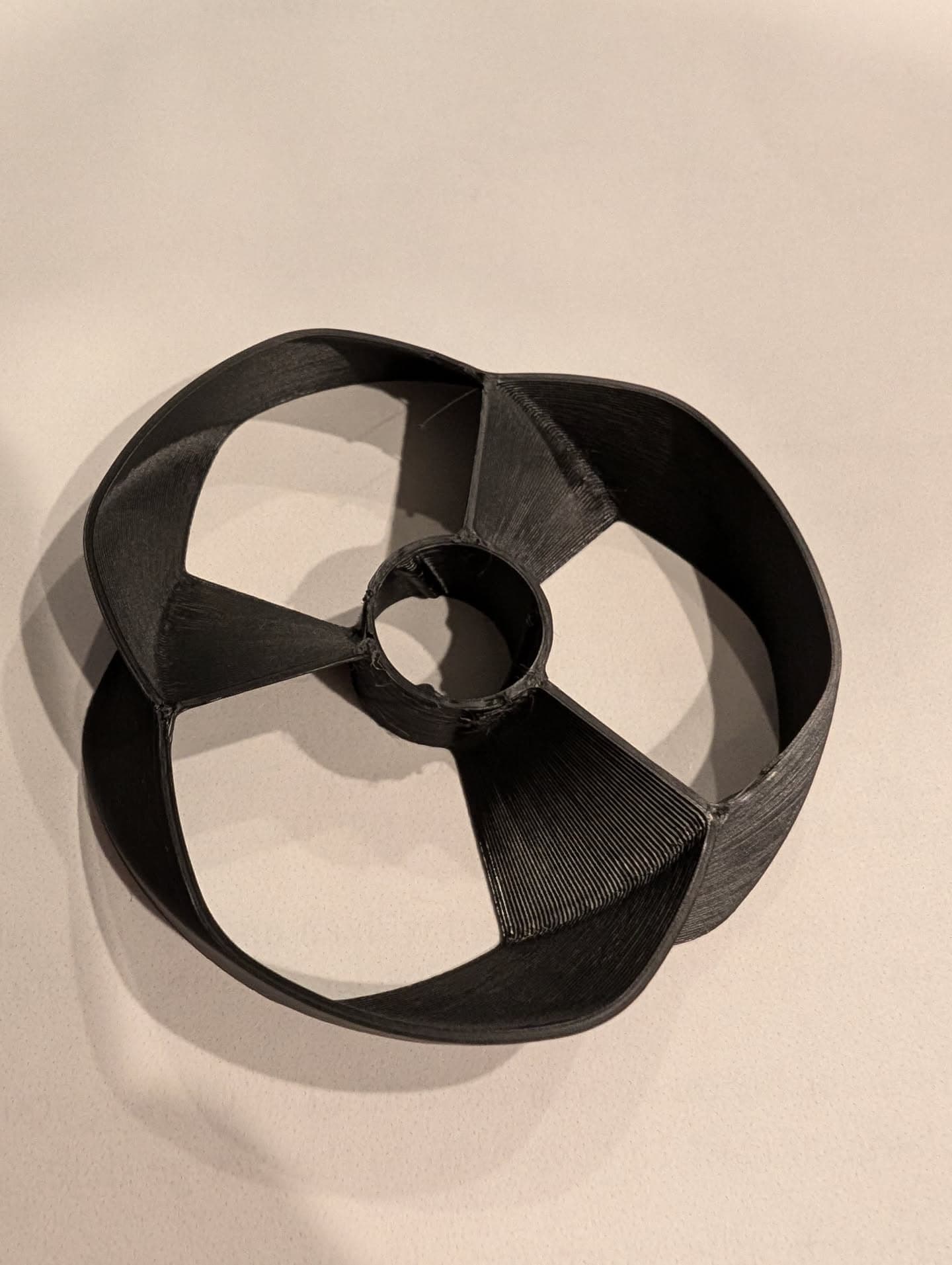
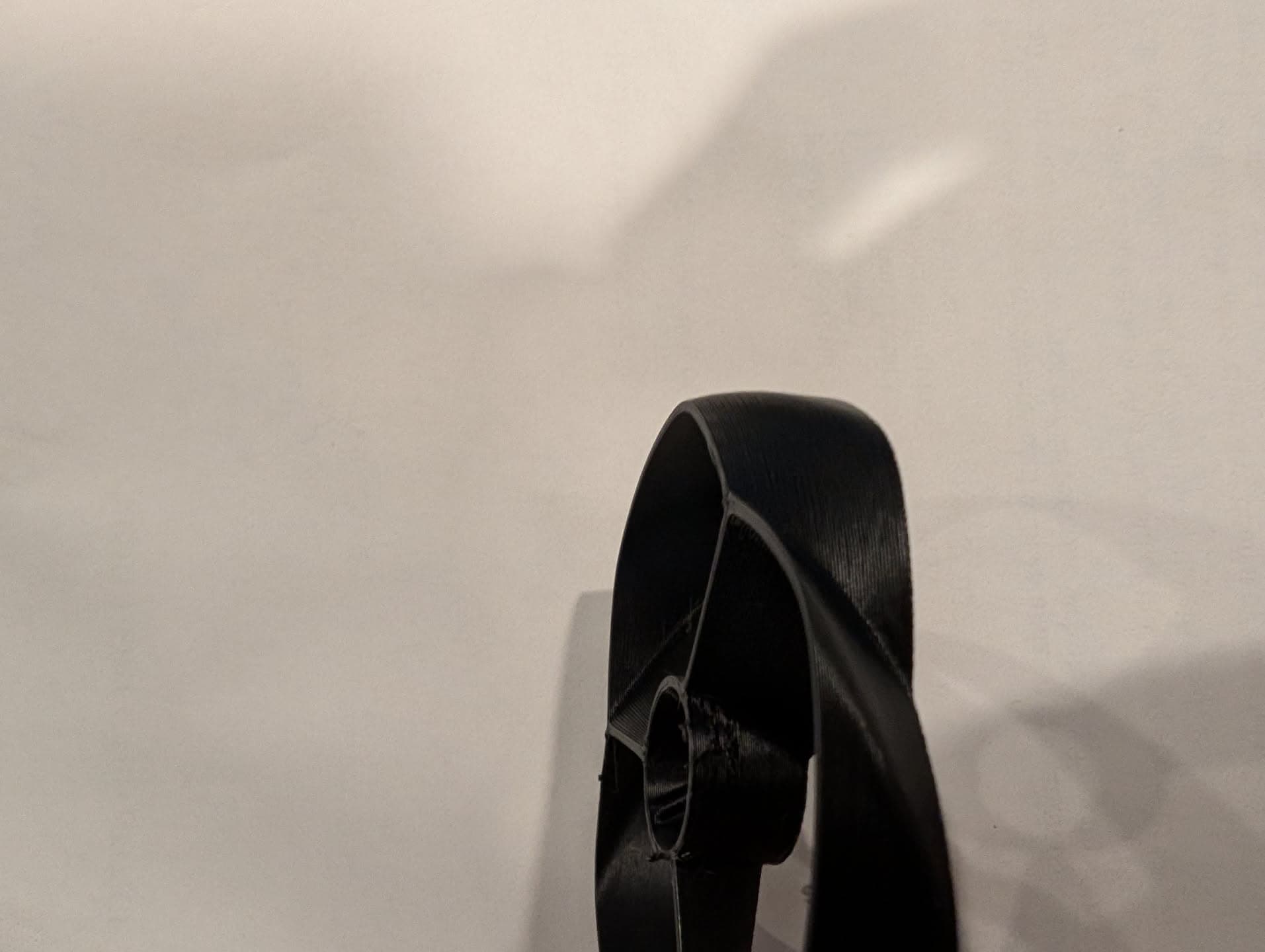
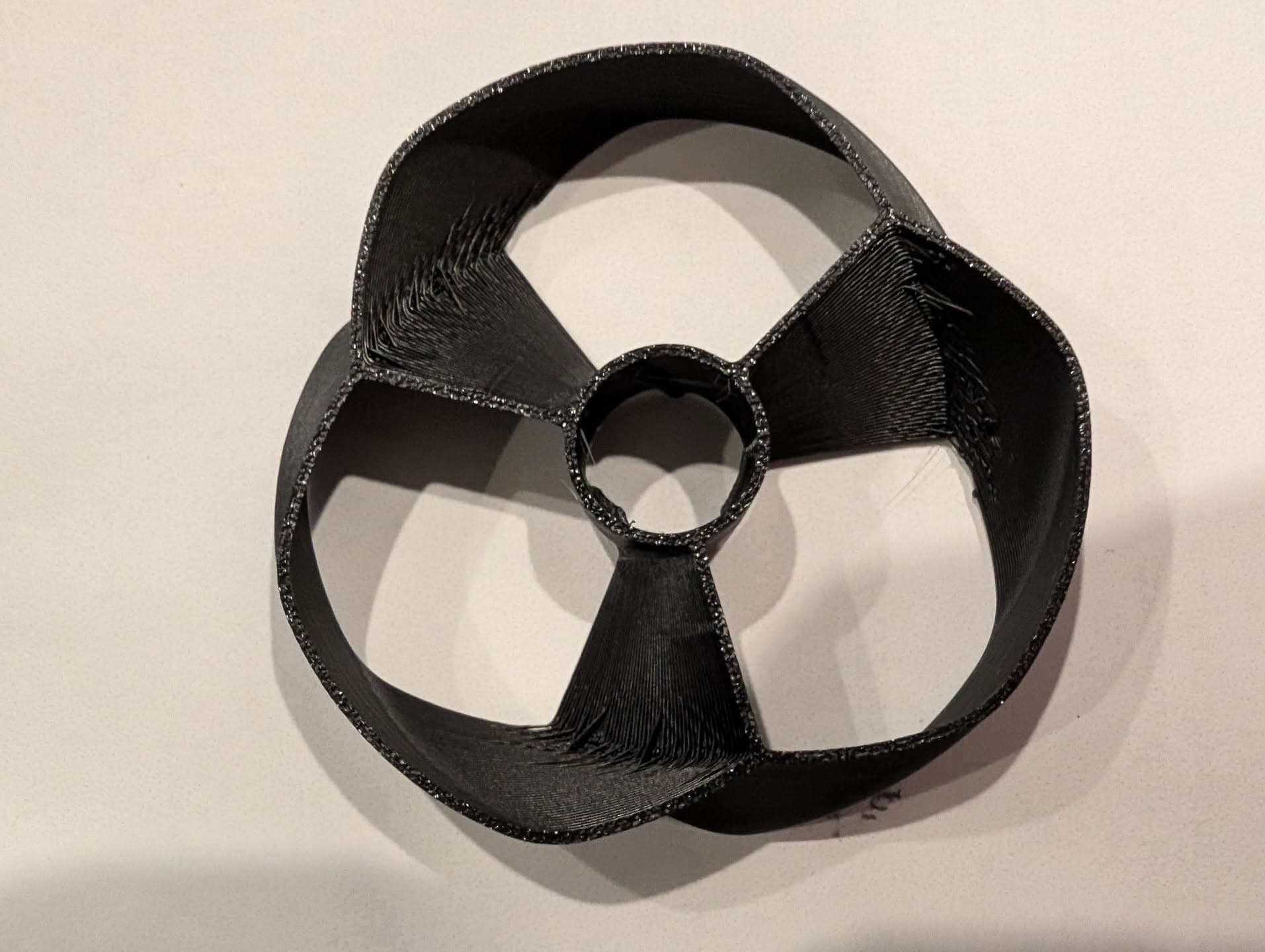
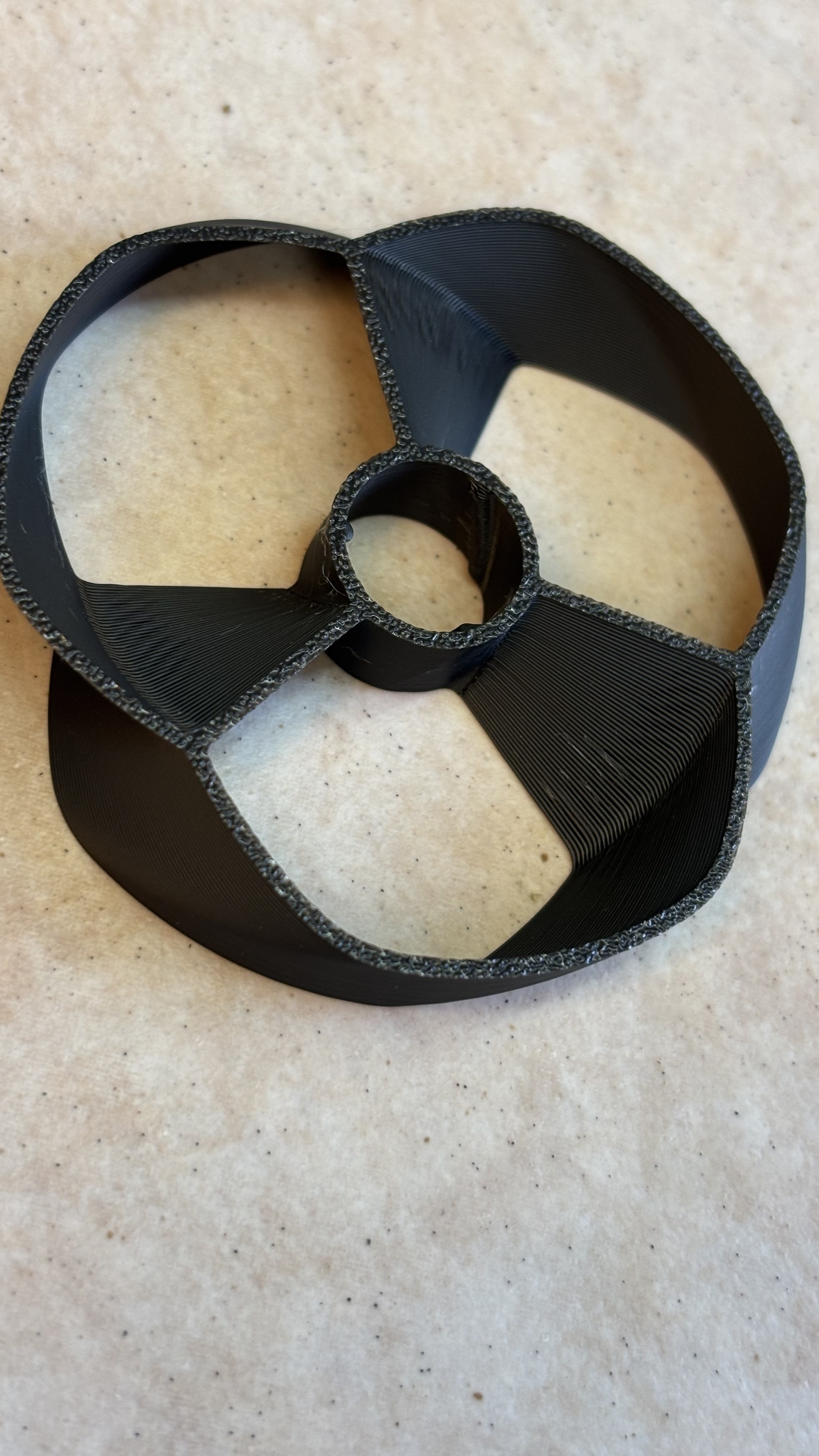
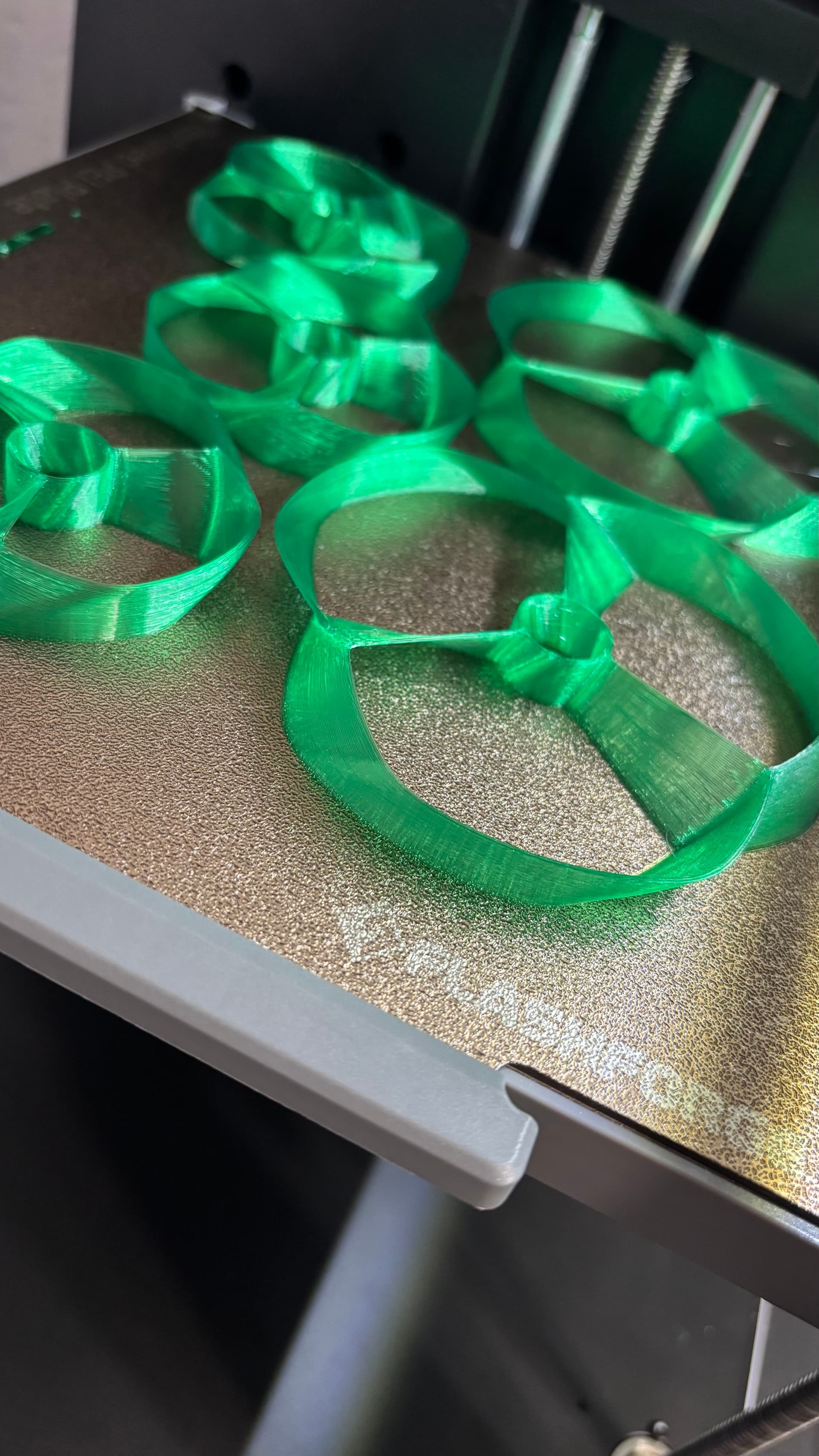
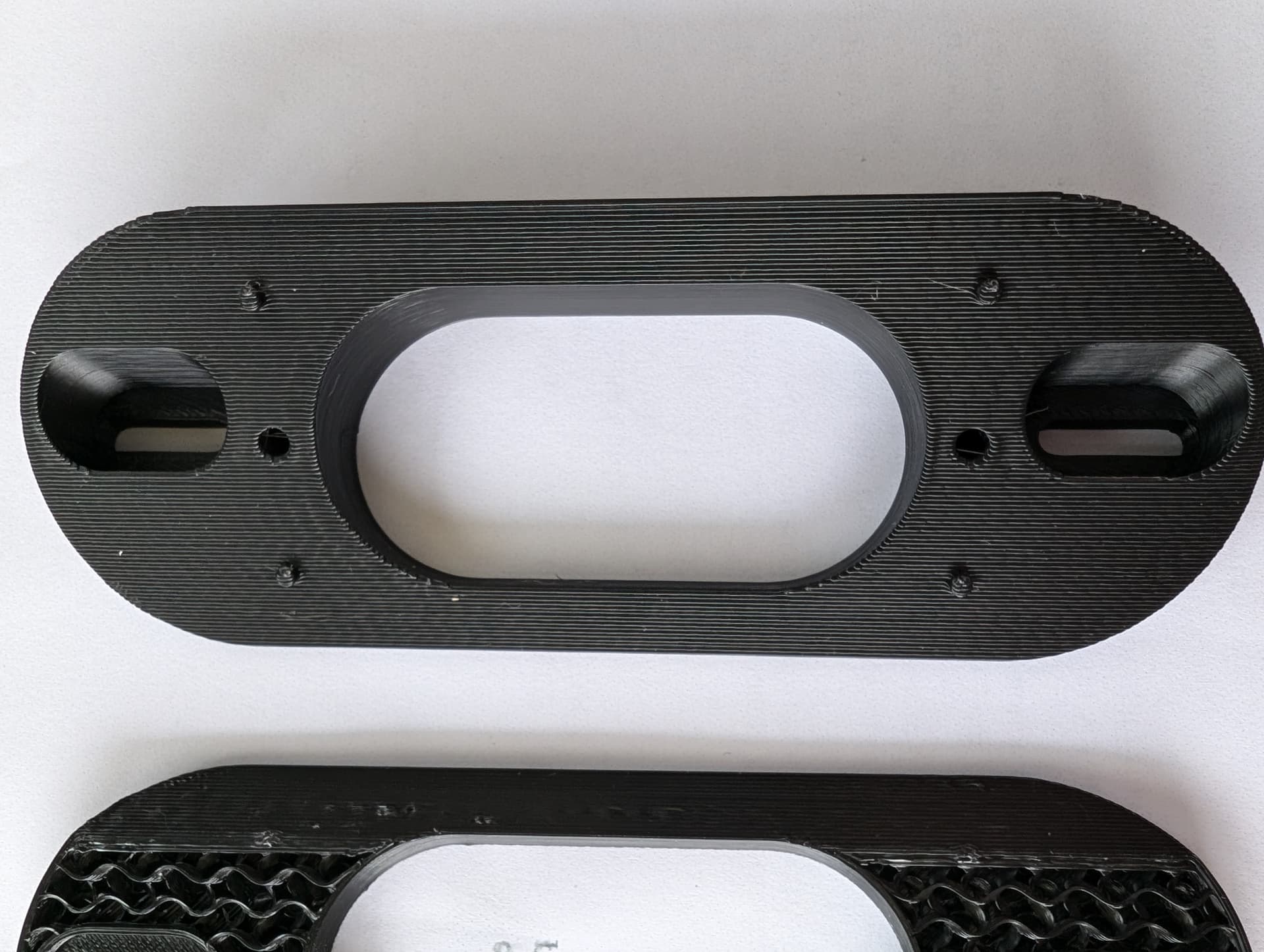
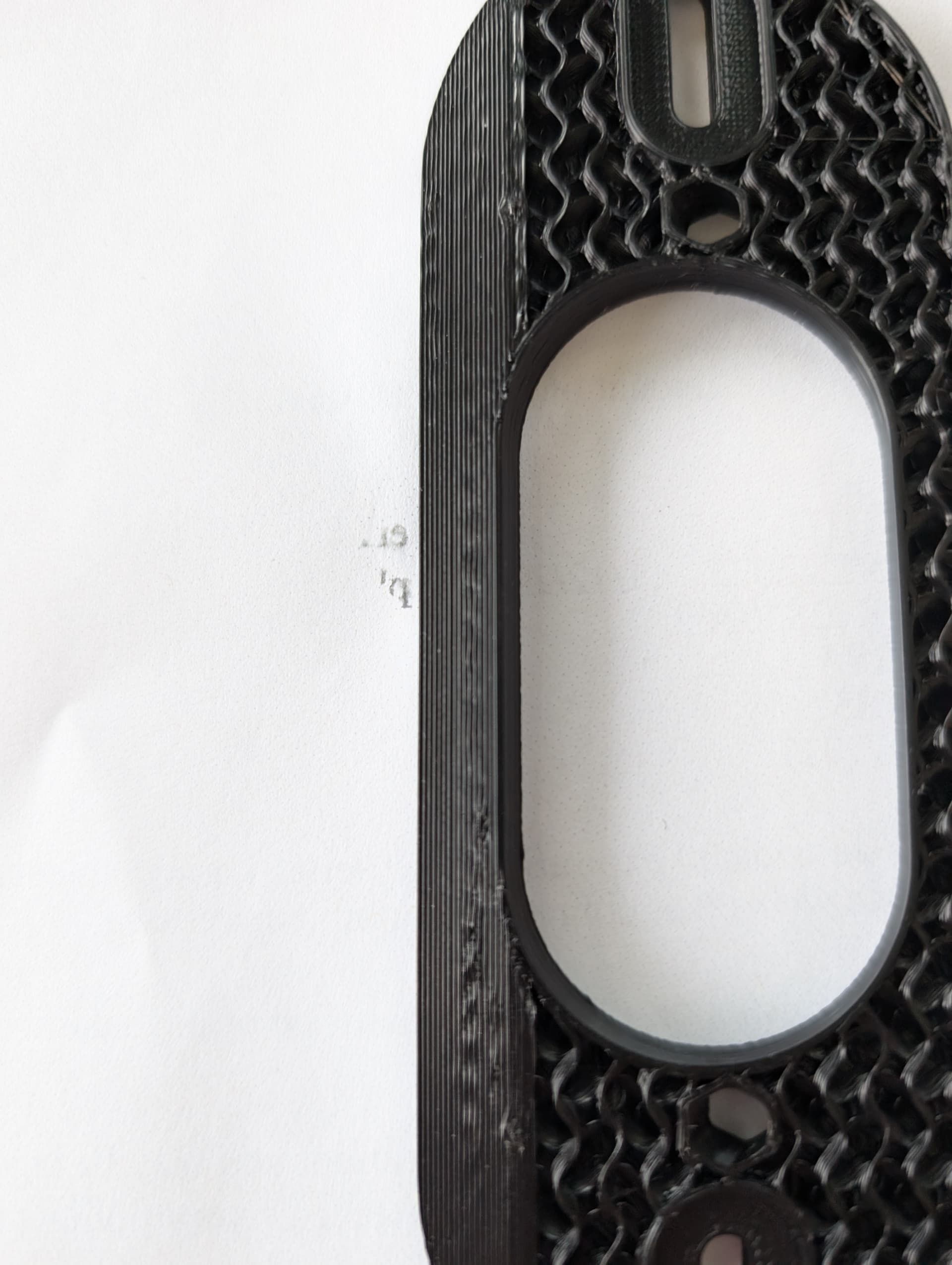
Yea, has been fine, even with most of it seeming to be lesser quality, sticky, etc., but that previous roll I had was good and printed fine and I think it was either happening gradually or I didn’t notice much with what I was printing, but then one day, I noticed it was really bad and has been bad since no matter what I do.
Filament seems fine, doesn’t seem wet or sticky. Tried 3 different rolls, all similar results.
I wondered about temp, I tried as high as high as 260, but even though it seemed to hold together better overall on one particular test print, it was warped and curvy, like it had melted.
I can try a different brand, but at this point, not sure how that would be considering I have tried 3 different rolls from a brand that had worked before. I don’t see the point of switching materials. What I am printing isn’t PLA appropriate anyways. I tried a new nozzle as well, didn’t fix it.
A different filament still exhibiting the same awful performance with the same print would confirm it’s the printer. I’m ASSuming that you bought the 3 rolls at the same time, and like I say, the chance of a large bad batch is slim but not impossible…
Fully ready to say I’m stabbing in the dark here, mind!
New nozzle mostly rules out the clogging theory, I guess there could be a partial clog somewhere further up the filament path but I kind of doubt it. To me it doesn’t look like underextrusion, more so the extrusions not being where they’re supposed to be …
I had issues with bed adhesion the last time I used my machine. Changed nothing (purposefully, anyway) came back a week later…fine again. So - change in environment, maybe?
I did not buy them at the same time, nor did they come from the same place, also different color.
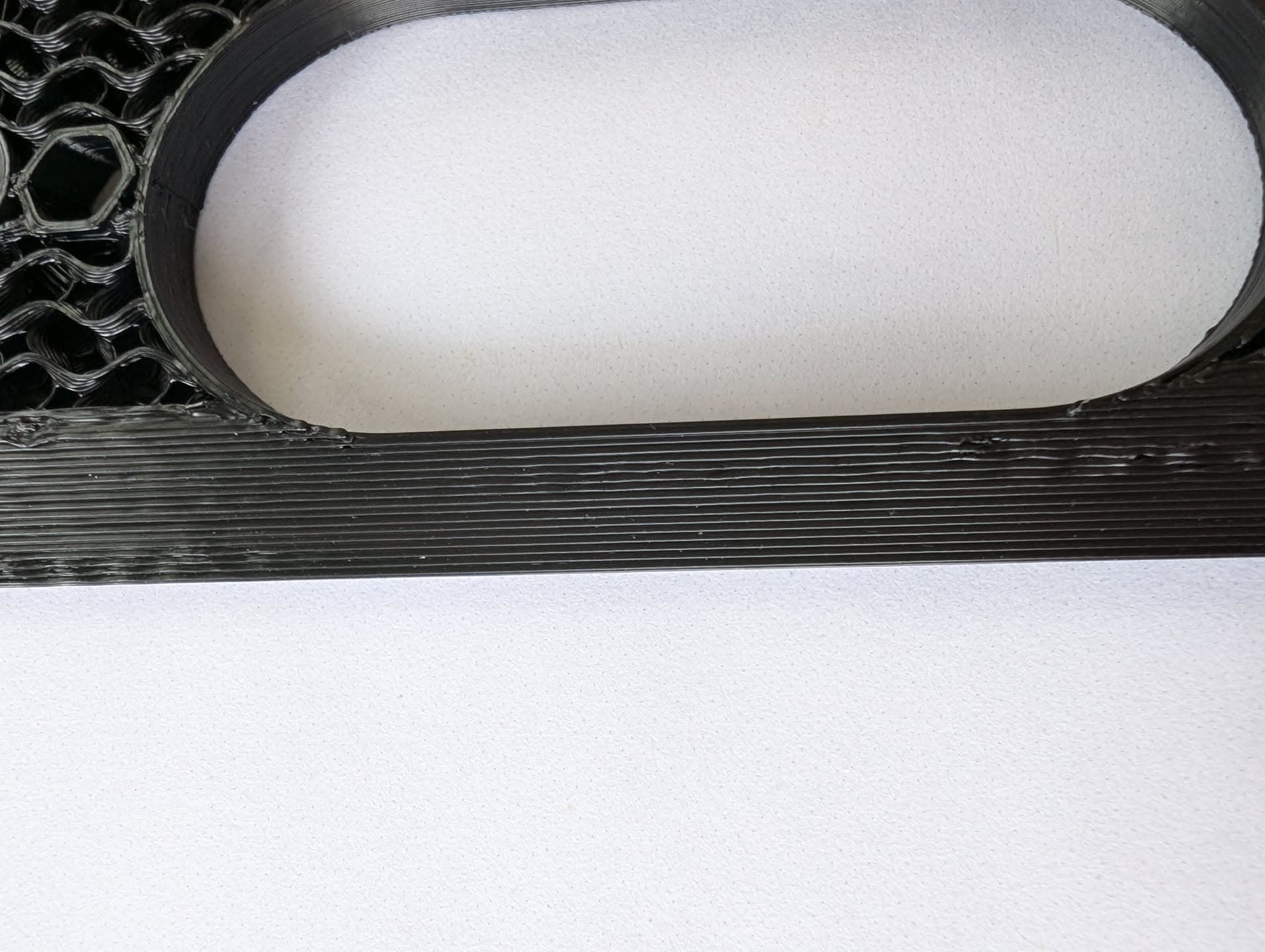
I do agree about extrusions seem to be misplaced, but not consistently, just kind of random, although in similar places often. I have many different partial doorbell wedges that I printed and those bumps are randomly placed on each print.
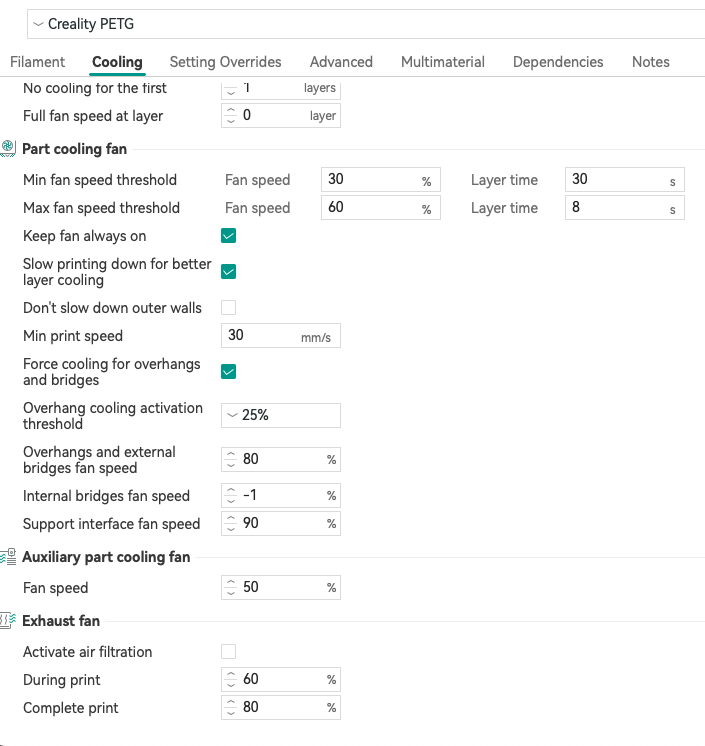
Next pseudorandom theory is the part cooling fan cooling the nozzle, therefore causing a variable temp drop when it varies throughout the print…
I think that particular problem is probably pretty exclusive to the Prusa MK2.5S, though
I’d look for (1) worn/dirty extruder gear(s), or (2) a failing hot-end component.
Look and listen for #1, and measure the hot-end temperature for #2 over the course of a print using something other than the possibly failing thermocouple on the machine.
Or just throw an entire assembly at it and find out.
Something electromechanical failing is consistent with your observation of it worked fine and then it didn’t, and stayed that way.
Watching the print in real-time and making observations about movements/sounds at the time of the defects could also reveal something.
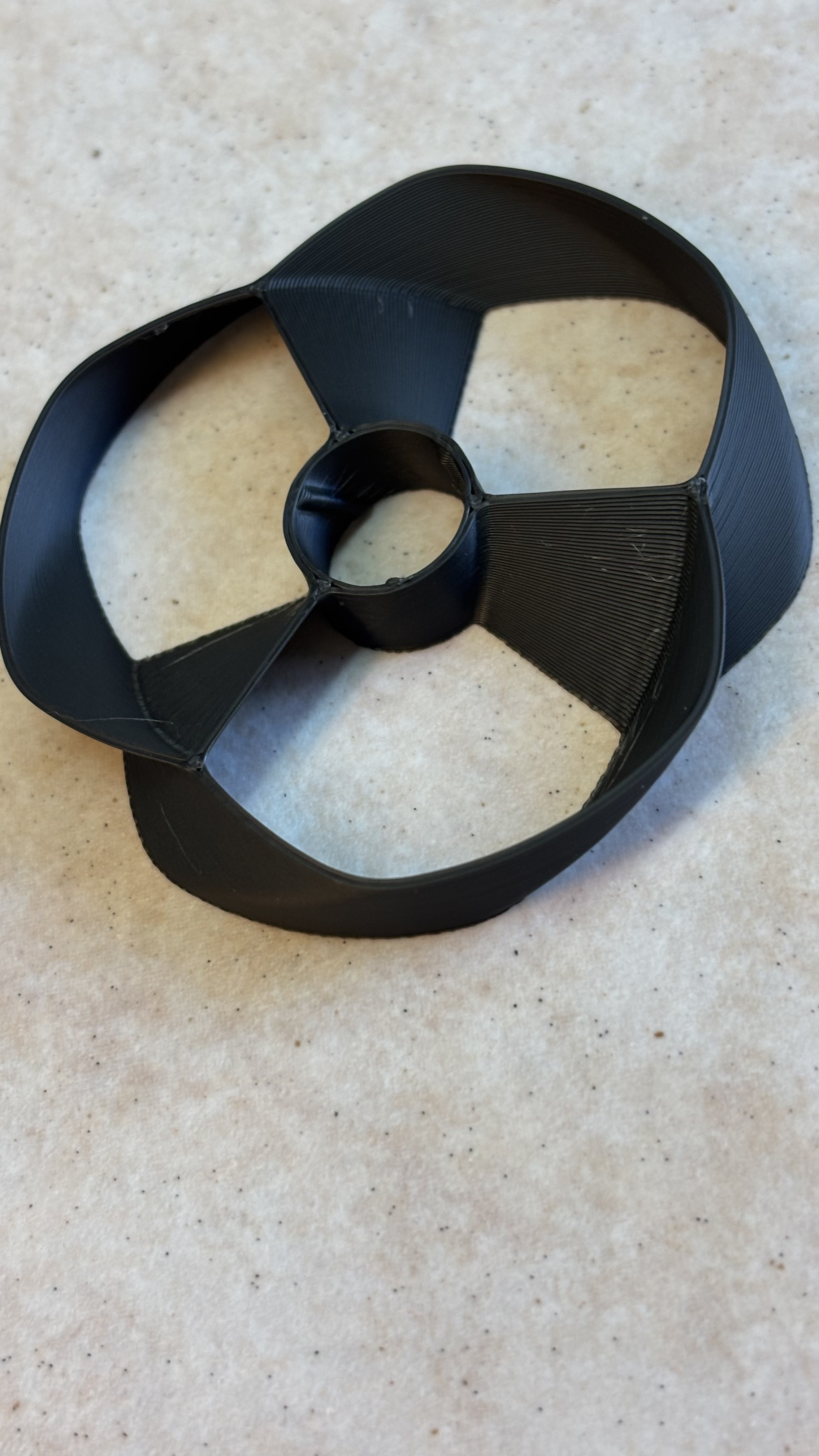
I wanted to try a different filament at some point anyways, so I opted for Sunlu High Speed Matte PETG. I calibrated it and printed the propellor again. While not perfect, it’s way better than the messes of before. Let me know your thoughts on whether this really should be better.
Hard to say as I didn’t print things so complex with all that curvature. From the best I can tell, it’s still not on par, but I need to print some other more familiar things.
I did not notice anything amiss visually. Sound wise, maybe a bit of a ticking sound I didn’t recall before, but I cannot be sure. It comes from the right side of the rails that the belt goes through. Here is video with audio. https://imgur.com/a/ULkw1WO
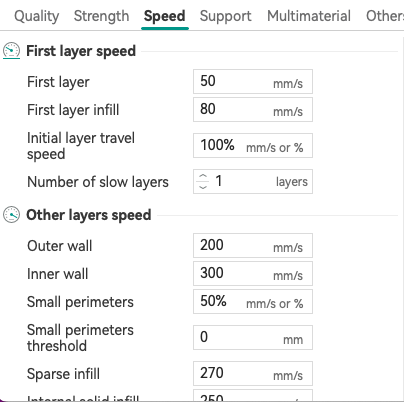
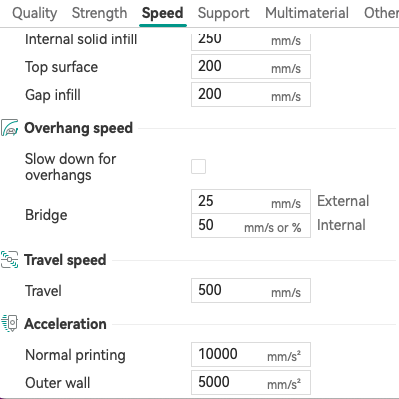
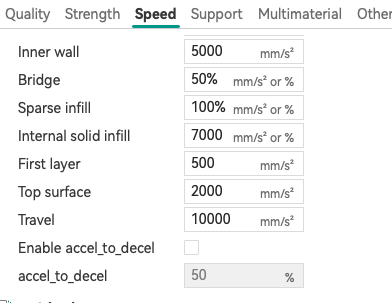
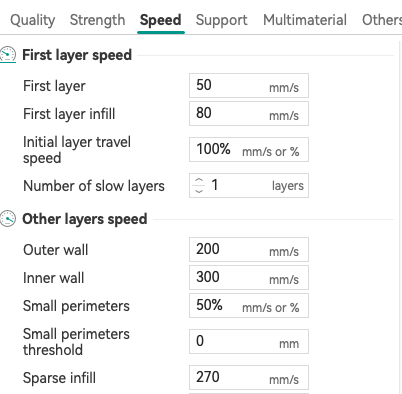
Thanks, so we have the same there, except I slow down for overhangs and my bridge speeds are a bit slower after getting too many torn up by the next layer.
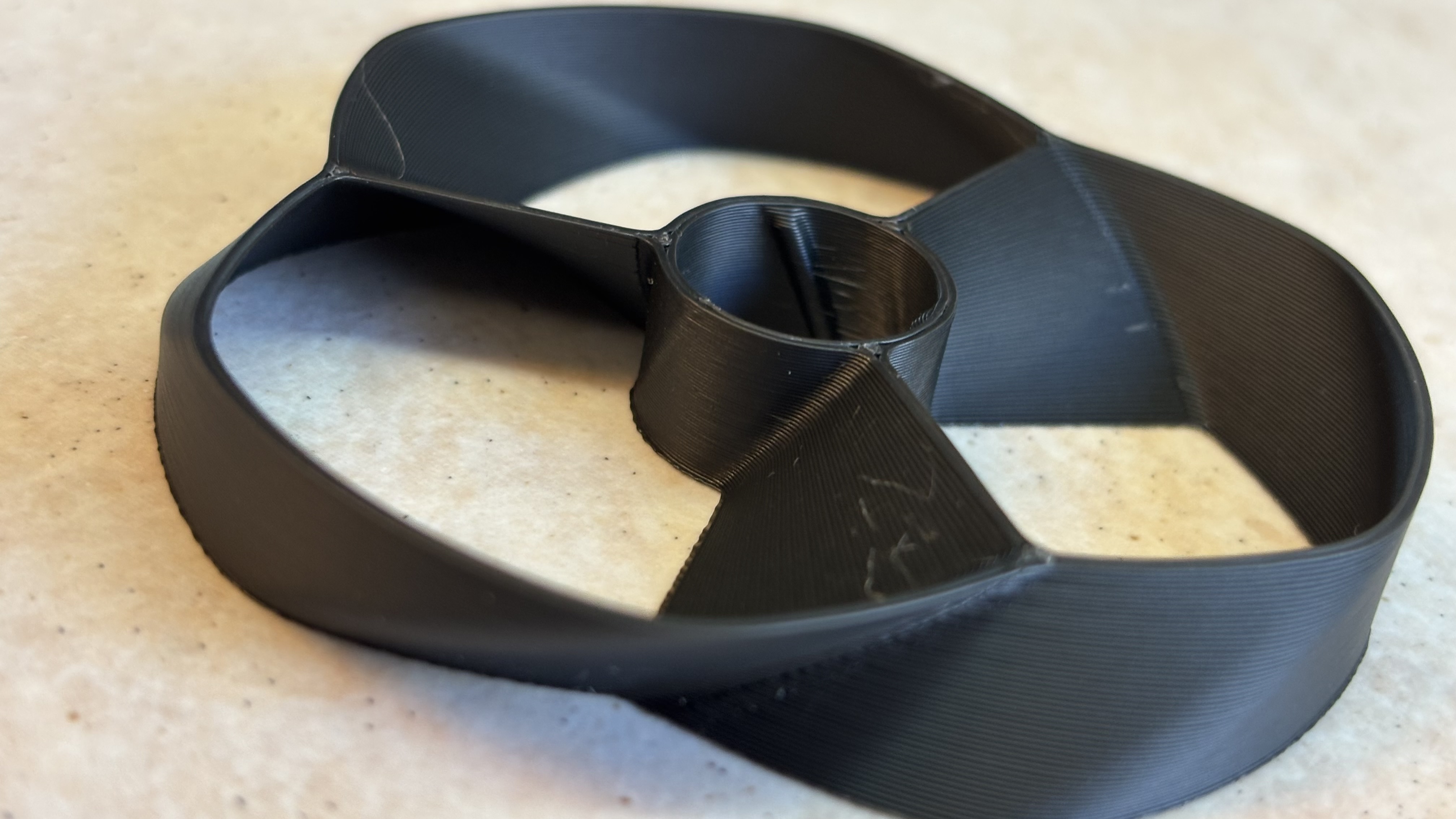
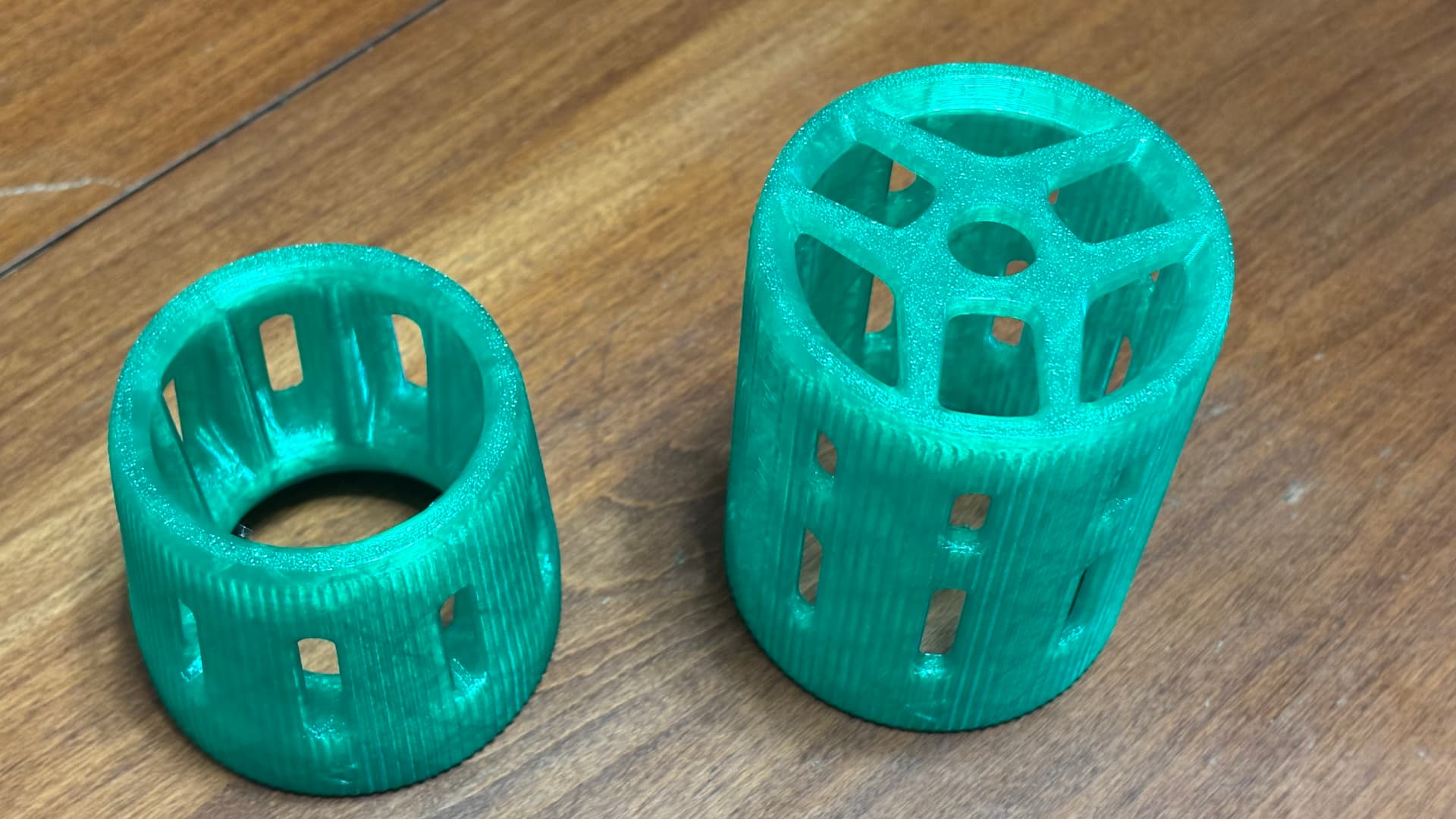
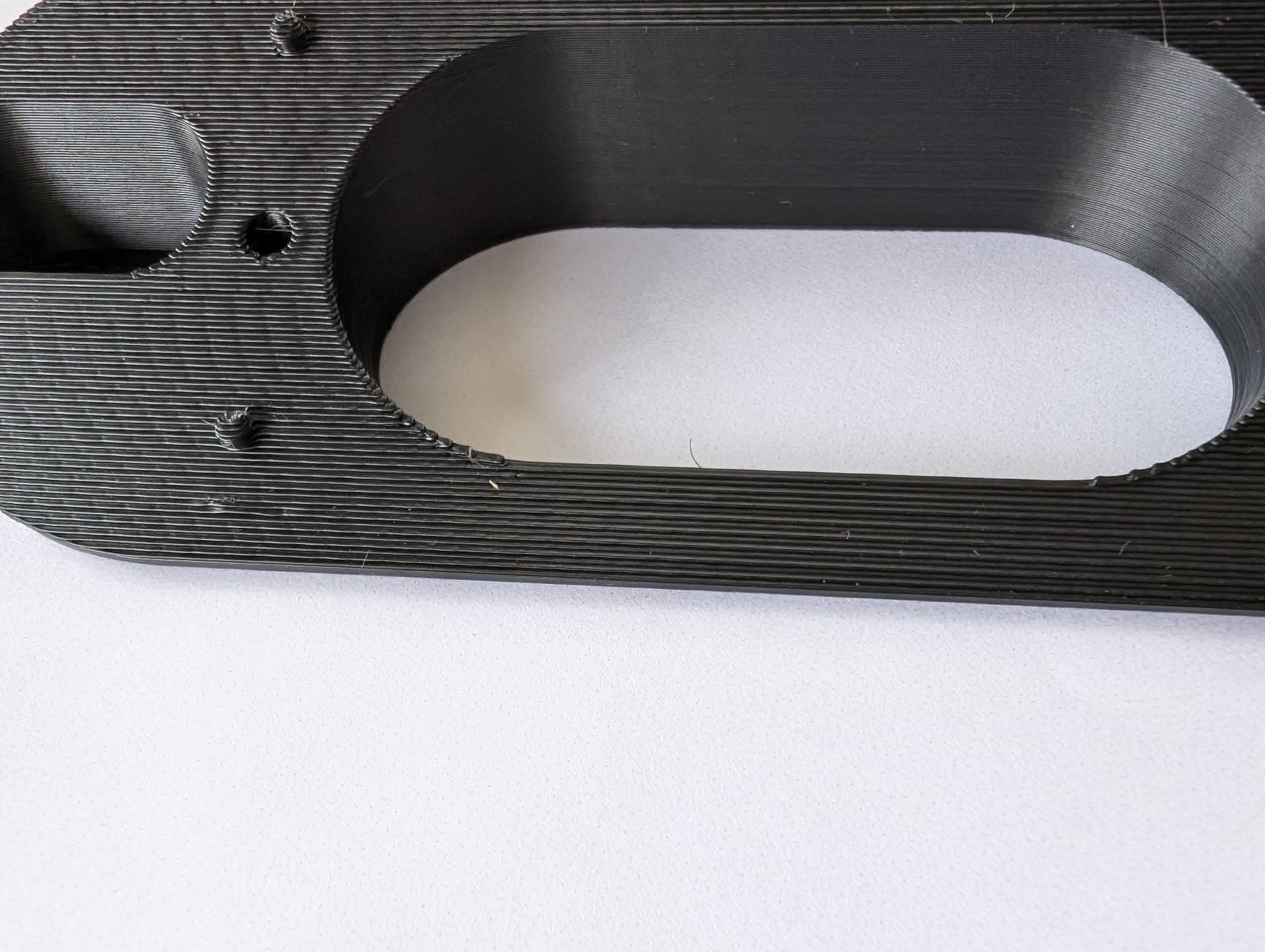
I reprinted the doorbell wedge and it was way better, only one small bump and some other tiny ones, but something about the layer lines looks different when comparing them to smooth area of this previous print. I did calibrate flow ratio to 1.04 with this new filament, but after looking at it again, maybe leaving at 1.0 was best. I’m not sure if this is why it looks like this though, may reprint partially at 1.0 flow ratio.
One thing I notice with this new filament that is at least partly attributing to the lines not being as smooth is that along the layer line it makes it look like it is staple after staple all the way down, instead of line being smooth, there is this pattern that repeats over and over that is visible from pics. You can see it more so at the left side of the print here.
That isn’t filament related. It is motion system related.
Artifacts are not unusual. Major sudden changes to them are.
You have a belt loosening, or a mount has screws loose, or a grub screw is loose… any number of things. I bet if you compare the various tuning runs you’ve done, you’ll see notable changes between them.